
Offers & Discounts
Create, manage, and track percentage and fixed discounts, promo codes, eligibility rules, and redemption performance.
Offers let you create targeted discounts (percentage or fixed amount) with promo codes, date ranges, minimum order rules, and customer segment eligibility. They are a core tool for driving first orders, repeat business, and specific order types.
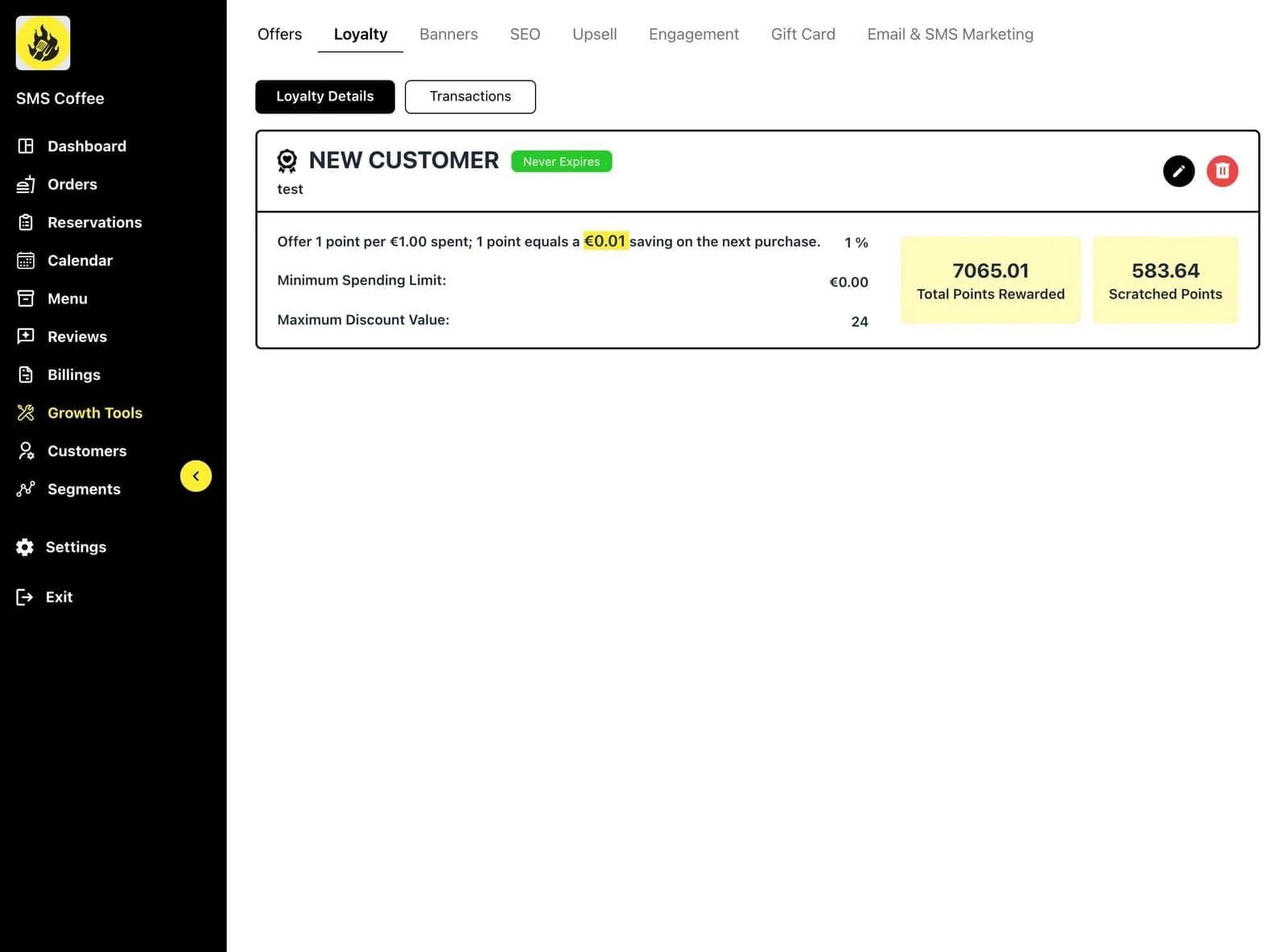
Accessing Offers
Step 1: Go to Marketing in the sidebar (unified workspace).
Step 2: Select the Offers / Promotions section or tab.
Creating an Offer
Step 1: Click Add Offer or Create New.
Step 2: Configure core details:
- Offer name (internal)
- Discount type (percentage or fixed amount)
- Discount value
- Promo code (optional but recommended for tracking)
- Start and end dates
- Minimum order amount (optional)
- Maximum uses / redemptions (optional)
Step 3: Set eligibility:
- All customers or specific segments
- First-time customers only
- Specific order types (delivery, pickup, dine-in)
- Channel restrictions if supported
Step 4: Preview the offer as it will appear to customers.
Step 5: Save and activate.
Managing Offers
- View active, scheduled, and expired offers.
- Edit or duplicate existing offers.
- Pause or delete offers.
- Track redemptions and revenue impact in the offer detail view or reports.
Best Practices
- Use clear, memorable promo codes.
- Set realistic max uses to control cost.
- Combine with segments for high-ROI targeting (e.g. lapsed customers).
- Review performance regularly and archive low-performing offers.
- Test offers on a small segment first if possible.
Related
- Marketing Overview
- Loyalty Programs (often used together)
- Campaigns & Automations (promote offers via email/SMS)
- Sales Reports (see offer-driven revenue)
Note: Exact eligibility options and tracking depth depend on your enabled marketing modules.
Offers are one of the fastest ways to run promotions and measure their direct impact on orders.