Updated November 2026.
A restaurant website and its online ordering can sit on separate services, use an embedded widget, or work together on a branded site. Each setup has trade-offs for customers and the team managing it.
This guide explains what a restaurant website with online ordering can look like, what to check before migrating, and how to plan for search visibility, checkout and costs. Ask Fleksa which features and migration support are available for your restaurant.
What "one domain" actually means
Ordering can be connected to a website in several ways:
- Separate website and ordering URL. Customers move from
yourrestaurant.comto a different domain to order. - Embedded ordering widget. Ordering appears within a page, although parts of checkout may open elsewhere.
- Ordering on a branded domain. Customers browse and order within the restaurant's branded web experience. Confirm the actual menu, checkout and confirmation URLs with the provider.
A consistent branded experience can make the journey easier to understand. Check how the menu, checkout, reporting and customer data work in the setup you are considering.
Why two systems can be harder to manage
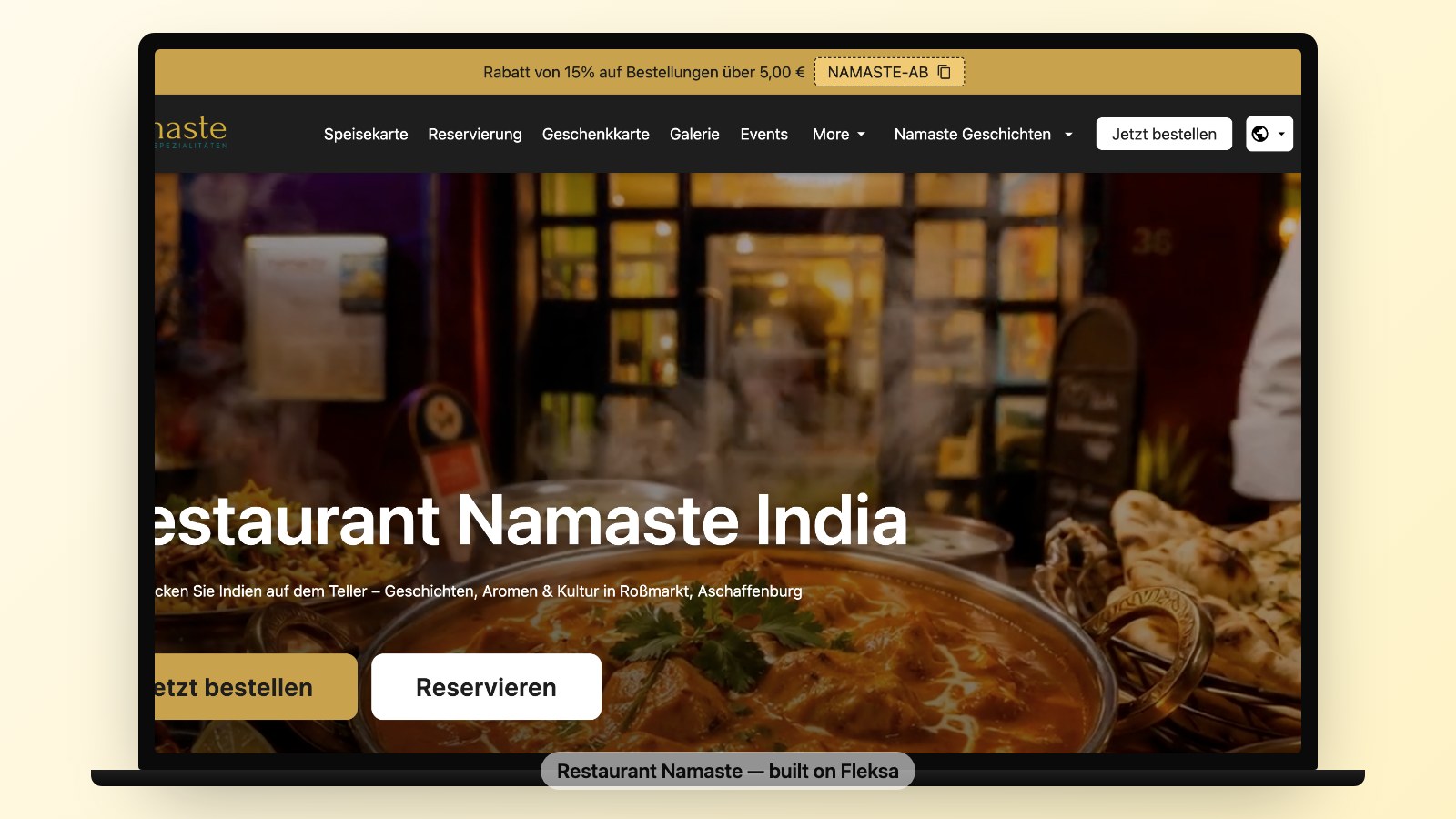
Separate website and ordering services can mean separate accounts, updates and support contacts. Check who maintains each part, how outages are reported and whether your analytics can follow the customer journey across domains. A consistent look and clear path to ordering can help customers navigate the experience; measure your own results rather than assuming a conversion uplift.
SEO: make your restaurant information useful and accessible
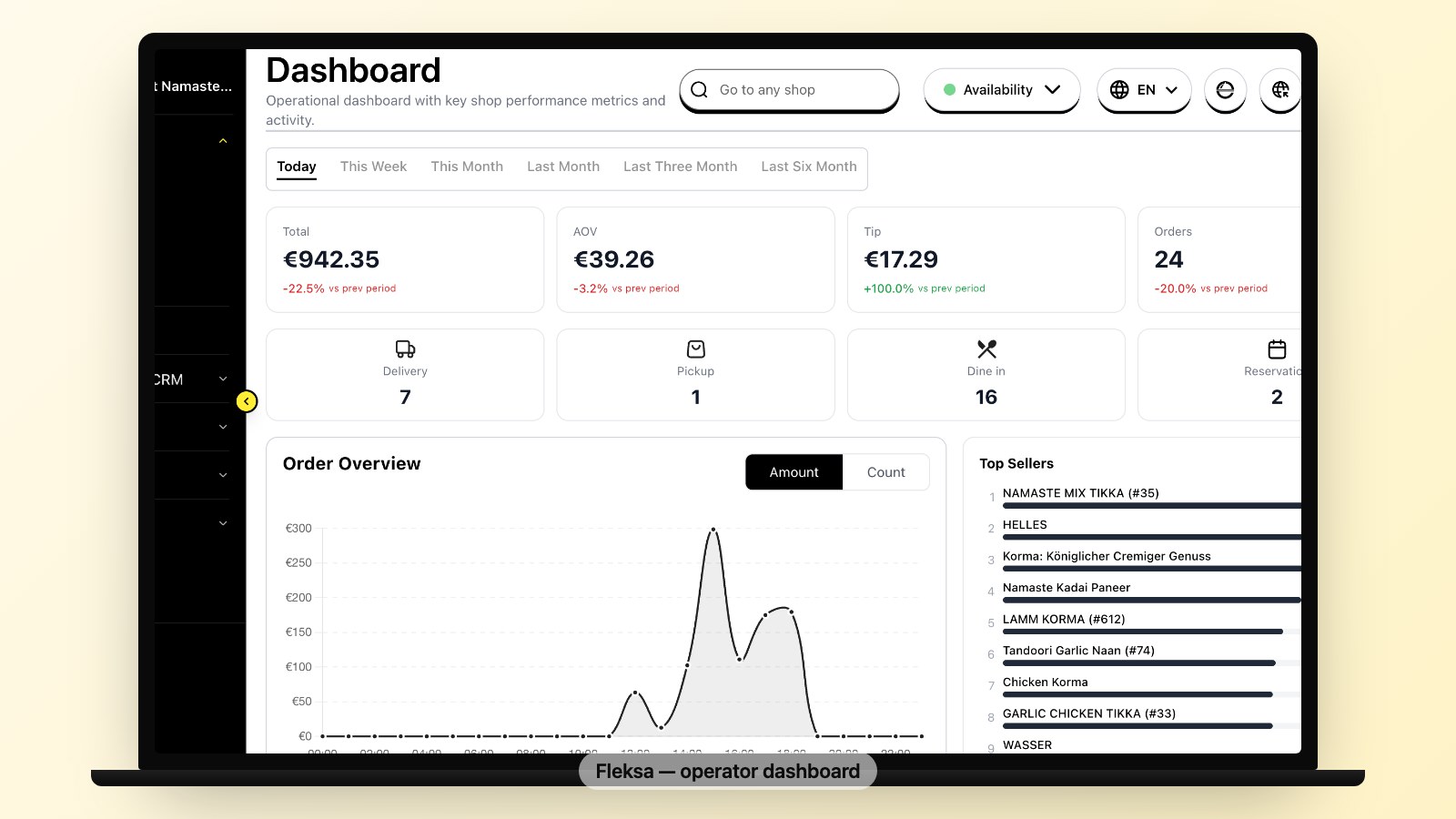
Publish useful, current restaurant information and a menu that visitors and search engines can access. A branded domain can make it easier to give customers a consistent destination, but it does not guarantee a search ranking. Google says local results are mainly based on relevance, distance and prominence; keep your Business Profile information complete and accurate.
Search visibility depends on more than where checkout happens. Purchases and successful checkouts should not be treated as SEO ranking signals. Where applicable, structured data can help Google understand page content, but it does not guarantee a rich result. See Google's structured data guidance.
Check mobile usability and performance using PageSpeed Insights and address issues found on your own pages. Google's page experience guidance explains that good Core Web Vitals alone do not guarantee top rankings.
If you are considering a move, contact Fleksa about available features and migration support. Flex: 10% of eligible website and Google orders plus $0.50 per reservation, minimum $49/month. Fix: $199/month with 0% Fleksa commission. Payment processing, hardware and extras cost separately; applicable sales tax is extra.
Mobile-first checkout — what to check

Test the full journey on a phone before choosing a setup. Ask your provider about the options available to your restaurant:
- Guest checkout. Can customers order without creating an account?
- Payment methods. Which methods are available, and where do they appear in checkout?
- Delivery addresses. Is the address easy to enter, and are delivery-zone restrictions clear?
- Menu choices. Are sizes, toppings and other modifiers easy to understand?
- Returning customers. What options are available to make a repeat order easier?
Test these steps with real menu items and use your own analytics and customer feedback to identify friction.
Loyalty + customer data
Before changing systems, ask what customer and order information you can access or export, in which format, and whether it can be imported into the new system. Check the applicable privacy rules and permissions before transferring data or sending marketing messages.
Consider which tools matter to your restaurant, such as customer reporting, loyalty, welcome messages and campaigns for returning customers. Ask Fleksa which capabilities, exports and integrations are available on your plan; do not assume every feature or historical record transfers automatically.
Migration from an existing website and ordering service — what setup involves
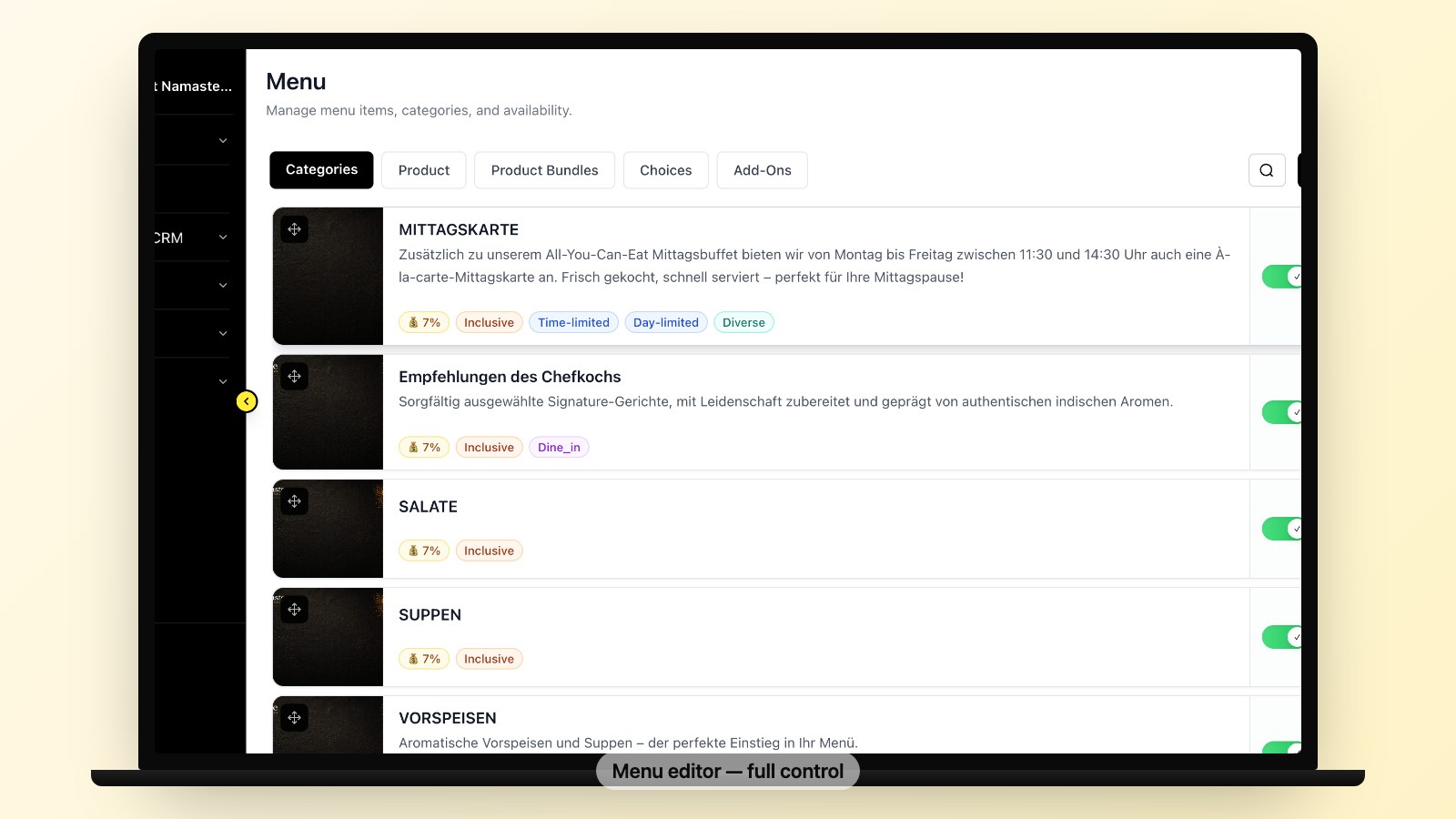
Setup and cutover timing depend on your menu, available data and preparation. Ask Fleksa for an estimate for your restaurant.
The sequence:
- Check your existing data. Ask your current providers which menu, customer and order records can be exported, and in what formats.
- Prepare the new site. Agree on the setup with Fleksa, provide your menu and photos, and check prices, modifiers, hours and delivery details.
- Preview and test. Agree on a preview method and test the full ordering journey, including payment options and order receipt, with your provider's guidance.
- Plan the cutover. Confirm domain and DNS access, timing and responsibilities. Preserve useful existing content and map old URLs to their relevant new pages.
- Redirect and update links. Where URLs change and you control the old site, use permanent server-side redirects when possible; update your Business Profile, social links, listings and printed QR codes. Follow Google's site move guidance and monitor Search Console. Search visibility can fluctuate during a move.
- Tell customers. Share the new ordering link through channels where you have permission to contact customers. Confirm any offer and its terms before announcing it.
What it costs to do this properly
Compare the full cost of your current setup with a written quote for the new one. Include website hosting, domain renewal, setup and migration, subscription, pickup and delivery commissions, payment processing and any optional services. Fees and terms vary by provider, plan and payment arrangement; check the current offer rather than assuming a saving.
Ready to move? Contact Fleksa — ask about menu migration support and current terms.
FAQ
Which restaurant website builder has online ordering built in?
Fleksa offers a restaurant website and online ordering. Ask which domain, checkout, menu, kitchen workflow and customer data options are available for your restaurant, and compare them against your needs.
How do I set up online ordering on my restaurant website?
Choose a setup that suits your restaurant, prepare your menu and images, agree on payment and domain arrangements, and test the complete customer and order-receipt journey before launch. Setup timing depends on your menu, preparation and cutover plan.
What is the 30/30/30 rule for restaurants?
Some operators use the 30/30/30 rule as a rough budgeting starting point for food and beverage costs, labour and operating expenses. Actual costs and profit vary by restaurant. Include ordering subscriptions, commissions and processing charges in your own budget and compare offers using your actual order mix.