QR code ordering for restaurants — scan, order, pay.
Guests browse, order and pay from their phones at the table. Give your team another way to manage service.
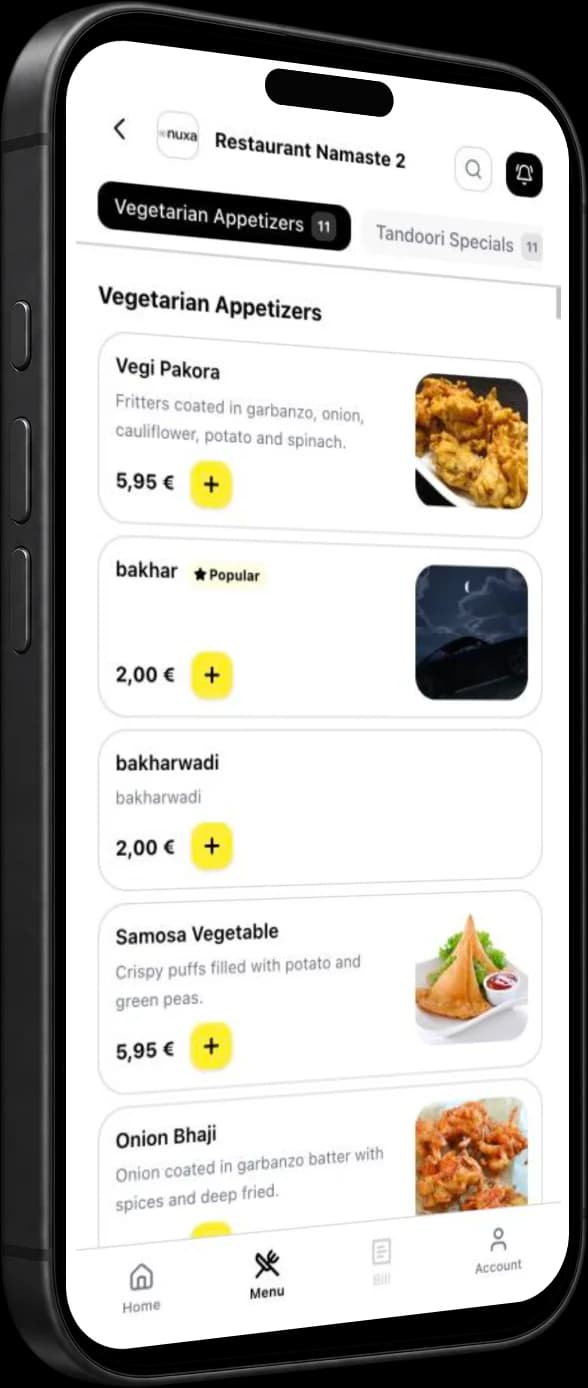
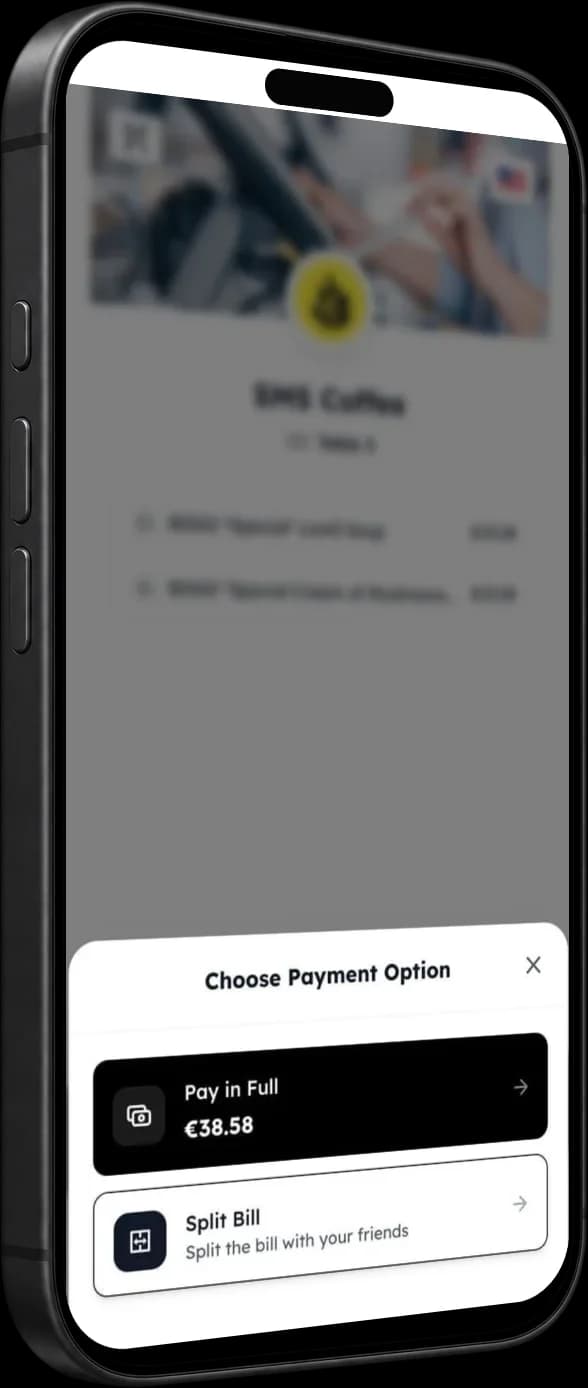
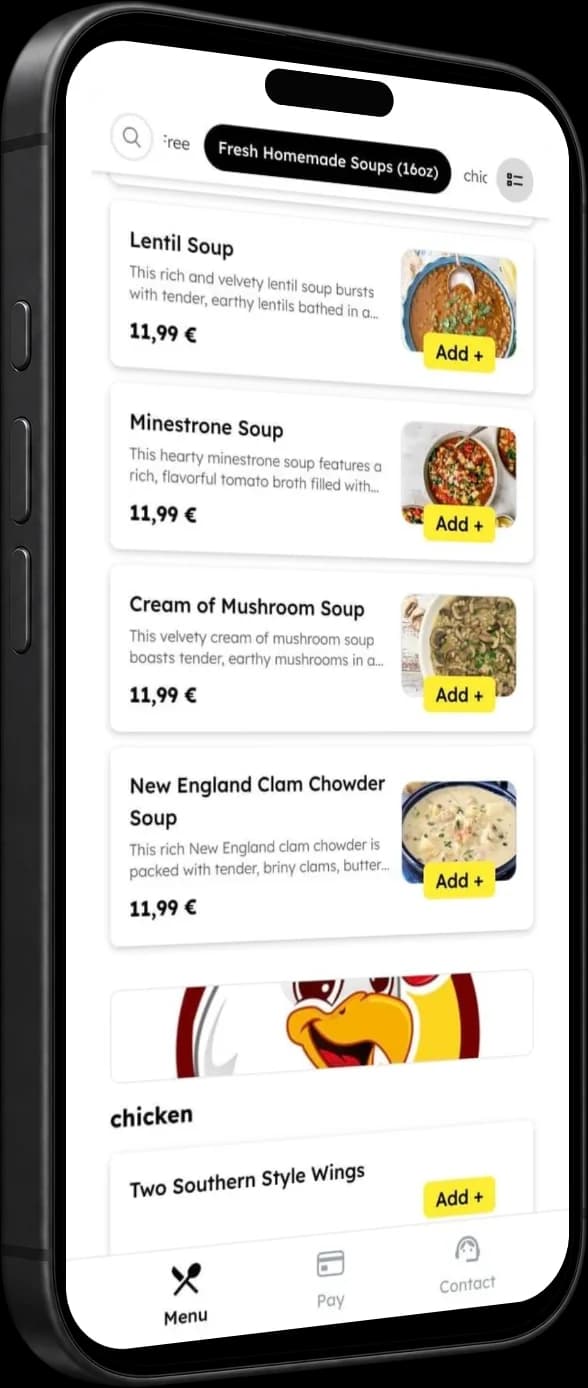
One scan. Whole experience.
Guests scan a table QR code to browse the menu and build an order on their phone, without downloading an app.
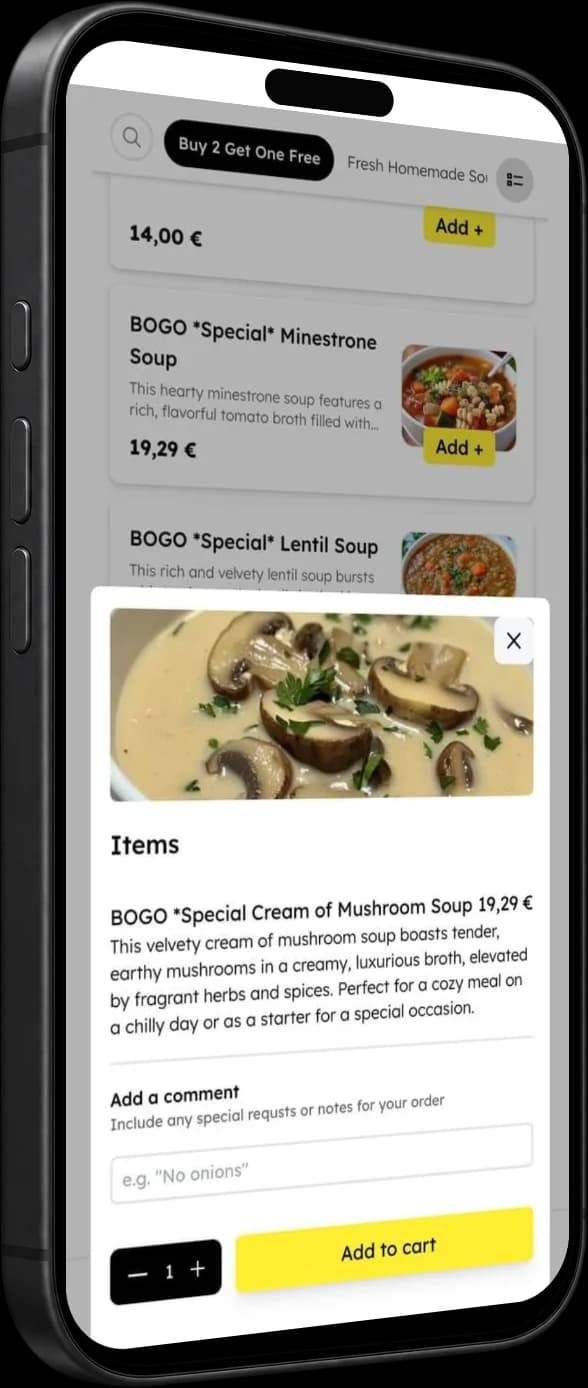
A menu made for the table.
Guests can browse the menu on their phone, choose items and review their order at the table.
No more flagging down a server for the bill.
Guests can open the bill on their phone and, depending on setup, split it equally, by item or by a custom amount.
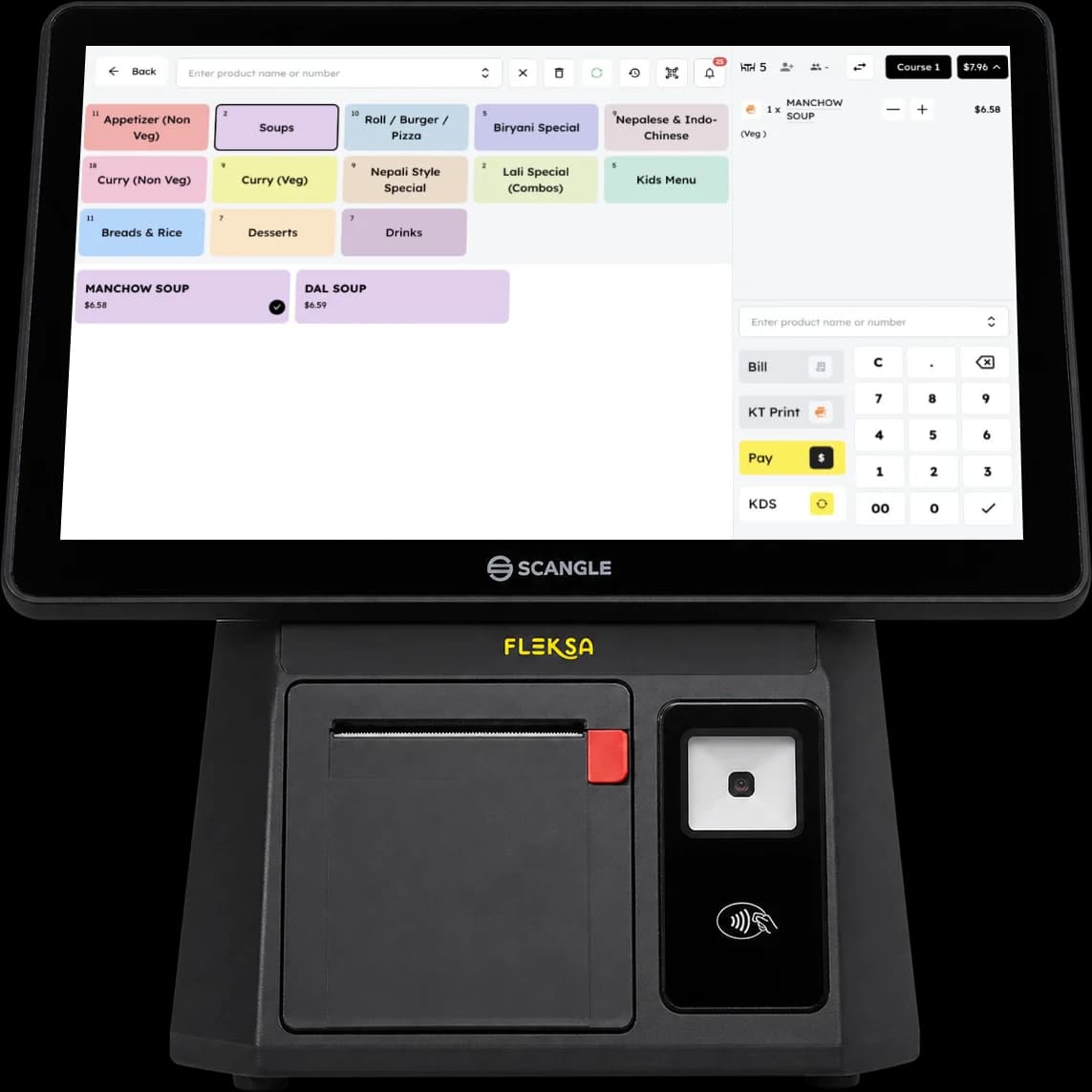
Send table items to your POS.
With the supported setup, table items can be sent to the Fleksa POS. Ask us how this works with your kitchen setup.
From printed QR to paid bill in three steps.
Print your table QRs
Place table QR codes where guests can scan them with their phones.
Guests scan and order
Guests open the menu, choose items and send their order. With the supported setup, table items can be sent to the Fleksa POS.
Pay and leave
Guests can pay on their phone and split the bill using the options available in your setup.
Made for different kinds of service.
Bars & breweries
Let guests browse the menu and order from their table, including another round of drinks.
Casual dining
Give guests an option to order and pay at the table while your team looks after service.
Cafés & coffee shops
Offer guests a phone-friendly way to explore your menu and order from their seat.
Beer gardens & outdoor
Give guests at outdoor tables access to your menu and ordering from their phones.
Questions to ask when choosing QR ordering.
| Fleksa QR | |
|---|---|
Menu access | Browser |
Table orders to POS | Depends on setup |
Bill splitting | Depends on setup |
Payment methods and fees | Ask us |
Give guests another way to order and pay at the table.
Fleksa QR Ordering
Ask us about QR ordering plans, payment options and applicable fees for your restaurant.
See plansQR Ordering FAQ
Answers about QR ordering, payments, and splitting bills
A QR menu lets guests view your menu on their phone. A QR ordering system also lets them choose items and place an order. Fleksa supports ordering and payment at the table; the available payment and bill-splitting options depend on your setup.
Guests can open the QR menu in their phone browser without downloading an app.
Guests pay by card on their phone. Online card payments cost Stripe’s standard rate of 2.9 % + 30¢, with no Fleksa markup. On Flex, QR orders carry no Fleksa commission, only the card fee.
Depending on setup, guests can split a bill equally, by item, or by a custom amount.
Guests can add more items to a table order. The available workflow depends on your setup.
With the supported setup, table items can be sent to the Fleksa POS. Ask us about your kitchen display and printer configuration.
Payment methods depend on your location and configuration. Ask us which options are available for your restaurant.
Ask us about menu and branding options for your restaurant's setup.
Tip options depend on your payment setup. Ask us how they work for your restaurant.
Related products & comparisons
Explore related features, comparisons and cost guides.
Manage tables, orders, and payments with a restaurant POS.
Direct online ordering for delivery, pickup, and dine-in.
Email and SMS campaigns, loyalty points and digital gift cards for your guests.
Explore QR ordering costs and compare pricing models.
Bring more orders directly to your restaurant.
Give guests more ways to order directly through your website, app, and QR codes. Explore an illustrative commission calculation using your own order numbers.
- Direct ordering through your own channels
- More control over your guest relationships
- Ordering and restaurant operations connected with Fleksa
Included in every plan, from $49/month. Flex: 10% on eligible online orders plus $0.50 per reservation, minimum $49. Fix: $199/month, 0% Fleksa commission. Card fees, hardware and add-ons extra. Plans and prices
How much are aggregators costing you?
Estimated annual commission
Assumes the same daily order volume for 365 days. This is gross commission, not savings; software, payment and delivery costs are excluded.
The initial 30% rate is an example, not a standard market rate. Adjust it to match your terms; the result is not a projection of savings with Fleksa.