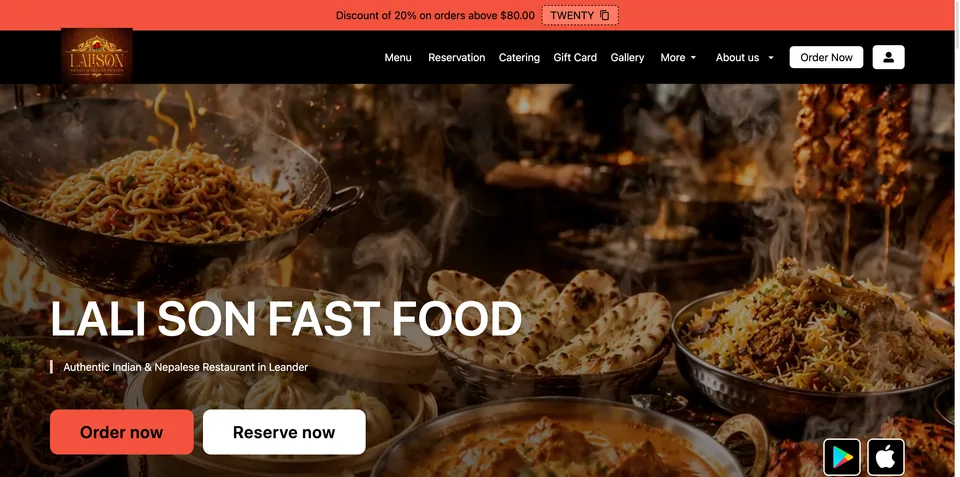
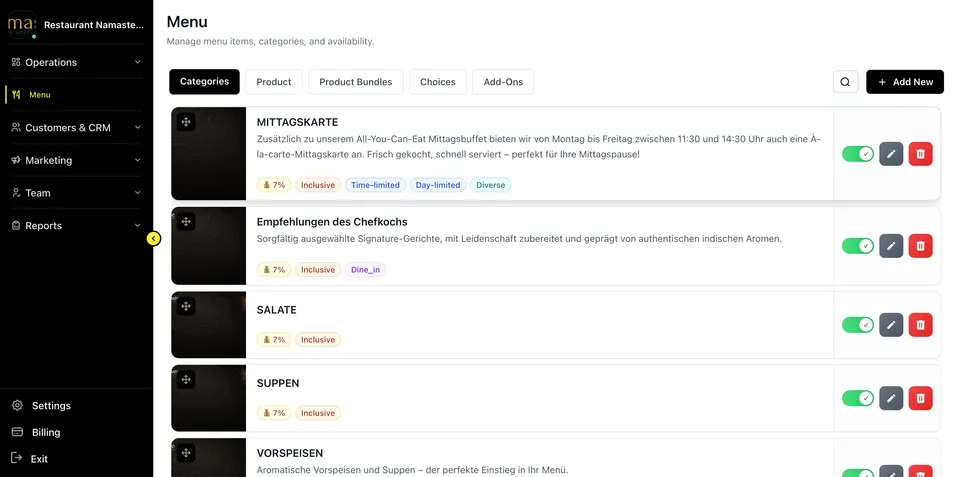
GloriaFood says on its English website that the service will reach end of life on April 30, 2027. Oracle lists March 31, 2027 for full end of service, so plan for the earlier date. Check current notices and the terms for your account when planning a switch.
This comparison looks at GloriaFood online ordering and the Fleksa restaurant platform, including websites, ordering and other features. Check the features and terms available for your location.
Widget vs platform — the real difference
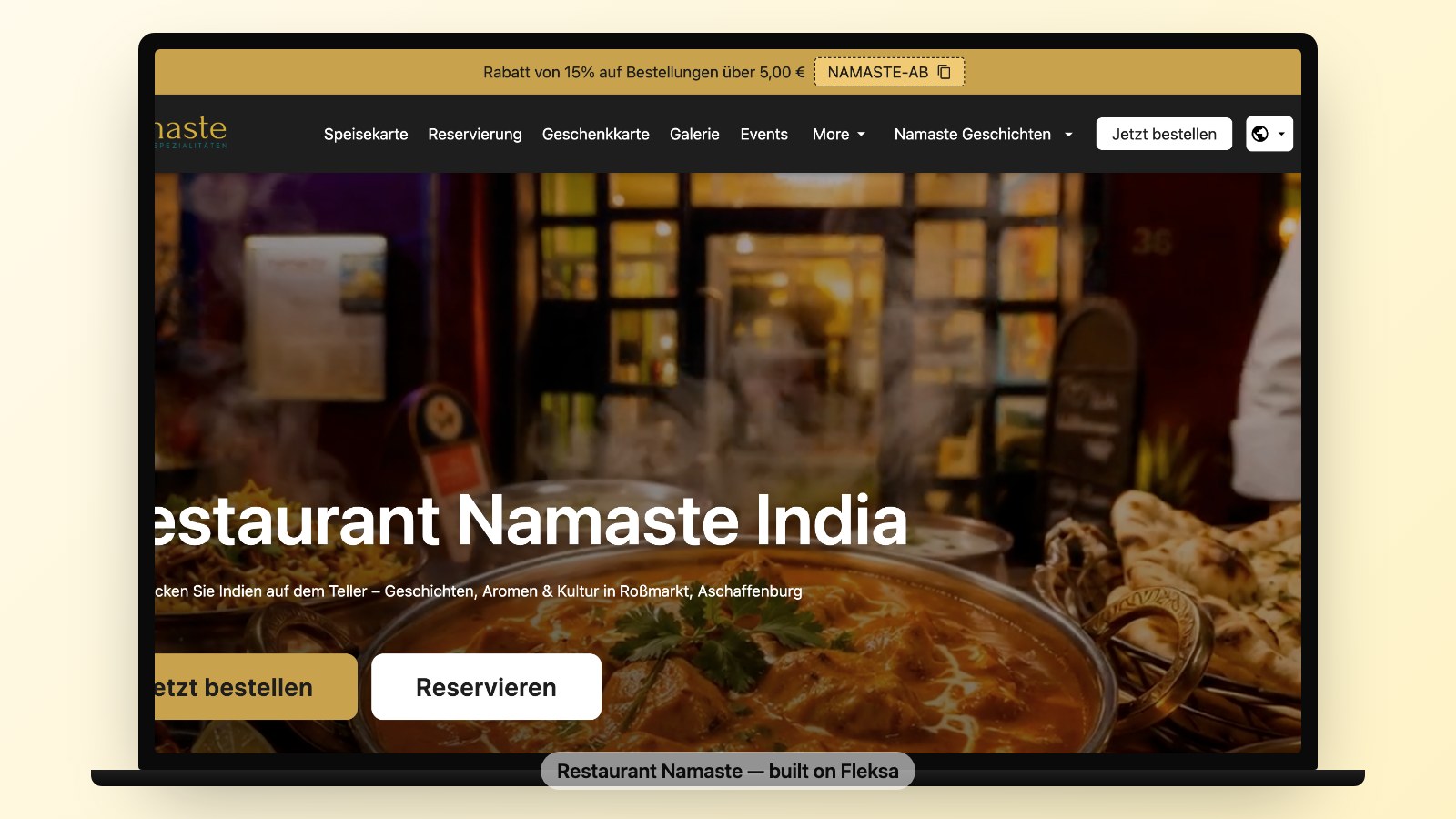
GloriaFood offers online ordering. Fleksa offers restaurant websites and online ordering. Compare how each fits your existing website and workflow.
Ask Fleksa which domain, menu management, reservations, loyalty, marketing and POS options are available for your location and plan.
For a single-location independent that already had a great WordPress site, the widget model was fine. For everyone else — multi-location brands, growing independents, anyone who wanted to actually own their customer relationship — it was always a workaround. The Oracle shutdown is forcing that decision into the open.
Pricing and commissions
Compare current offers for your market and the features you need. Include platform fees, pickup and delivery commissions, payment processing and any additional costs.
Flex: 10% of eligible website and Google orders plus $0.50 per reservation, minimum $49/month. Fix: $199/month with 0% Fleksa commission. Payment processing, hardware and extras cost separately; applicable sales tax is extra. Explore Fleksa.
Branded domain support
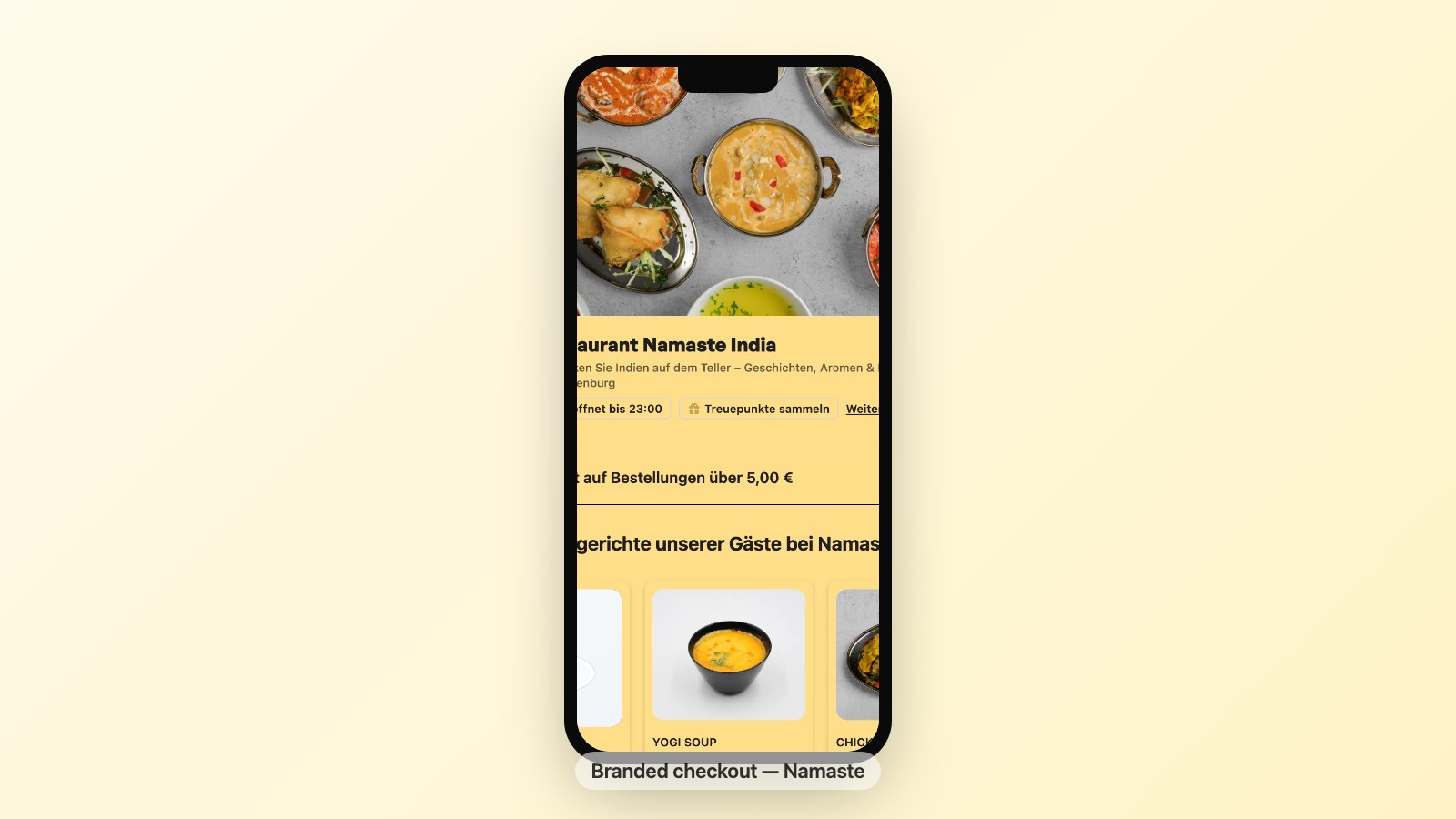
Check how each provider handles your domain, checkout, receipts and confirmation emails.
Ask GloriaFood which customer-facing pages use your domain and which use a provider domain.
Ask Fleksa which pages can use your domain, how it is connected, and which address sends receipts and confirmations.
For multiple locations, ask how domains, menus, branding and customer data can be managed across locations.
POS integration
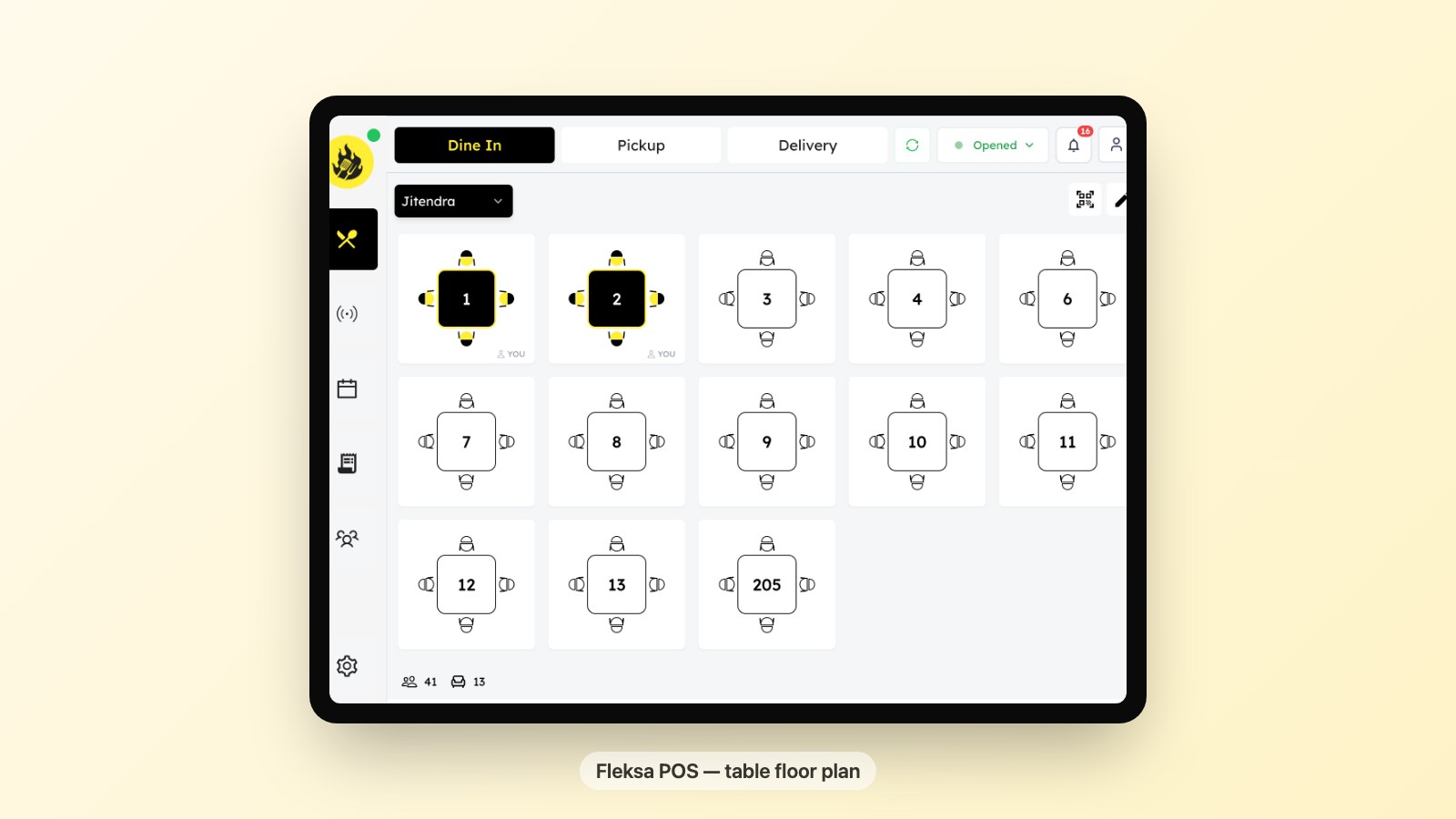
Ask both providers how orders reach the POS and kitchen, and which devices and integrations are available for your business.
Ask Fleksa how online and in-house orders appear, which devices are supported, and how delivery fees, menus, discounts and printers are configured for your plan.
Marketing tools
Ask GloriaFood which promotions, customer data and marketing tools are available for your account.
Ask Fleksa which customer, segmentation, campaign and loyalty features are available for your location and plan, including any associated fees.
Next step: Book a 15-minute Fleksa demo and see the switch with your own menu.
If marketing is the reason you are switching, also run a free SEO scan with Semperi.
White-label and multi-location
Compare the needs of each location and any agency clients.
If you use GloriaFood for multiple clients or locations, ask the provider how the announced end of service affects your agreement.
Ask Fleksa about partner options, location management and migration support, including whether bulk tools are available for your setup.
Migration path from GloriaFood
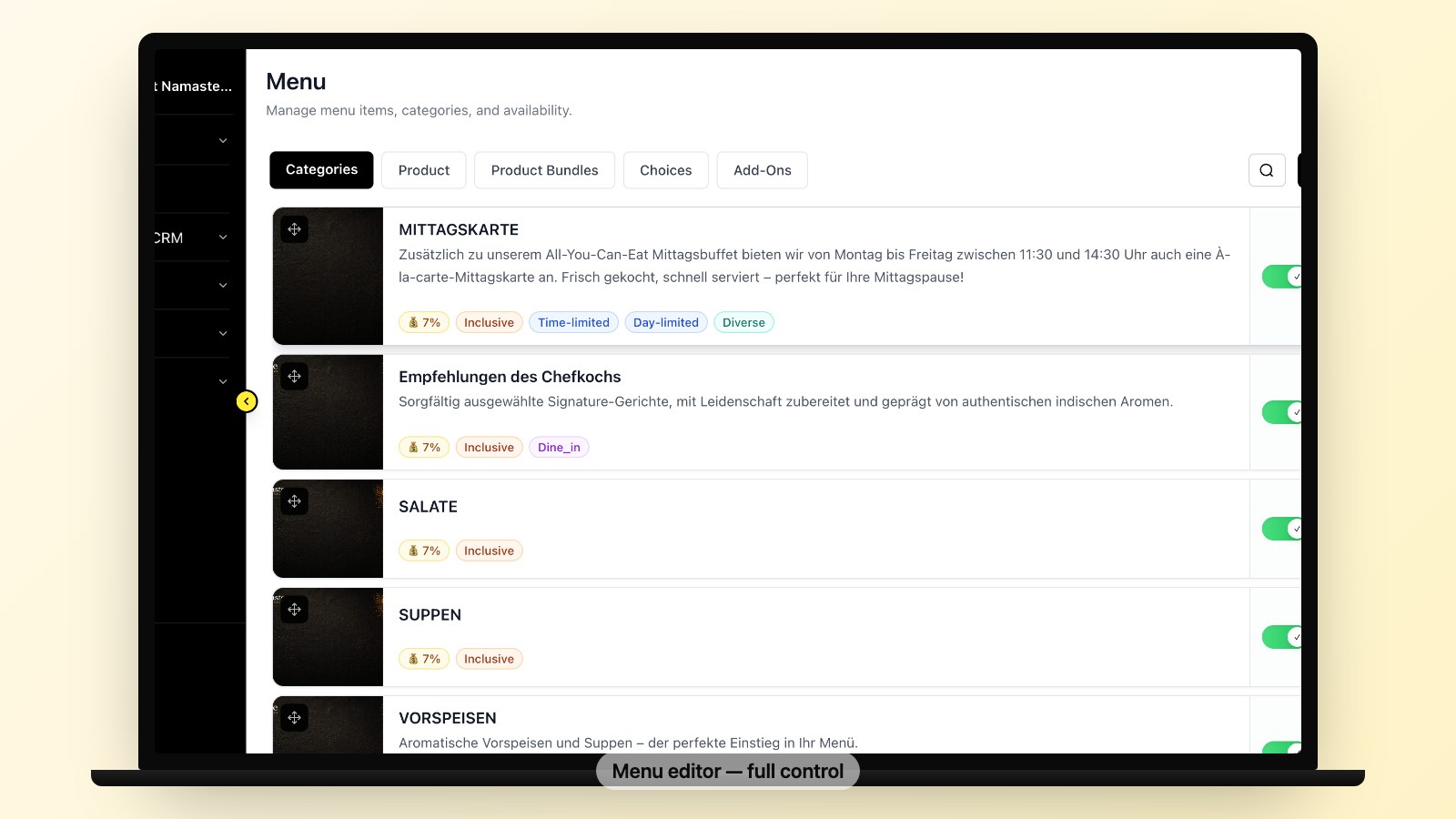
Plan your switch in good time and check which menu and customer data you are permitted to export and need to retain.
A practical migration looks like this:
- Ask GloriaFood which menu and customer data can be exported, in which formats, and by when.
- Discuss your domain and setup requirements with Fleksa.
- Ask how menu data can be transferred or rebuilt; configure hours and delivery options.
- Confirm how to connect your domain and payment method.
- Test the new ordering flow, update your ordering links, and then remove the GloriaFood widget.
We have a full step-by-step migration guide for GloriaFood owners that covers every screen. If you are still shopping platforms, the 7 best GloriaFood alternatives in 2026 walks through the other options.
Who should NOT pick Fleksa
The intellectually honest section. Fleksa is not for everyone.
- Marketplace-first restaurants. If direct ordering is not a priority, compare the POS integrations you need.
- Custom websites. If you need a fully custom-coded site, ask whether the ordering system works with it.
- Pre-launch restaurants. A simple ordering system may be enough to start.
- Large or complex groups. Check location management, integrations and switching costs against your requirements.
For an independent restaurant considering a direct ordering channel, Fleksa is one option to compare. Confirm the features and terms for your business.
Side-by-side comparison
Use these questions to compare the providers for your business.
- Product and domain: How does ordering fit your website, and which pages use your domain?
- Pricing: What are the platform, pickup, delivery, payment and extra fees?
- POS and devices: Which integrations, kitchen views and devices are supported?
- Delivery and menus: How are delivery fees, discounts and schedules configured?
- Customers and locations: What marketing, loyalty, export, partner and multi-location options are available?
- Service end: The English GloriaFood page gives April 30, 2027. Check current notices for your account.
Compare each option against the ordering, POS, marketing and multi-location needs of your business.
Ready to move? Contact Fleksa to discuss how your menu can be transferred.
FAQ
What fees does Fleksa charge?
Pickup and delivery commissions, platform fees, payment processing and other charges depend on your plan and market. Check your specific Fleksa offer and any terms charged by connected third-party channels.
What happens to my GloriaFood menu and customers if I wait?
Check GloriaFood’s current notices and export options for your account. Save the data you need in good time, subject to applicable data protection obligations.
How long does it take to migrate from GloriaFood to Fleksa?
The work depends on the size of your menu, the data needed, your domain and the number of locations. Discuss the process and requirements with Fleksa.
Is Fleksa available in my location?
Availability, features, payment providers and terms can vary by market. Ask Fleksa for an offer for your location.