
If GloriaFood was the engine running your takeout, you have until April 30, 2027 to move. After that date, Oracle has confirmed there is no data retention — menus, customer records, order history, delivery zones, promo campaigns and every POS integration become permanently inaccessible. There is no successor product, no extension being offered, and the new-signup door is already closed.
This is the playbook we've used to migrate restaurants off GloriaFood over the last several months. It's deliberately step-by-step, with the exact admin paths inside GloriaFood, the order to do things in, and the comms templates you can copy. If you're brand new to the news, our GloriaFood shutdown explainer covers the why; this post is the how.
The five things you must export from GloriaFood before April 30, 2027
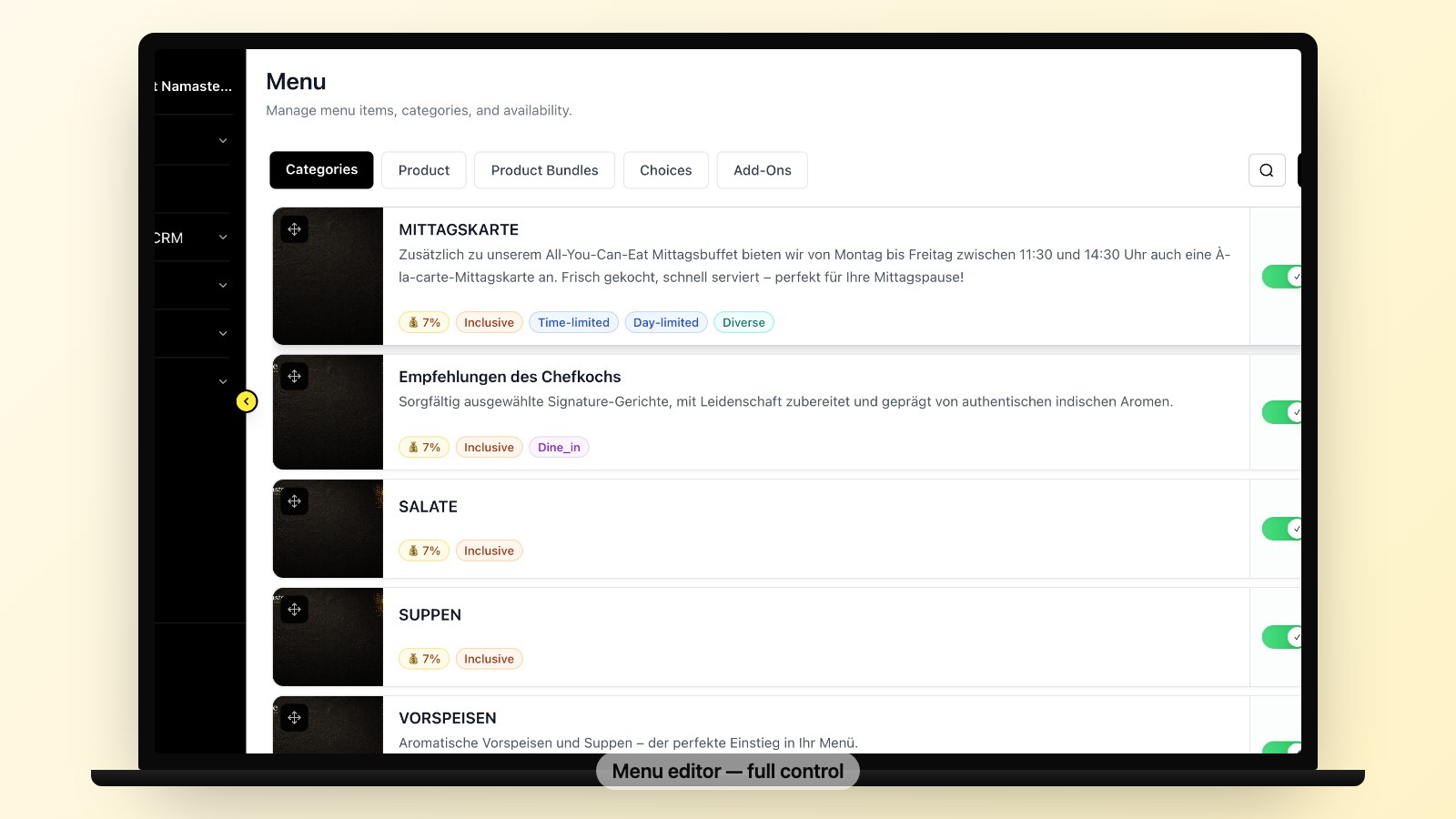
Do these five exports this month, even if you haven't picked a replacement platform yet. They are the building blocks of any migration, they cannot be recreated, and waiting to the last weekend is how restaurants lose their customer list.
- Your menu — categories, items, prices, modifiers, variations
- Your menu photos — they do not export with the menu
- Your customer list — names, emails, phone numbers, address history
- Your delivery zones, hours, and prep times — every config screen
- Your last 12 months of order history — for tax, marketing, and onboarding the new platform
Below is the exact path inside GloriaFood admin for each, plus the small gotchas we hit on real migrations.
Step 1 — Export your menu
In GloriaFood admin: Setup → Menu Editor → Export menu (CSV). The file you get back contains item name, category, price, description, and modifier groups. Modifier prices export cleanly; modifier images do not.
Two warnings from real migrations: items marked "out of stock" still export with prices but no stock flag, so de-stock them before exporting if you want a clean import. And combos exported as a flat row lose their grouping logic — keep a screenshot of the combo builder for reference when you rebuild on your new platform.
Step 2 — Export your menu photos (the part that breaks every migration)
This is the step most owners miss. Menu item photos do not export with the menu CSV. You need to download them one-by-one, or use the bulk export tool if your GloriaFood plan includes it (most free-tier plans don't).
The fastest path: open each item in Setup → Menu Editor, right-click the photo, "Save image as," name it the same as the item slug. For 80+ items, budget two hours. We've seen restaurants relaunch on a new platform with placeholder photos because they skipped this step — orders dropped 20% the first week. Don't skip it.
Step 3 — Export your customer list
Marketing → Customers → Export (CSV). This is the single most valuable file you will save. Once GloriaFood goes dark, this data is gone — and a customer list you've built over years of takeout orders is irreplaceable.
The export includes name, email, phone, last order date, and lifetime value. Some plans also export full address history; check yours before April 2027 because Oracle has been quietly disabling export features on retiring products.
Save the file in three places: local disk, cloud drive, and an emailed copy to yourself. We are not joking. Two of the operators we've migrated lost their first export to a corrupted Dropbox sync.
Step 4 — Document your delivery zones, hours, and prep times
These are not in any export. They live as visual configurations in the admin. Open each of the following screens and screenshot every panel:
- Setup → Delivery → Zones (every polygon, every fee, every minimum)
- Setup → Working Hours (pickup hours, delivery hours, holiday schedule)
- Setup → Prep Times (per-order-volume scaling rules)
- Marketing → Promo Codes (every active coupon and its rules)
A 15-minute screenshot session here saves 4 hours of trial-and-error on your new platform.
Step 5 — Export your last 12 months of order history
Reports → Orders → Export (date range = last 365 days). You'll get a CSV with order ID, date, items, customer, total, payment method. This file is gold for three reasons: it's the basis of your tax records, it lets your new platform import customer order history (Fleksa and several other modern systems support this), and it powers your "we miss you" campaigns post-migration.
If you've been on GloriaFood for years, also pull the prior 12 months. Storage is cheap, your loyalty signals are not.
How to migrate from GloriaFood — the recommended 8-week timeline
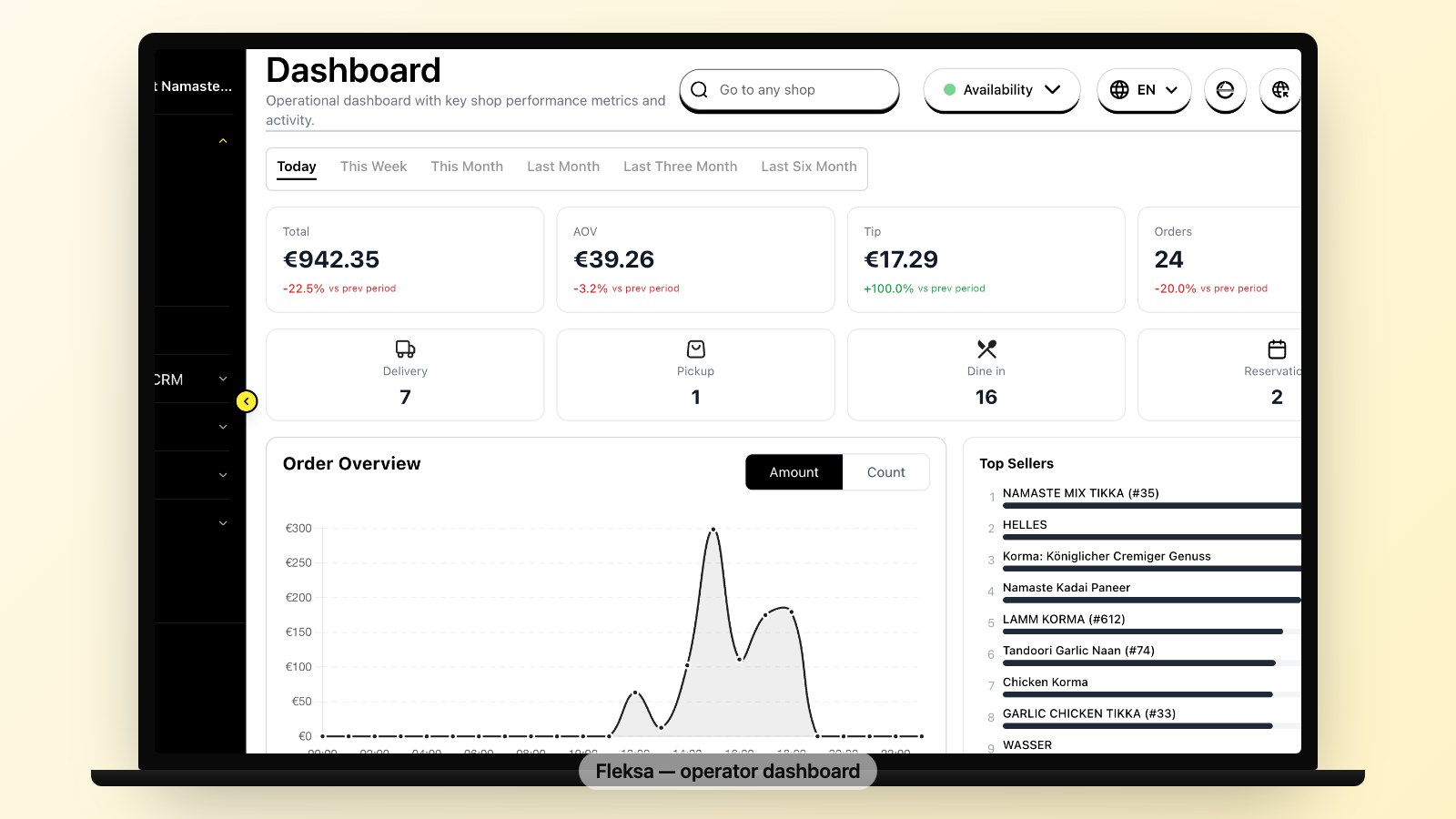
We've found 8 weeks is the right amount of runway. Less than that, you're rushed and orders slip through cracks. More than that, the team forgets the urgency and the deadline catches you cold. Here's the schedule.
Week 1 — Exports and decision. Do the five exports above. Pick your replacement platform. (If you're choosing now, our free restaurant online ordering systems comparison and GloriaFood vs Fleksa breakdown are the two posts to read.)
Week 2 — Account setup on the new platform. Get an account. Import the menu CSV. Reupload photos. Configure delivery zones and hours from your screenshots. Do not connect it to your live domain yet.
Week 3 — Internal testing. Place 20 test orders yourself across pickup, delivery, every payment method, every modifier path. Find every bug now, not after launch. Train staff on the new admin and KDS.
Week 4 — Soft launch on a subdomain. Run the new platform on order.yourshop.com while GloriaFood stays on the main domain. Drive 10% of new traffic there. Watch for bugs that only surface at real volume.
Week 5–6 — Parallel running. Both systems live. New platform on the subdomain, GloriaFood still on the main domain. Email a small subset of your customer list (~15%) the new ordering link. Resolve every escalation.
Week 7 — Cutover. Switch DNS. Send the full customer comms. GloriaFood widget removed from website. New platform on primary domain. (Detailed DNS playbook below.)
Week 8 — Cleanup. Disable GloriaFood account, but do NOT delete it until you've reconciled tax records. Refund any in-flight orders. Update Google Business Profile order link. Run a free SEO scan to catch broken links from the old GloriaFood widget on third-party sites.
DNS switching without losing orders
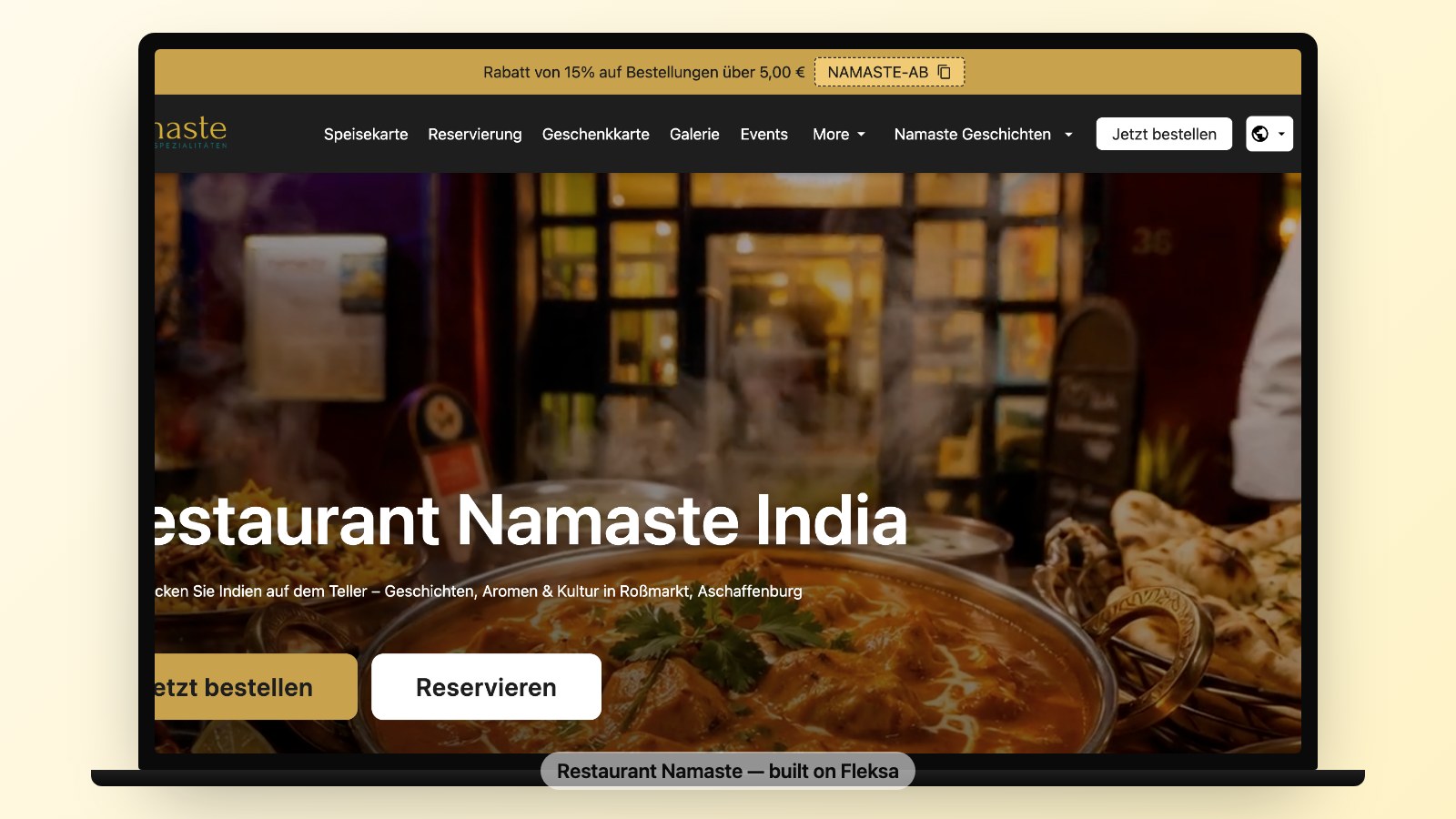
This is the one step that, done wrong, costs you a Sunday dinner rush. Done right, it's invisible.
Three rules:
- Lower your DNS TTL to 300 seconds at least 48 hours before cutover. Most registrars default to 24-hour TTL. If you don't lower it, your DNS change propagates over 24 hours and customers will hit your old GloriaFood widget for half a day. Do this two days early.
- Switch DNS at your slowest hour, not Sunday at 9 PM. Tuesday at 3 PM is ideal for most restaurants. Low order volume, full staff on site, and you have time to react if something breaks.
- Keep the GloriaFood widget URL accessible for 14 days post-cutover. Some customers have it bookmarked. Set up a redirect from the old widget URL (if it was on your domain) to your new ordering page. Don't 404 it — you'll lose orders to confusion.
If you used GloriaFood's hosted ordering page (yourshop.gloriafood.com rather than an embedded widget), there's nothing to redirect — but do email those bookmark-holding customers explicitly. They're your most loyal.
The customer comms template (copy this)
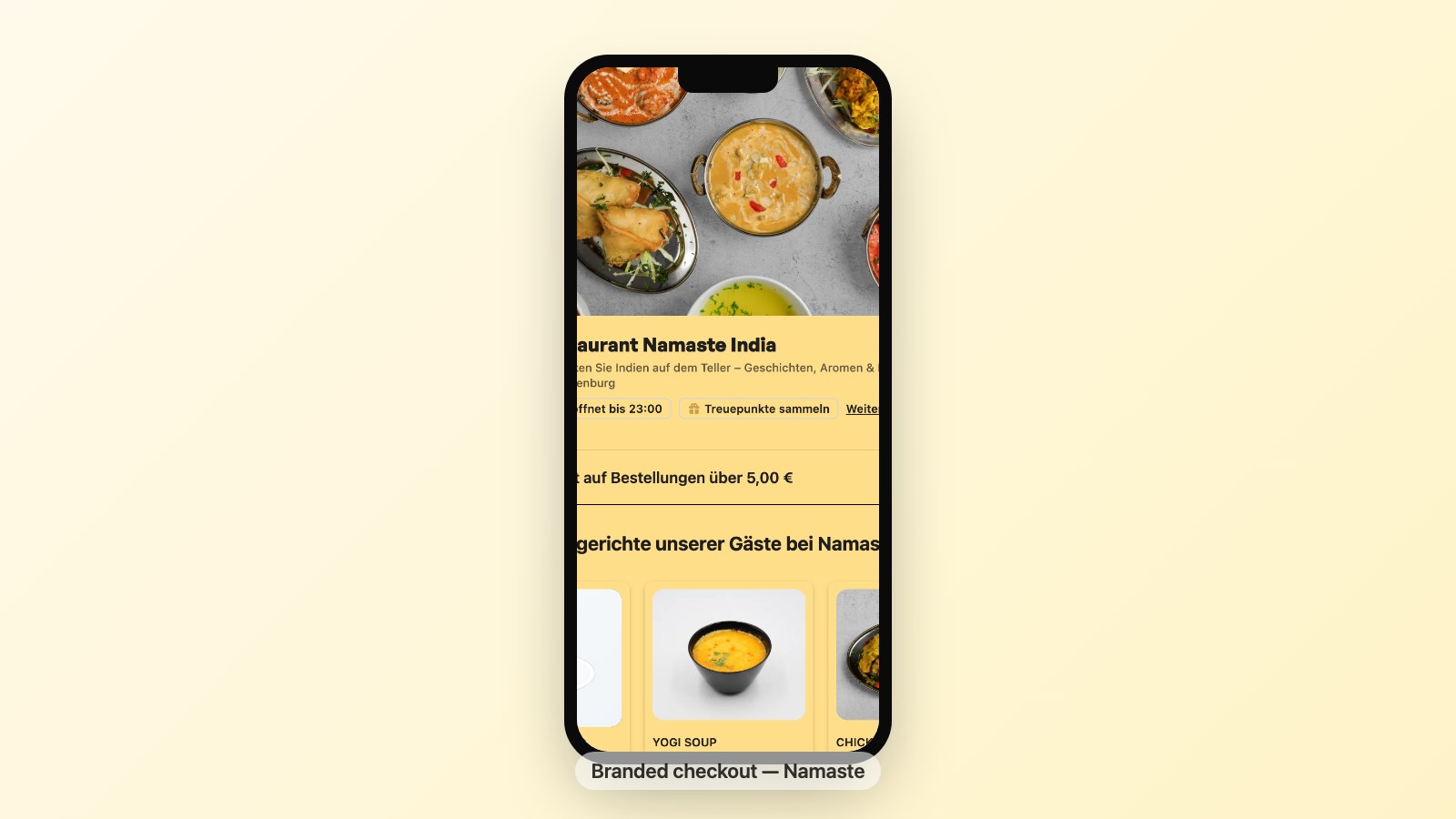
Send this email twice: once at the start of Week 5 (parallel period — soft heads-up), once at Week 7 cutover (the real switch). Two-touch is what works; one-touch and your loyalists miss it.
Subject: Same kitchen, easier ordering. Here's the new link. Hi {customer first name}, Quick heads-up from the team at {restaurant name}. We've moved our online ordering to a faster, cleaner setup. Same menu, same kitchen, same prices — just better software behind it. The new ordering link is: {new ordering URL} If you've bookmarked the old link, please update it when you get a moment. Your past order history is here too, so reordering your usual takes about 10 seconds. Thank you for ordering with us. We've appreciated every order — and we're not going anywhere. — {Owner name}, {Restaurant name}
Two notes from operators who've sent this: keep it from a human-named address ("matt@yourshop.com"), not info@. Replies should reach you, not your hosting account. And don't apologize for the change — customers don't care that GloriaFood is shutting down, they care that ordering still works.
If you're migrating off GloriaFood, you can set up a Fleksa restaurant for free — branded domain, real ordering, your own customer list. No commissions on pickup or delivery.
What about your reviews, Google profile, and Facebook ordering?
Three loose ends that catch operators off guard.
Google Business Profile. The "Order Online" button on your GBP probably points at your GloriaFood URL today. Update it the same day you cut DNS: GBP admin → Edit profile → Order ahead links. Google can take 48 hours to verify the new link. Add the new link first, leave the old one in place until verification, then remove the old one.
Facebook ordering. GloriaFood's Facebook integration dies with the platform on April 30, 2027. If "Order Food" buttons on your Facebook page point at GloriaFood, replace them. Most modern platforms (Fleksa included) ship a Facebook ordering integration as a one-click setup.
Reviews. Your customer reviews live on Google, Facebook, Yelp and TripAdvisor — not on GloriaFood. Nothing happens to them. But GloriaFood did show internal star ratings on its widget; those are gone. If you used them for credibility, surface real Google reviews on the new ordering page instead.
"Limited to one tablet only — no front-of-house + kitchen split."
That was the #1 GloriaFood complaint on Capterra for years. Most modern platforms unlock multi-device on day one — but verify before you migrate. A Tuesday afternoon discovering your new KDS can't run in the kitchen and at the front counter simultaneously is not the discovery you want.
Post-cutover checklist — week 8
The migration isn't done when DNS flips. Run through this list the week after cutover. We've watched operators lose two weeks of margin to a missed item here.
- New ordering URL on all printed menus, business cards, takeout bags
- Google Business Profile "Order Online" link updated and verified
- Facebook page "Order Food" button updated
- TripAdvisor and Yelp order links updated
- Instagram bio link updated
- Loyalty program imported (if your new platform supports it)
- Tax records exported one final time from GloriaFood (do this before disabling the account)
- Old GloriaFood account disabled — but NOT deleted — until tax filing complete
- Staff trained on new admin and KDS
- New order confirmation email tested on Gmail, Outlook, iCloud, Yahoo
- Refund flow tested end-to-end
- Customer comms email sent twice (Week 5 + Week 7)
While you're at it, run a free SEO scan on your new ordering page — most GloriaFood-stack sites had on-page SEO that didn't carry over.
What happens if you wait until April 2027
A blunt summary. If you wait until the last month:
- Your migration runway shrinks to days, not weeks
- Your menu photos may not download in time (admin throttles under load)
- Your customer list export may be disabled (Oracle has been turning off retiring features early)
- Your DNS won't have time to propagate cleanly
- You'll cut over on a weekend at peak hours because there's no other window
- Your customer comms will be panicked, not planned
- Your tax records will be incomplete
We've already seen this pattern with other Oracle product retirements. The first 70% of the runway is calm; the last 10% is chaos. You have until April 30, 2027 — but the work to do is in 2026, not the spring of 2027.
Ready to move? Start free on Fleksa — we'll help you import your menu from GloriaFood before it goes dark on April 30, 2027.
FAQ
How long does it take to migrate from GloriaFood?
A clean migration runs 6–8 weeks: one week for exports and decision, three weeks for setup and testing, two weeks of parallel running, then cutover and cleanup. You can do it in two weeks if you have to, but you'll miss things. Start now, not in March 2027.
What's the most important thing to export from GloriaFood before it shuts down?
Your customer list. Menu and photos can be rebuilt on a new platform (slowly), but a customer email and phone list built over years of takeout orders cannot. Export it three times to three locations — local, cloud, and emailed to yourself.
Can I migrate from GloriaFood without losing orders during the switch?
Yes — by running both systems in parallel for two weeks, lowering DNS TTL 48 hours before cutover, switching at your slowest hour (Tuesday afternoon, not Sunday night), and keeping the old widget URL redirected for 14 days post-cutover. Get any of those wrong and you'll lose orders during the changeover.
Will Oracle keep my GloriaFood data after April 30, 2027?
No. Oracle has confirmed there is no data retention after that date. Your menus, customer records, order history, delivery zones, and marketing campaigns become permanently inaccessible. Export everything well before the cutoff — ideally a full year early.


