Updated April 2026.
For a decade, the most common cheap online-ordering setup for independent restaurants looked like this: a WordPress website built by a local agency, the GloriaFood ordering widget bolted into a sidebar, and a separate order.somethirdparty.com checkout URL that customers got redirected to when they finally hit pay. It worked, sort of. It was always two systems duct-taped together. And with GloriaFood being retired by Oracle on April 30, 2027 — exactly one year from today — the duct tape is about to fail in a very visible way.
This is the guide to the alternative: a restaurant website with online ordering on a single branded domain. One system, one checkout URL, one customer list, and ordering that contributes to your SEO instead of fighting it. We'll walk through what the setup looks like, the migration sequence from WordPress + GloriaFood, the SEO implications (which are bigger than most operators realise), and what setup time actually feels like in 2026.
What "one domain" actually means
The phrase restaurant website with online ordering gets used loosely, so let's be precise. There are three versions, and only one of them is what we mean here.
- Version 1: separate website + separate ordering URL. Your site lives on
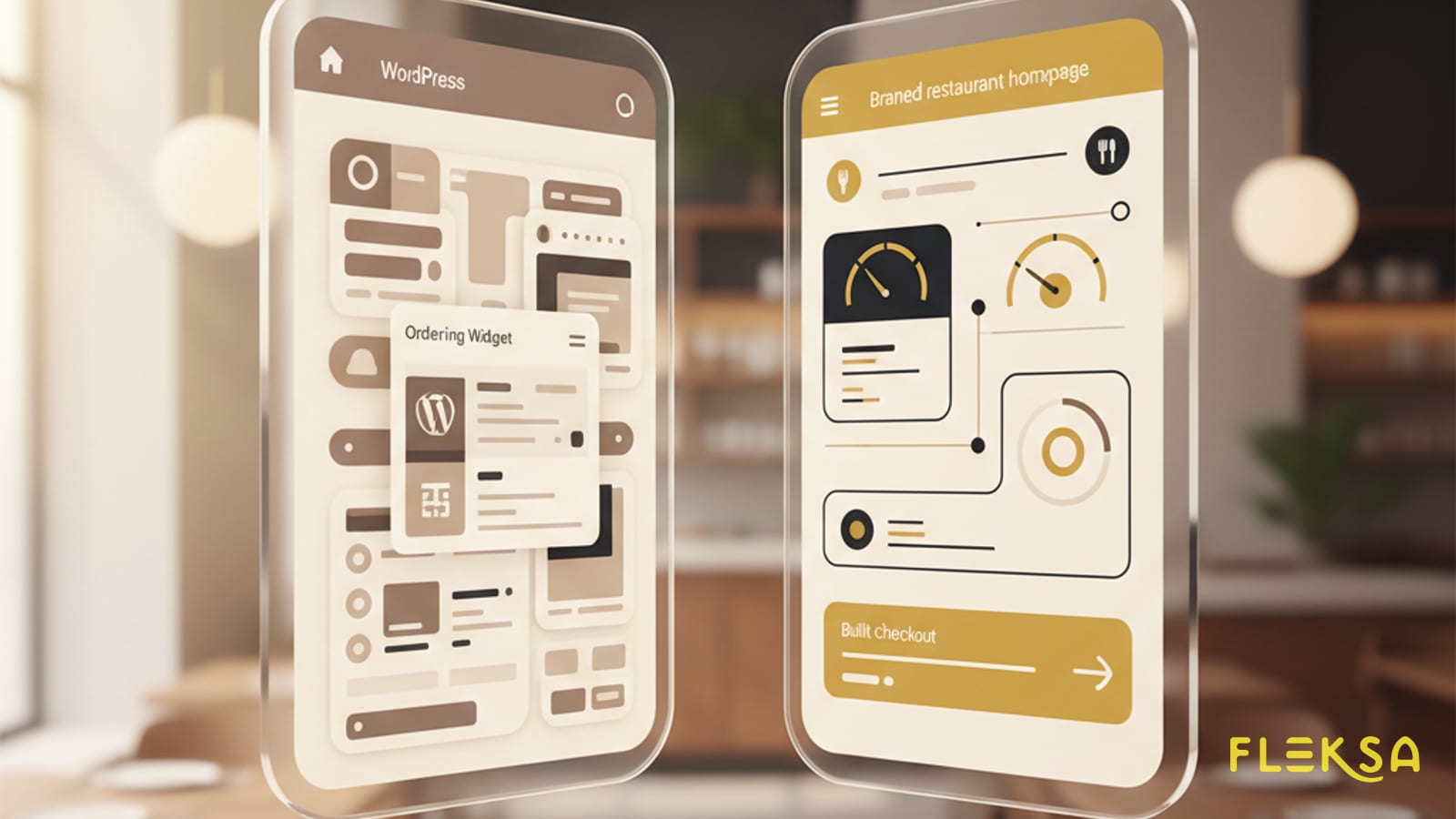
yourrestaurant.com, your ordering lives onorder.gloriafood.com/r/12345. Two domains, two analytics properties, two brand experiences. This is the WordPress-plus-GloriaFood stack most operators are on today. - Version 2: widget embedded on your site. Your site lives on
yourrestaurant.com, the ordering widget is iframed into a page. Checkout opens a popup or redirects to the vendor's domain. Looks like one site, behaves like two. - Version 3: ordering built into the website itself.
yourrestaurant.com/menushows the menu,yourrestaurant.com/orderis the checkout, payment confirmation happens onyourrestaurant.com. One domain, one experience, one set of cookies, one SEO signal.
Version 3 is what platforms like Fleksa, ChowNow's standalone product, and Flipdish actually deliver. It is also what Wix, Squarespace and Canva-tier site builders claim to deliver — with the catch that their ordering layer is usually thinner than a real restaurant tech stack needs (no proper KDS routing, no marketplace integration, limited modifier logic).
Why two systems was always fragile
The WordPress-plus-GloriaFood approach won the 2015–2025 era for a single reason: it was free or near-free at every layer. That is not nothing. But the architecture had three structural problems that operators absorbed quietly.
- Two systems, two failure modes. WordPress goes down? Site is broken but ordering works. GloriaFood goes down? Site loads but checkout is dead. Both go down? You only find out on Saturday night.
- Two analytics properties. Google Analytics on the website, GloriaFood's dashboard on the ordering. You can never actually answer "how many of my site visitors completed a checkout" without manual stitching.
- Two brand experiences. Customer lands on a warm, branded homepage. Clicks Order. Gets bounced to a generic checkout that does not match the colours, fonts, or domain. Conversion drops 15–25%. Operators rarely measure this because they never had a clean side-by-side.
Operators who ran the WordPress-plus-GloriaFood stack have been flagging this for years. The classic forum complaint: "Features requested for almost five years that never shipped." When the ordering widget is owned by a vendor whose roadmap is frozen, your business depends on a frozen system.
SEO: one domain is one ranking signal
This is the part that matters most over a 12-month horizon, and the part most operators undervalue at decision time.
Google ranks websites, not widgets in iframes. When ordering is hosted on a separate domain — order.gloriafood.com/r/12345 — every order placed there is a signal that helps GloriaFood's domain authority, not yours. Every menu item, every review, every transaction. You are paying for traffic and giving the SEO benefit to your vendor.
When ordering is hosted on yourrestaurant.com/order, the opposite happens. Every menu item with structured data, every review schema, every successful checkout contributes to your site's authority. Over twelve months, this is the difference between ranking on page three for "best pad thai near me" and ranking in the local pack.
The page speed math compounds the same direction. A WordPress site with an embedded GloriaFood widget typically scores 30–50 on mobile PageSpeed. A purpose-built branded ordering platform usually scores 80–95, because every component is rendered server-side from one stack instead of three external scripts being stitched together at runtime. Mobile speed is a direct ranking factor and a direct conversion factor.
If you're migrating off GloriaFood, you can set up a Fleksa restaurant for free — branded domain, real ordering, your own customer list. No commissions on pickup or delivery.
Mobile-first checkout — what 2026 looks like
Roughly 80% of restaurant online orders in 2026 happen on mobile. Almost any vendor pitch will claim "mobile-optimised." The reality is more granular.
- Account creation at checkout. The single biggest abandonment driver. GloriaFood operators flagged this for years: "Need frictionless ordering without mandatory account creation." A good 2026 setup lets a guest check out without making an account, then offers to save details after the first order.
- Apple Pay / Google Pay. Should be a one-tap button at the top of checkout, not buried after a card-entry form. If a vendor's demo does not show this, ask why.
- Address entry that actually works. Auto-complete on the address field, validation against delivery zones, clear "we deliver here / we don't" messaging. The number of restaurants in 2026 still using a plain text address field is embarrassing.
- Modifier UI that is not a wall of checkboxes. Tap a pizza, see size, crust, toppings as visually distinct sections, not a 40-item form.
- One-tap re-order. Returning customers should see "Order again?" as the first thing they see, with last order pre-loaded.
If your current WordPress-plus-GloriaFood checkout cannot do all five, your conversion rate is probably 30–40% lower than it should be.
Loyalty + customer data finally in your hands
The hidden cost of the WordPress-plus-GloriaFood stack is the customer data question. GloriaFood holds the names, phone numbers, and order history. You can export them — for now — but you do not get them in real time, you cannot trigger an automated email when someone has not ordered in 60 days, and after April 30, 2027 the export option goes away with the rest of the platform.
A branded restaurant website with built-in ordering puts the customer list in your platform's database, where you can:
- Send a welcome email after first order.
- Trigger a "we miss you" campaign at 45 days of inactivity.
- See lifetime value by customer in your dashboard.
- Export the full list as a CSV anytime, no questions asked.
- Build a real loyalty programme that recognises customers by phone number across pickup, delivery, and dine-in.
This is not a feature; this is the difference between owning a restaurant business and renting one from a tech vendor.
Migration from WordPress + GloriaFood — what 30 minutes actually looks like
We have helped enough operators through this to know the realistic timeline. Setup on Fleksa is roughly 30 minutes if you have your existing menu and a few photos ready. Cutover takes a bit longer because you want to do it carefully.
The sequence:
- Export from GloriaFood now. Menus, customer list, order history. Download all of it. Do not wait until April 2027.
- Spin up the new site. Create a Fleksa account, pick a template, paste the menu, upload photos. This is the 30-minute part.
- Point a staging subdomain at it.
new.yourrestaurant.comwhile you preview. Test ordering with your own card. Confirm the kitchen printer or tablet receives it correctly. - Move the domain. Update DNS. WordPress gets archived (do not delete — you might want the old blog posts). The new site is now live on
yourrestaurant.com. - Update every external reference. Google Business Profile order link, Instagram bio, printed flyers, the QR sticker on the door, the Yelp listing. Every URL pointing at GloriaFood becomes a 404 in April 2027 — fix them now.
- Email your customer list. "We've moved ordering to our own site. Same menu, same kitchen, faster checkout." Include a discount code for the first order on the new system. This recovers 30–50% of the dormant list.
We wrote up the full migration playbook including the gotchas (menu image sizes, modifier mapping, payment processor handoff) in the GloriaFood migration step-by-step. Operators who follow the sequence finish in a weekend.
What it costs to do this properly
The honest math for a single-location independent in 2026:
- WordPress hosting + plugin licenses on the old stack: $20–60/month.
- GloriaFood: free for pickup, $30/month for delivery (until it shuts down).
- Domain: $12–25/year.
- Branded ordering platform (Fleksa, ChowNow, Flipdish): $0–$120/month depending on tier.
- Payment processing: 2.7–2.9% + 30¢ per order, same on every platform.
The replacement stack usually costs the same or less than the WordPress-plus-GloriaFood stack, with materially better SEO, materially better conversion, and a customer list you actually own. We covered the full economics in the complete 2026 ordering system guide.
Ready to move? Start free on Fleksa — we'll help you import your menu from GloriaFood before it goes dark on April 30, 2027.
While you're at it, run a free SEO scan — most GloriaFood-stack sites have major on-page gaps, and a website migration is the moment to fix them rather than carrying them forward.
FAQ
Which restaurant website builder has online ordering built in?
Several restaurant website builders offer built-in ordering in 2026, but only a handful do it in the "version 3" sense — ordering hosted on your own domain, with proper kitchen routing, real modifier logic, and a customer list you own. Fleksa, ChowNow's standalone product, and Flipdish are the three most operator-tested options. Generic site builders like Wix and Squarespace technically include ordering, but typically lack the KDS integration and marketplace pickup that an active restaurant needs.
How do I set up online ordering on my restaurant website?
For most operators in 2026, the simplest setup is to use a platform where website and ordering are the same product — Fleksa, ChowNow, or similar. Pick a template, paste in your menu, connect a payment processor (Stripe is the most common), point your domain at the new site, and test with your own card. Total setup time for a single-location restaurant is usually 30 minutes to a few hours, plus another day for DNS propagation and updating external links like Google Business Profile.
What is the 30/30/30 rule for restaurants?
The 30/30/30 rule is a rough cost-structure benchmark used by restaurant operators: about 30% of revenue goes to food and beverage cost of goods, 30% to labour, and 30% to operating expenses including rent, marketing, and technology. The remaining ~10% is profit before tax. Online ordering platform fees and commission rates sit inside that final 30% — which is why a percentage-point shift in commission has such an outsized impact on margin.