Compare software, understand costs, and plan your next step.
A POS can depend on a network your restaurant does not fully control. Use this practical worksheet to assign ownership, check guest Wi-Fi separation, and agree on who responds when access or connectivity fails.
A customer-facing display can give guests a chance to catch order mistakes before paying. Use this practical demo checklist to compare item details, totals, screen visibility and device compatibility before choosing a setup.
A POS screen can look clear in a demo and still slow staff down at the station. Use the same sample order, realistic lighting, and a simple observation sheet to compare devices before you choose.
A charging dock needs to do more than hold your handhelds. Map available slots to shift handovers, check fit with the cases staff use, and record what happens when a device does not charge.
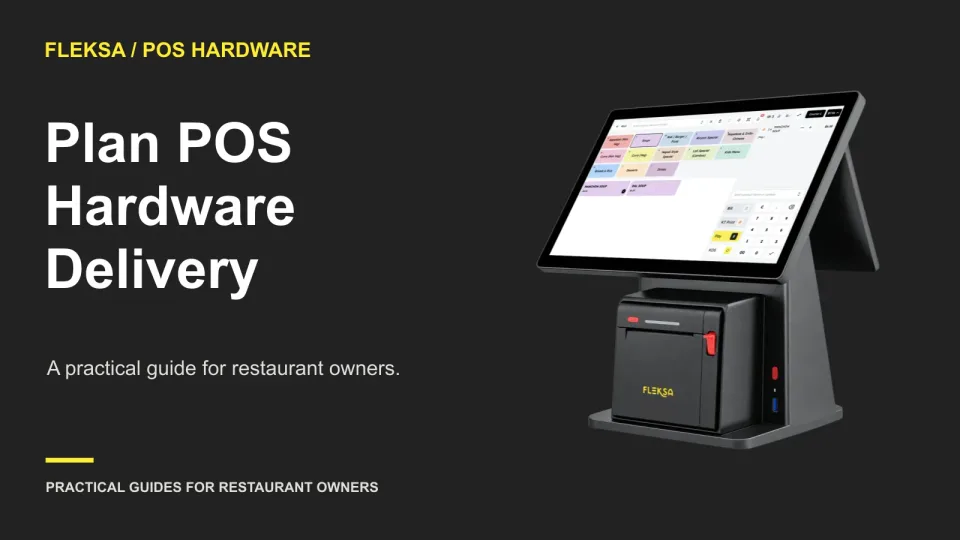
The right POS bundle is only useful if every station has the devices and accessories it needs in time to test. Use this receiving and staging checklist to catch missing parts, assign owners, and make a clear opening decision.
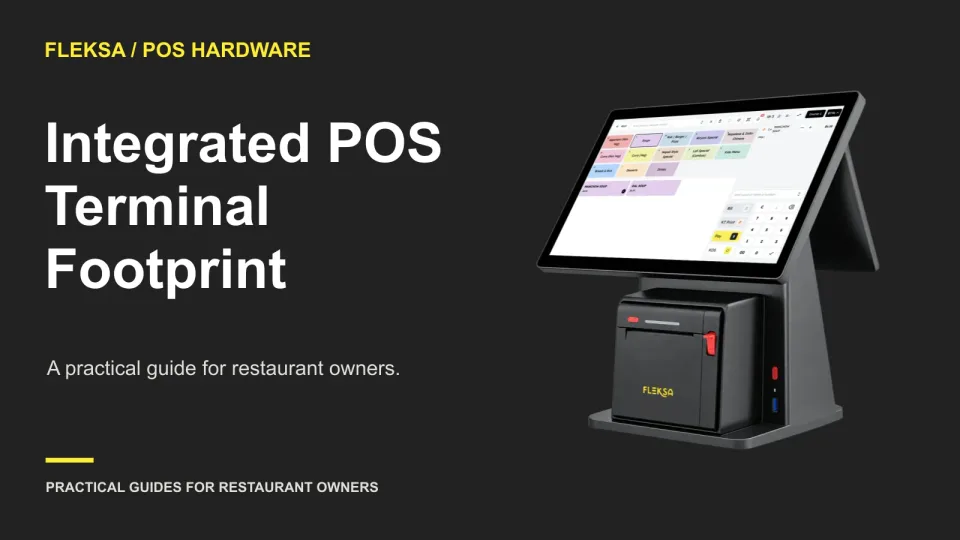
A terminal can fit on a counter and still be awkward to use. Learn how to map its working footprint, check guest payment reach, and resolve clearance questions before buying or installing it.
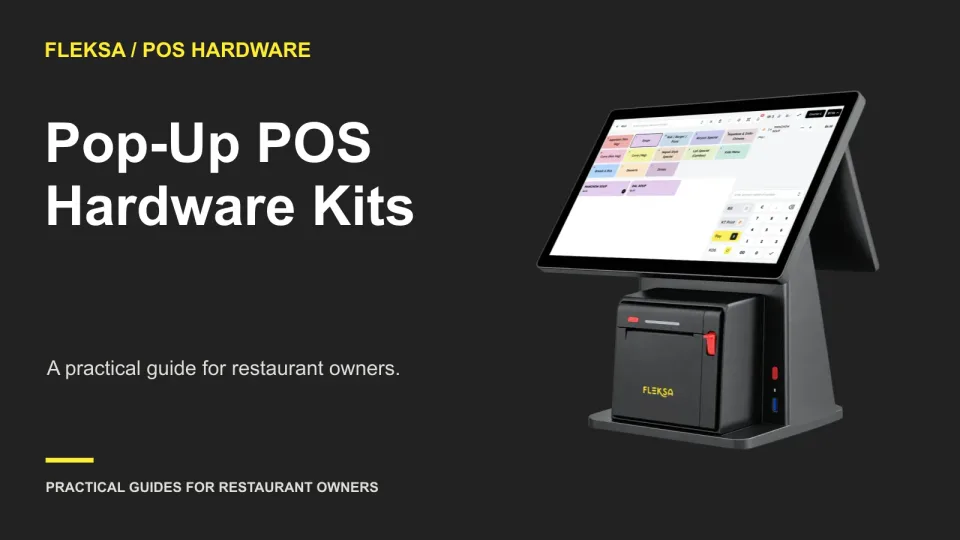
A pop-up POS kit needs to travel well and work at each temporary venue. Use this guide to assess terminals, power, connectivity, printers, and spares before committing to equipment or a rollout.
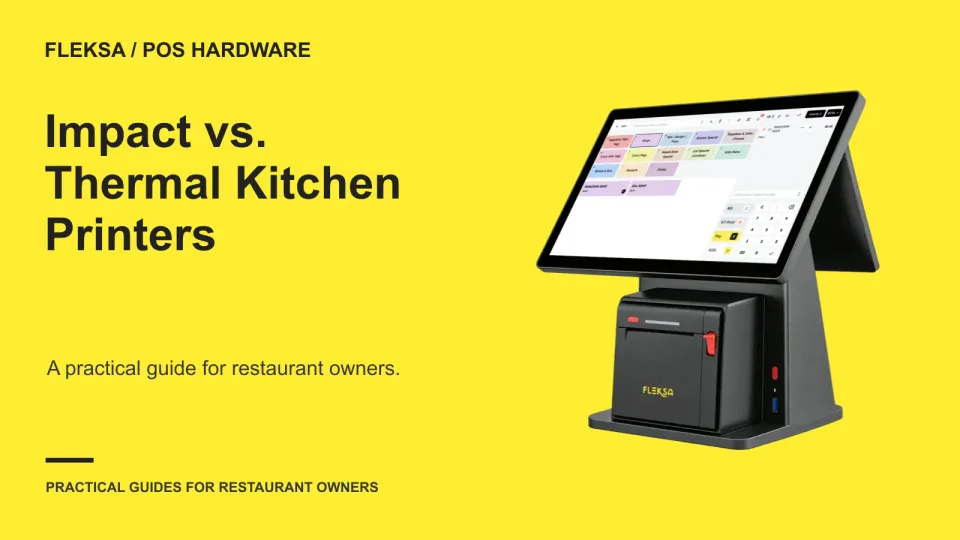
An impact printer can provide an audible cue, while a thermal printer avoids ribbon changes. The better choice depends on compatibility, station conditions and what your cooks can read during service. Use this worksheet and trial to make the decision.
A backup printer only helps if staff can tell which tickets need to be recovered. Use this guide to compare recovery options, run a safe simulation, and write a return-to-normal procedure.
A barcode scanner is useful only if it helps your team ring up packaged goods alongside prepared food. Use this practical demo sheet to compare item recognition, prices, quantity corrections, hardware compatibility, and fallback entry.
Shared POS devices need a cleaning routine that fits the equipment and the shift change. Learn what to request from vendors, how to compare instructions, and what to put on a device-specific cleaning card.
A useful POS device inventory tells your team which unit is at each station, what it connects to and whom to call when it fails. Use this sample worksheet and handoff check to make service decisions with less guesswork.
Page 2 of 4
Older articles for diners