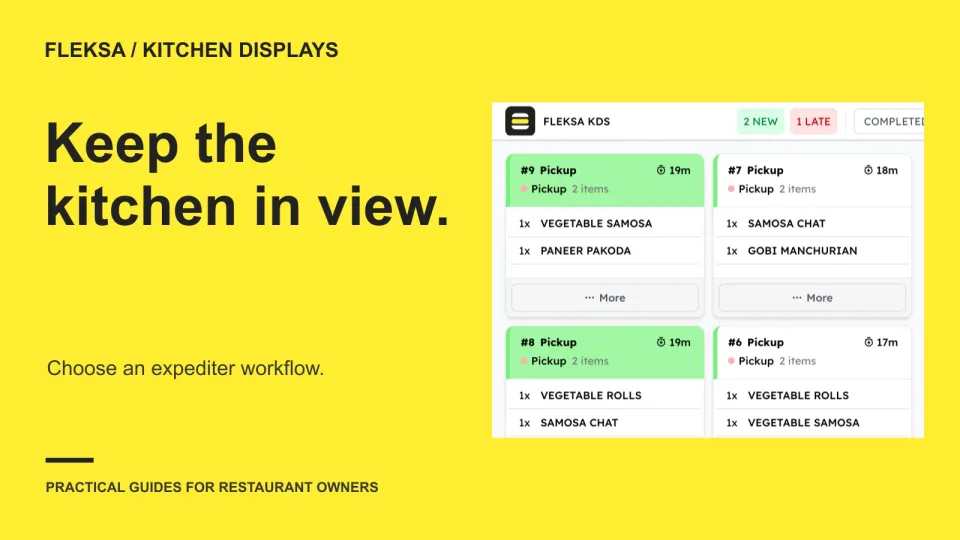
Compare software, understand costs, and plan your next step.
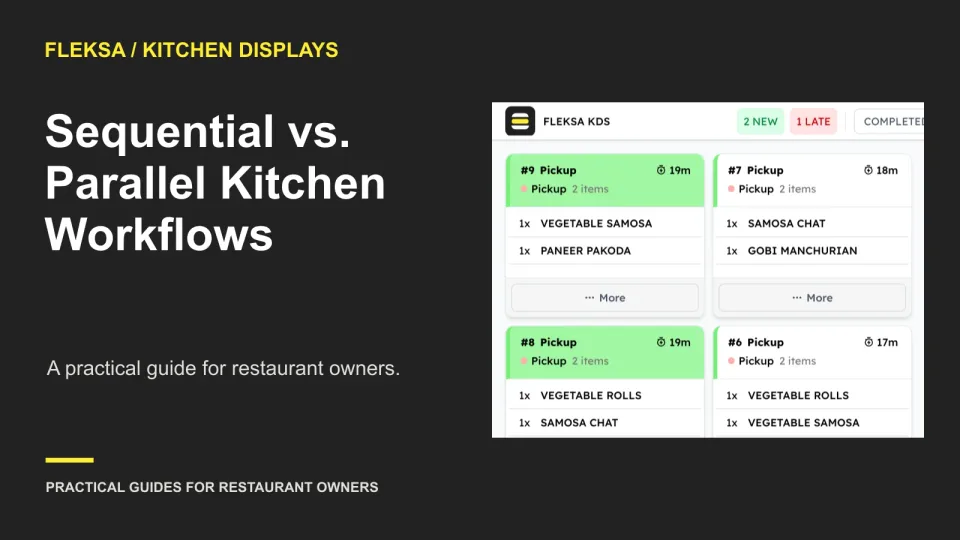
A station can finish its work while the guest's meal is still incomplete. Use this practical worksheet to decide whether your kitchen needs a whole-order expo view, a separate completion step, or a simpler station-only workflow.
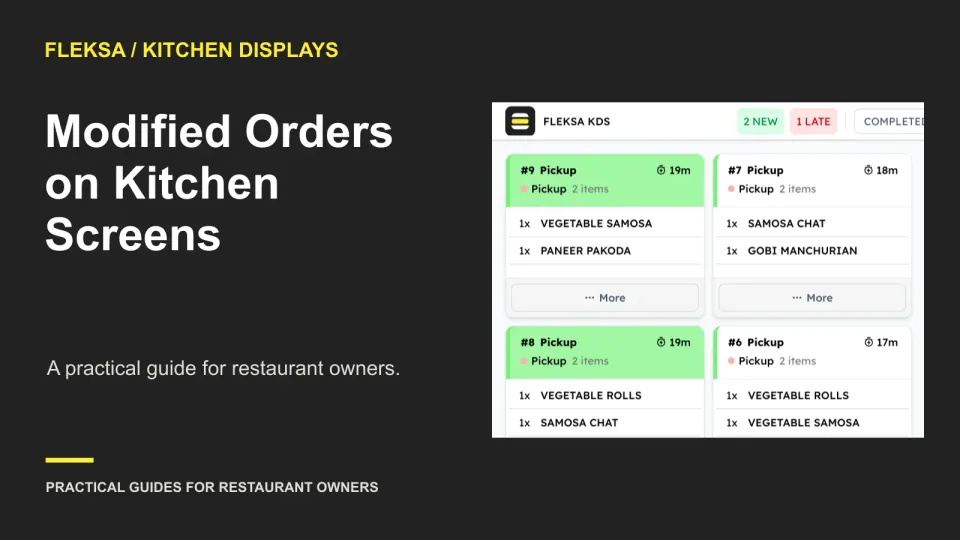
A changed ticket needs to tell the kitchen what stopped, what replaced it, and who has seen the correction. Use this practical worksheet and station-by-station example to evaluate a kitchen display workflow before buying.
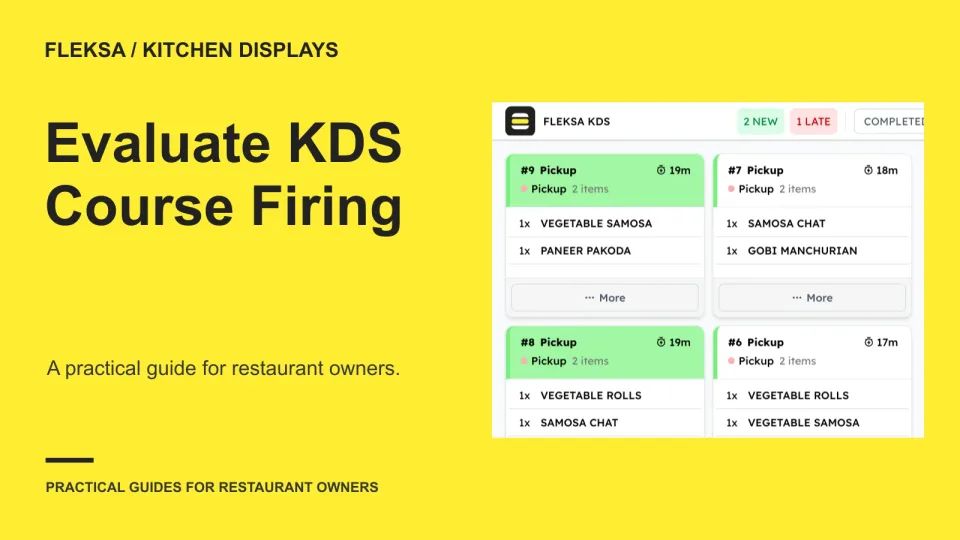
A kitchen display can show an order without making its course timing clear. Use a two-course example and a safe simulation to evaluate holds, fire signals, amendments, and station acknowledgments before choosing a system.
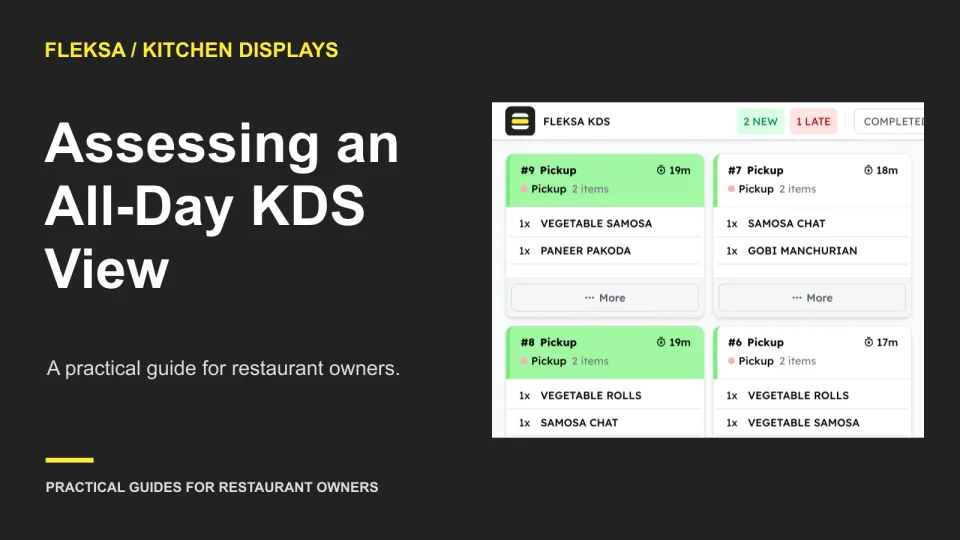
An all-day view adds quantities across orders so cooks can see what to prepare. But a useful count must sit alongside ticket times and modifiers. Use this worksheet to evaluate both views before choosing a kitchen display.
An accidental bump does not always mean an order needs to be cooked again. Use this checklist to evaluate recall controls, establish what each station has done, and confirm the guest receives the right order.
A finished dish is not the same as an order in a guest’s hands. Use these state definitions, owner assignments, and demo scenarios to evaluate how a kitchen display handles readiness, missing items, and pickup delays.
Seat, prep priority, and entry order each solve a different kitchen problem. Use a mixed-order worksheet and a safe demo scenario to choose a ticket layout that cooks and expeditors can read quickly.
A rush flag only helps when the kitchen knows why it is there and what to do next. Use this worksheet to decide which tickets qualify, how stations should respond, and what to check in a demonstration.
Should the oven see a pizza ticket immediately or only after toppings are complete? Use this practical worksheet to compare station visibility, handoffs, missed completions, and rework before choosing a kitchen display workflow.
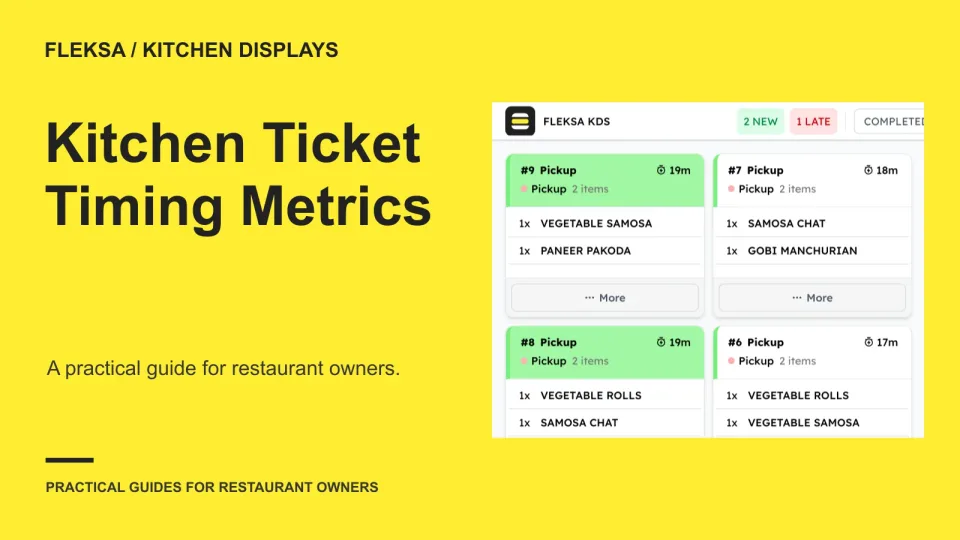
A ticket timer can show that an order was slow without showing why. Use sent, station start, complete and handoff timestamps to separate kitchen work from waiting, spot gaps in the data and choose a useful shift review.
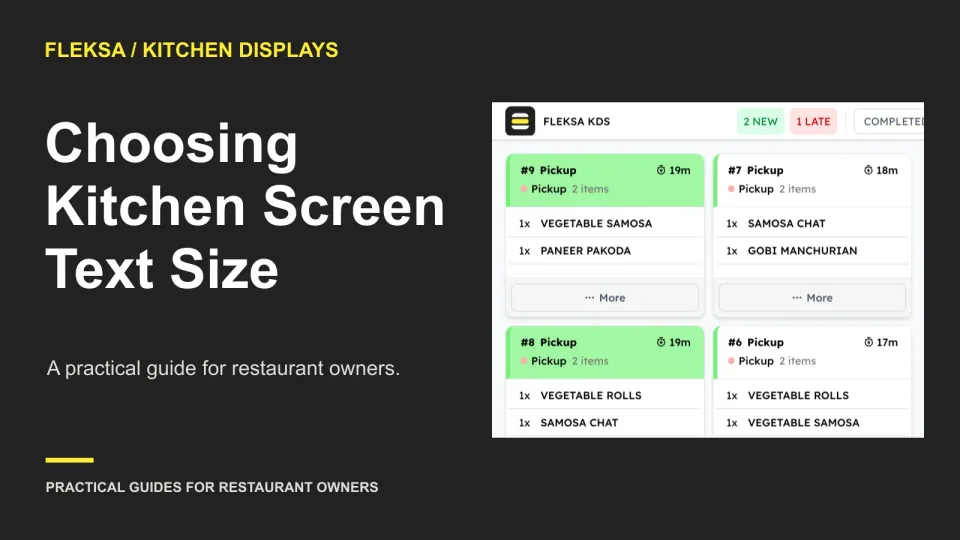
A larger kitchen screen font can help cooks read modifiers, but it can also leave fewer orders visible. Use this practical test to compare layouts from real working positions before choosing a setting.
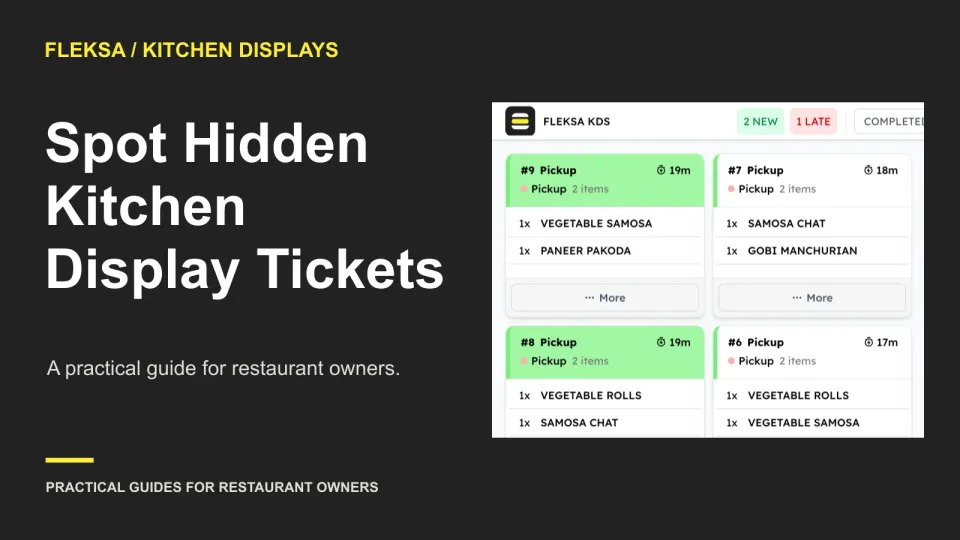
A full kitchen screen may show only part of the active queue. Use this practical test to compare visible and active tickets, spot older orders off-screen, and give one worker clear responsibility for escalating overflow.
Page 1 of 6
Older articles for diners