Compare software, understand costs, and plan your next step.
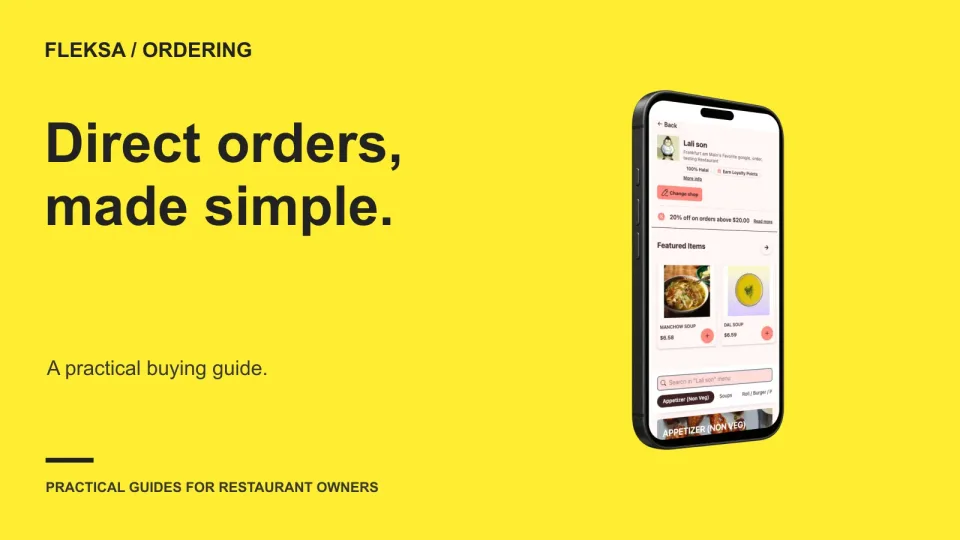
The right online ordering system must fit your menu, reach the kitchen and make sense after every fee. Use this guide to compare service requirements, written quotes and launch checks before you commit.
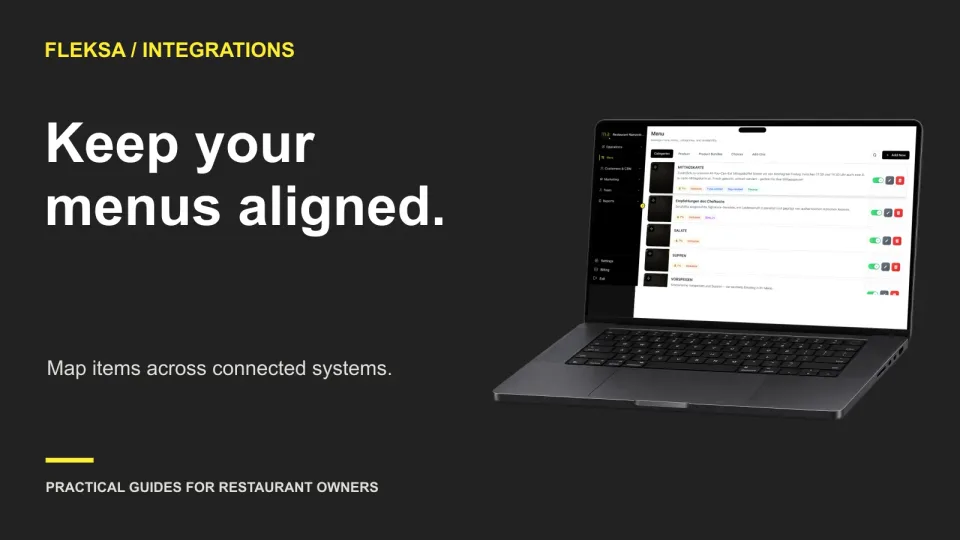
A matching menu name is not enough to route an online order to the right POS item. Use this workbook and set of test cases to check identifiers, modifiers, prices, and exceptions before activation.
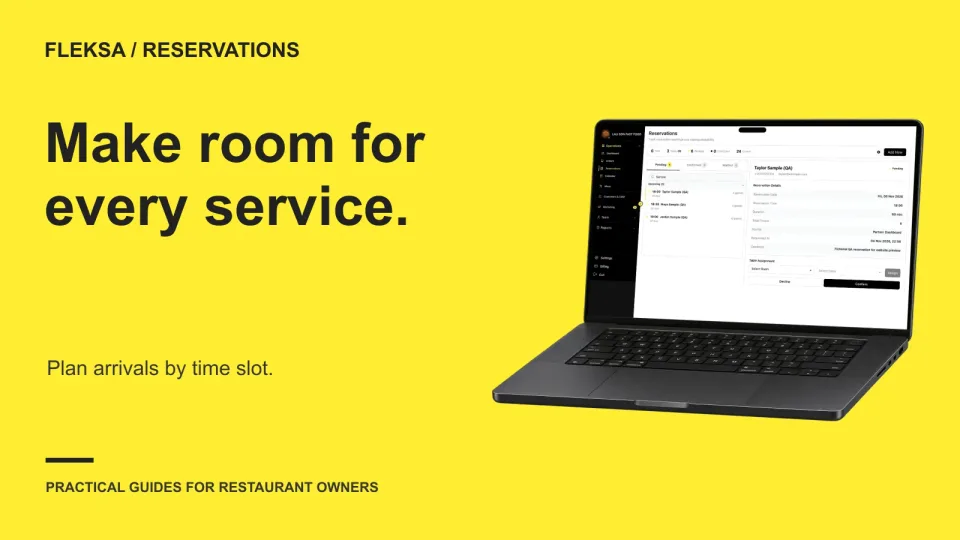
Empty tables do not always mean your team can handle more arrivals. Use this practical worksheet to set guest and party limits for each reservation interval, adjust them for staffing, and handle late arrivals without losing control of the door.
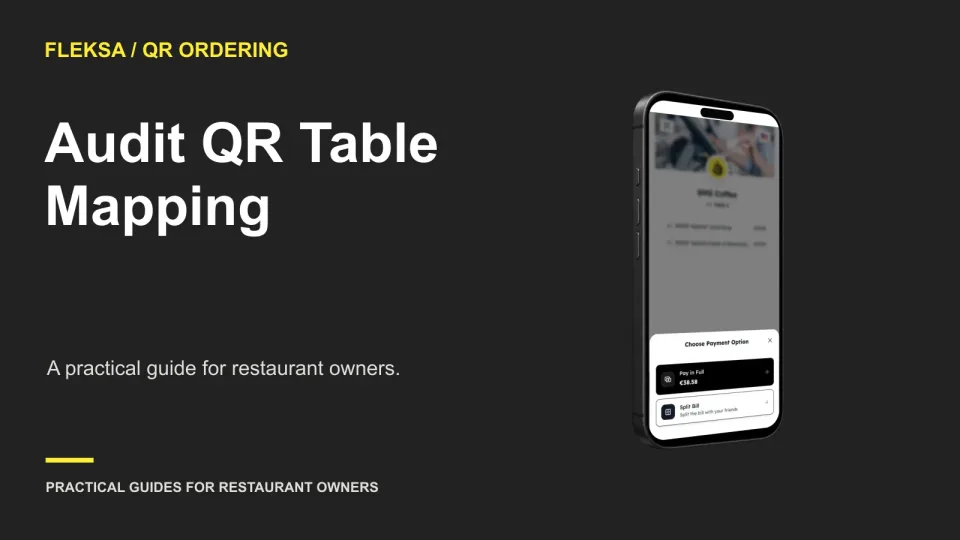
A QR code can open the right menu and still identify the wrong table. Use a physical table register, a safe order simulation, and a correction checklist to catch mapping errors before guests arrive.
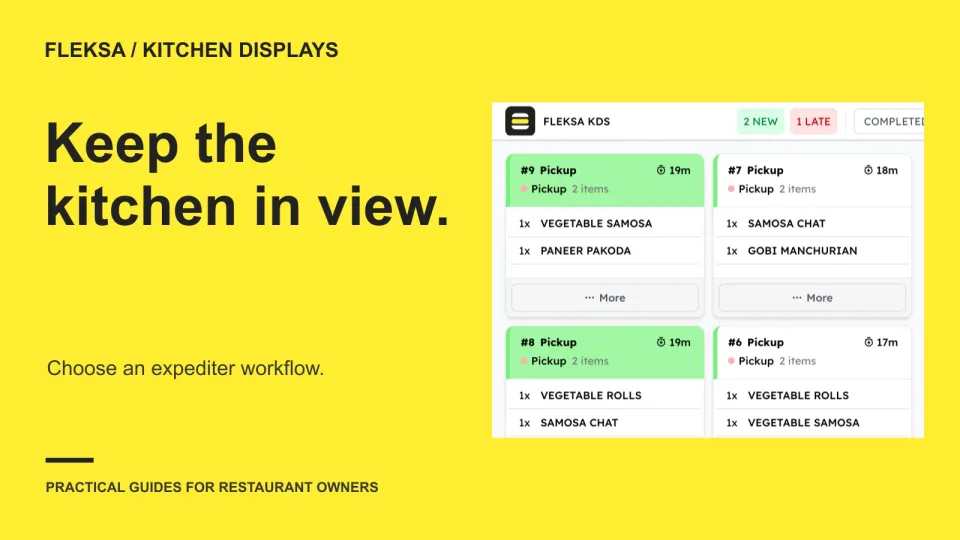
A station can finish its work while the guest's meal is still incomplete. Use this practical worksheet to decide whether your kitchen needs a whole-order expo view, a separate completion step, or a simpler station-only workflow.
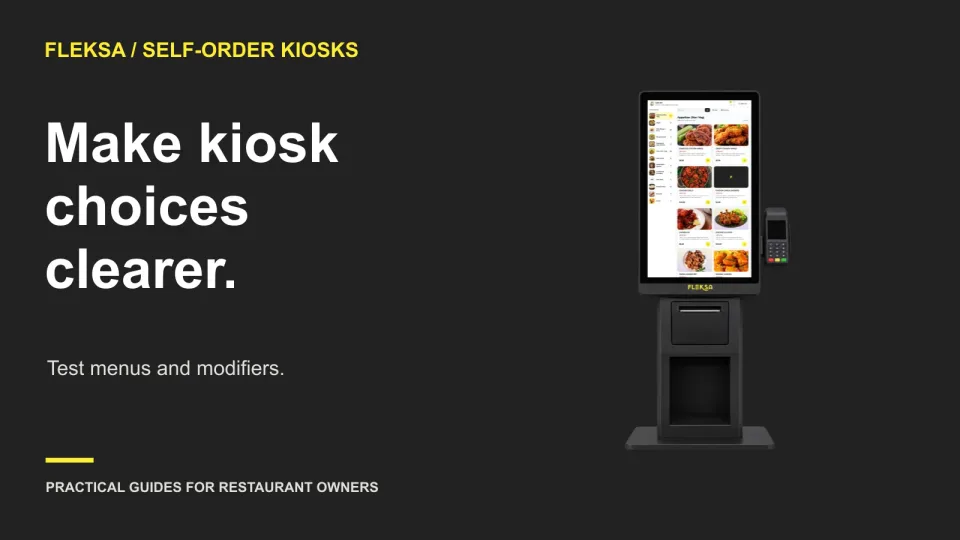
A kiosk item can look simple until a guest must choose a base, adjust a topping, and review a charge. Use this practical worksheet to find confusing prompts and check that the kitchen receives the intended order.
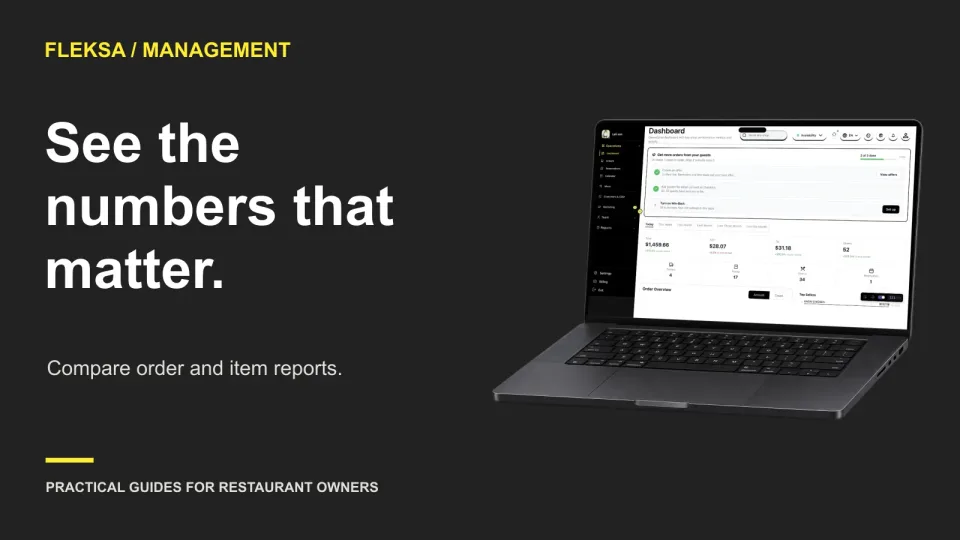
An item report shows what happened to the dish you changed. An order report shows what happened to the tickets around it. Use both, with consistent dates and definitions, to make a better menu decision.
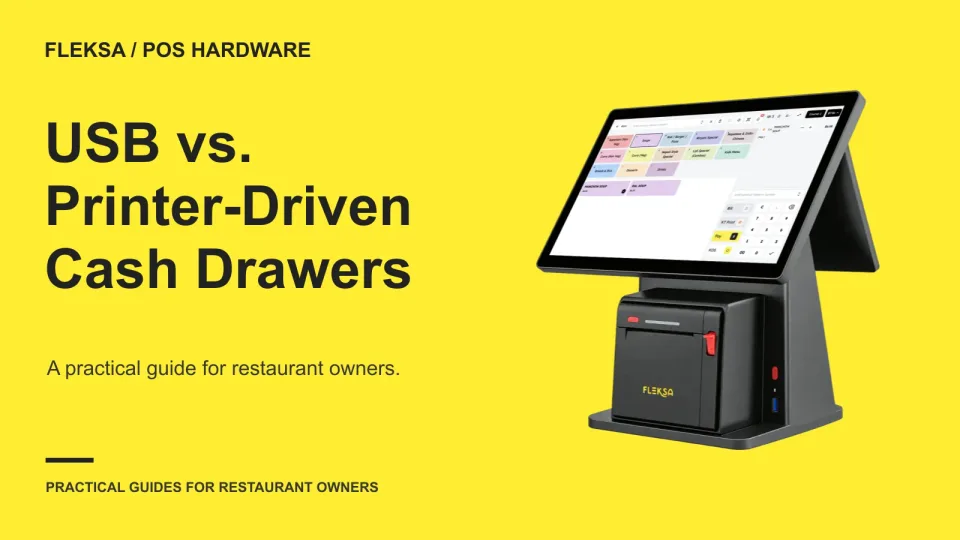
A cash drawer can connect directly to a POS terminal or open through a receipt printer. Use this checklist to identify the right connection path, confirm compatibility, and plan a safe test before buying.
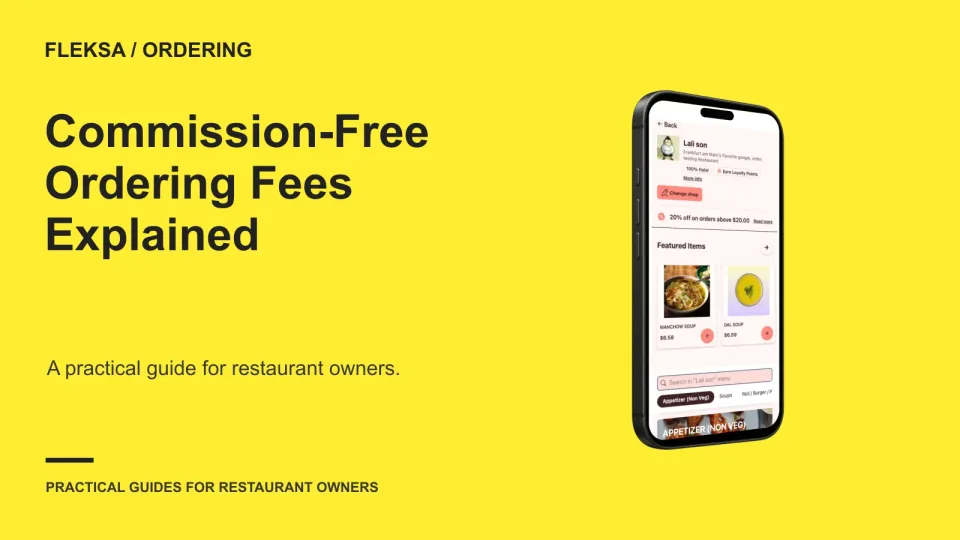
A zero-commission claim covers only part of an online order’s cost. Learn how to compare restaurant and guest charges, reconcile an example order in cents, and request quotes that make different ordering models easier to compare.
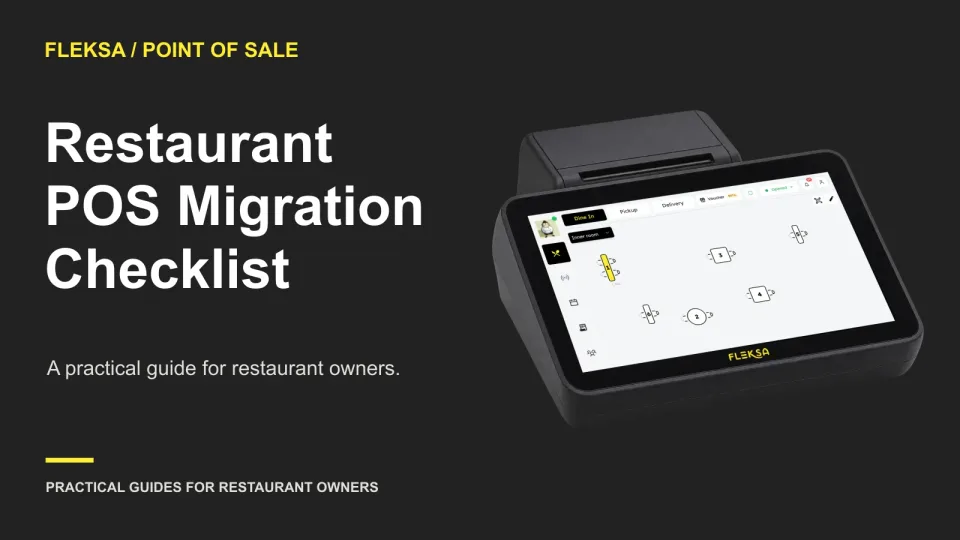
A POS switch needs more than a new terminal. Use this practical cutover checklist to protect records, rehearse a shift, decide when to roll back, and reconcile orders and payments after opening.
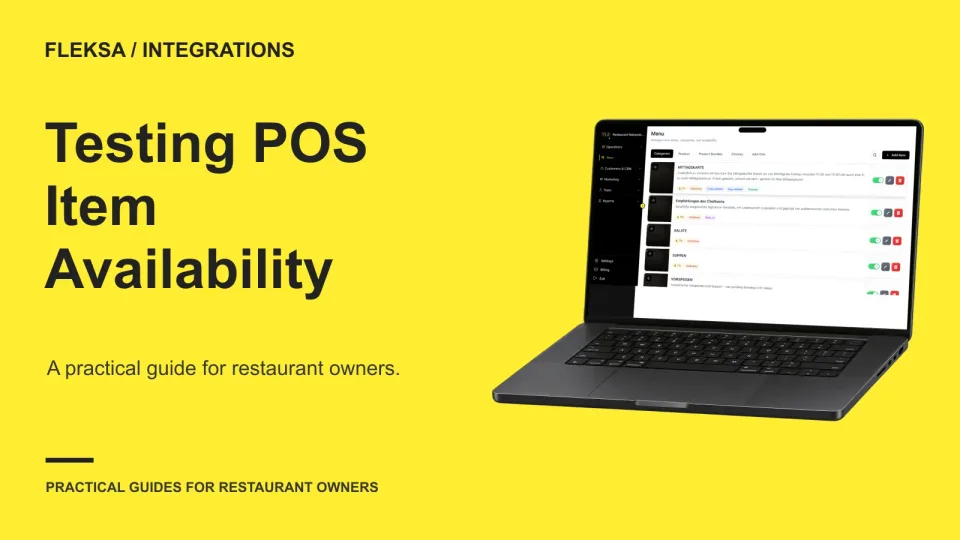
Disabling a sold-out item in your POS may not immediately remove it from every ordering channel. Use a controlled 86-and-restore test to identify the control point, measure delays, and decide what staff should do when an update fails.
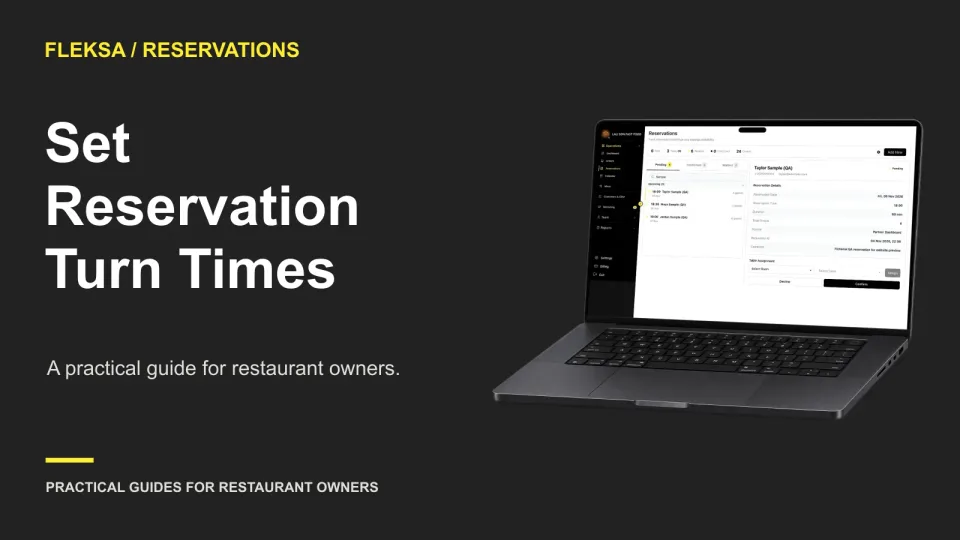
A table for four may need a different reservation duration at lunch than at dinner. Learn how to measure occupancy, choose starting assumptions, and check what a longer turn means for available bookings.
Page 1 of 62
Older articles for diners