Compare software, understand costs, and plan your next step.
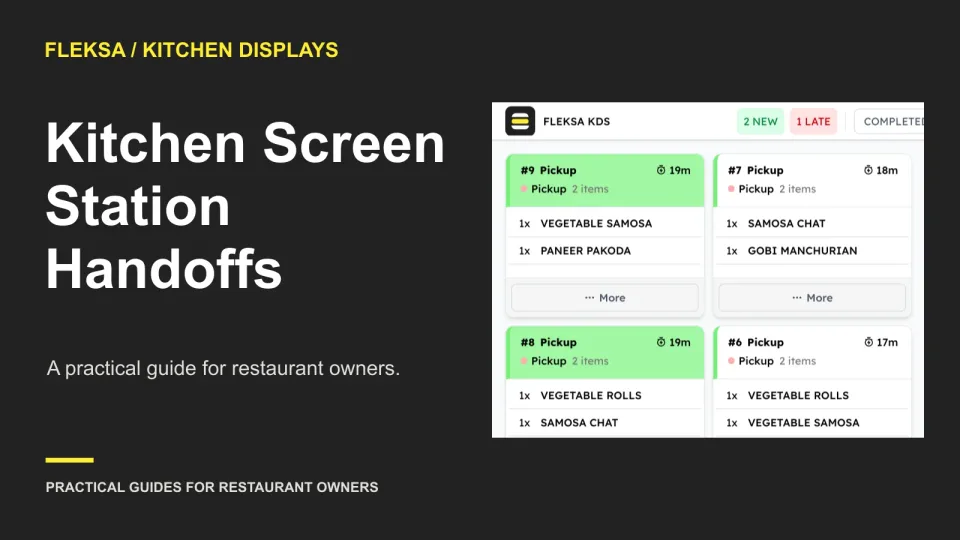
A finished item can disappear from the kitchen’s view before the next station is ready. Use this handoff worksheet and a simulated missed-acceptance test to compare screen workflows before you buy.
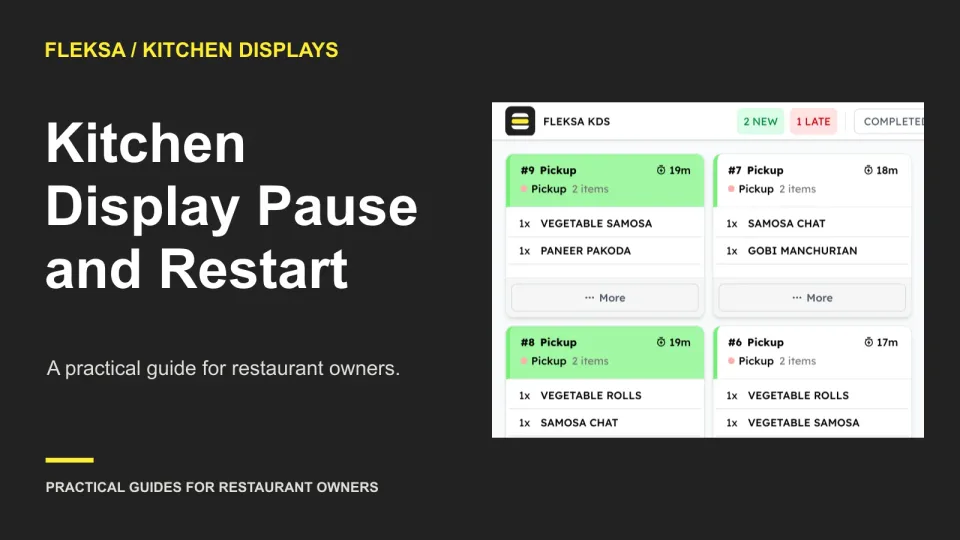
A paused kitchen ticket needs a clear owner, a visible status, and a reliable path back to preparation. Use this worksheet to compare display workflows and test what cooks see when a delayed order resumes.
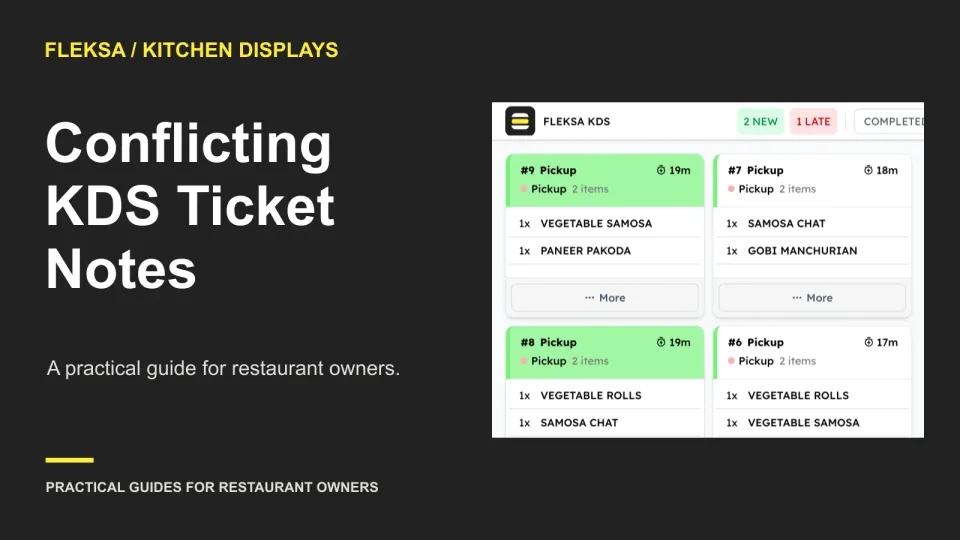
An item note and an order-wide instruction can tell your kitchen to do opposite things. Use this practical worksheet to check ticket visibility, assign a clarification owner, and test a kitchen display before preparation begins.
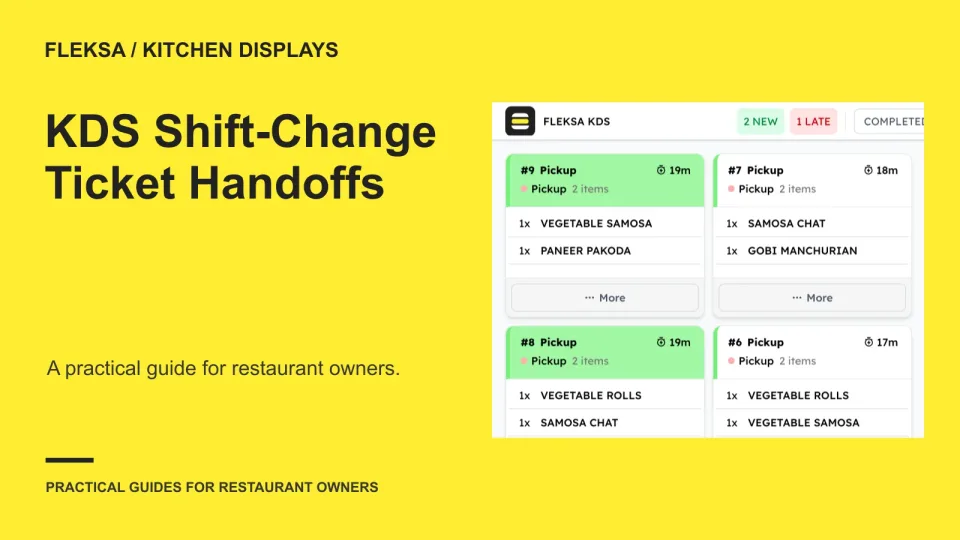
A claimed kitchen ticket does not tell an incoming cook what is ready or who will finish it. Use this three-ticket worksheet and vendor test to establish a reliable shift-change handoff.
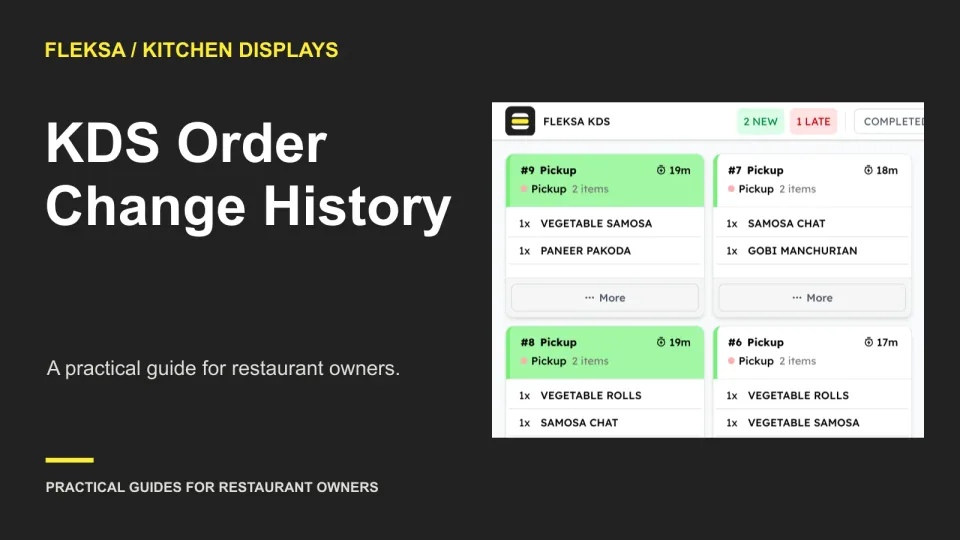
Can you reconstruct an order after a guest disputes what the kitchen received? Use this worksheet and vendor test to compare timestamps, staff attribution, changed values, completion records, and retention limits before choosing a kitchen display system.
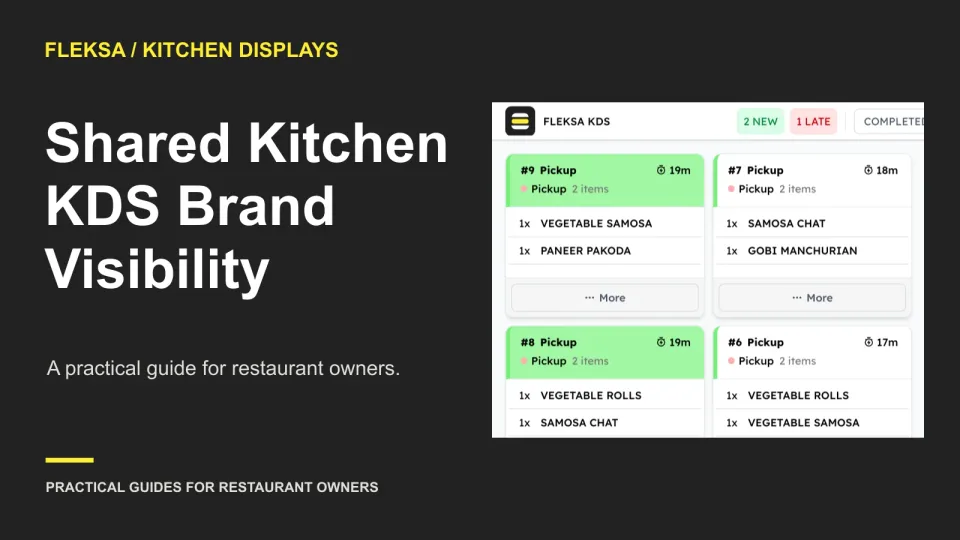
Two brands can send the same item and order number to one kitchen. Use this practical worksheet to compare display setups, test a confusing ticket and agree on a safe expo handoff before buying.
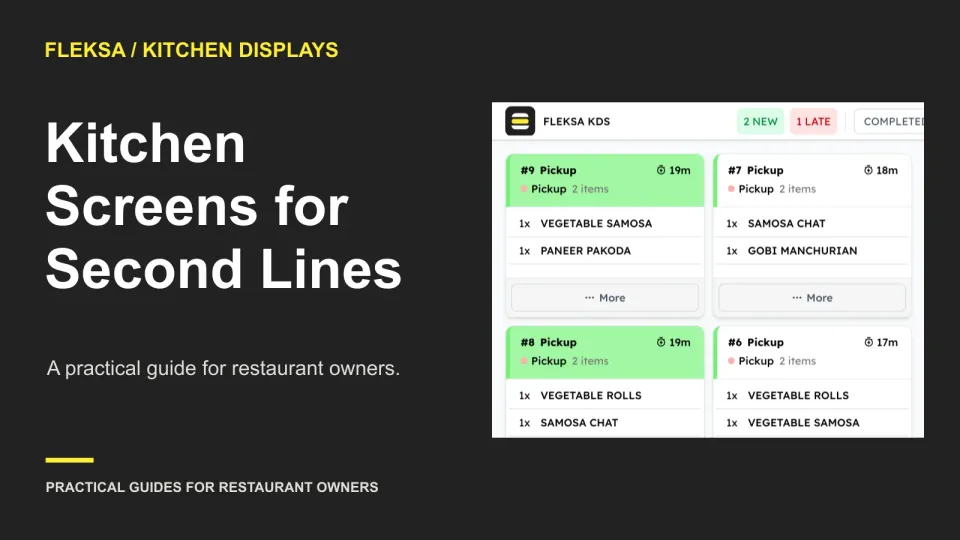
A second preparation line needs more than another screen. Use this practical worksheet to test capacity, shared-item assignments, mixed-ticket handoffs and the full operating quote before you commit.
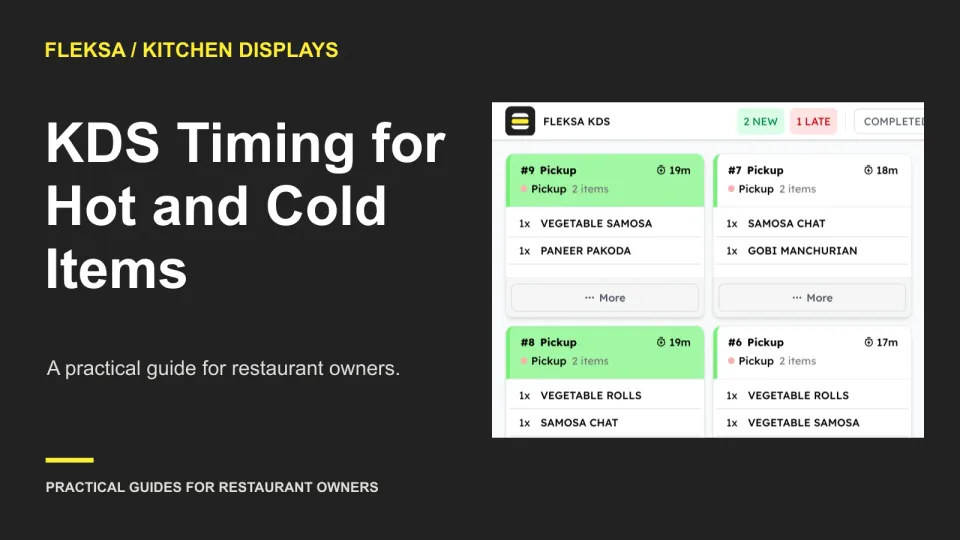
When a hot dish and cold drink finish at different times, expo needs more than a completed ticket. Use this worksheet to compare preparation timing, waiting-item visibility, and escalation workflows before choosing a kitchen display system.
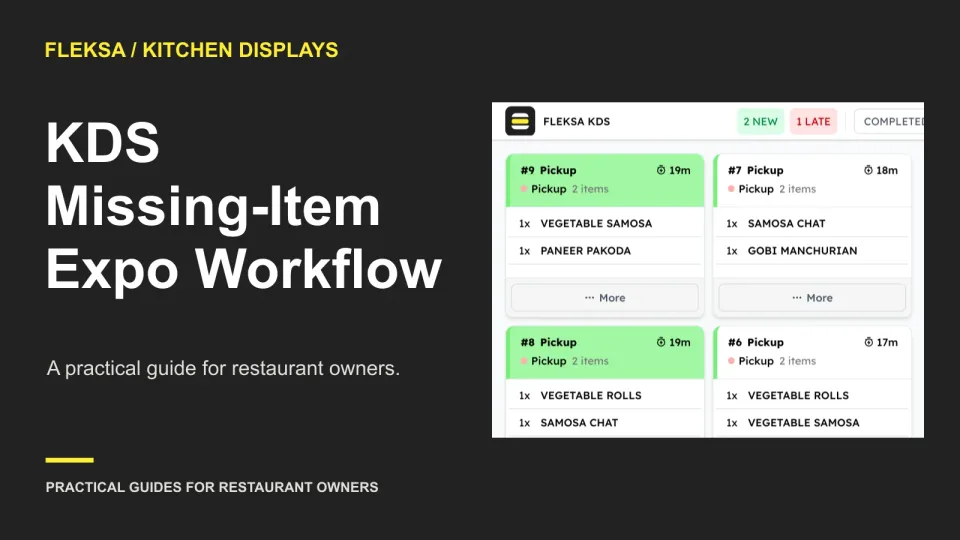
An order with two ready items and one unavailable item needs more than a completed-ticket screen. Use this worksheet to assess how a kitchen display keeps the hold visible, assigns guest contact, and records the final resolution.
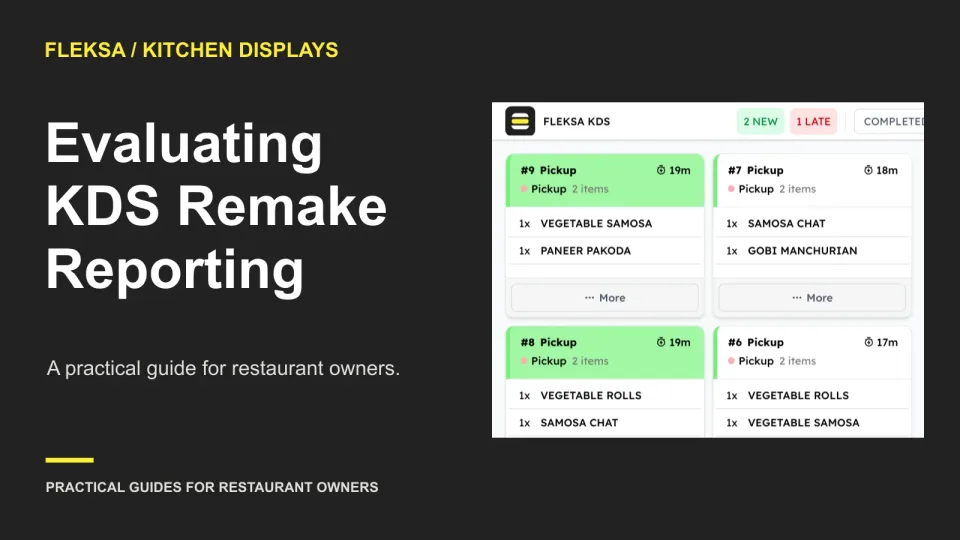
A remake can add kitchen work without adding a sale. Use this decision worksheet and sample order to see whether a KDS report separates original preparation from remakes and gives managers enough detail to investigate.
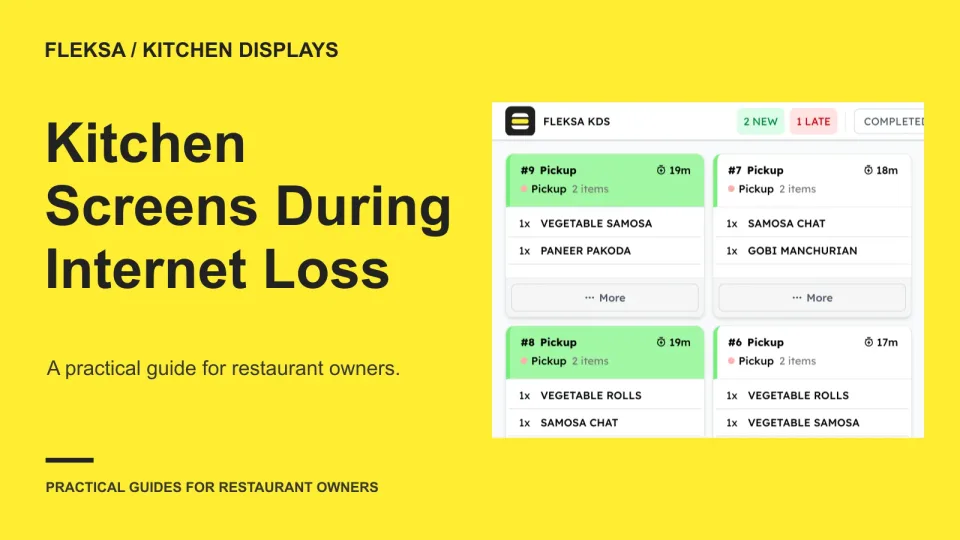
A working local network does not guarantee that orders will reach your kitchen screen. Map each order path, test local and remote orders separately, and agree on how tickets should reconcile when internet access returns.
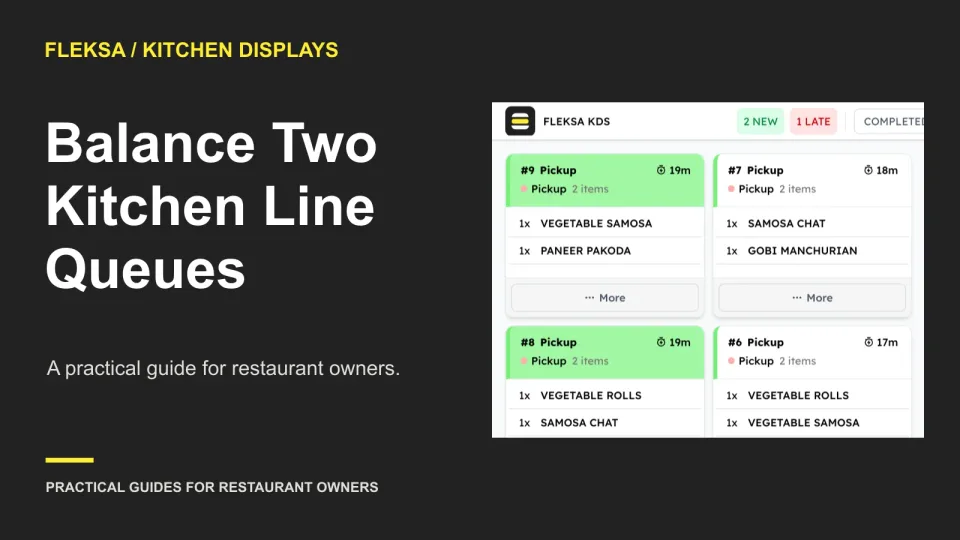
Two kitchen lines may look identical but carry very different workloads. Compare three ways to assign the next ticket, set rules for moving unstarted work, and use a practical worksheet to test whether the process holds up.
Page 4 of 6
Older articles for diners