Compare software, understand costs, and plan your next step.
A late ticket bump can make a kitchen look slower than it was. Use this practical worksheet to compare observed preparation events with display timestamps and decide which samples belong in your reports.
A kitchen display can show active tickets, but managers also need to account for work the kitchen rejects. Use this worksheet to compare status definitions, reconcile a small order set, and decide when a manual process is acceptable.
Two burgers can have nearly identical names but need different recipes. Use this worksheet and simulated order test to decide whether your kitchen display gives cooks enough information to prepare each one correctly.
A lunch-to-dinner display change can hide unfinished work if stations or filters change. Use this practical worksheet and simulated open-ticket test to decide whether to switch configurations, keep one layout, or use a manual handoff.
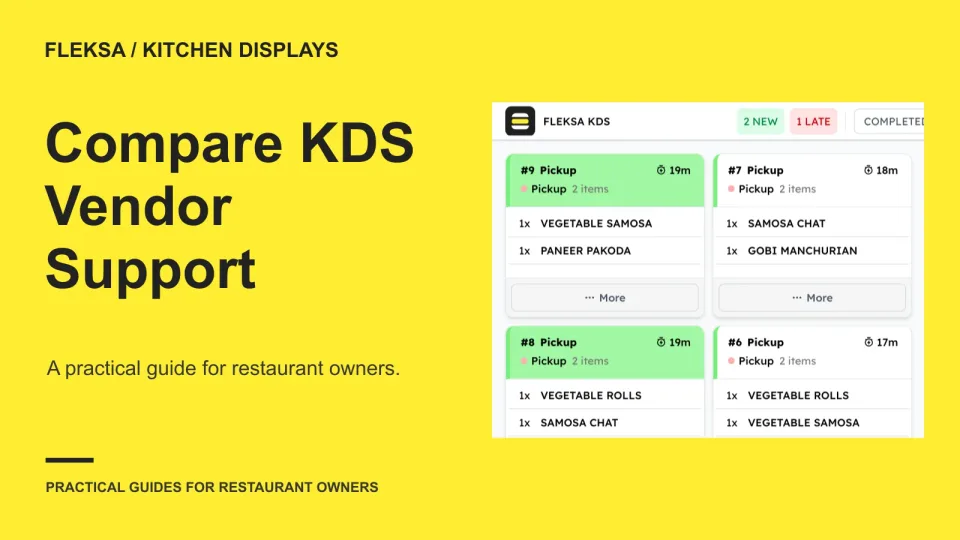
A KDS demo can show how tickets look, but support determines what happens when the kitchen cannot trust them. Use this scorecard to compare diagnostic history, peak-hour response and responsibility across vendors before signing.
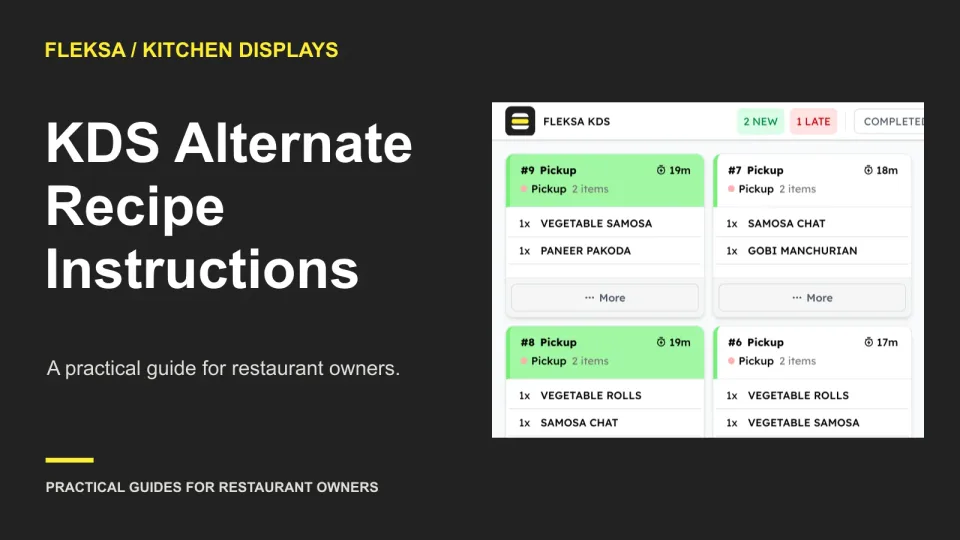
When an ingredient runs short, a kitchen display must help cooks distinguish the approved substitute from the usual recipe. Use this worksheet to compare staff notes with recipe identifiers and run a safe vendor demonstration.
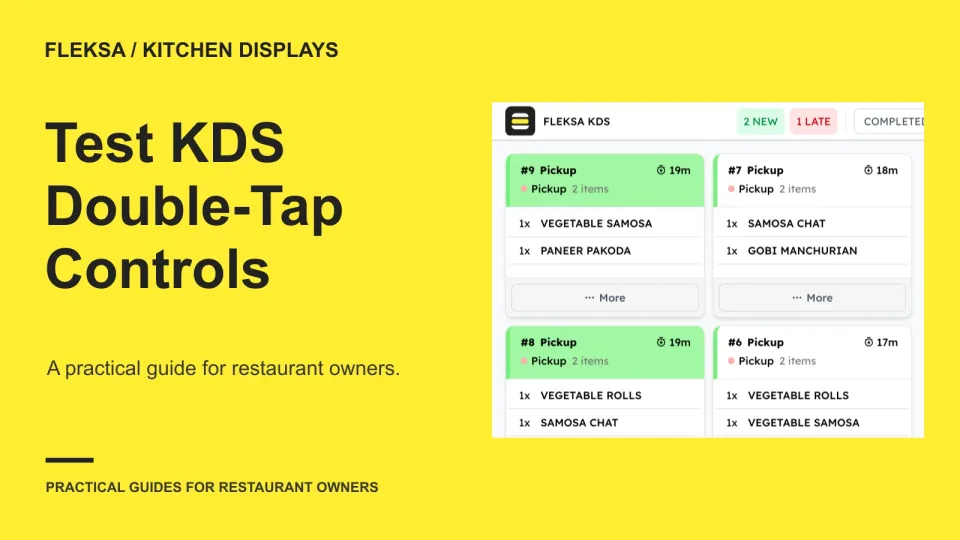
A rushed cook may tap a completion control twice before the screen responds. Use this practical worksheet to check ticket identity, visible confirmation, delayed responses and recovery before choosing a kitchen display system.
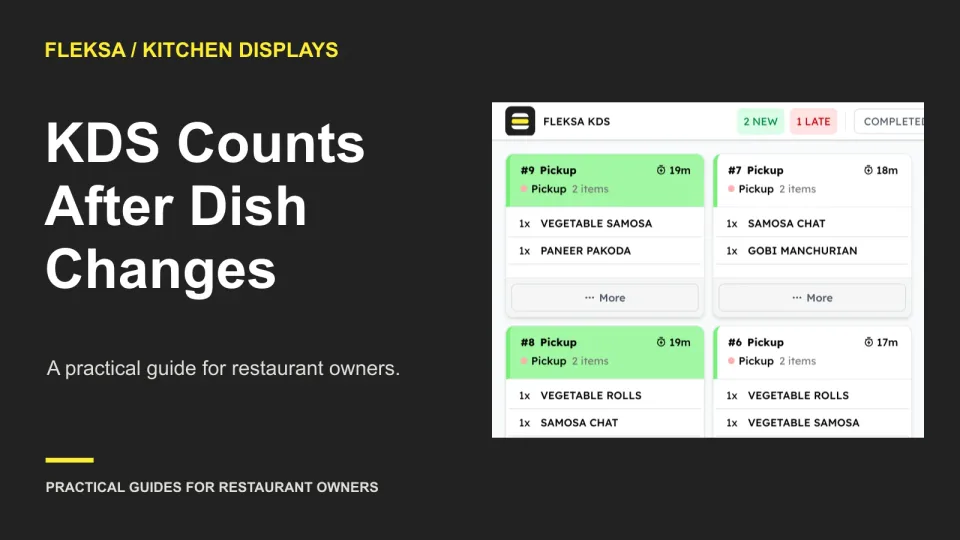
A canceled or changed dish can leave a kitchen station with less demand but food already prepared. Use this worked example to check count changes, staff alerts, and whether a vendor can show the history.
A kitchen screen can show a plausible ticket age while its device clock is wrong. Use this practical worksheet to compare displayed timing with an authoritative event record, check recovery, and set buying criteria before service depends on it.
When cooks share a kitchen screen, the active station needs to be obvious at every handoff. Compare fixed and staff-selected views, set acceptance criteria, and ask vendors to demonstrate what happens to unfinished orders.
A kitchen can divide a large item quantity between cooks, but the display must make the assignments and order total easy to reconcile. Use this practical worksheet to compare workflows and set clear exception rules.
A good kitchen routing map sends each item to the people who need to prepare it. Use this practical worksheet to assign stations, check shared dishes and modifiers, and have cooks sign off before service.
Page 5 of 6
Older articles for diners