Compare software, understand costs, and plan your next step.
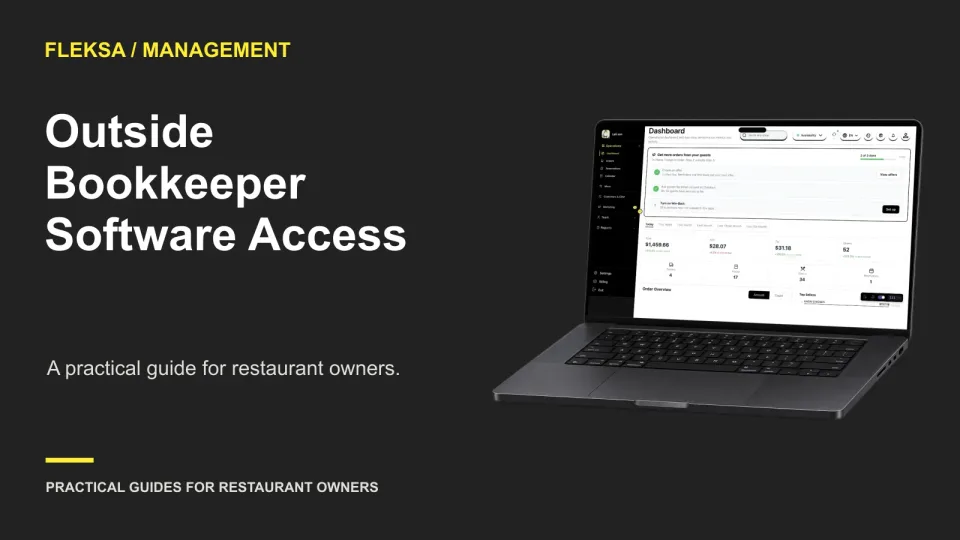
An outside bookkeeper may need sales and settlement records without control over your restaurant’s settings. Use this monthly-close worksheet to choose an access method, assign responsibilities, and test what happens when access expires.
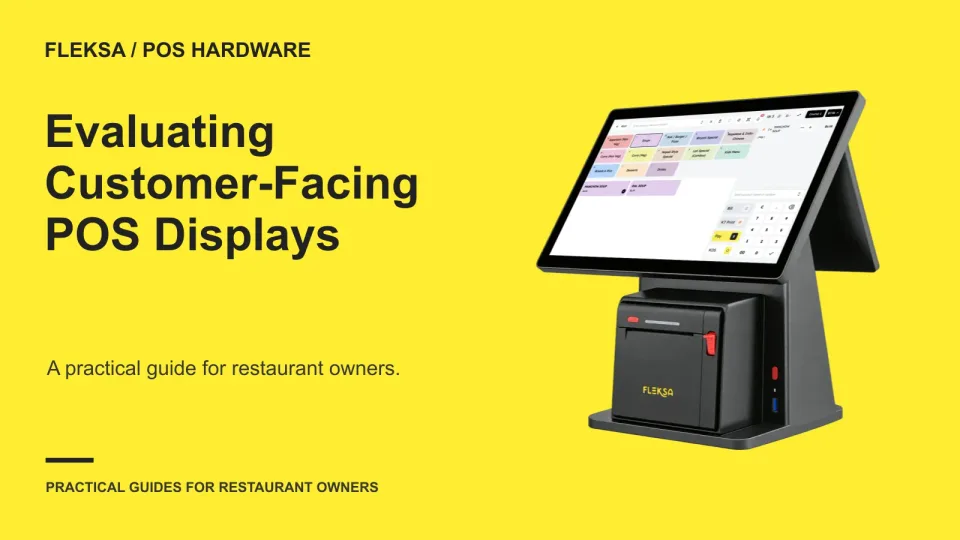
A customer-facing display can give guests a chance to catch order mistakes before paying. Use this practical demo checklist to compare item details, totals, screen visibility and device compatibility before choosing a setup.
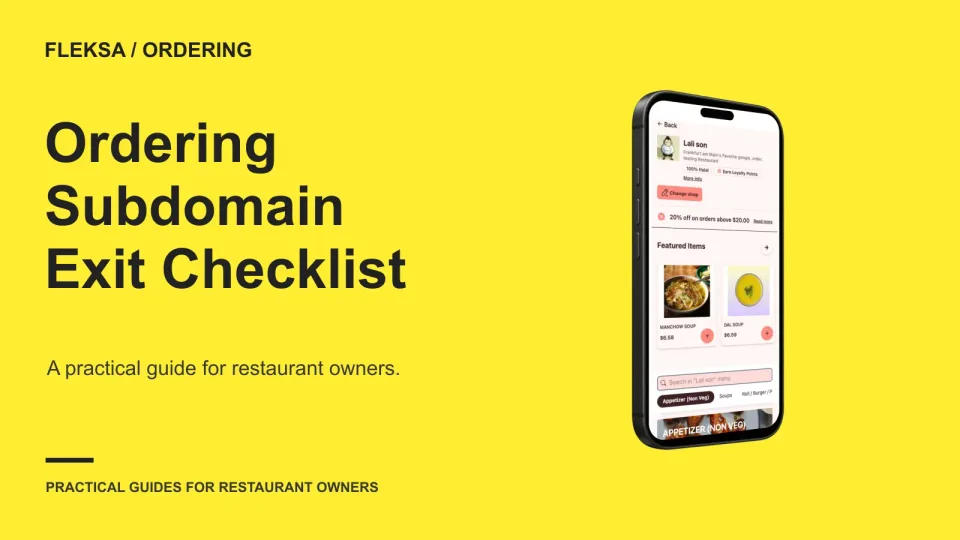
Your ordering subdomain can stay with your restaurant, but only if you control the right accounts and understand the provider’s exit process. Use these questions to check DNS access, certificates, redirects and a realistic transition plan before signing.
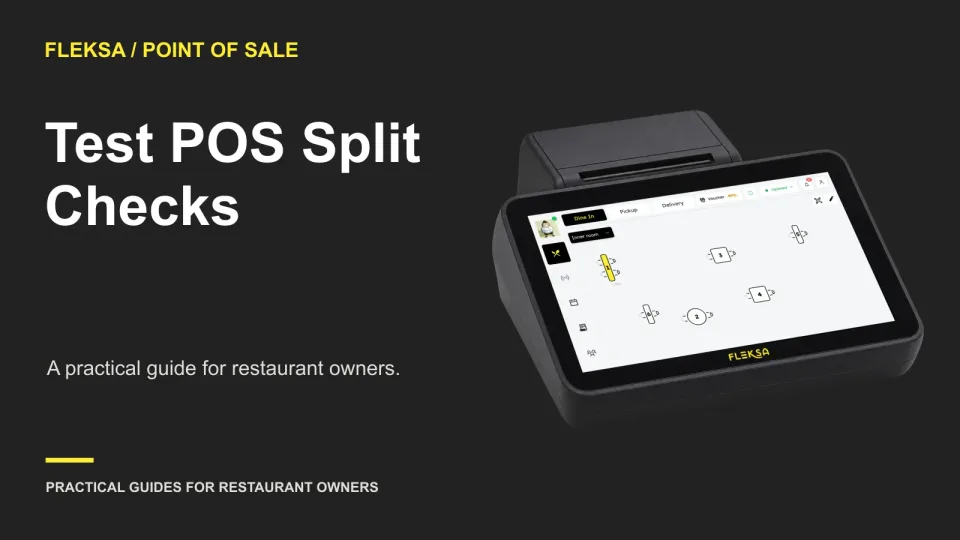
A split check can look simple until a shared item leaves an extra cent or one guest pays early. Bring this practical test to your POS demo and check the math, corrections, and receipts before you buy.
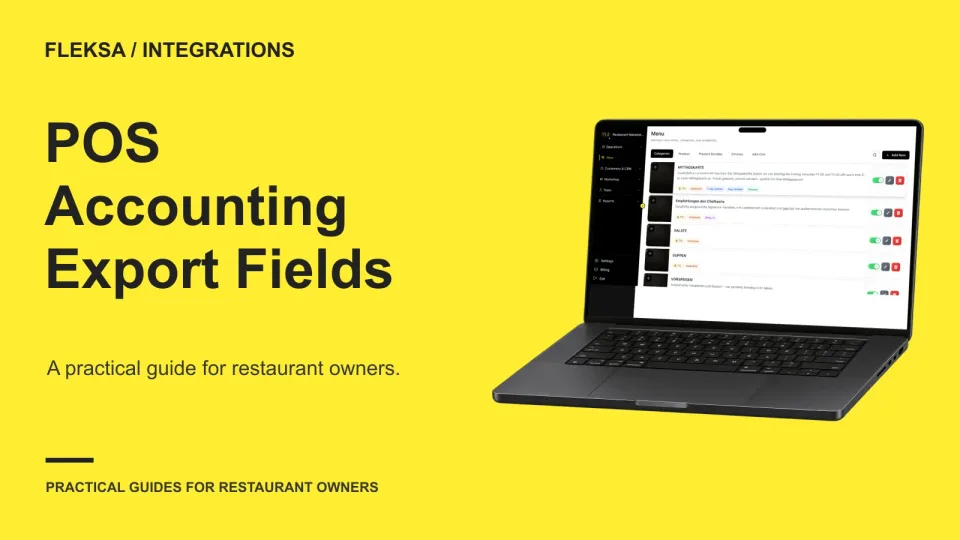
A POS export needs more than a sales total to support accounting. Use this checklist to inspect transaction fields, compare payment settlements and identify gaps before choosing a restaurant POS.
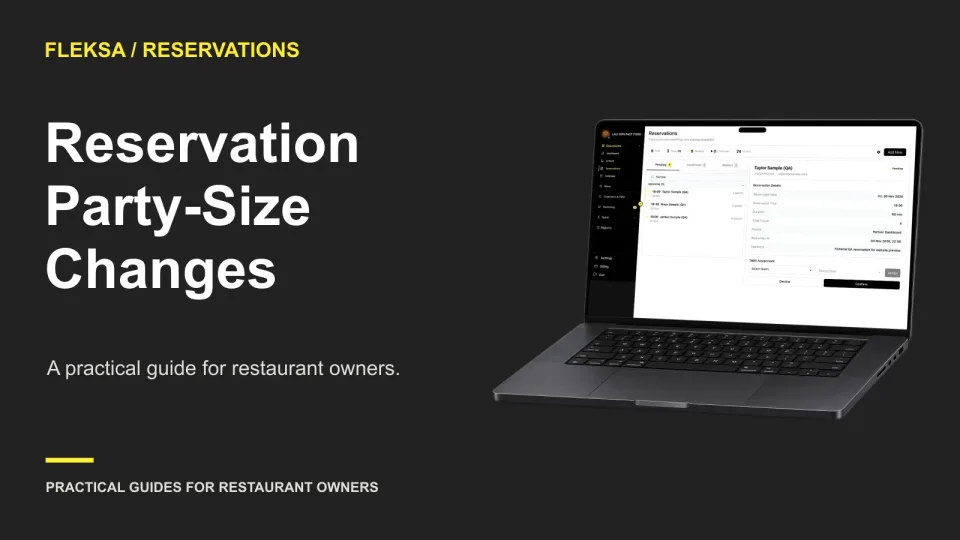
A confirmed reservation for four does not automatically leave room for six. Use this host checklist to check physical tables, timing and guest expectations before accepting extra people or offering another arrangement.
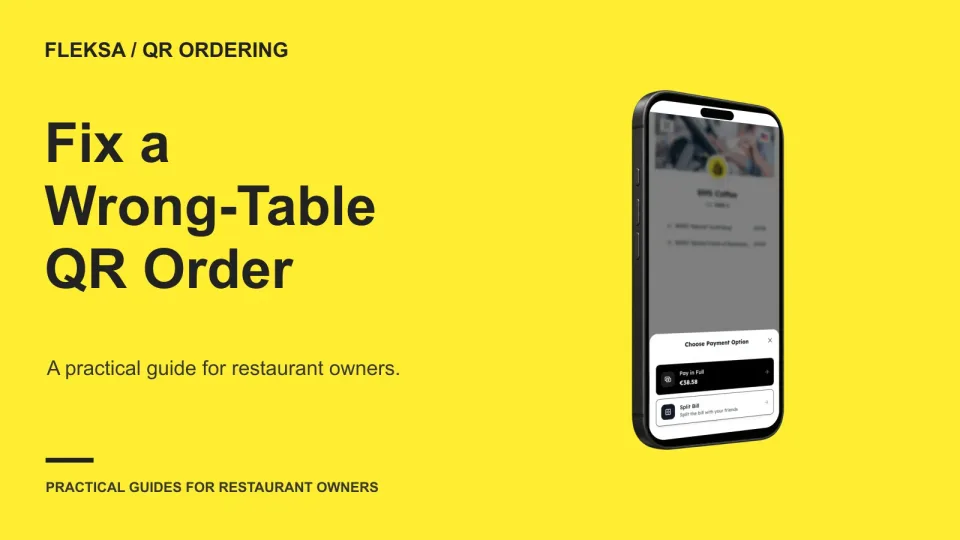
When a QR order shows the wrong table, staff need to verify the order before moving it. Use this practical workflow to locate the guest, coordinate food delivery, and check the code without creating a duplicate ticket.
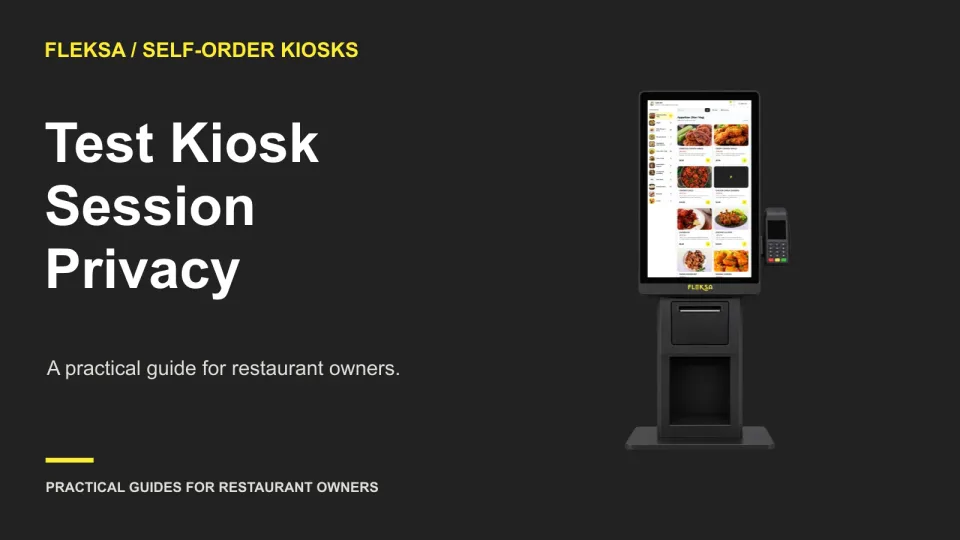
A kiosk can look ready for the next guest while still exposing details from the last order. Use this practical demonstration to inspect the screen, receipt output, and return-to-start workflow before choosing a system.
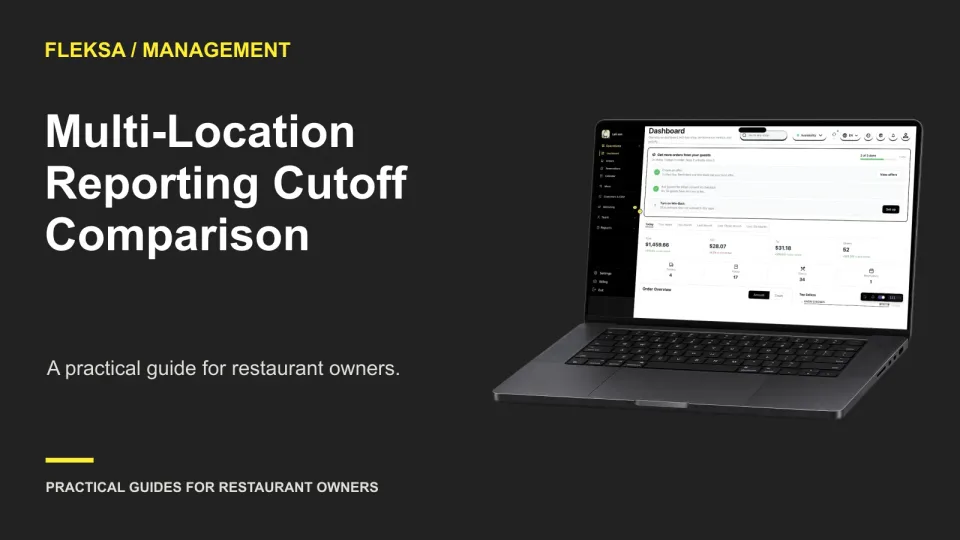
Different closing times can make a combined sales report misleading. Use a common comparison period, check orders around midnight, and assign clear ownership before choosing how to consolidate reports across locations.
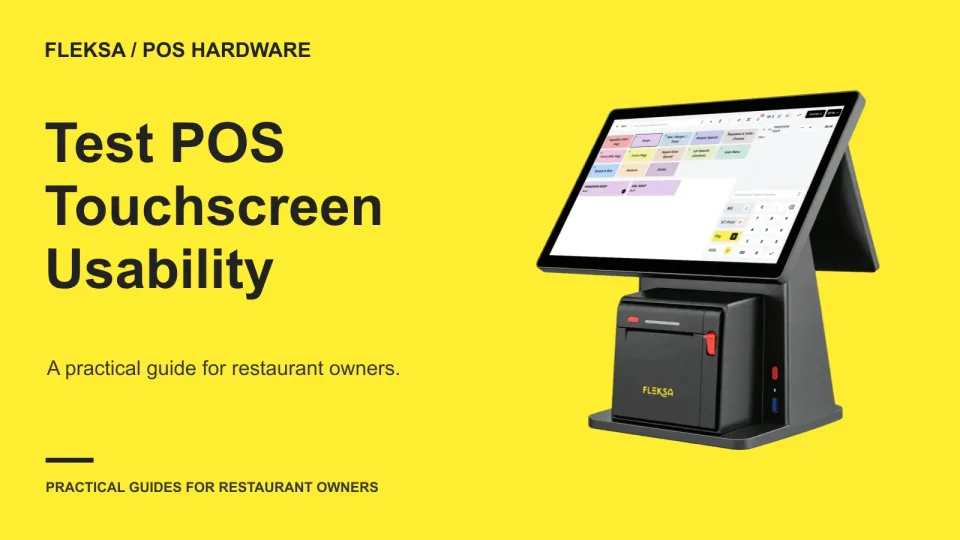
A POS screen can look clear in a demo and still slow staff down at the station. Use the same sample order, realistic lighting, and a simple observation sheet to compare devices before you choose.
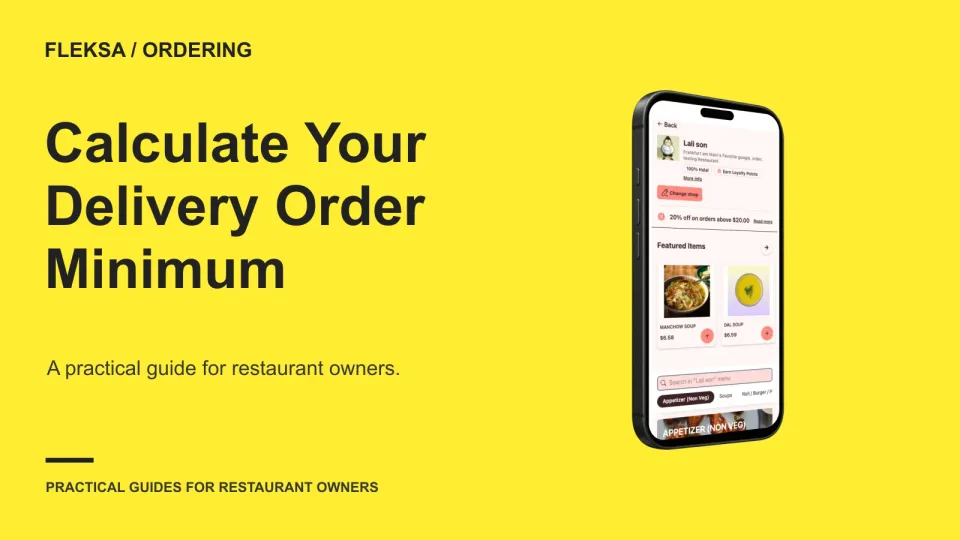
A delivery minimum should cover the costs of serving an order in your chosen area and leave a useful contribution. Use this worked calculation to set a starting threshold, compare alternatives and watch for lost orders.
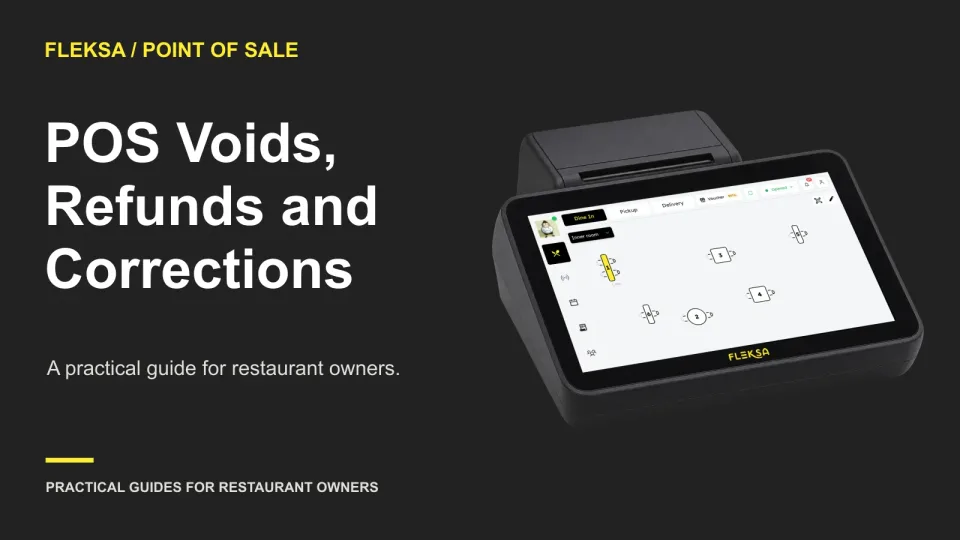
A wrong item needs a different correction before payment than after it. Use this decision tree, vendor questions, and reconciliation example to see whether a POS preserves the details managers need.
Page 11 of 62
Older articles for diners