Compare software, understand costs, and plan your next step.
A bank deposit rarely tells you which restaurant sales it contains. Learn how to follow payment references through settlement and payout reports, account for refunds and fees, and assign missing records to the right provider.
A missing confirmation does not tell a host whether a reservation exists. Use this practical decision tree to search safely, check availability, resolve duplicate or missing records, and give the guest a clear answer.
A shared cart can make group ordering easier, while separate carts give diners more control. Compare both approaches against your payment process, staff workflow, and the moment a table changes hands.
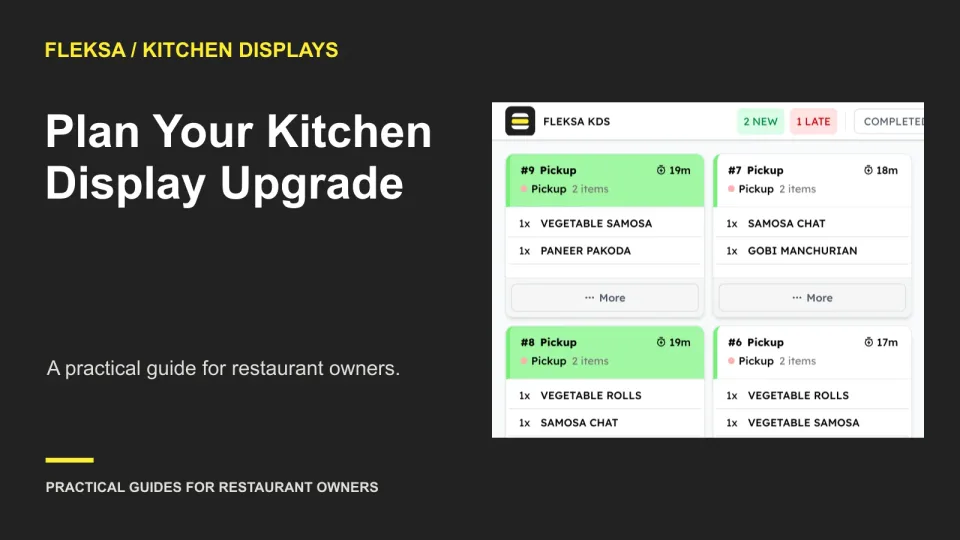
A kitchen display upgrade can affect more than one screen. Use this practical rollout plan to map dependencies, choose a service window, check sample tickets and decide when to stop or roll back.
A language button alone does not tell you whether a kiosk will protect an active order. Use this practical worksheet to check required modifiers, cart totals, error messages, and the staffed alternative before choosing a system.
Before staff practice on new restaurant software, make sure their actions cannot reach real guests, payments, or orders. Use this worksheet to set acceptance criteria and ask vendors for evidence that the training environment is safe to use.
A charging dock needs to do more than hold your handhelds. Map available slots to shift handovers, check fit with the cases staff use, and record what happens when a device does not charge.
A delivery radius should reflect more than distance. Compare travel times, delivery costs and kitchen capacity by zone, then use a small pilot to decide where your restaurant can deliver reliably and economically.
A POS demo should show more than a clean order screen. Use this sample meal and expected-results matrix to check required choices, paid extras, substitutions, kitchen instructions and changes after an order is sent.
When an online order and your POS disagree, the restaurant should not have to guess which vendor to call. Use a responsibility matrix to assign the first contact, investigation handoffs, and the evidence each provider needs.
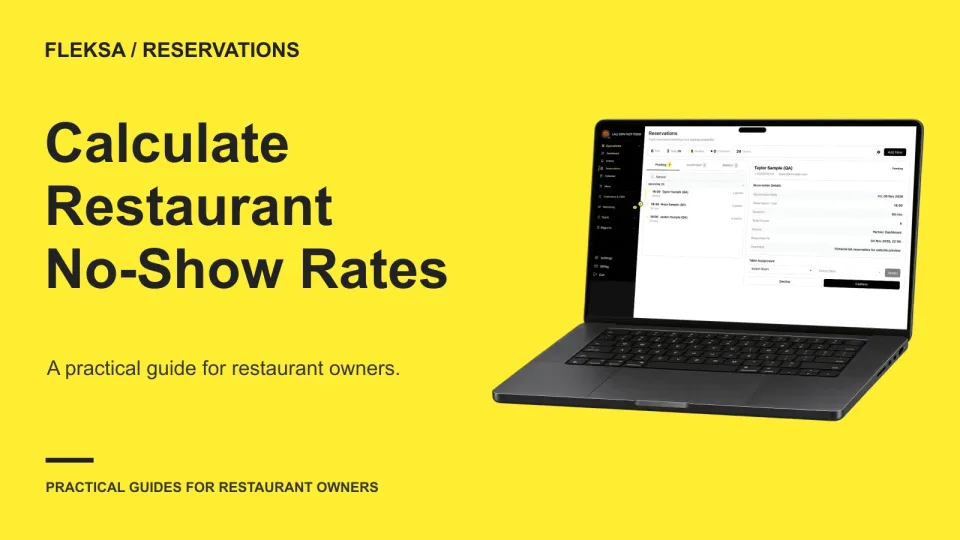
A useful no-show rate compares absent parties with bookings that reached a final seated or no-show outcome. Learn how to handle cancellations and unresolved bookings, compare shifts fairly, and correct classification mistakes.
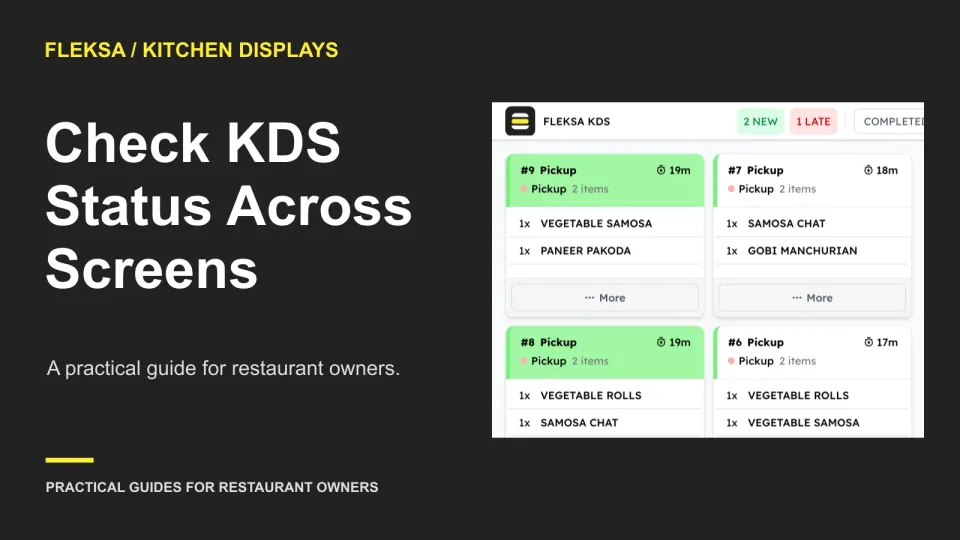
A ticket can look finished at one station while expo still sees work outstanding. Use a two-station example to set expected screen states, check delayed updates, and decide what to ask a KDS vendor before buying.
Page 12 of 62
Older articles for diners