Compare software, understand costs, and plan your next step.
A kiosk meal deal needs more than a discount label. Use this practical worksheet to compare bundle and separate-item totals, test substitutions and removals, and check what the kitchen receives before launch.
Kiosk and counter describe where an order starts; dine-in and takeaway describe how a guest receives it. Use a cross-tab to compare both dimensions, reconcile totals and decide which service bottleneck deserves a closer look.
The right POS bundle is only useful if every station has the devices and accessories it needs in time to test. Use this receiving and staging checklist to catch missing parts, assign owners, and make a clear opening decision.
A pickup promise should account for more than cooking time. Use this practical worksheet to estimate the queue, prep, packing, and handoff, then decide when to extend pickup times or pause orders.
A good POS permission setup lets staff handle routine orders while reserving sensitive changes for the right people. Use this sample role matrix and demo script to check approvals, reporting access, and employee departures.
A short aggregator trial should show which orders reach the right kitchen, what happens when an order changes, and which devices staff still need. Use a channel-by-location log to turn those findings into a purchase decision.
A Google reservation button can bring guests into your booking process, but the host still needs accurate availability and clear records. Use this checklist to evaluate the guest journey, shared inventory, changes, costs and support before turning it on.
A useful QR table sign tells guests what scanning does, where an order goes, and how to get help without a phone. Use this worksheet to choose and check wording that matches your actual service.
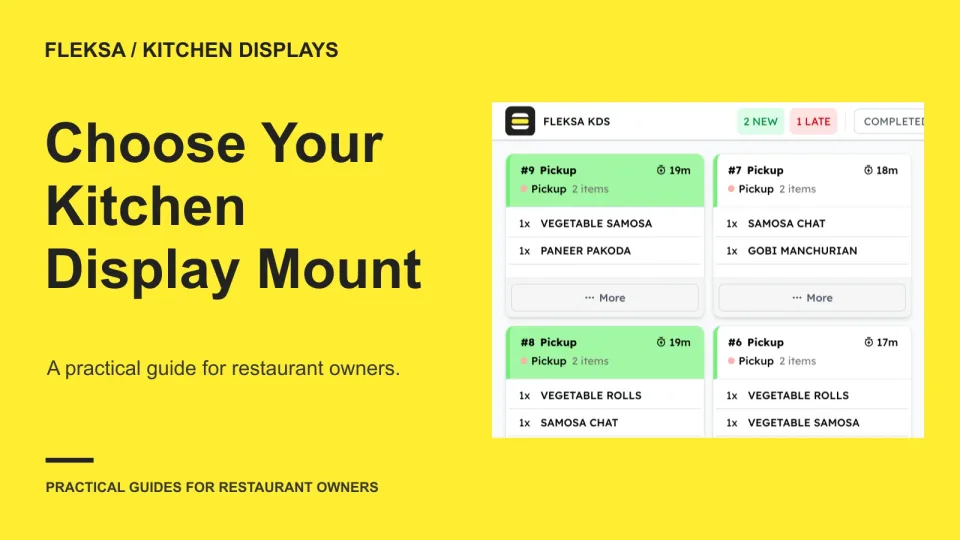
A kitchen display needs to be visible during service without making cleaning or cable access harder. Use a simple location score, a full-scale paper mockup and a written installation plan to choose a practical mounting point.
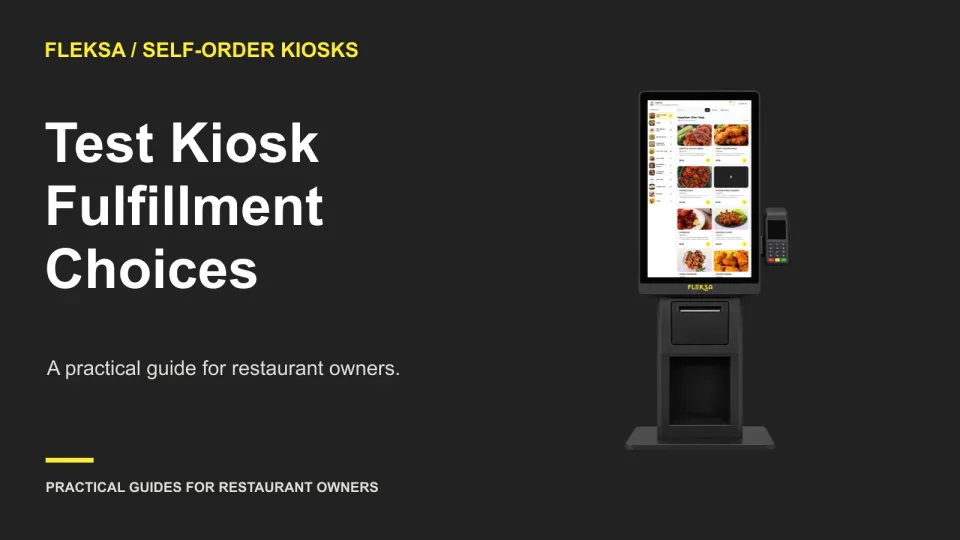
A kiosk order can contain the right food and still reach the wrong service team. Use this practical worksheet to test dine-in and takeaway paths, packaging instructions, and staff corrections before a live pilot.
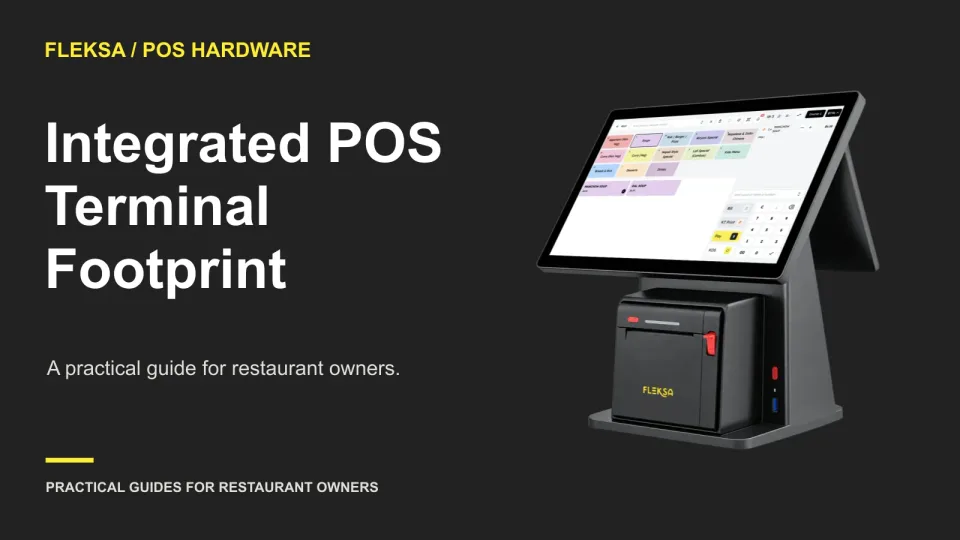
A terminal can fit on a counter and still be awkward to use. Learn how to map its working footprint, check guest payment reach, and resolve clearance questions before buying or installing it.
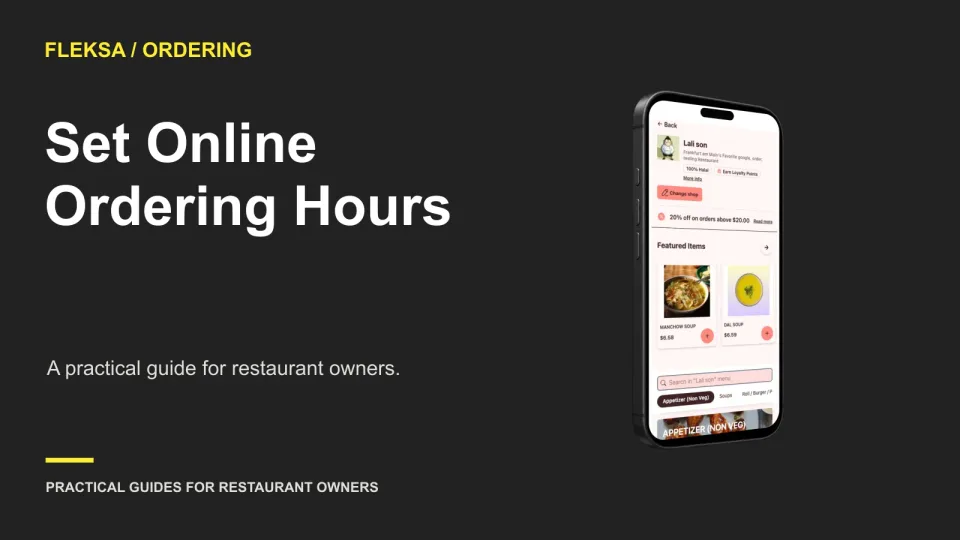
Your dining room may be open after the kitchen stops taking orders. Build a separate schedule for each ordering channel, then check the last available pickup time, advance orders, and holiday exceptions before guests rely on it.
Page 13 of 62
Older articles for diners