Compare software, understand costs, and plan your next step.
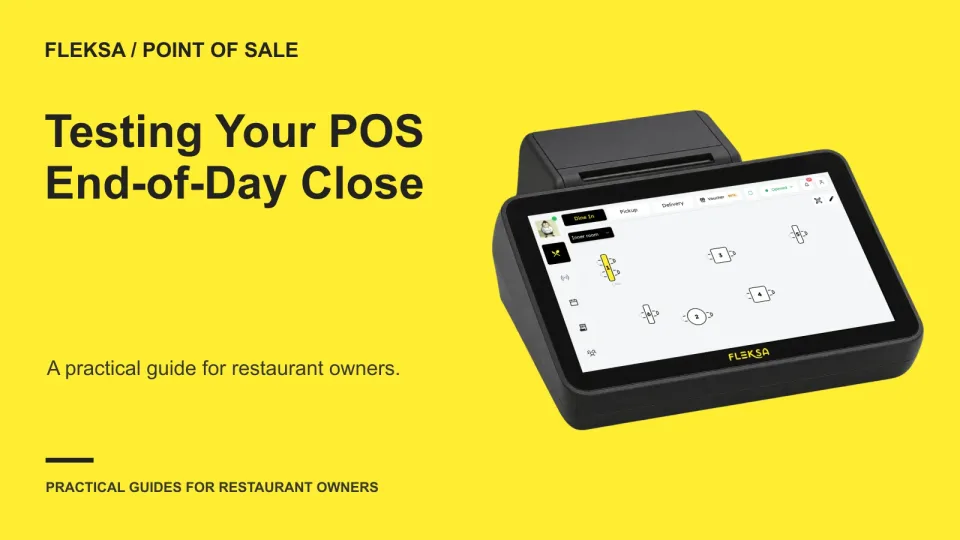
A balanced close starts with three different numbers: sales, payments and cash in the drawer. Use this hypothetical worksheet and manager-led test to see whether your POS makes each number understandable.
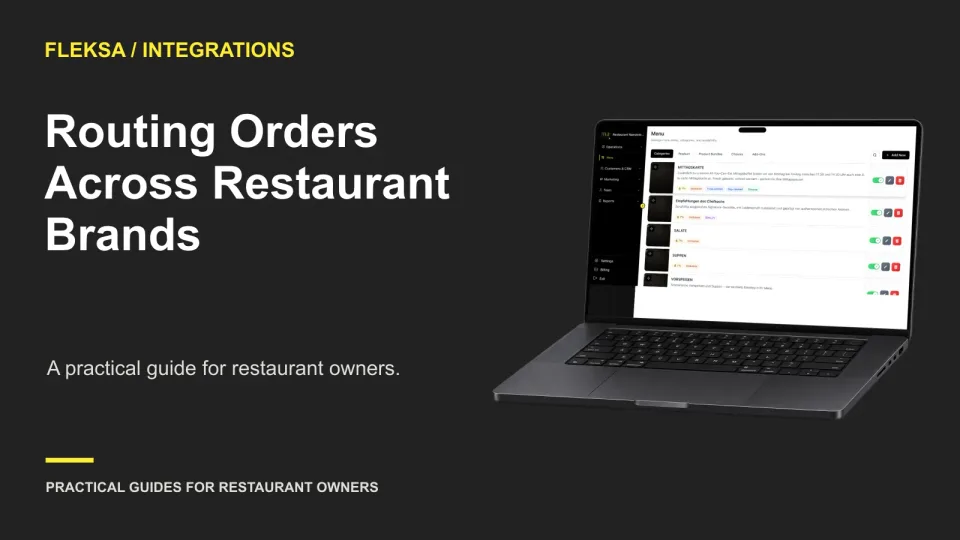
A shared kitchen needs more than a single order screen. Use a brand-to-channel matrix and safe simulations to see whether staff can identify each brand, send orders to the right kitchen, and recover from routing mistakes.
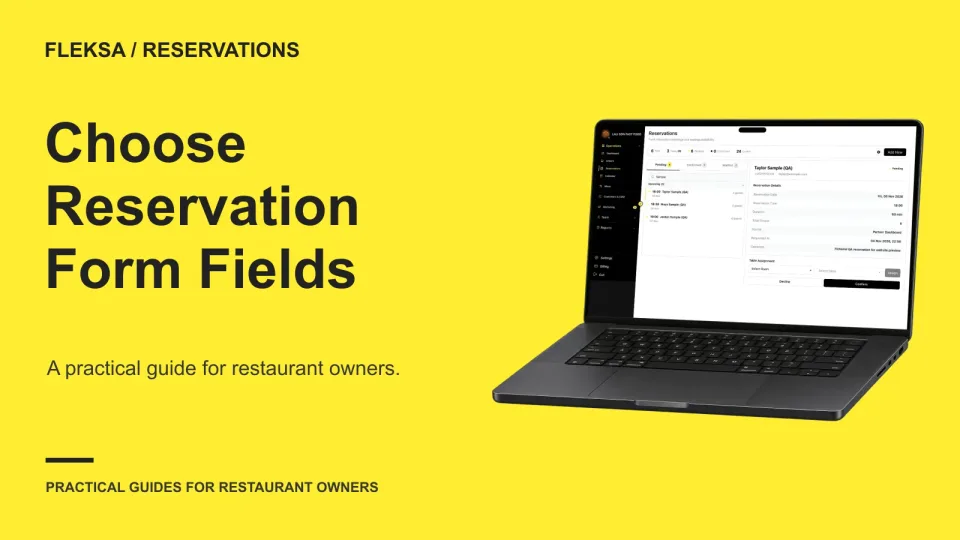
A useful reservation form asks for enough information to seat and contact a party, then makes service requests optional. Use this worksheet to decide which fields earn their place and how requests reach the host.
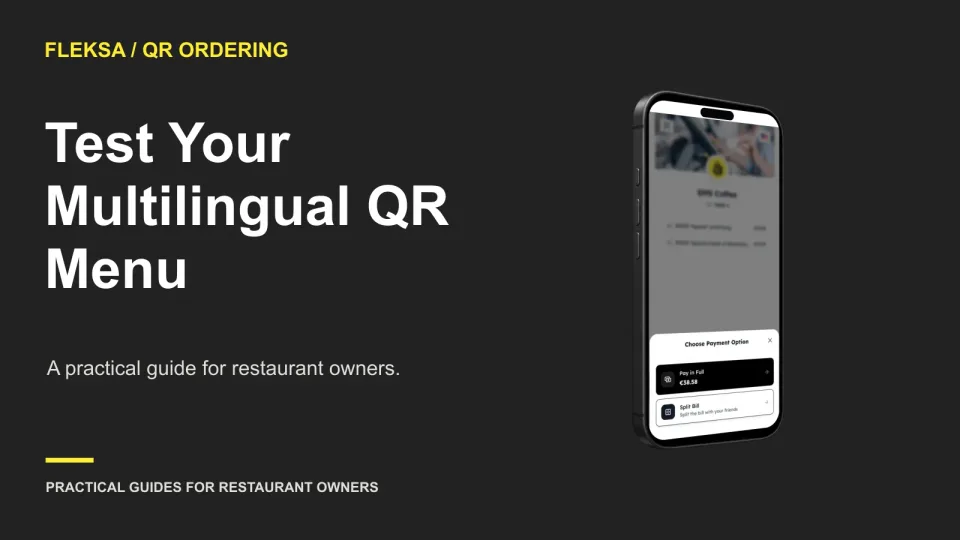
A multilingual QR menu needs more than translated dish names. Use this practical worksheet to check language selection, allergens, modifiers, prices, and update ownership before deciding whether a system fits your restaurant.
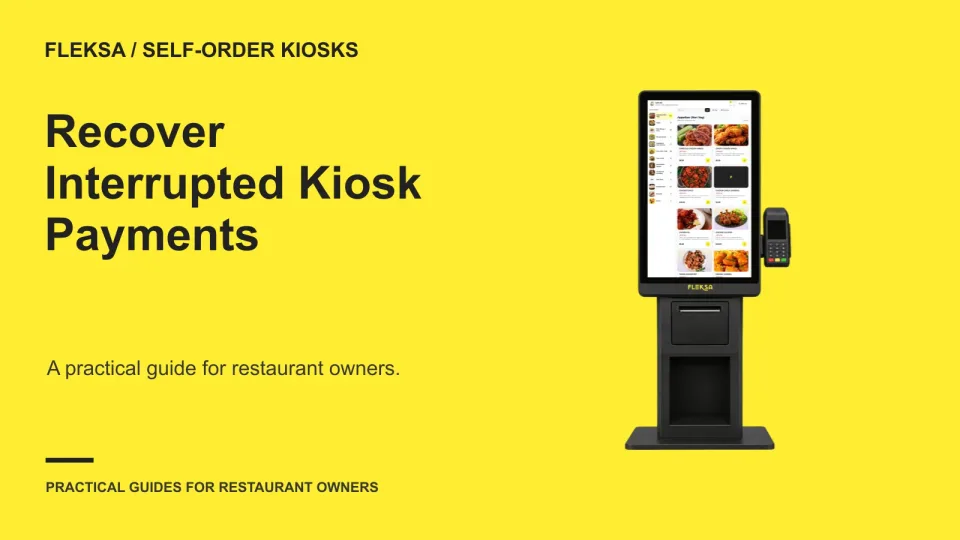
A frozen kiosk does not tell you whether a guest paid or whether the kitchen received an order. Use this staff decision process to check each state, choose a safe fallback, and test it before service.
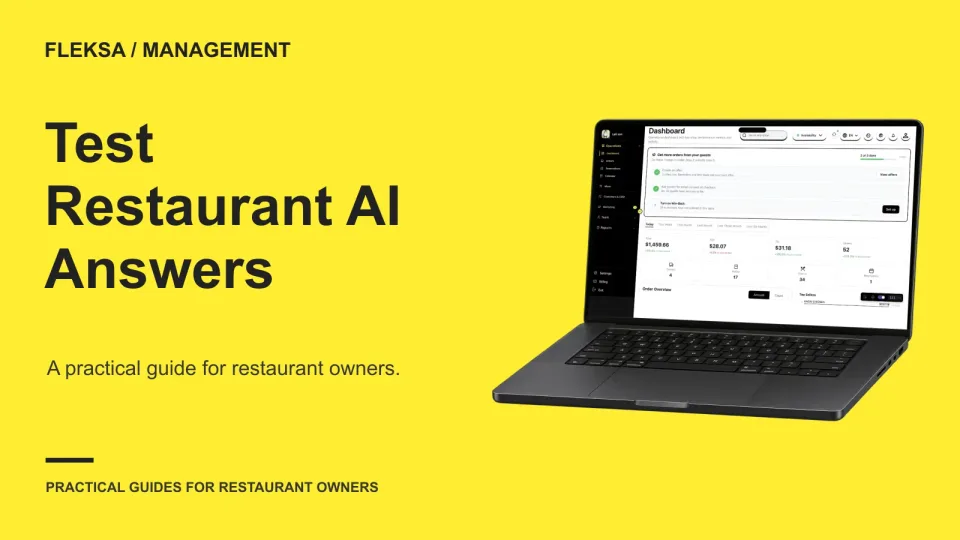
A restaurant AI assistant can sound confident while inventing a price, ingredient, or policy. Use a small, controlled question set to see whether it sticks to approved information and hands sensitive questions to staff.
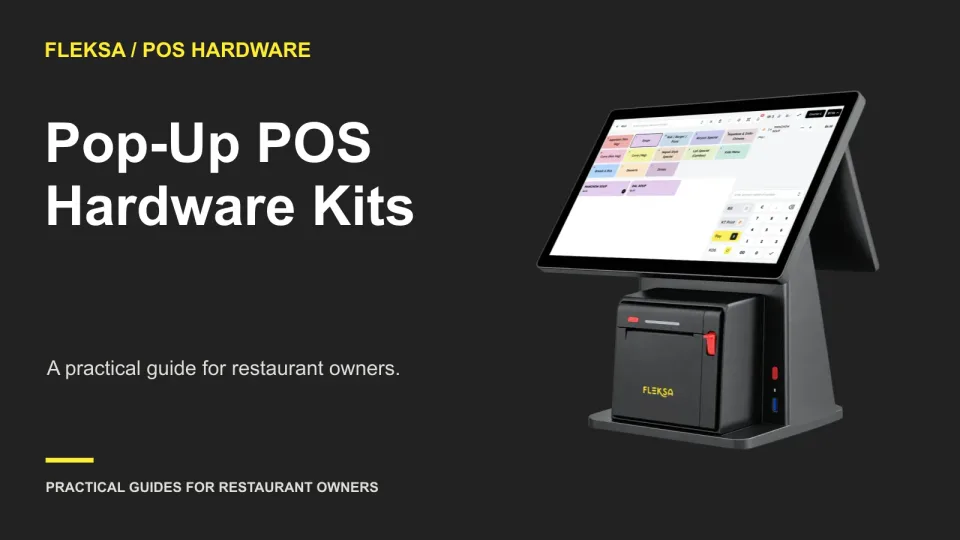
A pop-up POS kit needs to travel well and work at each temporary venue. Use this guide to assess terminals, power, connectivity, printers, and spares before committing to equipment or a rollout.
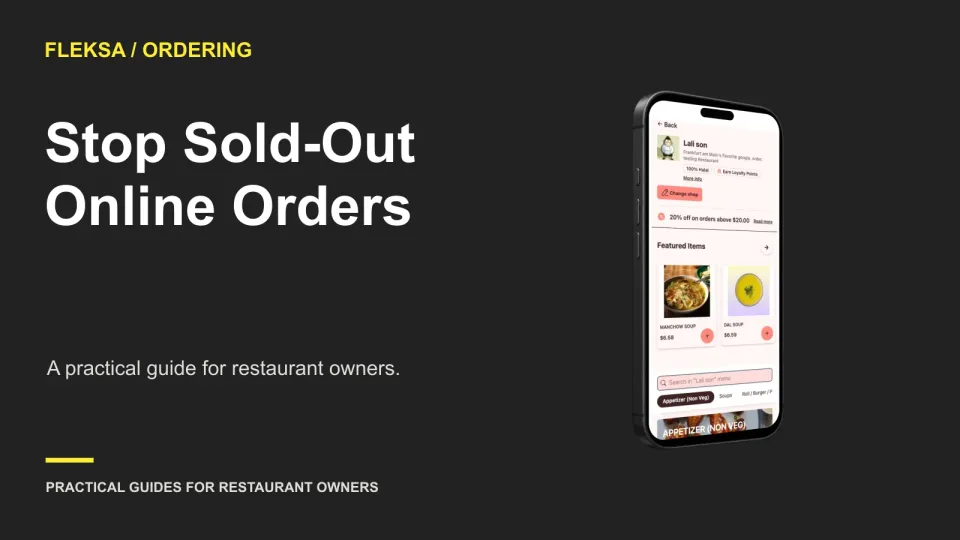
A sold-out button is only useful if it stops an unavailable item from becoming an order. Use this service-ready checklist to assign responsibility, check open carts, compare channels, and bring items back safely.
A card sales total rarely tells the whole deposit story. Learn how to match transaction dates, batch IDs, refunds, fees and settlement records to the amount that reaches your restaurant’s bank account.
A shared order screen is useful only if each order reaches the right shop. Use this location-by-channel checklist to compare routing, staff access, setup costs and fallback procedures before choosing an aggregator.
A guest’s booking contact details are not the same as permission to send promotions. Use this practical audit to map fields, check connected tools, and decide how to handle a guest who declines marketing.
A QR menu can show yesterday’s allergen information even when the kitchen has updated a recipe. Use this practical worksheet to trace changes from the maintained menu to each guest-facing channel and decide when to hold an item for review.
Page 14 of 62
Older articles for diners