Compare software, understand costs, and plan your next step.
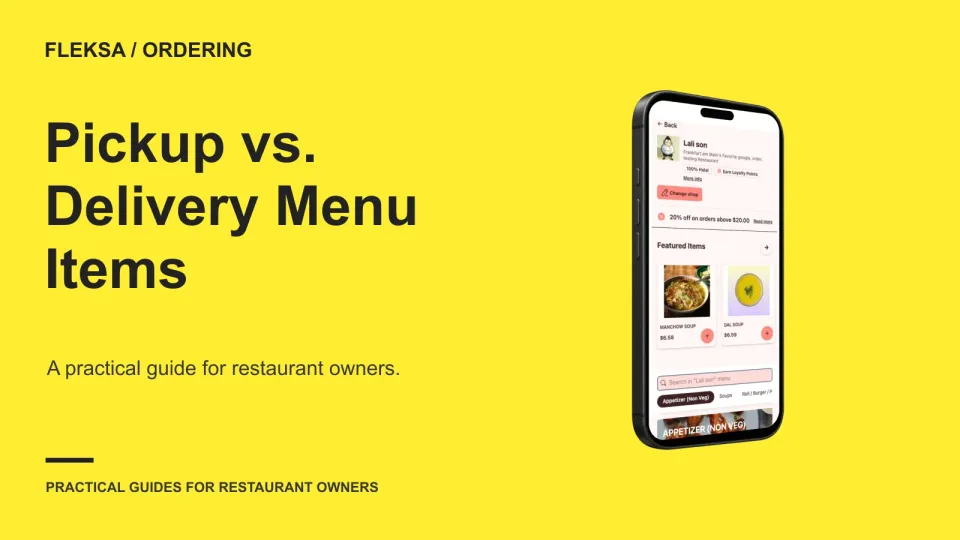
A dish that works for pickup may not survive a longer delivery journey. Use a simple item matrix to compare travel quality, packing effort, and contribution, then verify what guests see when they switch service types.
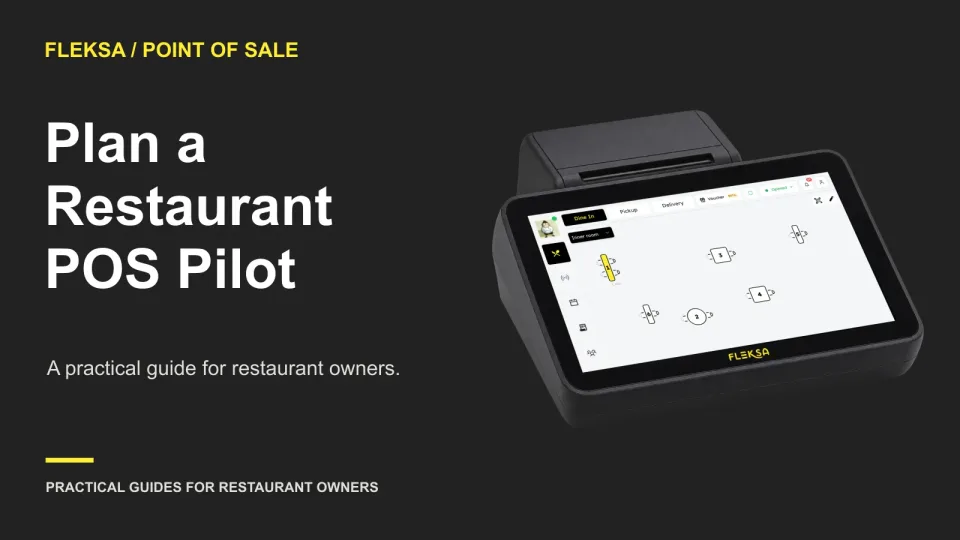
A POS demo shows what a vendor wants you to see. A pilot checks whether your own menu, payments, staff, and service routines work together. Use this practical register to decide what must pass before rollout.
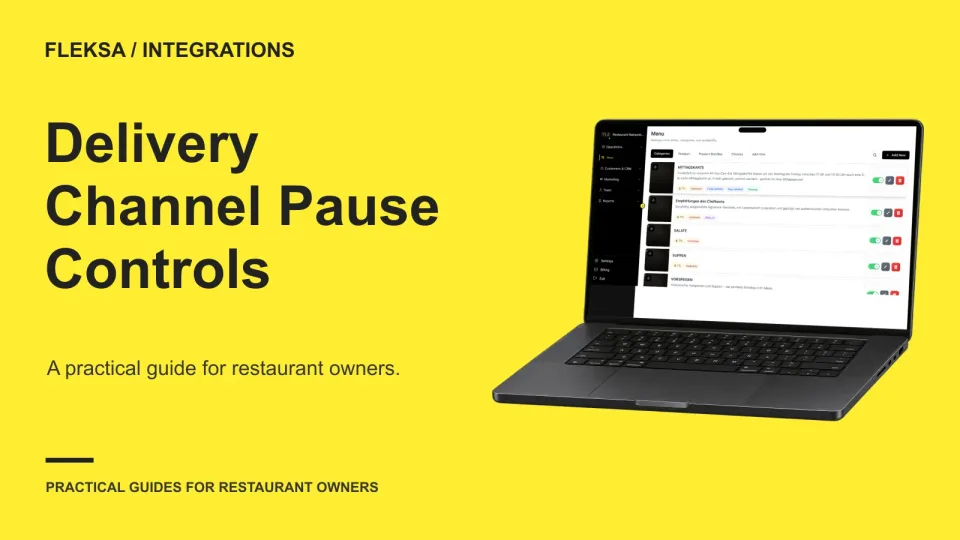
A delivery aggregator may bring orders into one place without giving you the same pause controls on every channel. Use this practical matrix and safe test plan to check what happens at each location before capacity runs short.
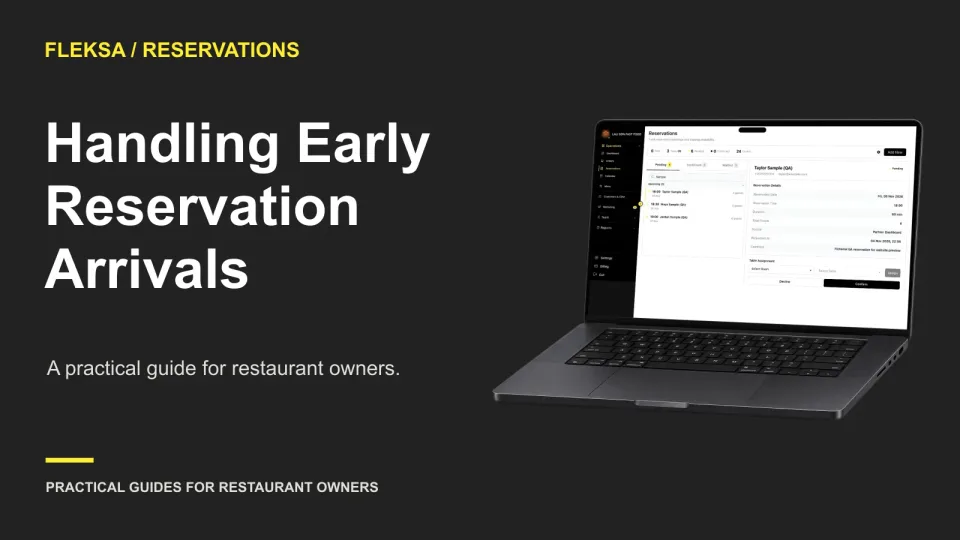
An early arrival does not automatically mean an early table. Give hosts a clear way to check in the party, compare available seating with upcoming bookings, and explain the wait without disrupting service.
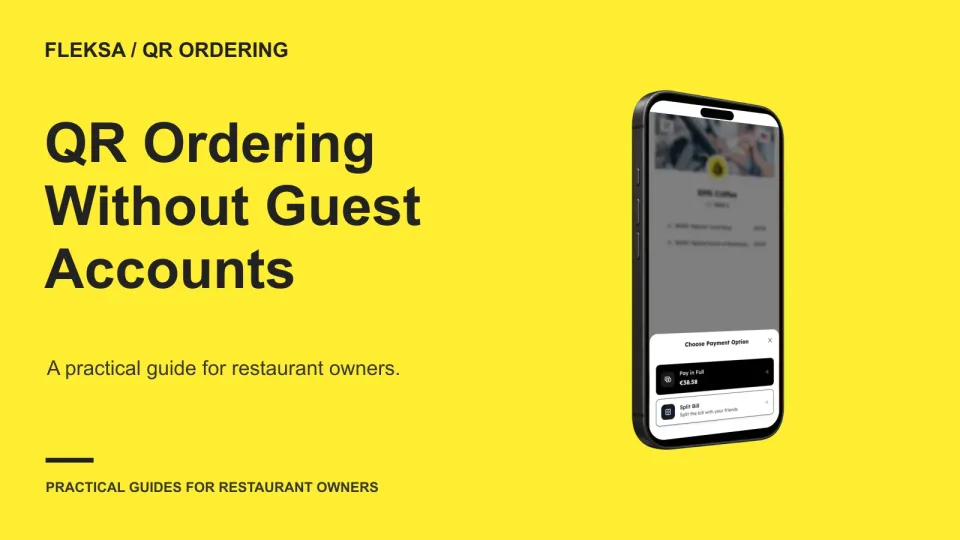
A required account can make repeat visits easier, but it can also add steps before a table order reaches the kitchen. Use this worksheet to compare guest checkout, order lookup, contact requests, and recovery after an interruption.
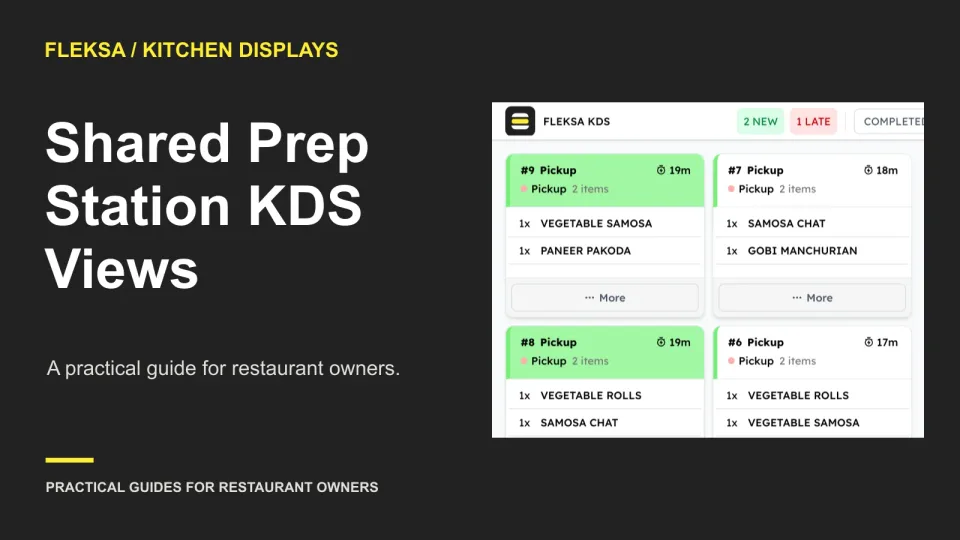
A shared kitchen display gives two cooks the same work list, but visibility alone does not assign ownership. Compare claim controls, verbal assignment, and divided queues, then use a vendor demonstration to test handoffs and simultaneous claims.
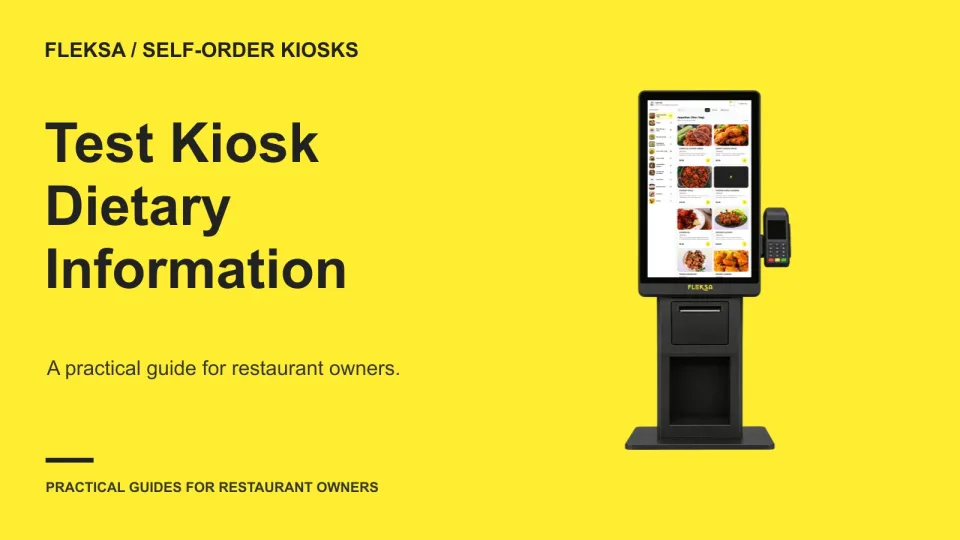
Can a guest check ingredients before adding food at your kiosk? Use this practical checklist to test menu fields, item navigation, missing information, accessibility and the handoff to staff before you choose a system.
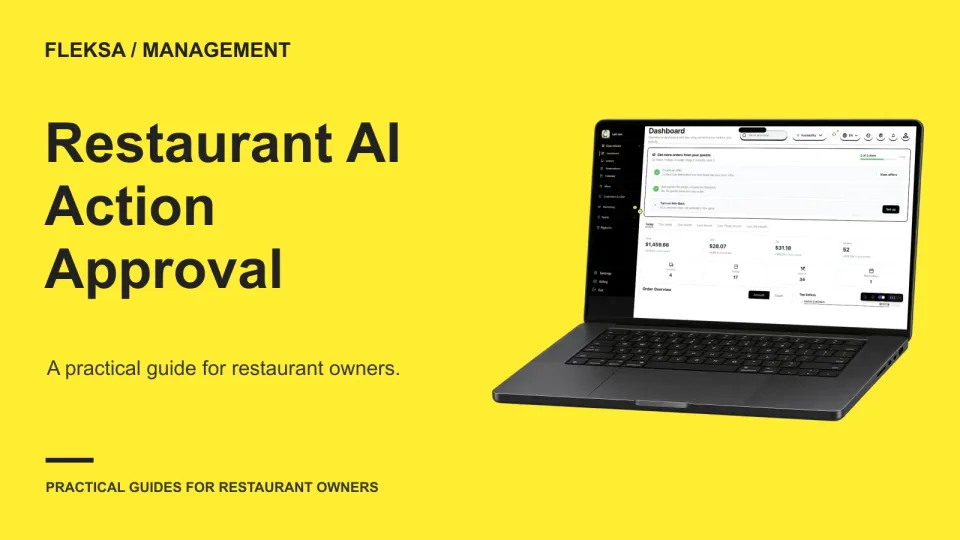
An AI suggestion and an authorized restaurant action are different things. Use this guide to assign approval roles, set limits, and test what happens when a manager edits, rejects, or misses a request.
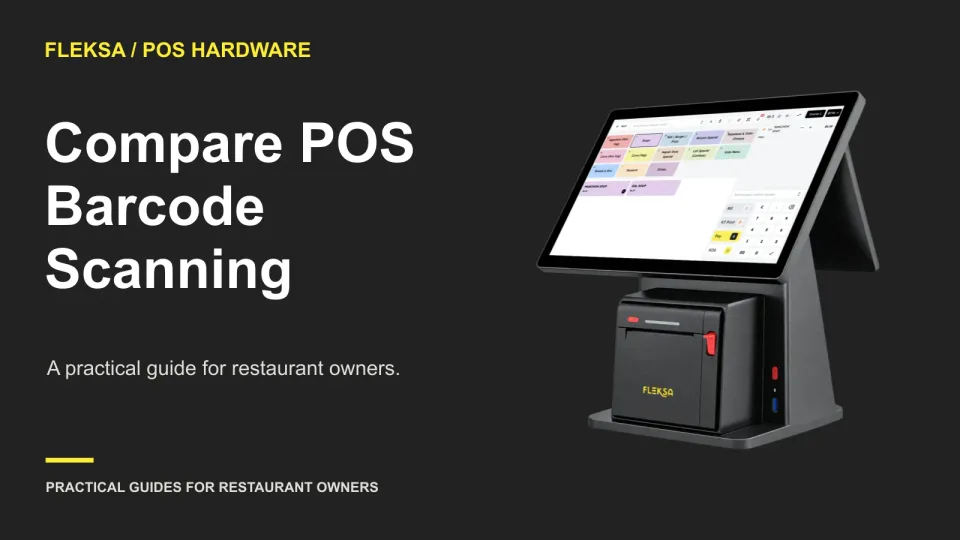
A barcode scanner is useful only if it helps your team ring up packaged goods alongside prepared food. Use this practical demo sheet to compare item recognition, prices, quantity corrections, hardware compatibility, and fallback entry.
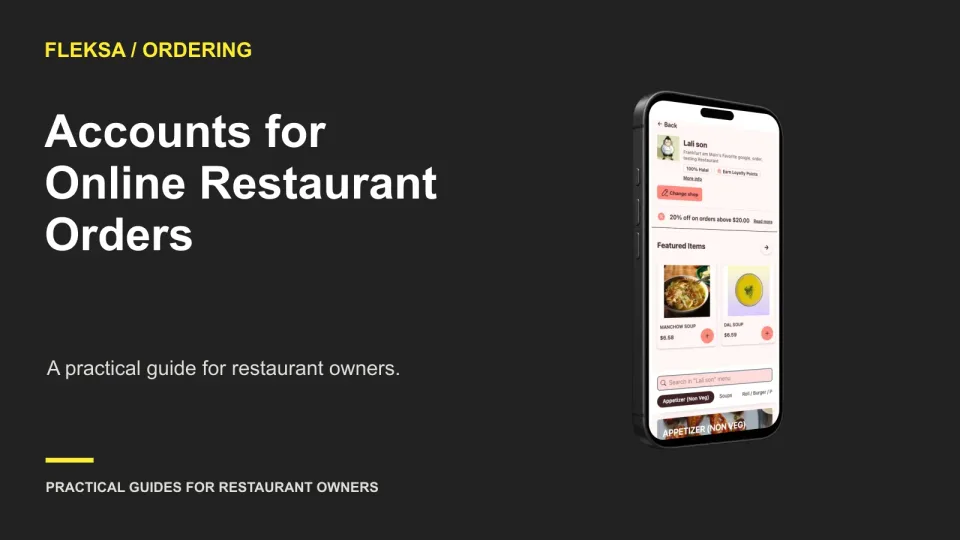
An account can make a return order easier, but requiring one can get in the way of a first purchase. Use a mobile checkout comparison and a practical decision threshold to decide what your restaurant needs.
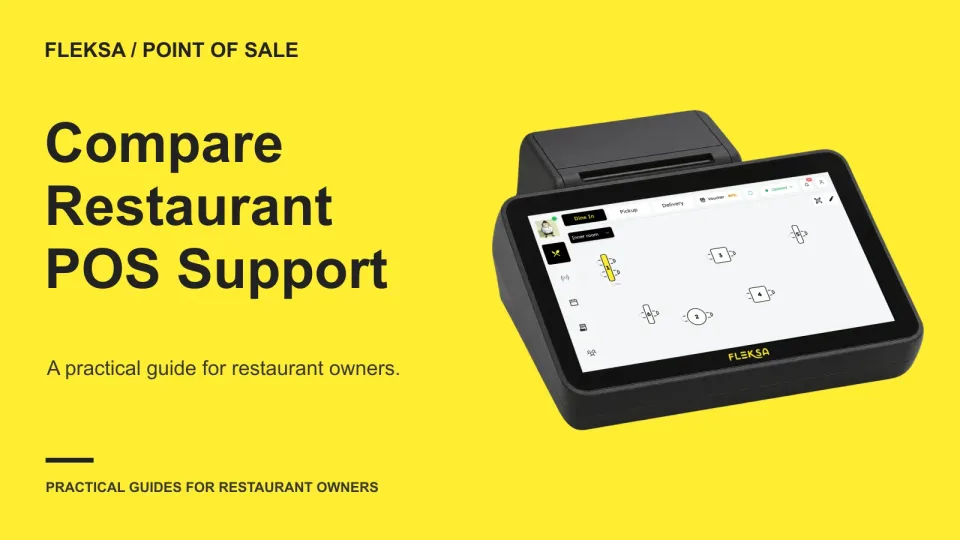
A POS support line matters most when your restaurant is busy. Use a coverage matrix and a printer incident scenario to compare support hours, escalation paths, response targets and exclusions before signing.
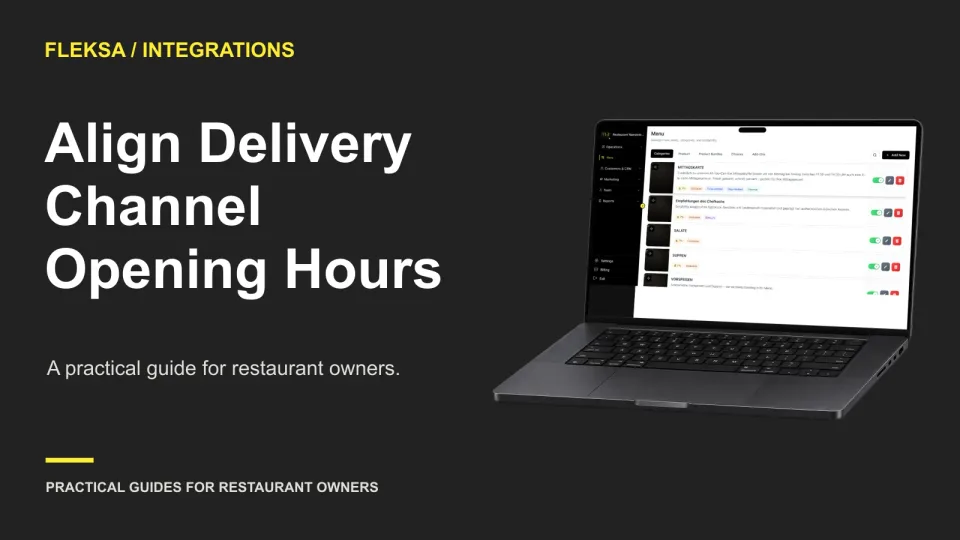
A delivery integration does not automatically settle which schedule controls ordering. Map hours by location and channel, check holiday rules, and give staff a repeatable way to catch mismatches before guests place orders.
Page 16 of 62
Older articles for diners