Restaurant Software Guides

Compare software, understand costs, and plan your next step.

Operations

Reservations

Choose Reservation Check-In and Seated Statuses
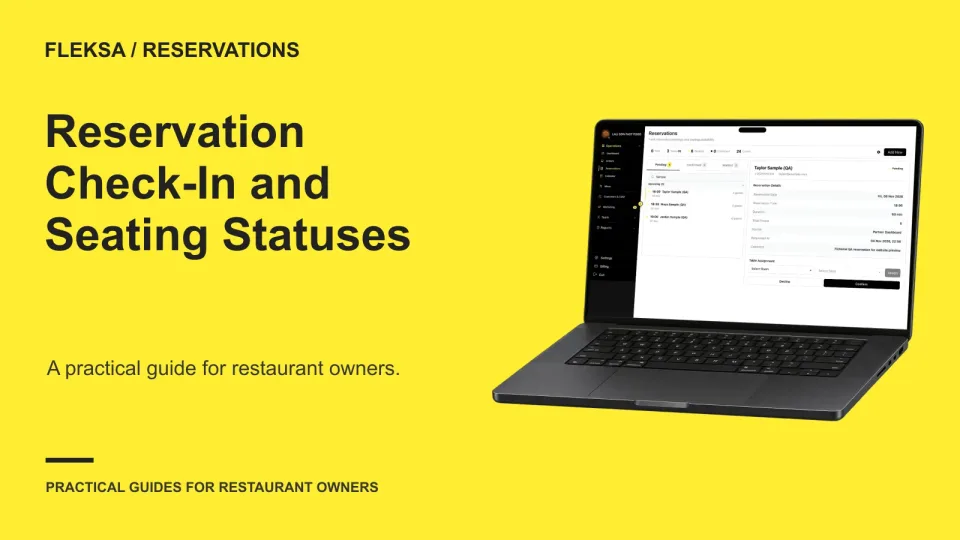
A reliable floor view starts with a shared definition of booked, arrived, seated, canceled, and no-show. Use this decision worksheet to assign status changes, handle guests who leave before seating, and check shift reports for inconsistencies.

Read →
Kitchen displays

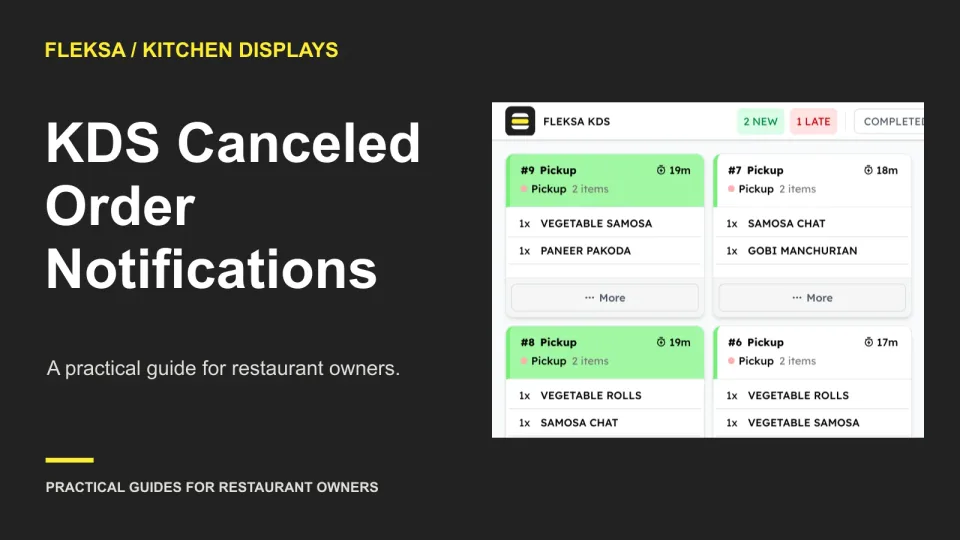
How to Evaluate KDS Canceled Order Notifications

A cancellation after cooking starts needs more than a changed order status. Use this worksheet and demonstration checklist to see whether kitchen staff can spot, acknowledge, and act on a canceled ticket.

Read →
Self-order kiosks

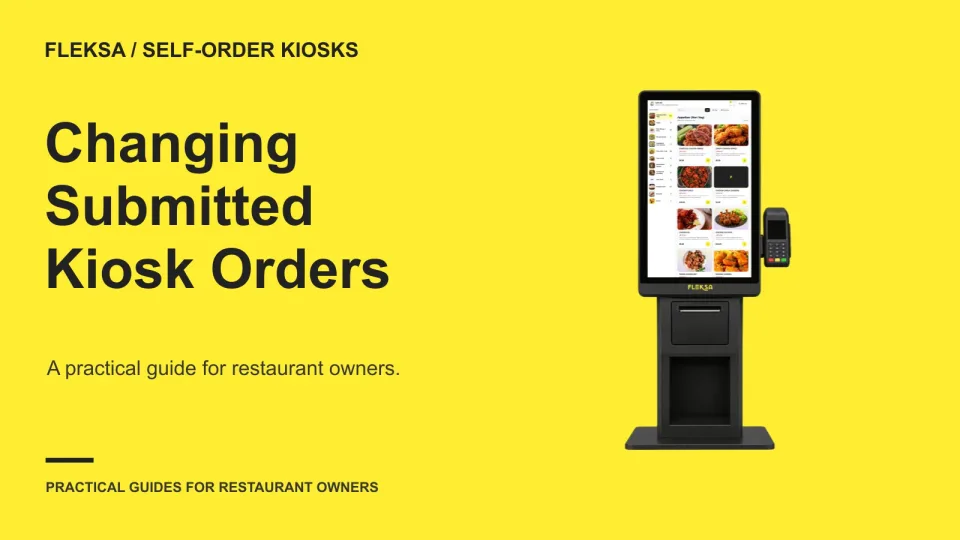
How to Handle Kiosk Order Changes After Submission

A submitted kiosk order may already be in preparation when a guest asks for a change. Use this practical worksheet to trace the request, check the payment difference, and decide when staff should stop or replace an order.

Read →
Management

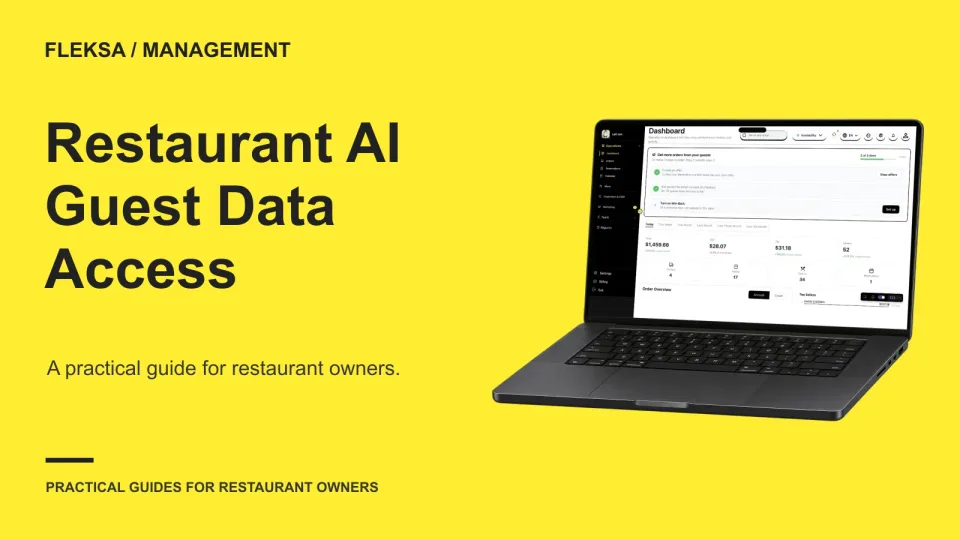
Assess Restaurant AI Access to Guest Data

A restaurant AI assistant may be able to answer a manager’s question without seeing individual guest records. Use this worksheet to choose the minimum useful input, compare outcomes, and set a pass-or-fail vendor demonstration.

Read →
POS hardware

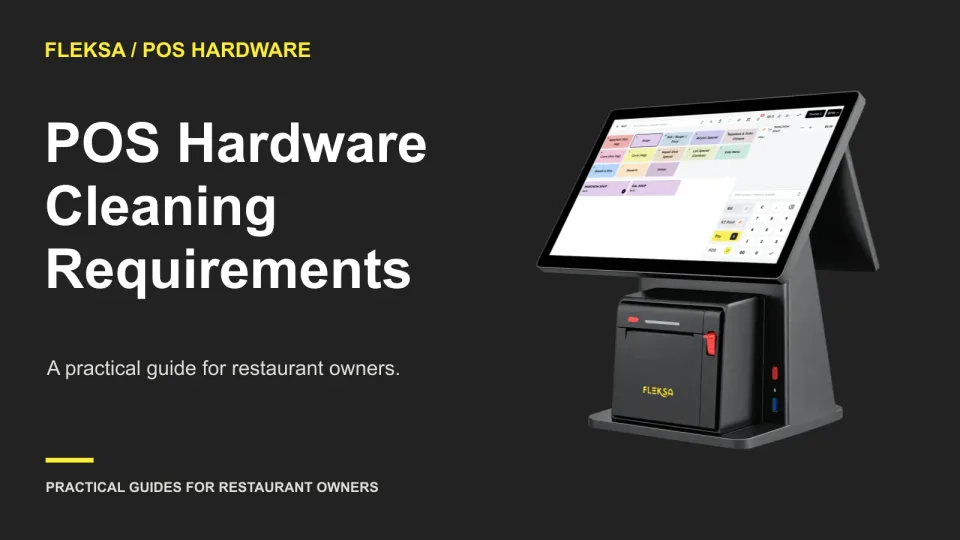
How to Evaluate POS Hardware Cleaning Requirements

Shared POS devices need a cleaning routine that fits the equipment and the shift change. Learn what to request from vendors, how to compare instructions, and what to put on a device-specific cleaning card.

Read →
Ordering & delivery

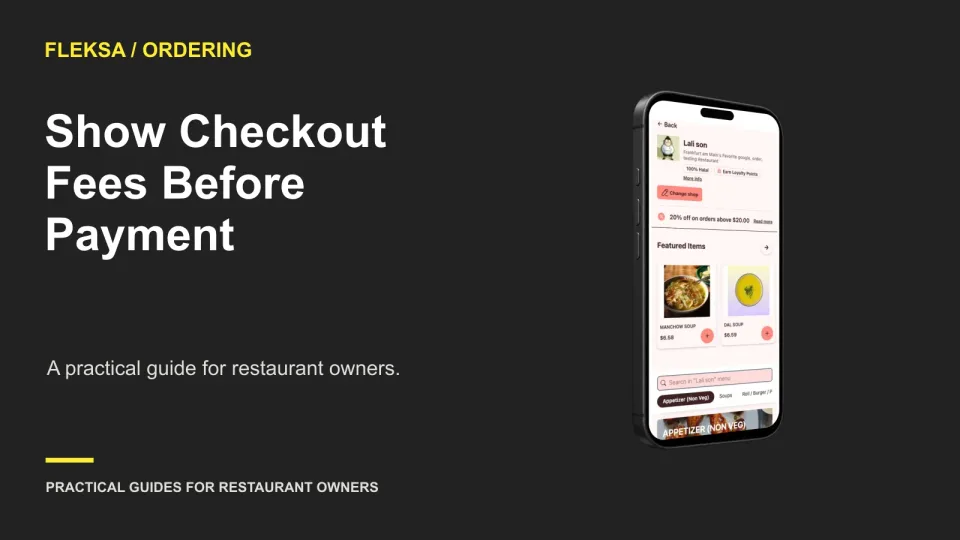
Show Online Order Fees Before the Final Payment Step

Guests should see an understandable order total before they enter payment details. Use this practical guide to place service and delivery charges, explain changing estimates, and check that the cart and confirmation agree.

Read →
Point of sale

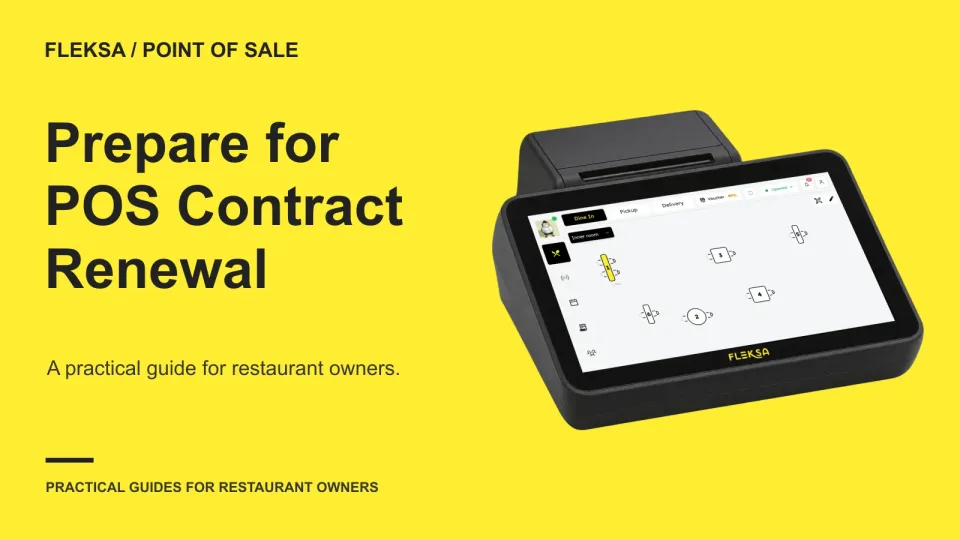
How to Prepare for a Restaurant POS Contract Renewal

Before your POS contract renews, gather more than last month’s bill. Check notice dates, actual usage, hardware terms and a forward quote, then compare the cost and effort of staying against a realistic switch.

Read →
Connected orders

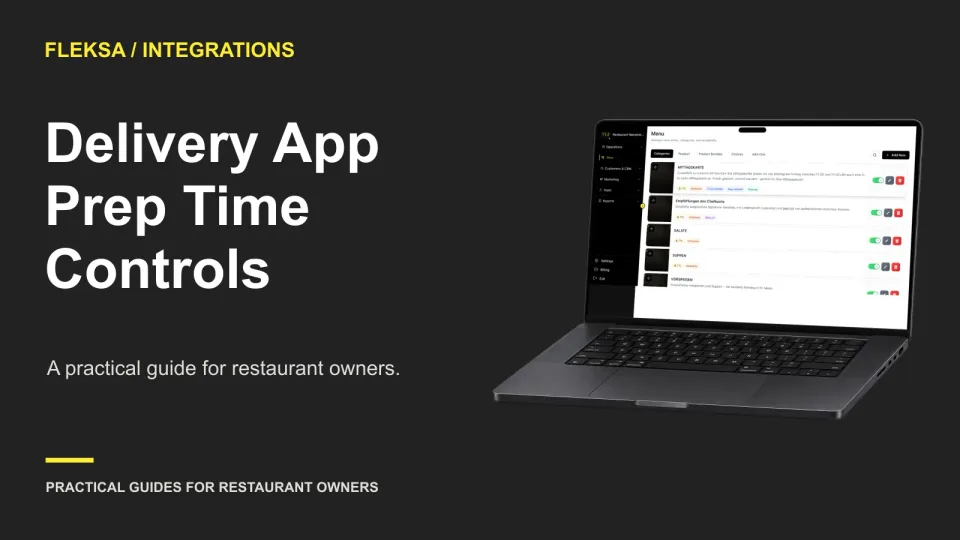
How to Evaluate Prep Time Controls Across Delivery Apps

A prep-time control is only useful if staff know where to change it and which estimates it affects. Use this guide to map your channels, simulate a rush, and assign responsibility for checking and resetting times.

Read →
Reservations

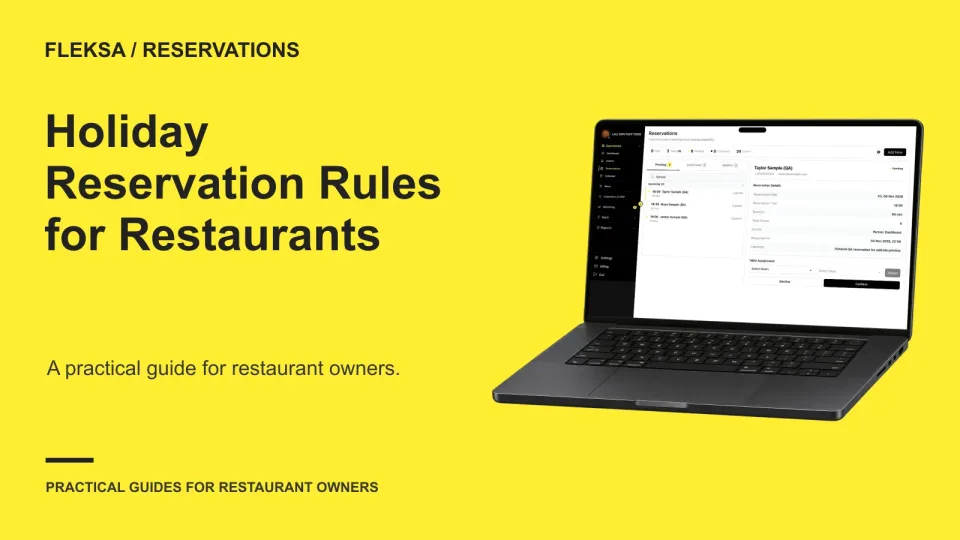
Set Restaurant Reservation Rules for Holidays and Special Menus

A special-service date needs more than a table holdback. Use this practical worksheet to set holiday hours, seating capacity, menu terms and booking checks while keeping your regular reservation schedule intact.

Read →
QR ordering

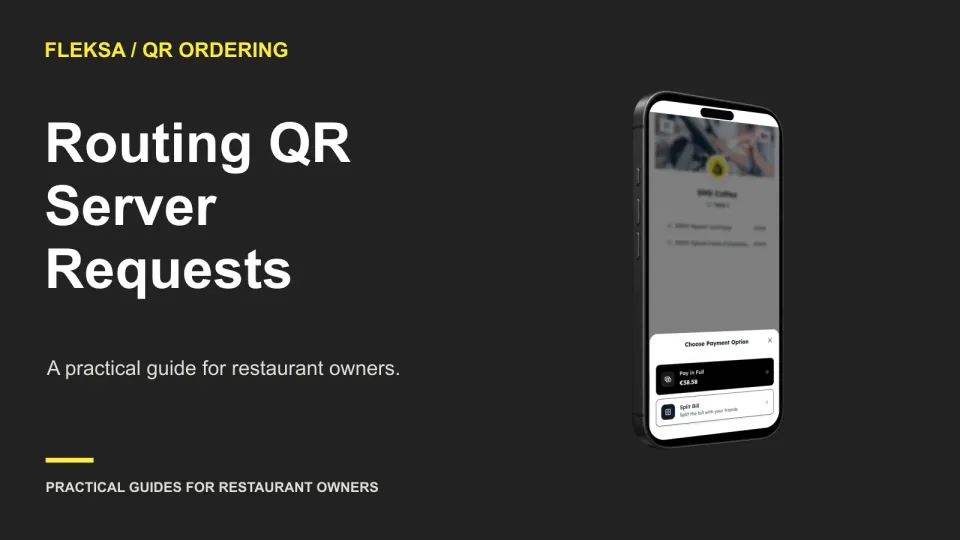
How to Route and Acknowledge QR Menu Requests for Staff

A QR menu can bring a guest’s request to staff, but someone still has to see it and act. Use this worksheet to choose an owner, set an escalation path, and check the workflow before service.

Read →
Kitchen displays

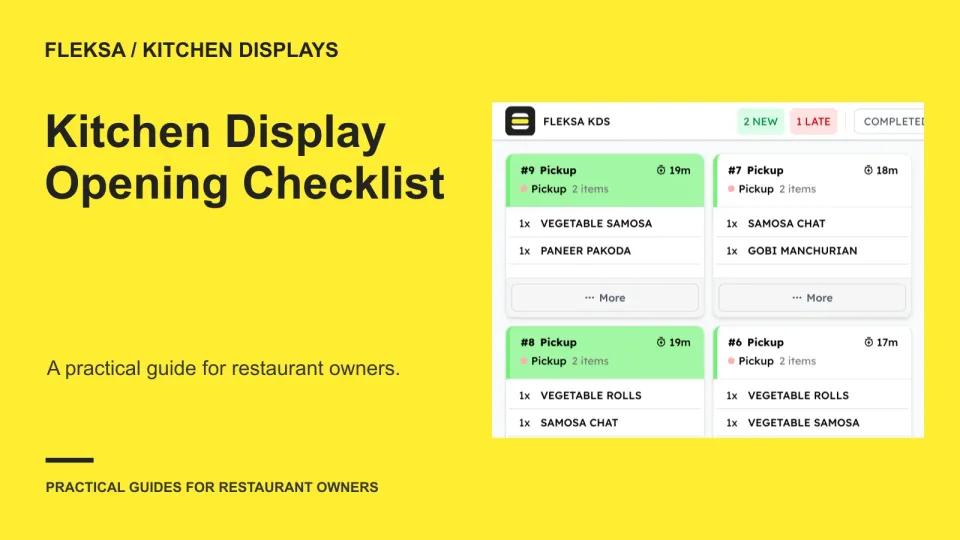
Kitchen Display Opening Checklist: Is Your Kitchen Ready for Service?

A working screen does not prove that every station will receive the right ticket. Use this opening checklist to check assignments, simulate an order, define a pass and decide when to use your fallback.

Read →
Self-order kiosks

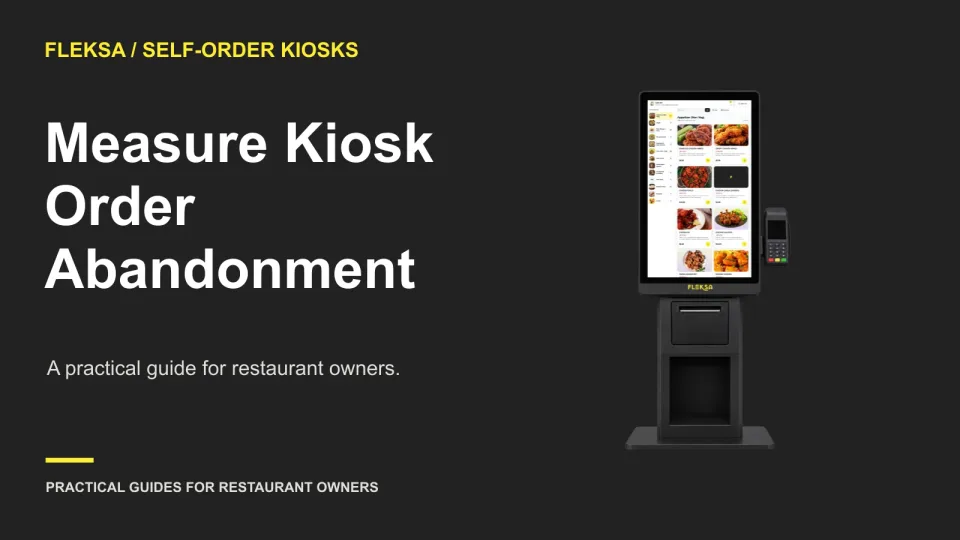
Measure Kiosk Abandonment by Order Step

A kiosk session can end before a guest selects an item, during customization, or at checkout. Use a simple step-by-step worksheet to locate the largest drop, separate staff-assisted orders, and decide what to investigate.

Read →

Older articles for diners