Compare software, understand costs, and plan your next step.
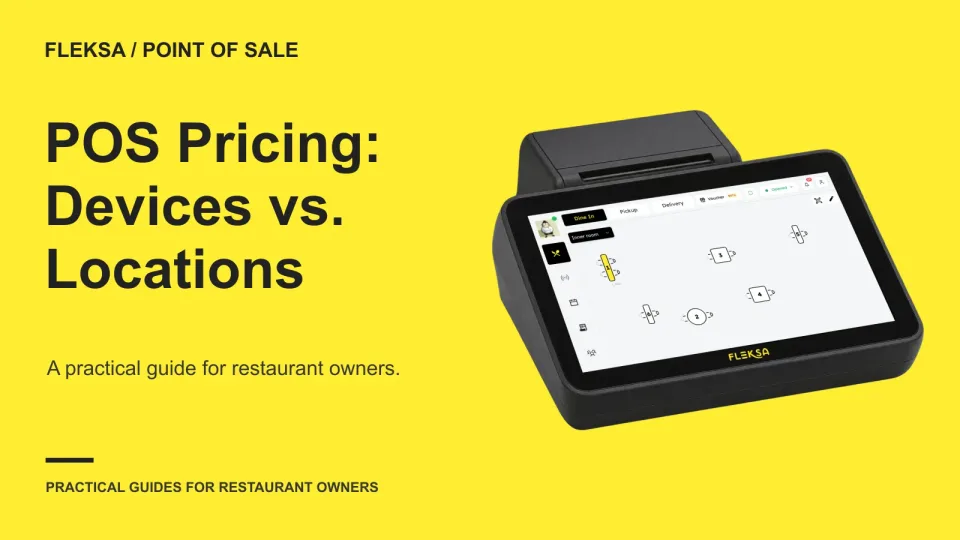
A second terminal and a second restaurant can trigger very different POS charges. Learn how to separate device, location, user and feature fees, then calculate the first-year cost of each change.
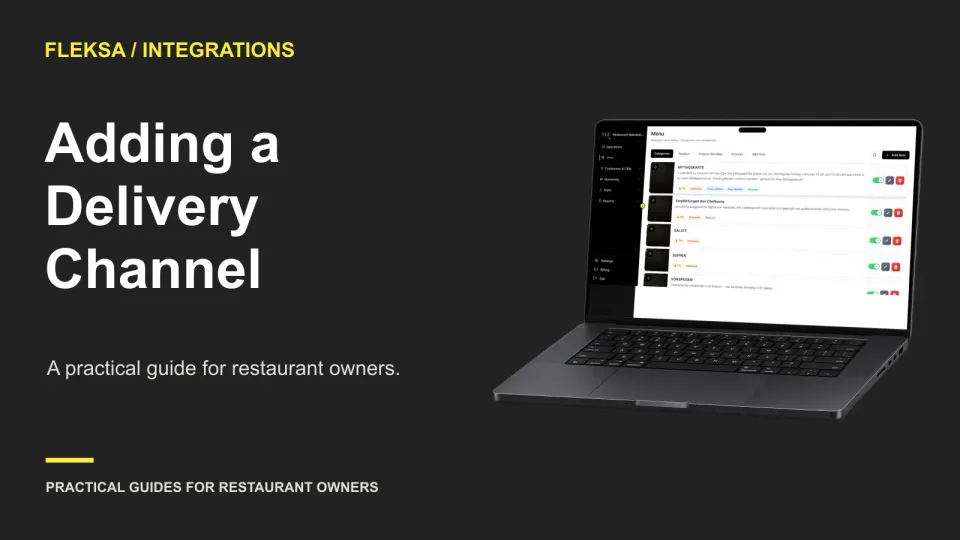
A new marketplace connection needs more than a successful login. Use this readiness worksheet to check location access, menu mapping, order totals, kitchen routing, and support before the first live service.
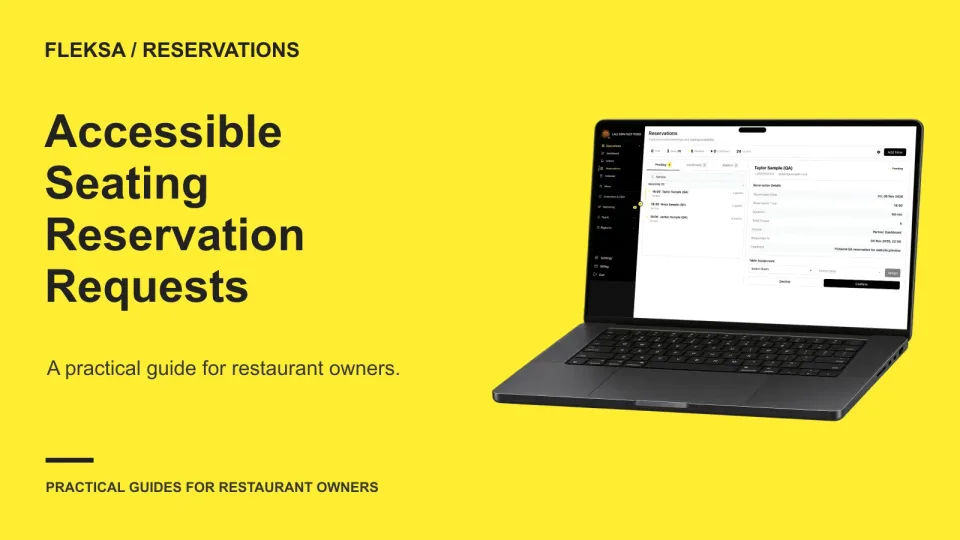
An accessibility request needs more than a note on a reservation. Use a practical seating worksheet, a clear callback process, and a simulated staff check to decide what you can confirm before a guest arrives.
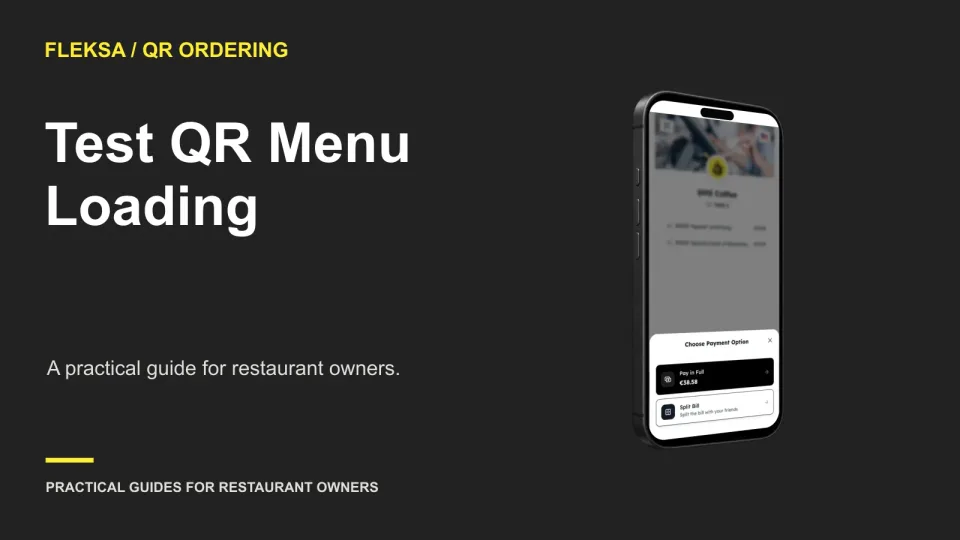
A QR code that works at the host stand may stall at a table. Use a short device and network worksheet to time the path to a usable menu, separate coverage problems from page problems, and decide when staff should step in.
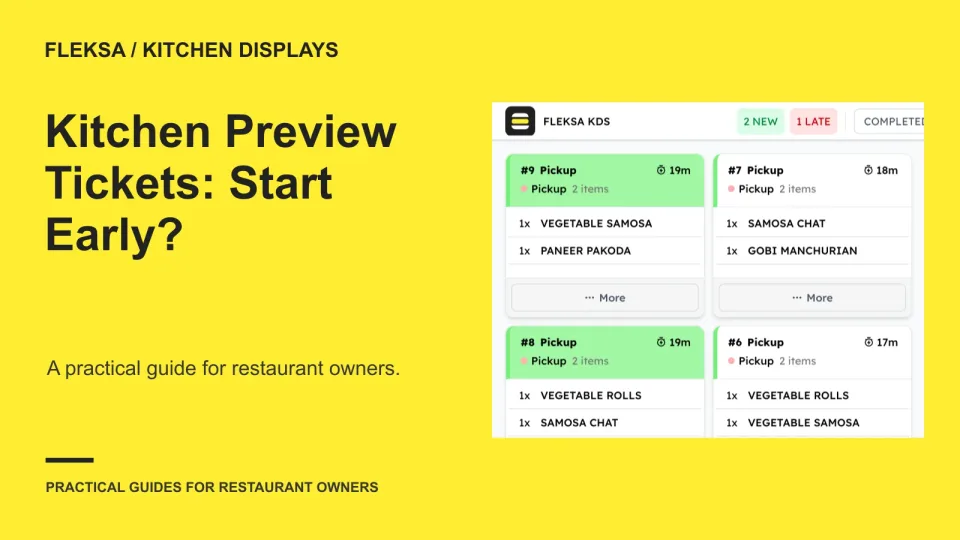
A kitchen preview can give cooks an early look at an order, but changes and abandoned tickets can create waste. Use this worksheet to compare the tradeoffs and test the workflow before putting it into service.
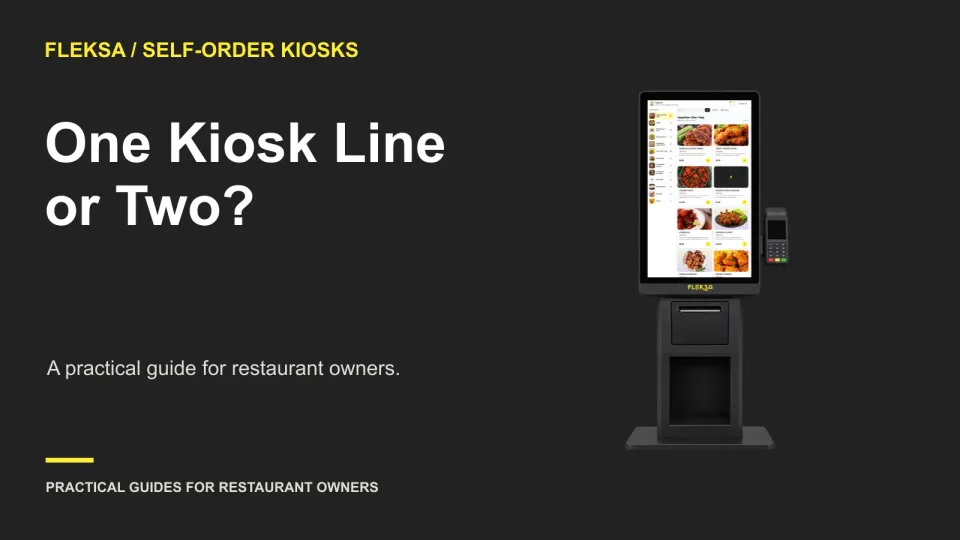
One shared line can make kiosk assignment simpler, while separate lines may need less active direction. Use this worksheet to compare peak demand, staff effort, guest access, and what happens when a device goes down.
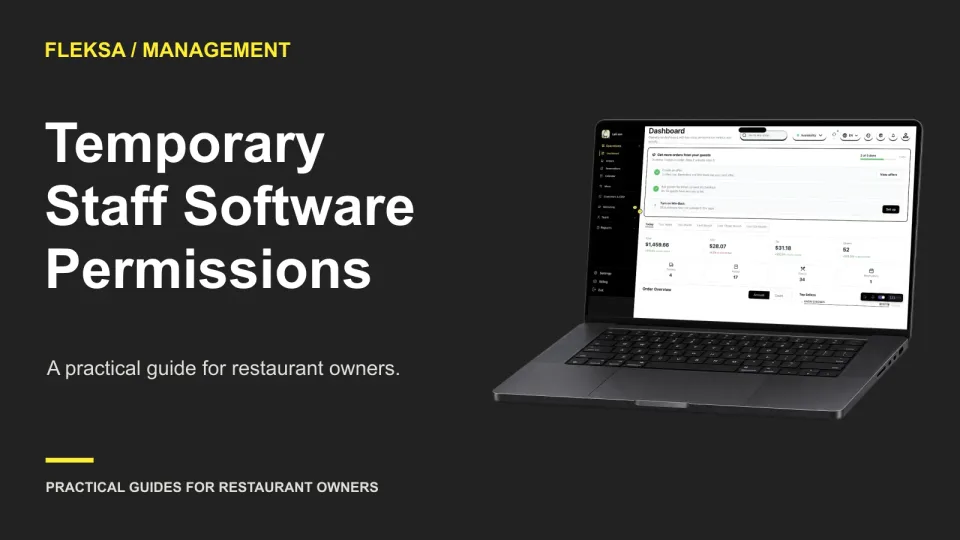
Temporary workers need enough system access to do their shifts, but not an open-ended manager account. Use this worksheet to match tasks to permissions, compare expiry options, and test what happens when a shift runs late.
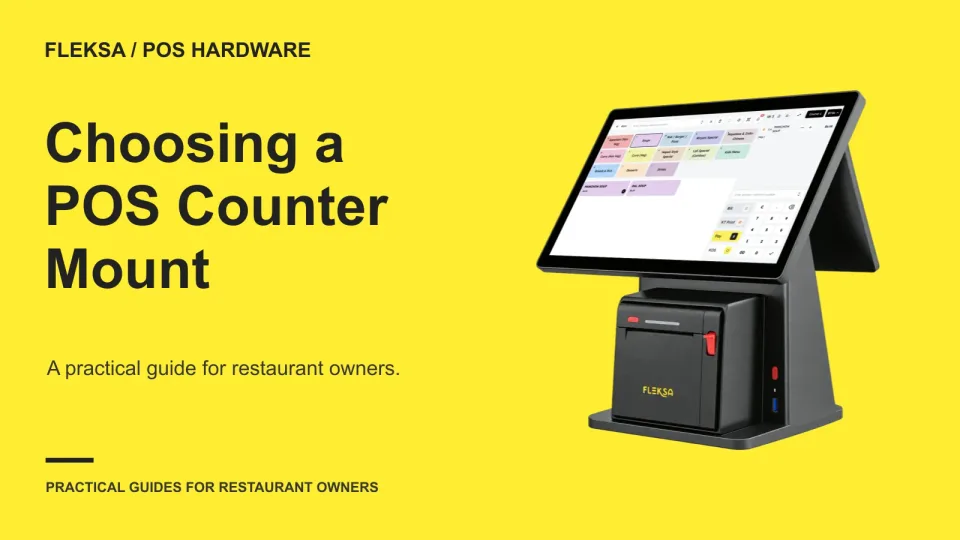
A good POS mount does more than hold a screen. Use a measured counter layout, device compatibility checks, and a hands-on practice run to see whether staff can take orders without crowding payment equipment or blocking cables.
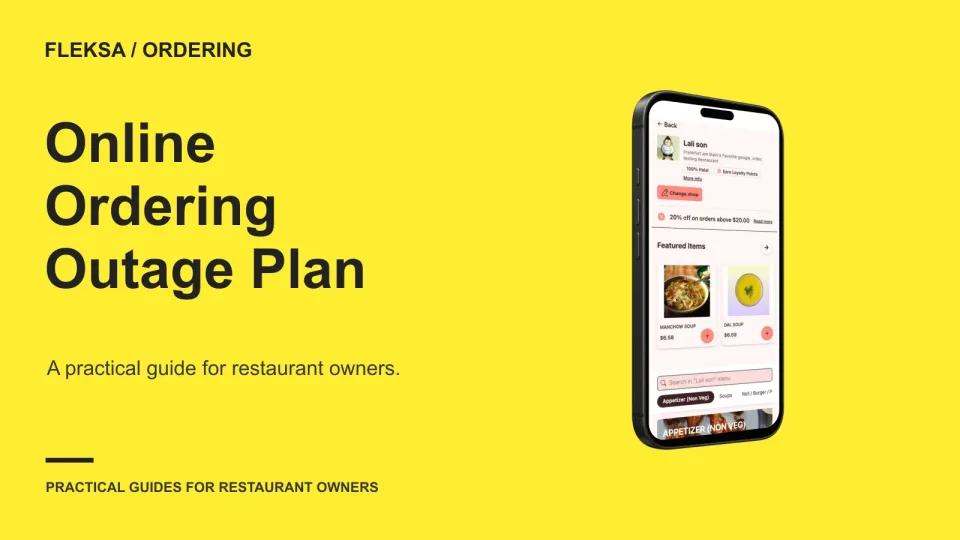
When an ordering page or notification fails, staff need more than a backup phone number. Use this practical plan to identify the failure, take orders safely, keep a manual log, and reconcile transactions before reopening the channel.
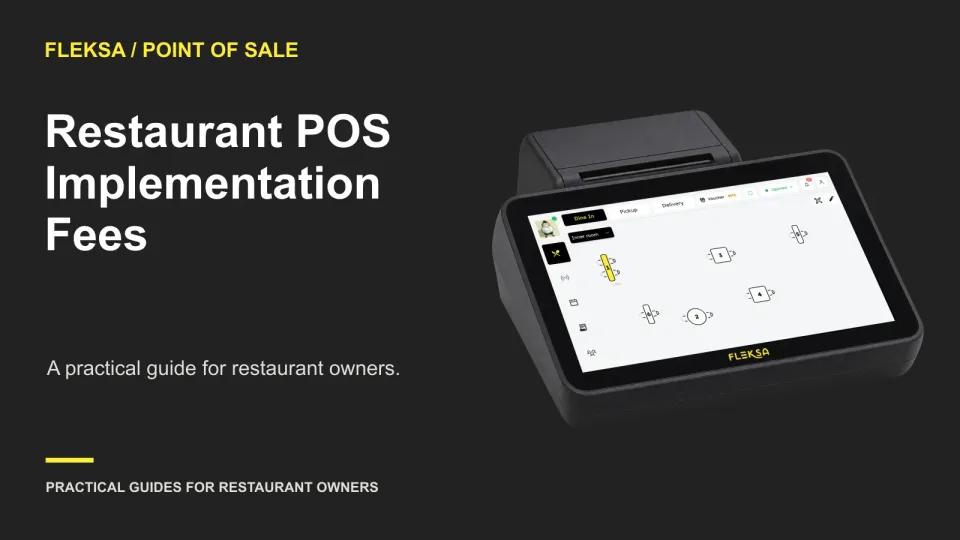
A POS setup quote is only useful if you know what work it covers. Compare menu preparation, equipment installation, training, revisions and acceptance terms before choosing a provider.
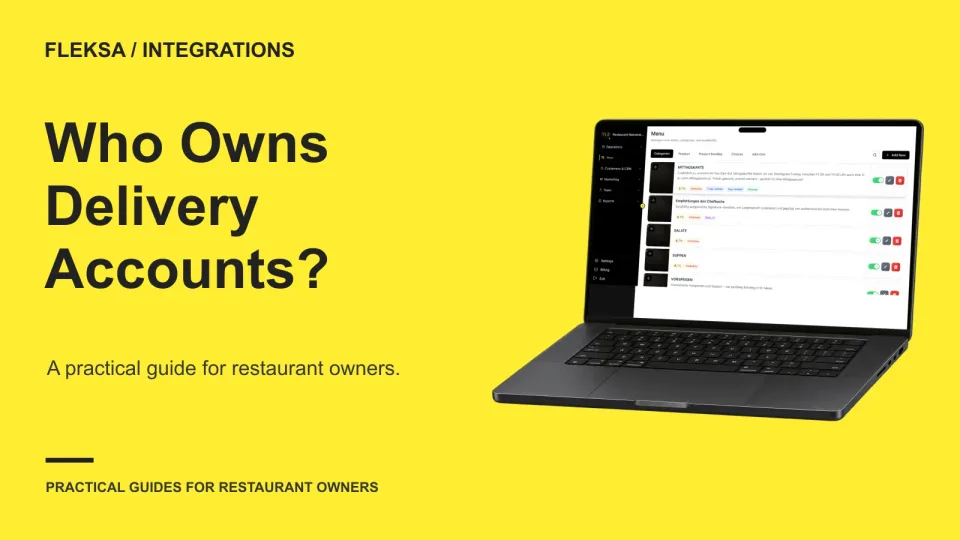
Your delivery aggregator may manage orders, but your restaurant should retain control of the marketplace accounts. Use this inventory to identify administrators, recovery contacts, vendor connections, and the steps needed to change providers.
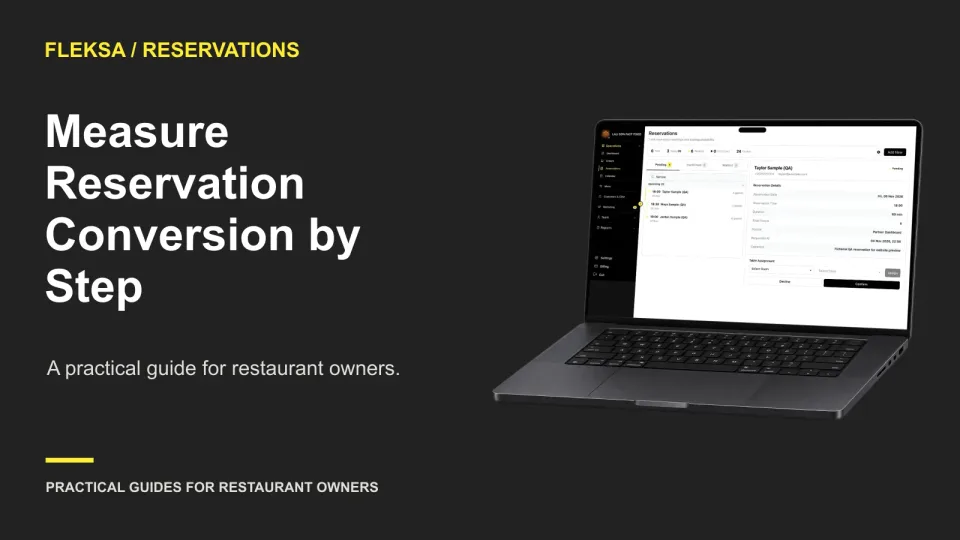
A completed booking rate tells you how often a reservation journey ends in confirmation. Breaking that journey into steps helps you find the largest drop, compare devices, and choose a focused test without guessing at the cause.
Page 19 of 62
Older articles for diners