Compare software, understand costs, and plan your next step.
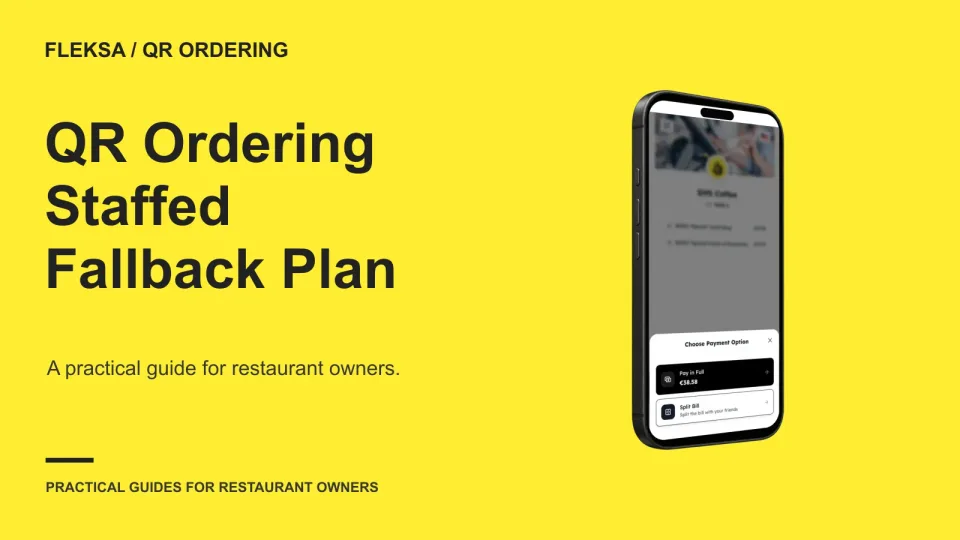
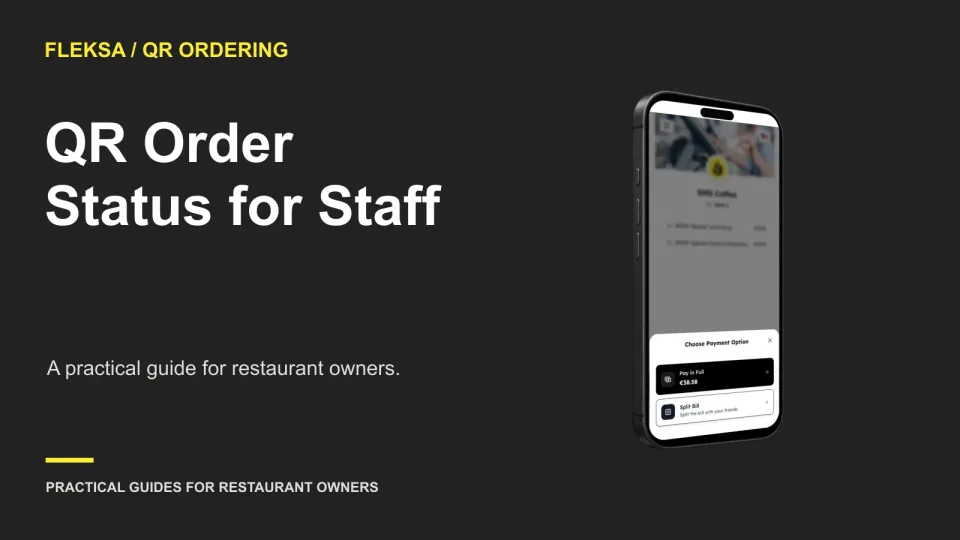
A QR code should not be the only path to a meal. Give staff a clear way to offer a menu, take an order, confirm the table and follow through when a guest cannot or prefers not to use a phone.
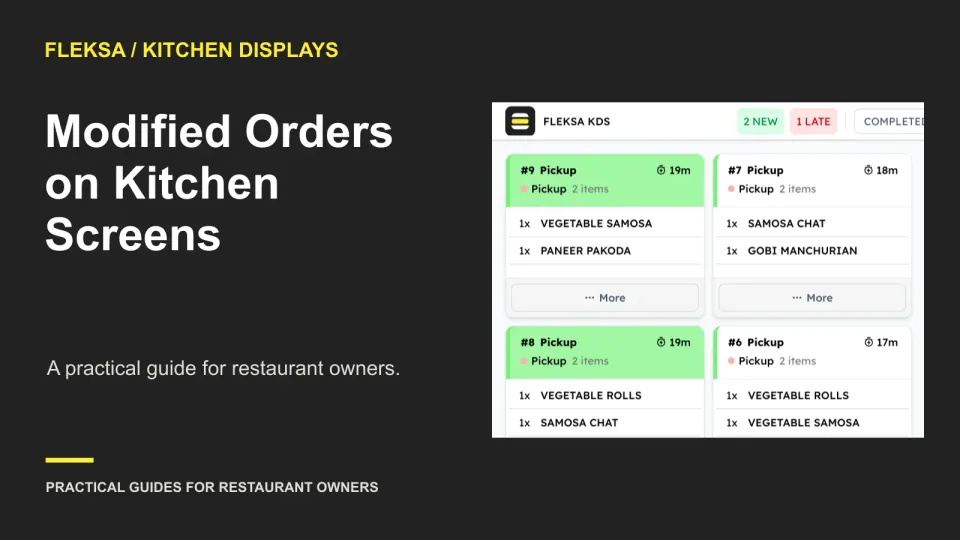
A changed ticket needs to tell the kitchen what stopped, what replaced it, and who has seen the correction. Use this practical worksheet and station-by-station example to evaluate a kitchen display workflow before buying.
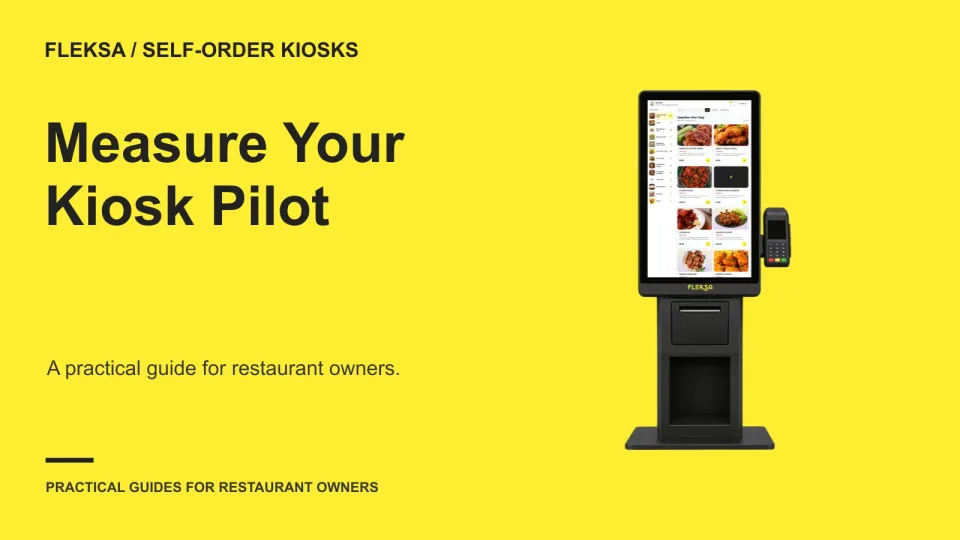
A kiosk pilot should answer more than whether guests use the screen. Compare similar shifts, measure completed orders and assistance, and set a failure test before deciding whether another location should get a kiosk.
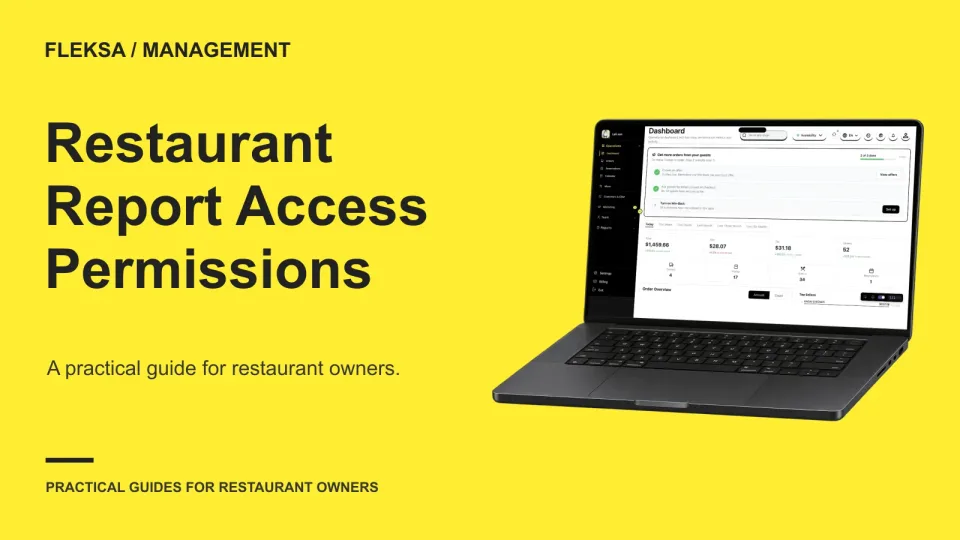
Managers need enough reporting access to run their shifts, but not every manager needs employee-level labor data or unrestricted exports. Use this practical worksheet to assign access by responsibility and review it when jobs change.
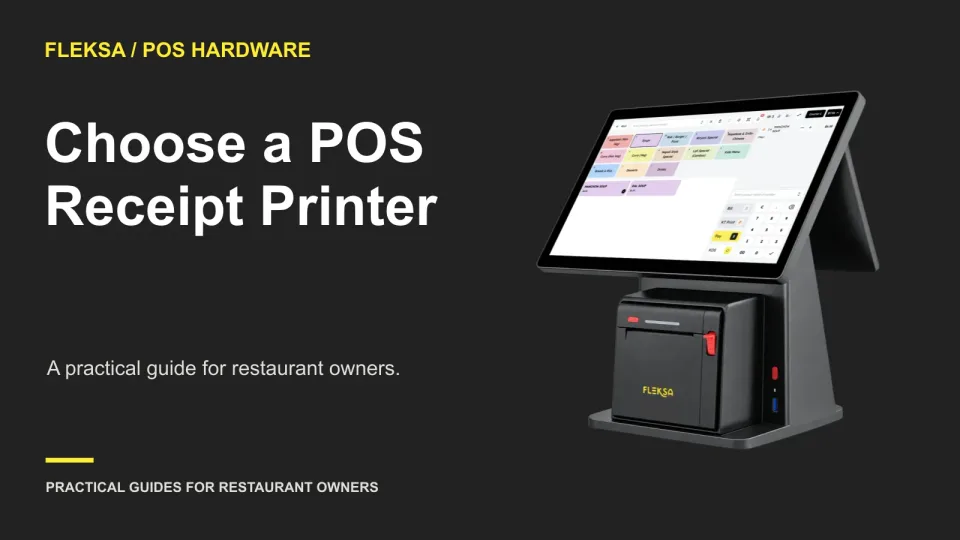
A receipt printer needs more than the right cable. Check your POS device, supported models, connection, paper and recovery process before buying. This guide includes a practical acceptance worksheet and a safe way to practice common failures.
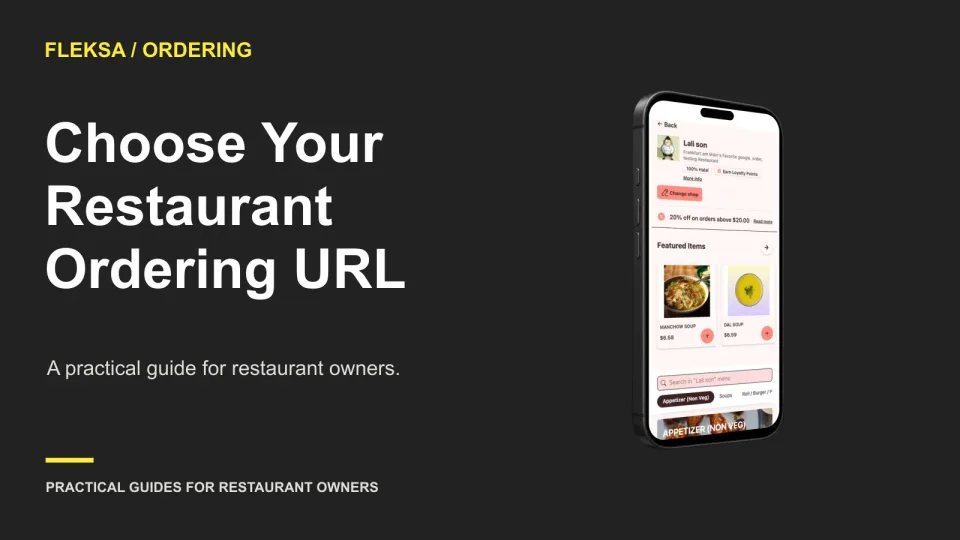
Your ordering link is more than an address on a button. Learn how to compare a branded URL with a provider-hosted link, check who controls each part, and prepare for a future change without sending guests to an obsolete page.
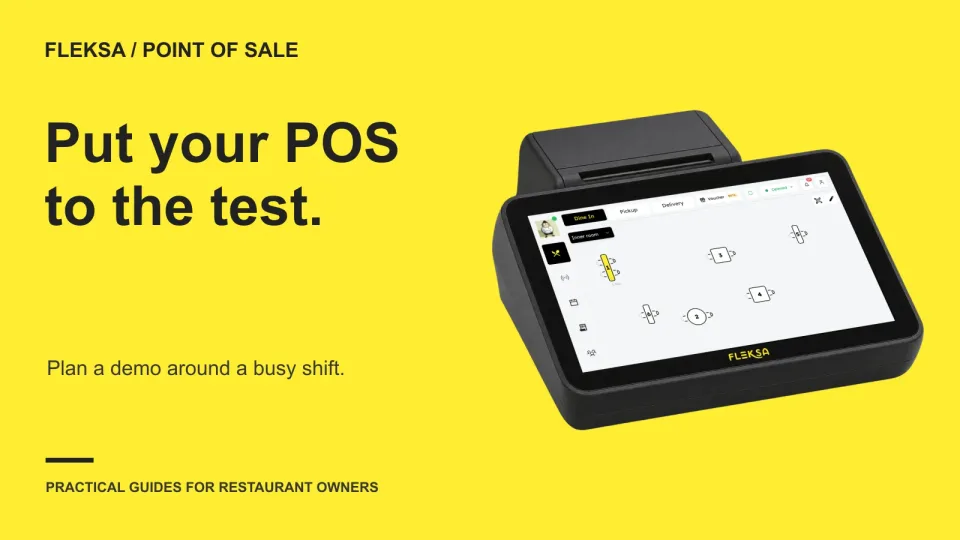
A polished POS demo may not show how your restaurant actually works. Bring a repeatable order script, test common interruptions and score what each vendor demonstrates before choosing a system.
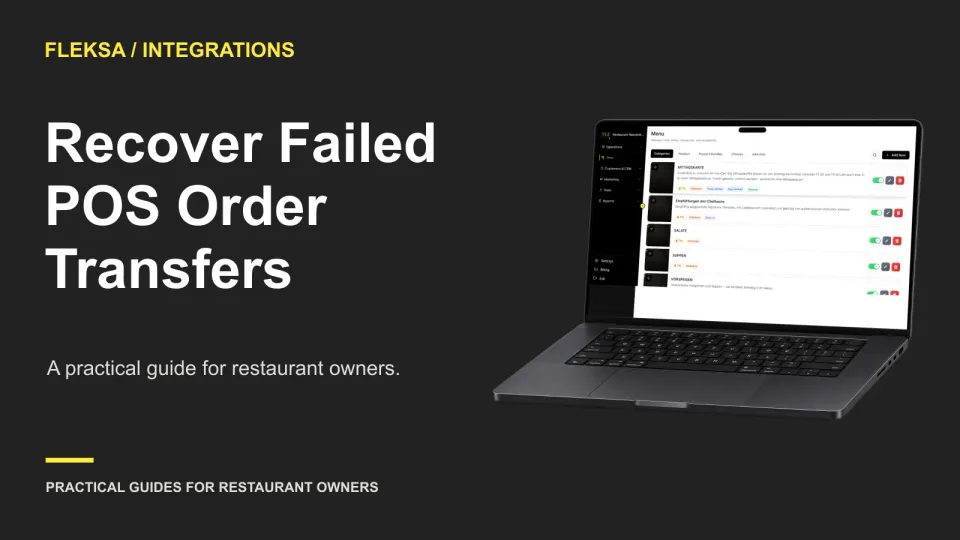
A missing POS order needs a clear owner and a careful status check. Use this response tree and reconciliation log to decide when to retry, enter an order manually, or pause before creating a duplicate.
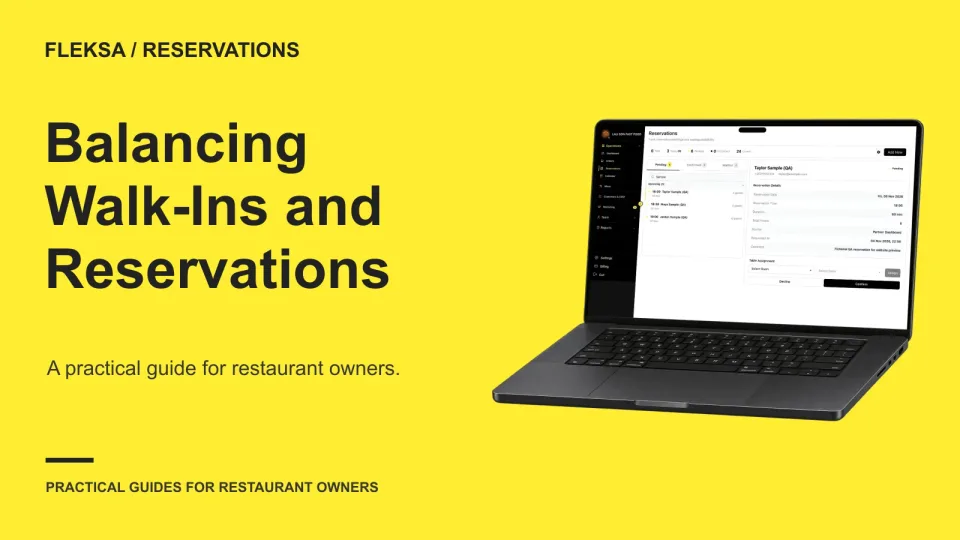
A walk-in holdback can welcome unscheduled guests without putting booked parties at risk. Use this practical worksheet to compare busy and quiet demand, set release times, and give hosts clear authority to adjust.
A guest tapping submit does not tell your team whether the kitchen received an order. Set clear status boundaries, assign staff ownership, and check uncertain submissions before asking a guest to retry.
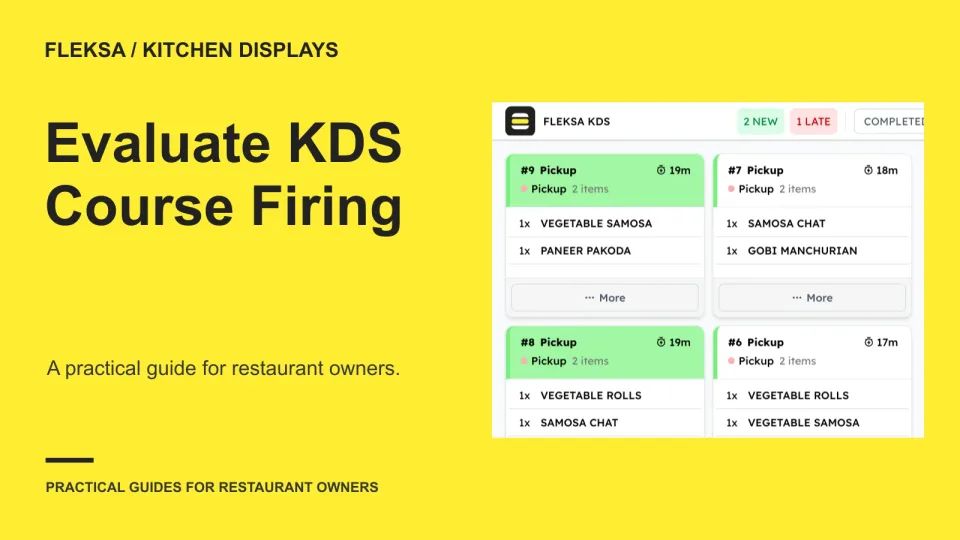
A kitchen display can show an order without making its course timing clear. Use a two-course example and a safe simulation to evaluate holds, fire signals, amendments, and station acknowledgments before choosing a system.
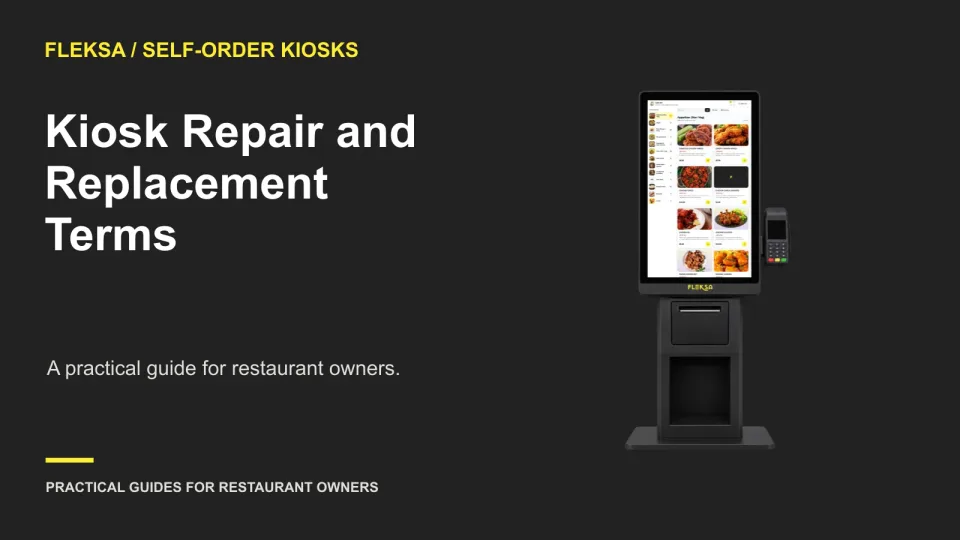
A kiosk quote is only the starting point. Use this practical worksheet to compare repair responsibilities, replacement costs, support response times and the steps needed to get a device back into service.
Page 2 of 62
Older articles for diners