Compare software, understand costs, and plan your next step.
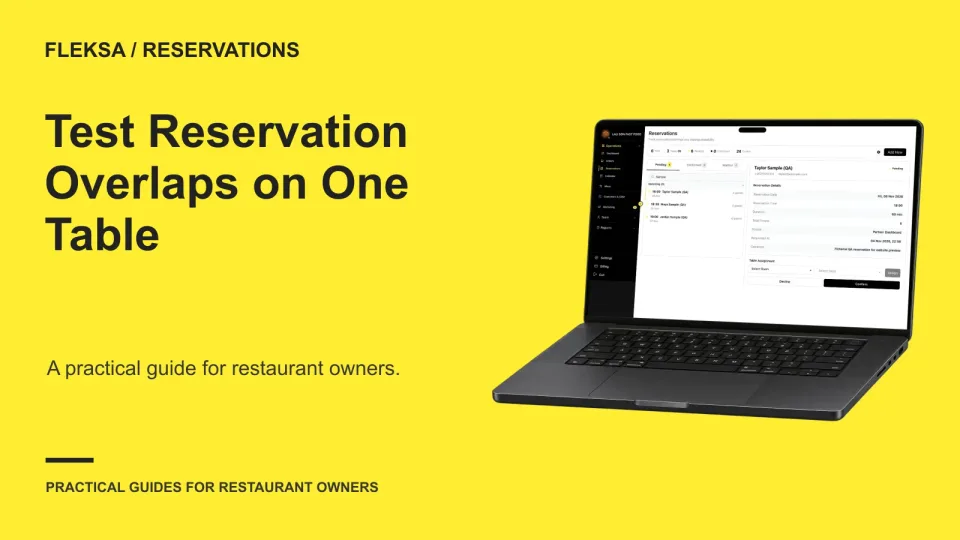
A booking slot can look open while an earlier party is still using the table. Use this one-table exercise to compare expected and observed availability, check boundary times, and give a vendor a clear result to investigate.
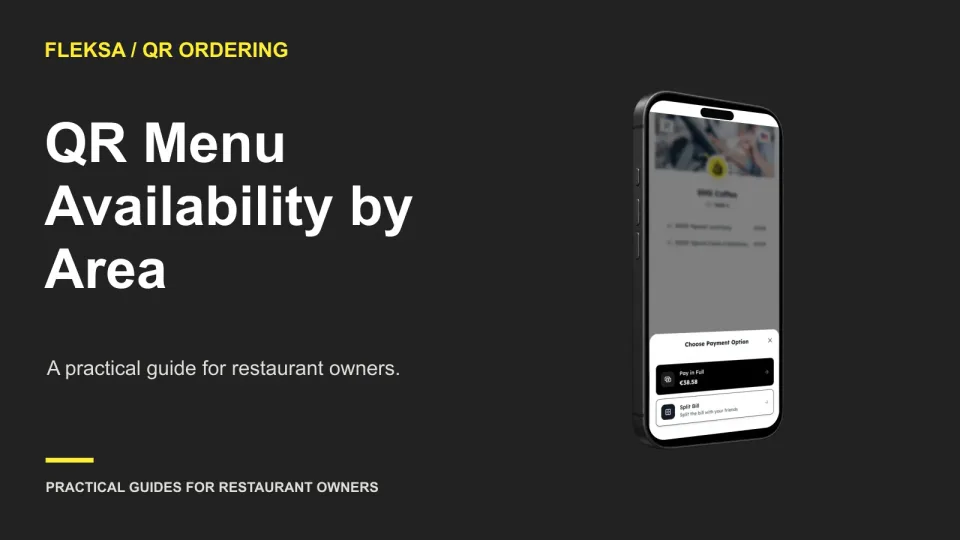
A QR code on every table does not guarantee that every guest sees the right menu. Map items to service areas, simulate unavailable-item scenarios, and assign staff to verify changes before service.
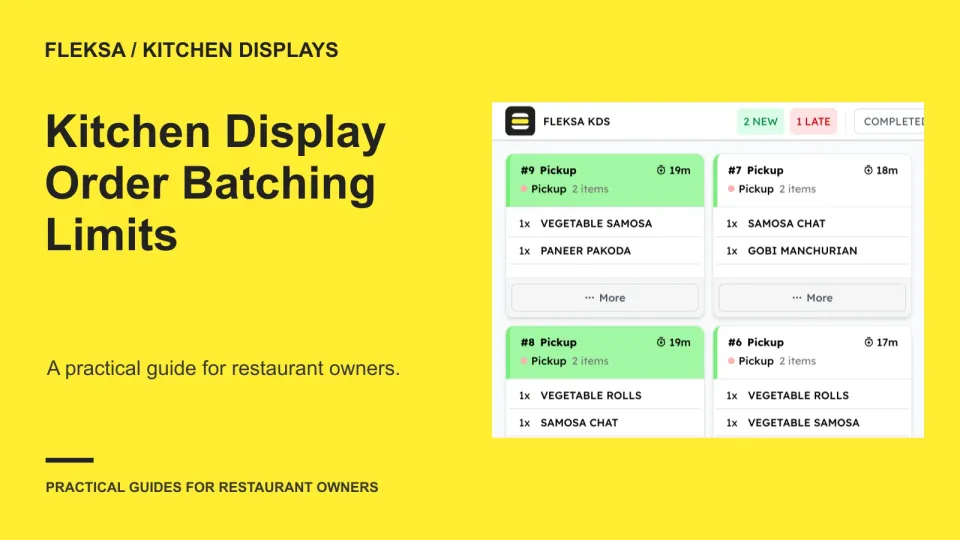
Batching identical prep can reduce repeated work, but each order still needs its own identity. Use this worksheet to set limits for modifiers and timing, then test how your team handles partial batches and changes.
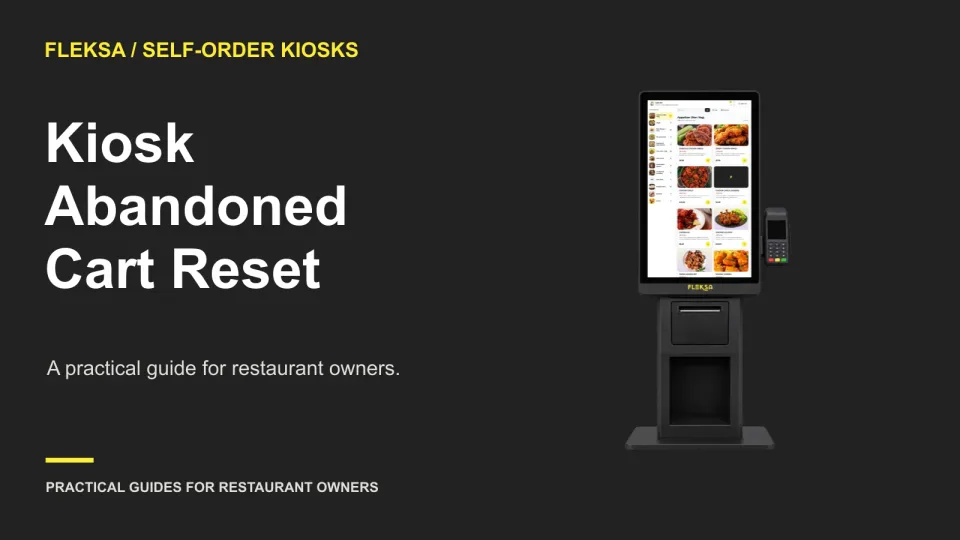
A kiosk needs to clear abandoned orders without catching guests who are still deciding. Use an inactivity timeline, a clear warning, and a separate payment-completion check to choose a safer reset workflow.
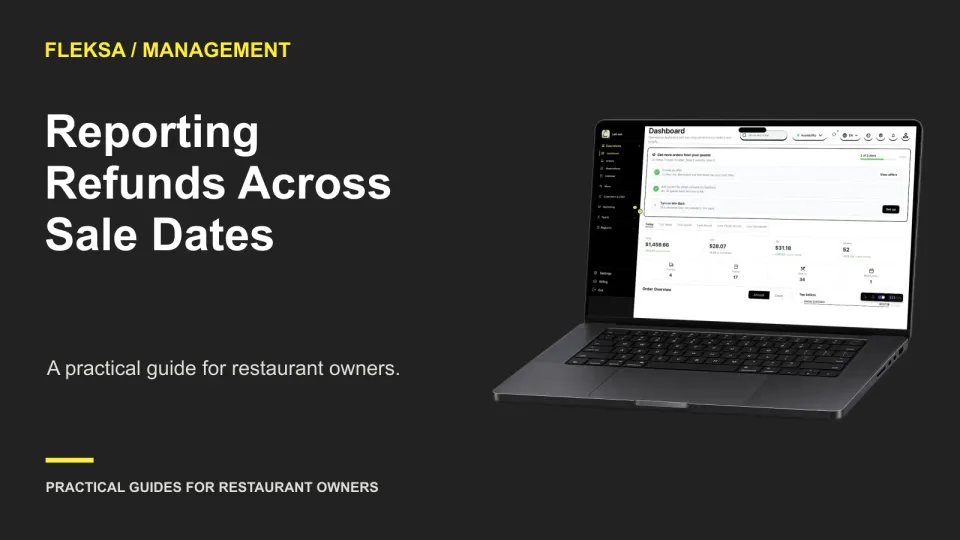
A refund can reduce today’s transaction report even when the sale happened last week. Learn how to compare both periods, reconcile the difference, and check whether your reporting tools preserve the original order link.
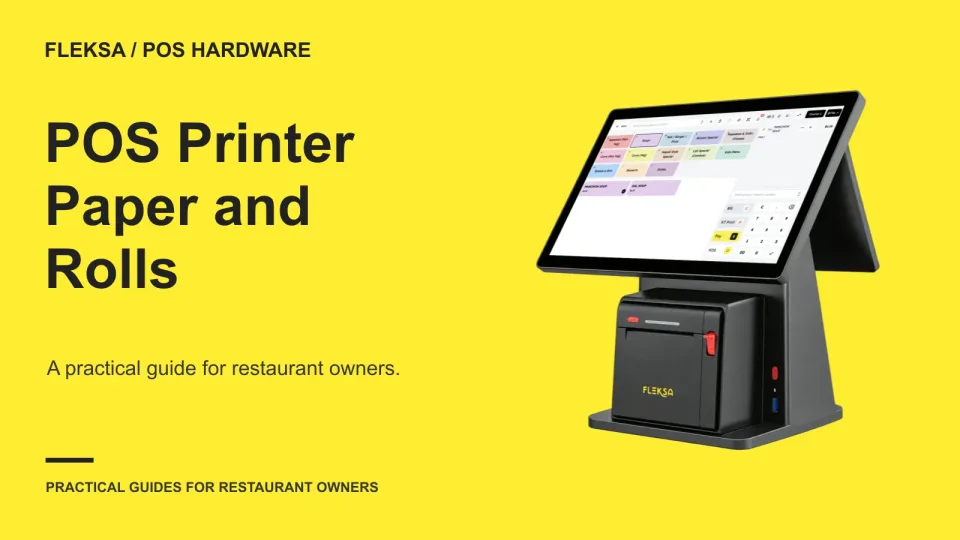
The right receipt roll must fit the printer and be easy for staff to replace. Use this practical worksheet to check paper specifications, storage, exceptions and a timed roll-change exercise before service.
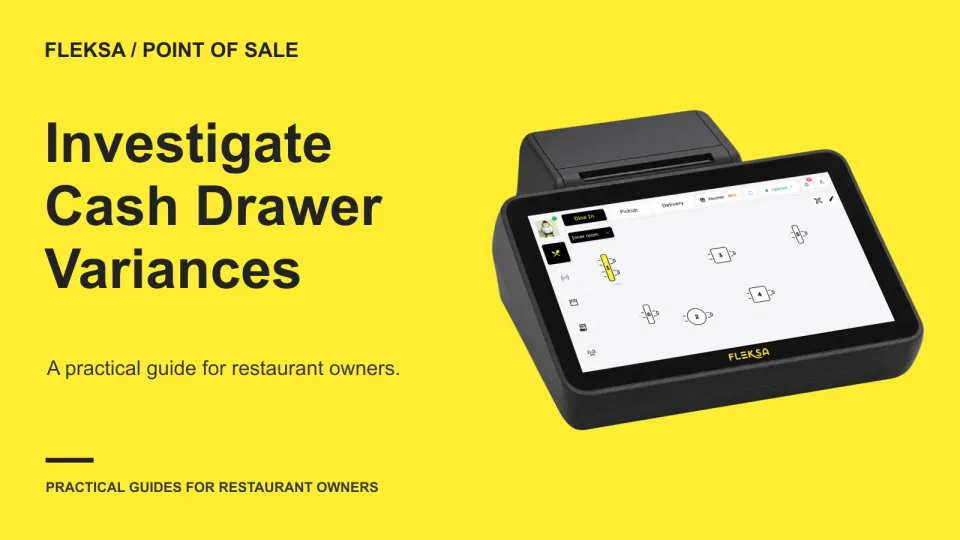
A cash drawer difference is a starting point for an investigation, not an explanation. Use this worksheet to rebuild the expected balance, trace movements and handoffs, and document what remains unresolved without jumping to conclusions.
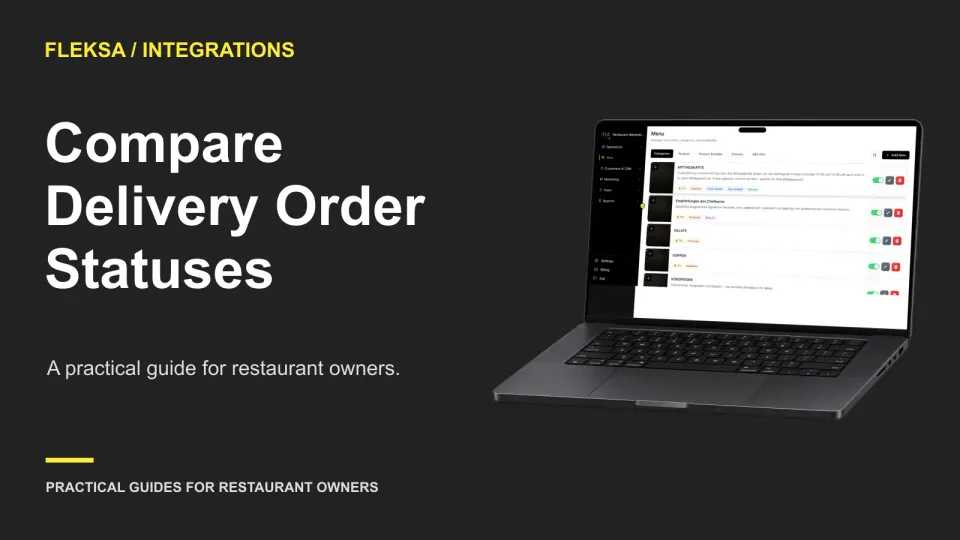
An order marked accepted in a marketplace may not be ready for the kitchen. Use a status translation table and a safe test to see what each system tells staff, where updates stop, and who handles a mismatch.
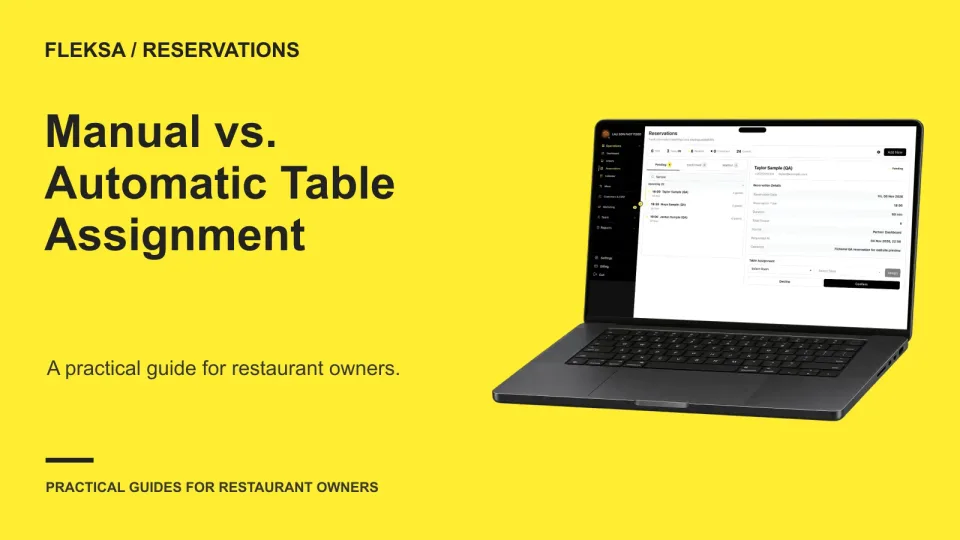
Automatic table assignment can reduce routine host work, but a suggested table deserves review when timing, seating needs or changing availability make the choice uncertain. Use this decision framework to set boundaries and evaluate reservation software.
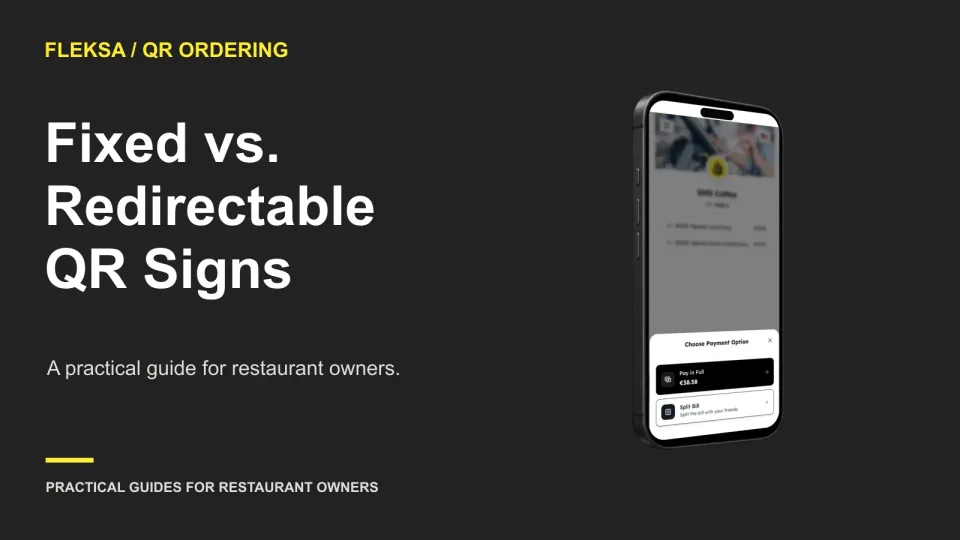
A QR sign can point straight to a destination or through a redirect you control. Compare the costs, table-identity risks, and vendor exit terms before deciding which approach fits your restaurant.
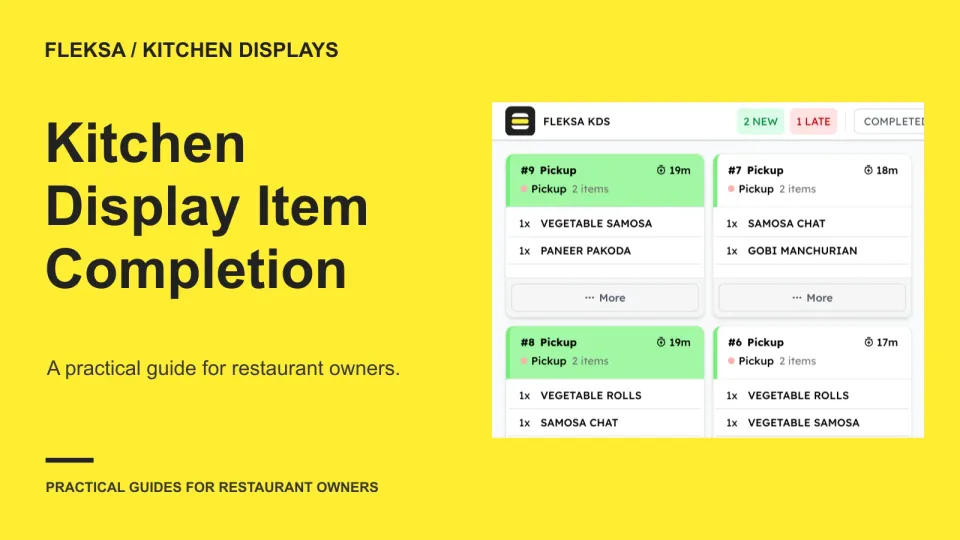
When one dish is ready before the rest of an order, the kitchen still needs a clear view of what remains. Use this practical worksheet to compare item-level completion, whole-ticket controls and recovery from an early mark.
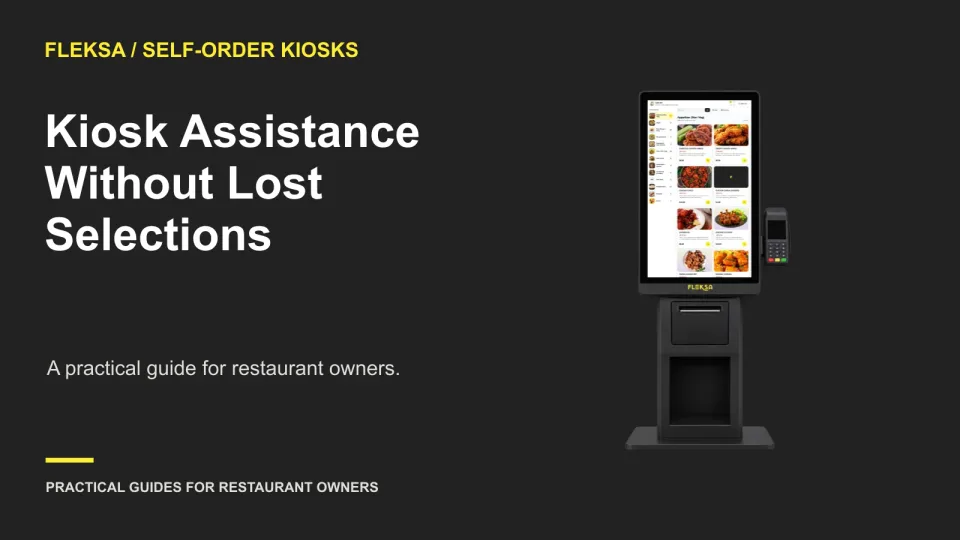
A good kiosk help process tells guests how to get attention and gives staff a clear way to return them to their order. Use this practical handoff to check cart retention, payment status, and duplicate-order risks.
Page 22 of 62
Older articles for diners