Compare software, understand costs, and plan your next step.
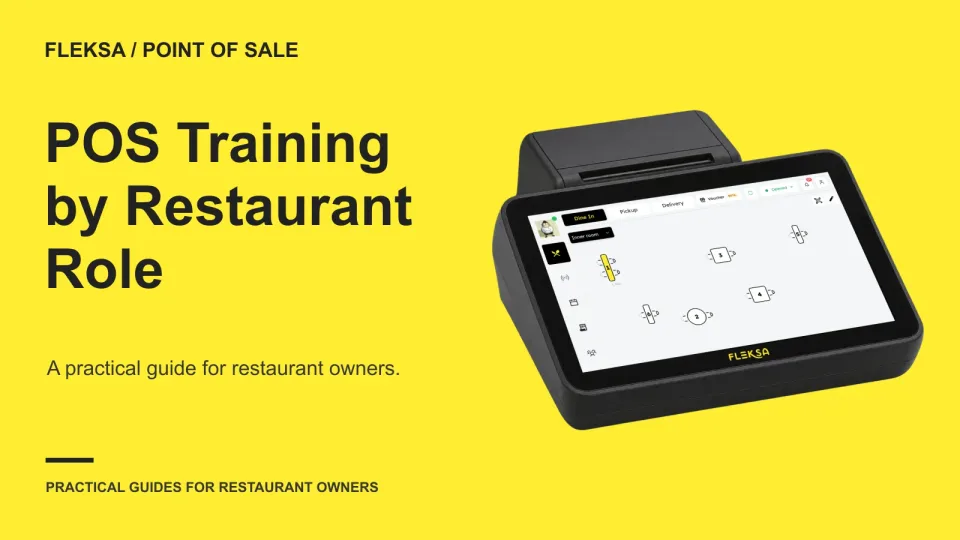
A POS changeover goes better when each employee practices the tasks and exceptions they will handle on shift. Use this role-by-role matrix to plan scenarios, check readiness and arrange help after launch.
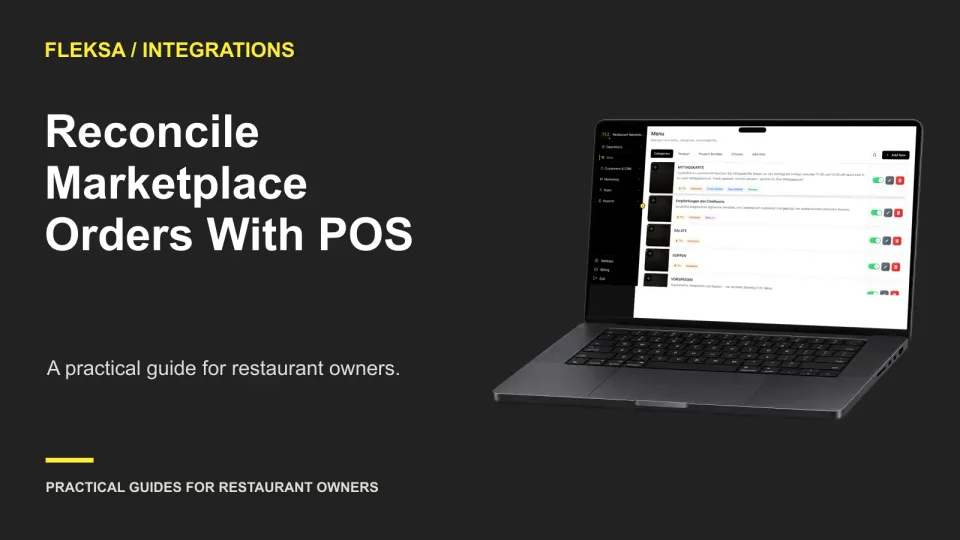
A manager can account for orders across marketplaces and the POS by comparing closed-period records, matching unique references and tracking exceptions. Use this worksheet to separate missing records from cancellations and assign the next step.
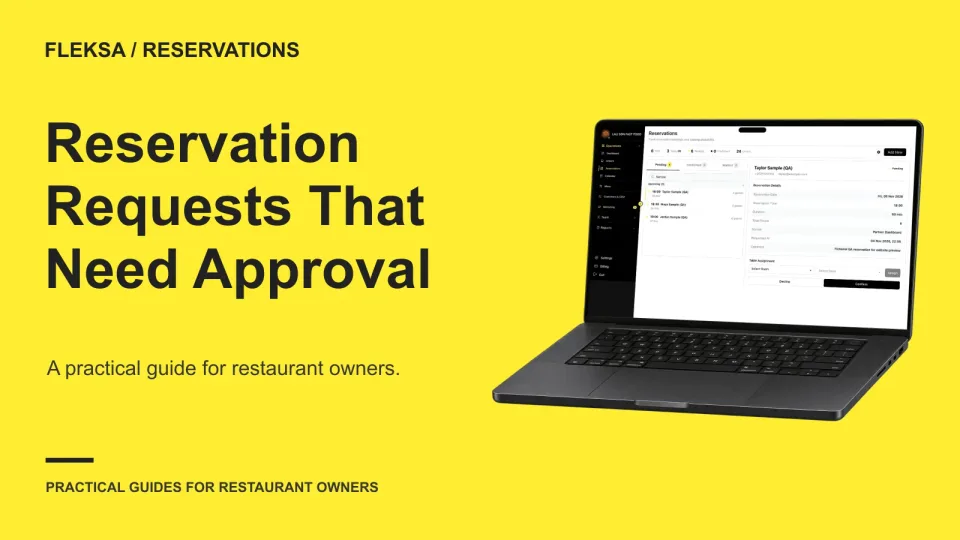
Some reservation requests need a person to check the room before promising a table. Use this practical workflow to decide when to hold a request pending, assign a reviewer, and give guests a clear answer.
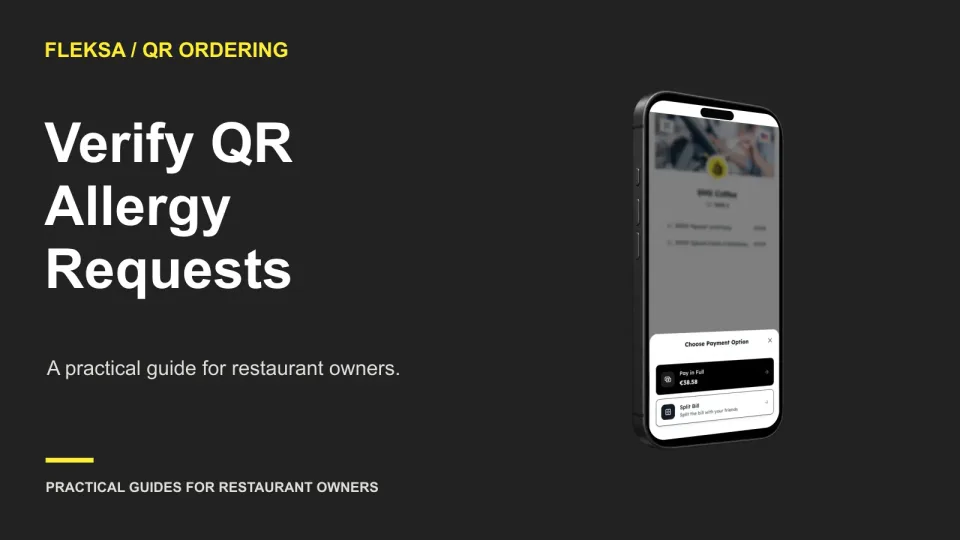
A guest's allergy note needs more than a field on the ordering screen. Use this practical worksheet to trace the request to the right person, test acknowledgment, and set a staff-led fallback before preparation begins.
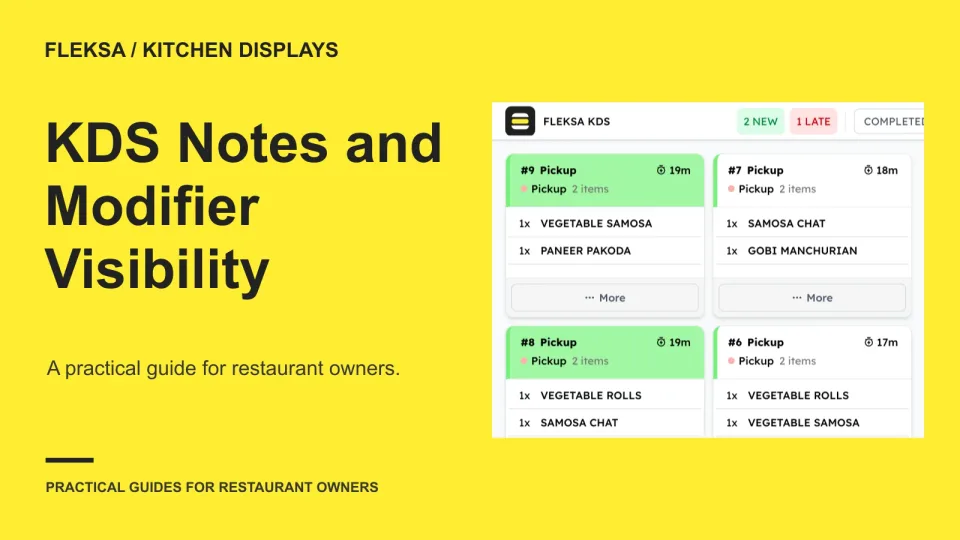
A kitchen display can show an order without making its instructions easy to use. Test sample items, long notes, screen layouts and station handoffs before deciding whether a KDS fits your kitchen.
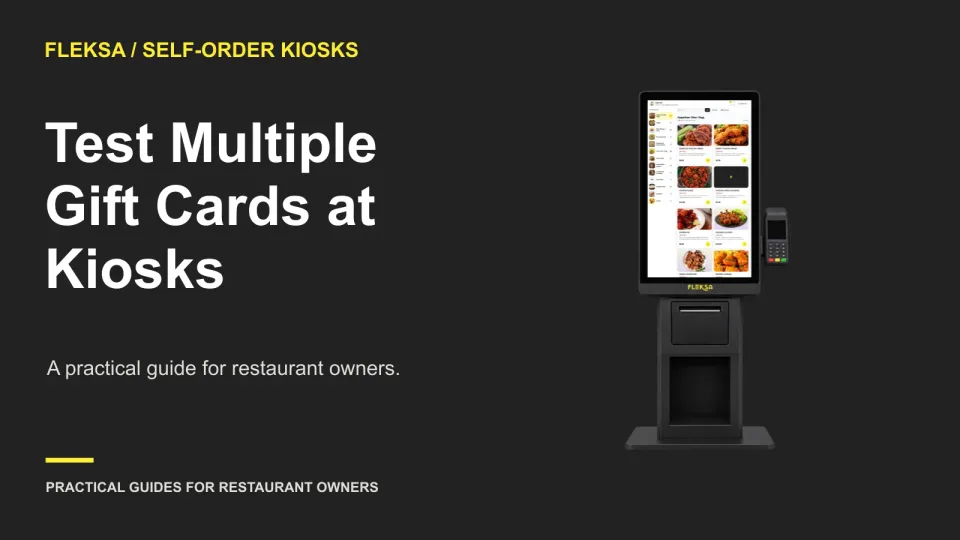
A kiosk may accept a gift card without accepting two on the same order. Use this practical demo to trace the unpaid balance, check cancellation, and decide whether the fallback works for your staff and guests.
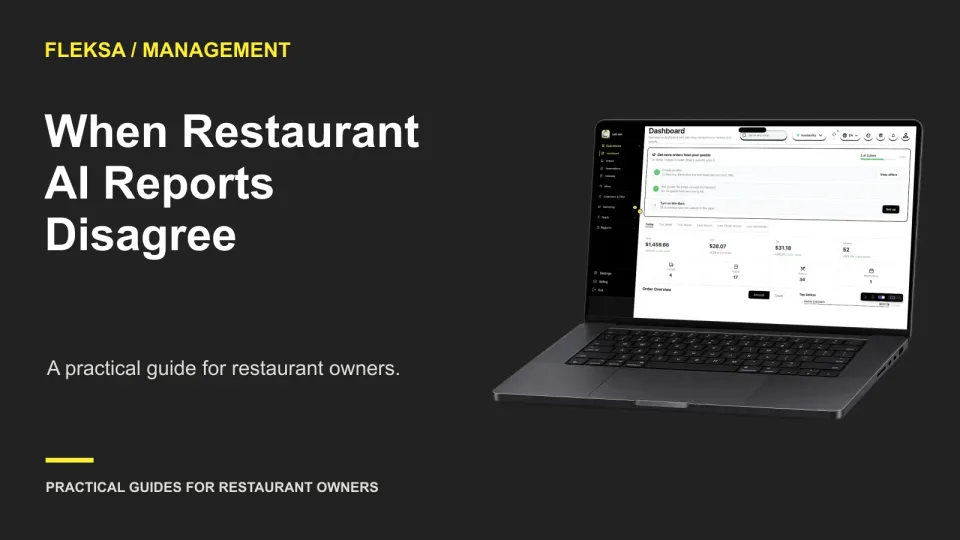
Two approved reports can disagree without either being wrong. Use this practical test to see whether a restaurant AI assistant names both figures, explains their date cutoffs, and stops a recommendation until the right person resolves the conflict.
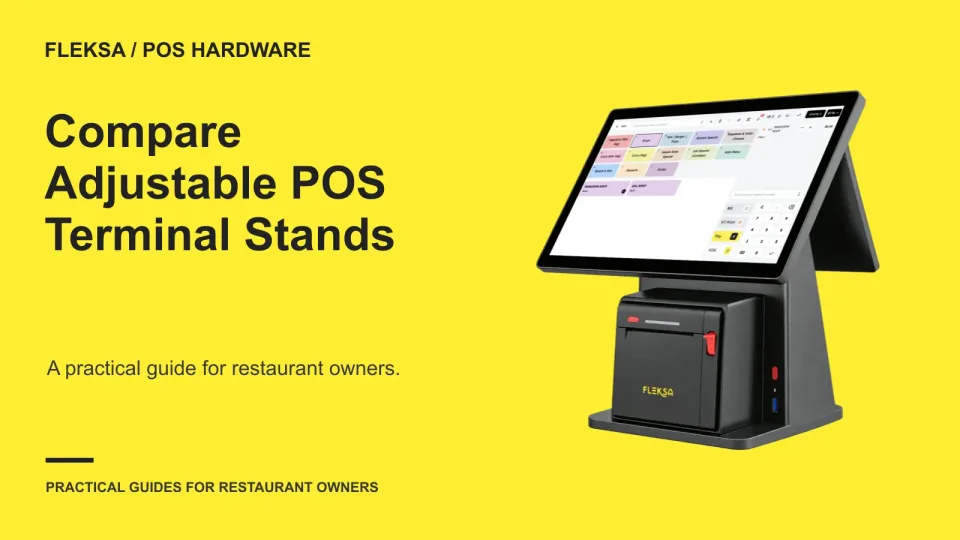
A terminal stand that adjusts on paper may still be awkward at your counter. Use your actual screen, cables, and work positions to compare reach, stability, and the adjustments staff need during service.
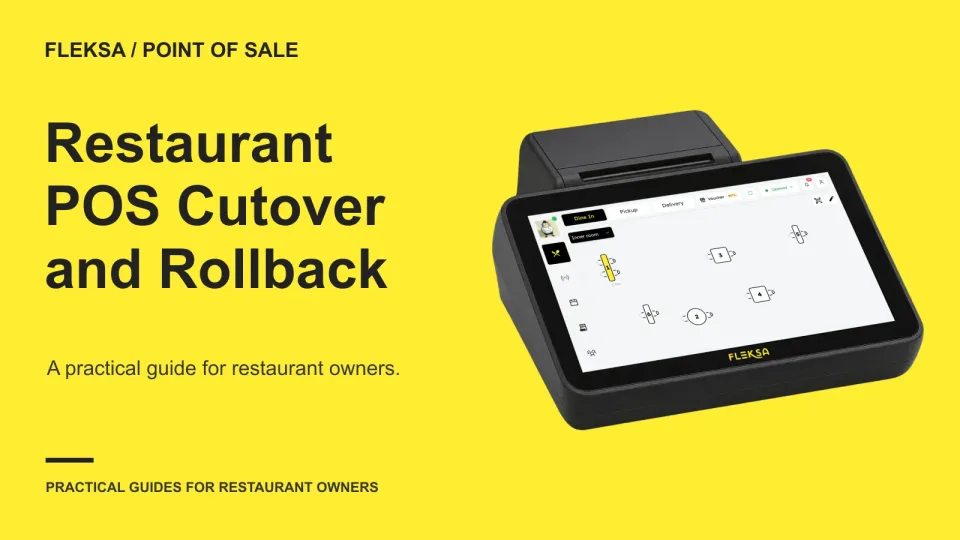
A POS launch needs more than a scheduled start time. Use a decision sheet to set readiness checks, a stop deadline, rollback triggers, and a way to account for orders and payments created during the change.
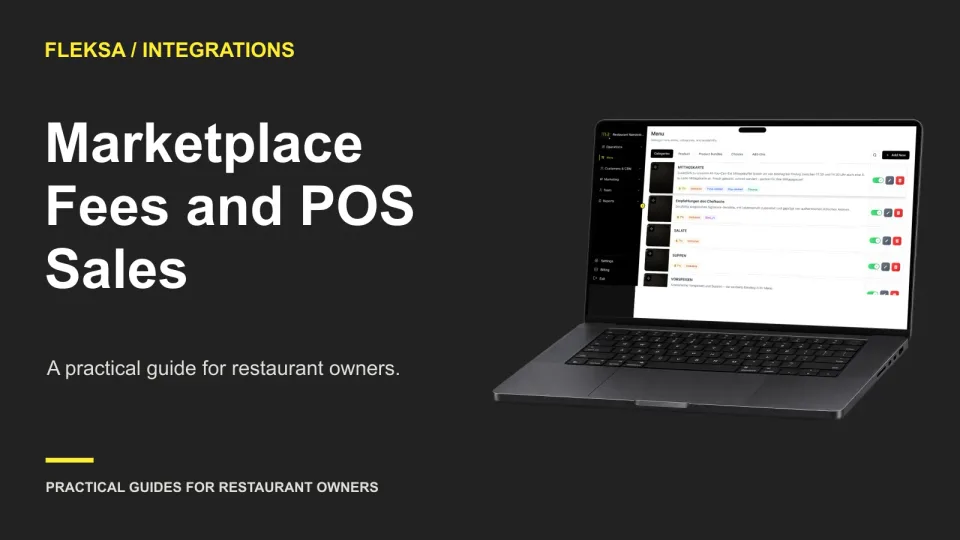
A marketplace payout is not the same as POS sales. Use a practical settlement bridge to separate item sales, discounts, tax, fees and refunds, then identify which reporting gaps need manual work.
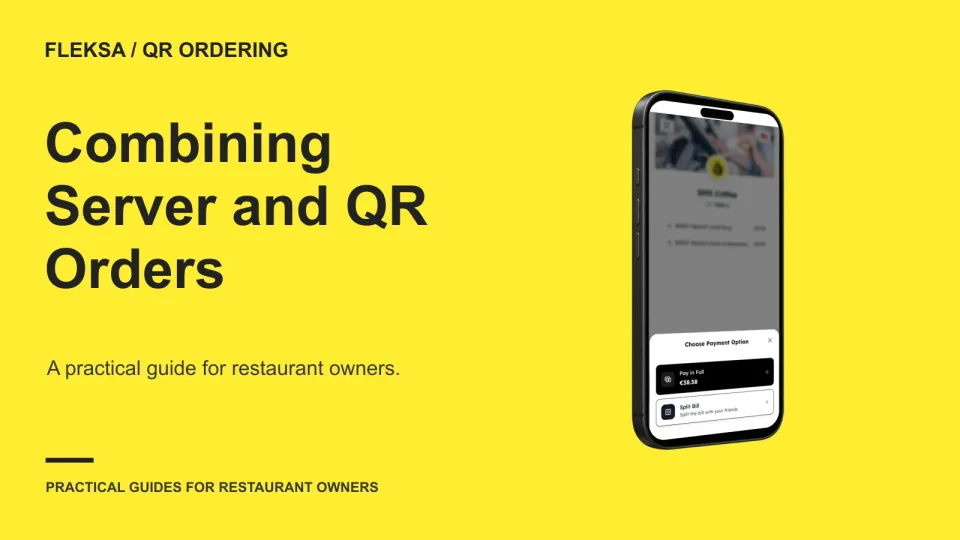
A table can order through a server and a phone during the same meal. Here is how to compare order views, test changes and handoffs, and reconcile separate tickets before anyone pays.
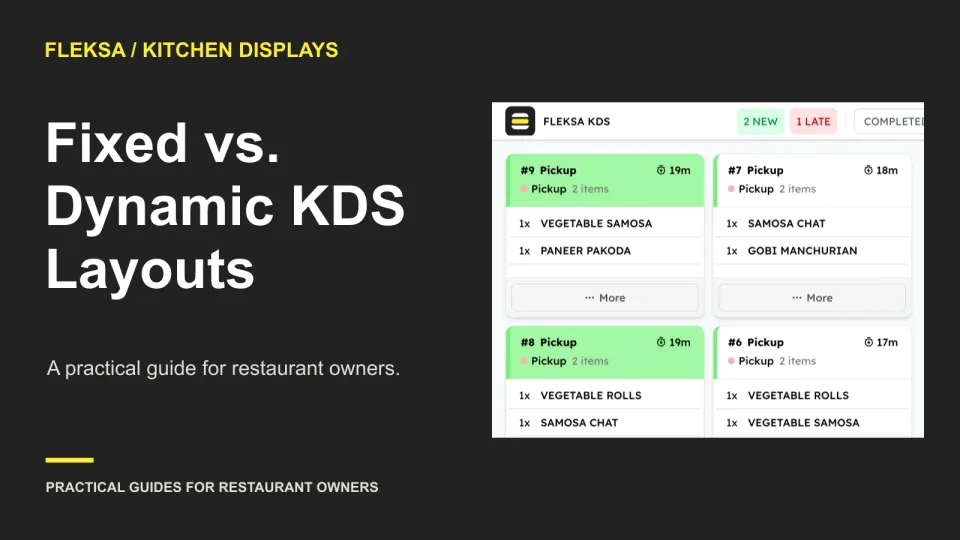
A fixed grid can make ticket positions predictable, while expanding tickets can expose more order detail. Use the same simulated rush, staff tasks, and acceptance limits to find out which layout works better in your kitchen.
Page 24 of 62
Older articles for diners