Compare software, understand costs, and plan your next step.
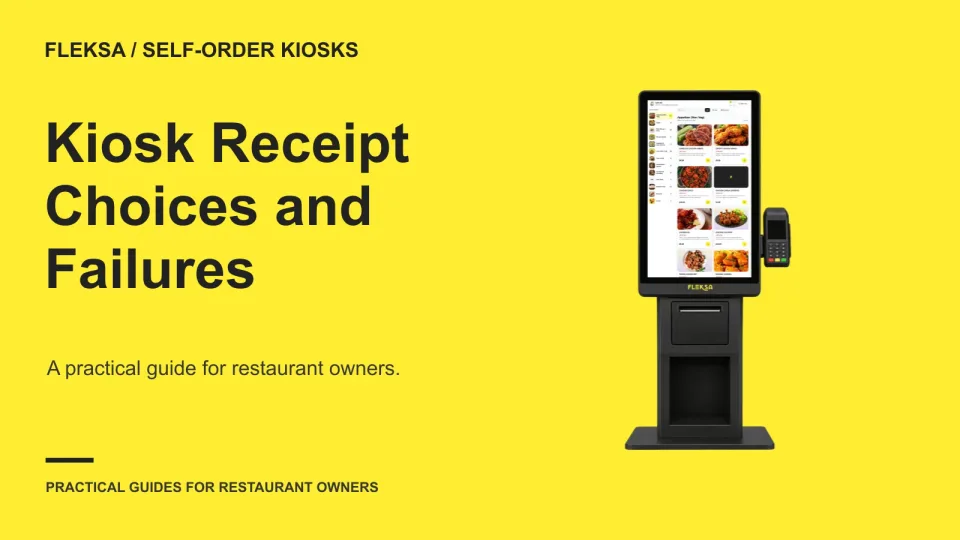
A kiosk receipt choice should work for guests and give staff a reliable way to resolve problems. Compare paper, digital, and no-receipt options, then test a completed transaction with a simulated printer failure before buying.
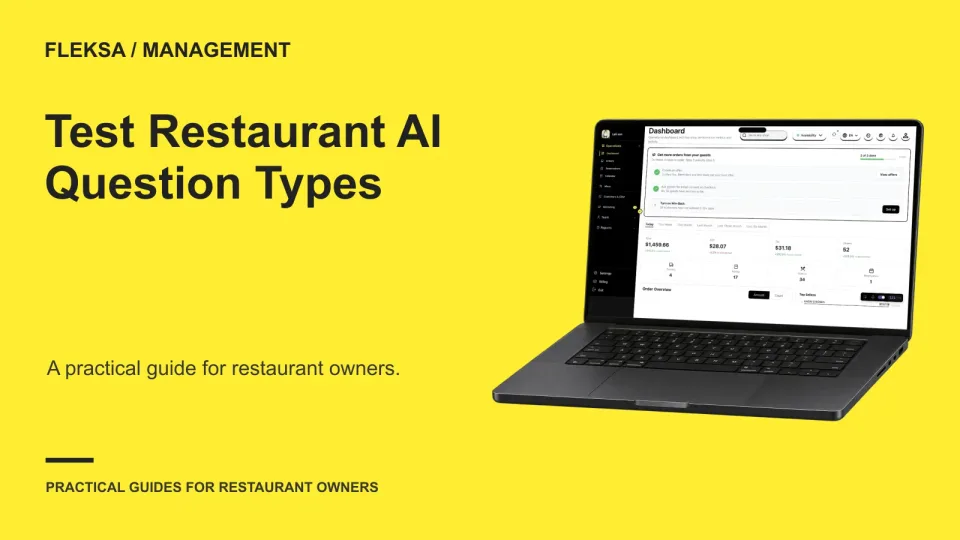
A restaurant AI pilot should start with questions the team can check, not every question a manager might ask. Use this hypothetical worksheet to compare lookups, calculations and recommendations before deciding what belongs in the pilot.
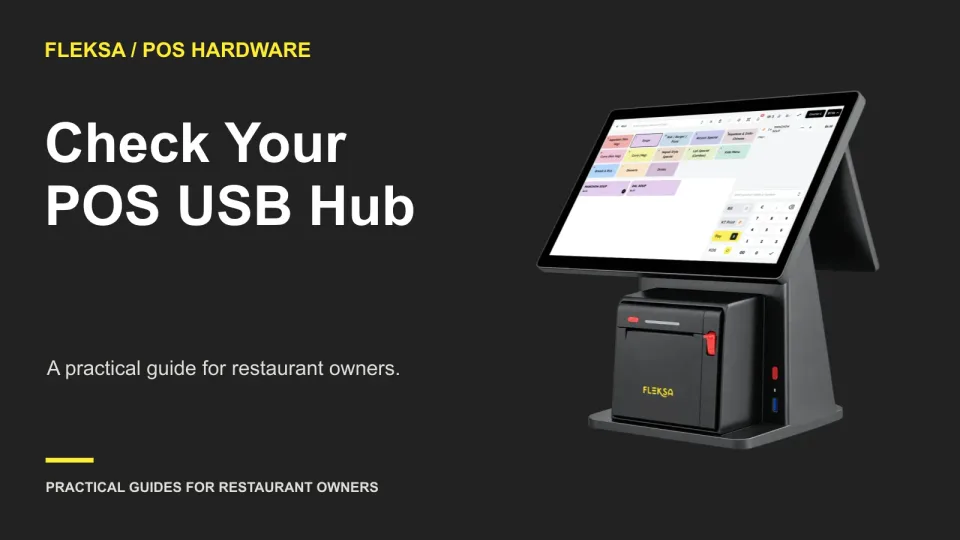
A spare USB port does not guarantee that a printer, scanner, and payment device will work together. Use a device map, power budget, and restart check to decide whether a POS hub fits your counter.
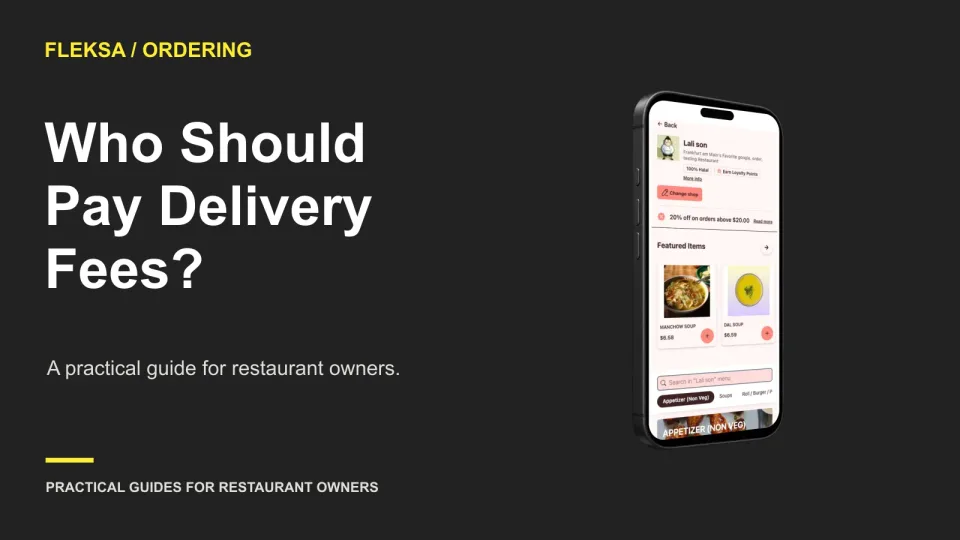
A delivery fee can protect an order's margin, but it can also change whether a guest completes checkout. Compare the cost of delivery, the contribution from each order, and the effect of different fee options before choosing.
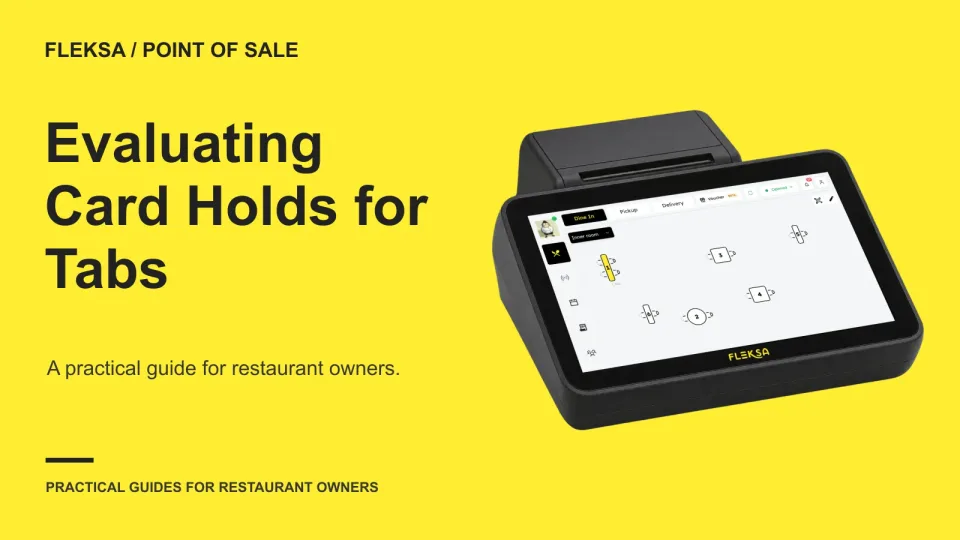
A card hold can help secure an open tab, but it is not a completed payment. Use this guide to check authorization, added items, settlement, release, and the staff decisions that connect them.
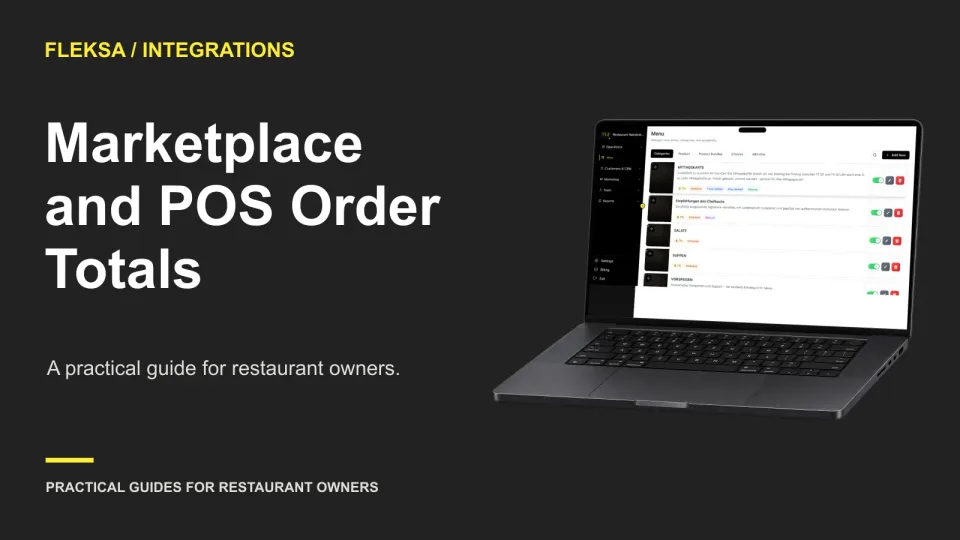
A marketplace total and a POS total can differ even when the order items match. Learn how to compare each component, identify what each screen includes, and decide which differences need a vendor’s explanation.
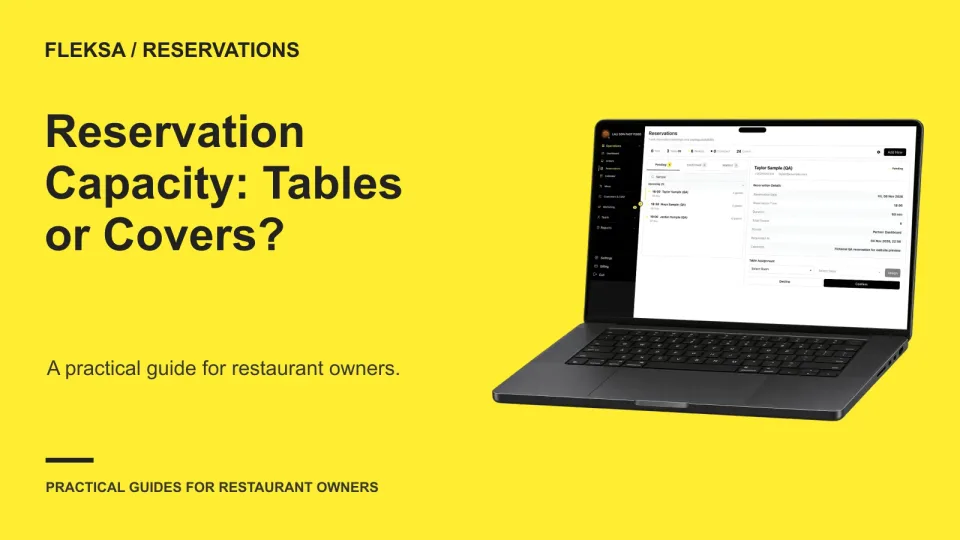
A cover limit can leave guests without a suitable table, while a table count can hide unused seats. Use this six-table example to compare both rules and test whether reservation software handles real seating constraints.
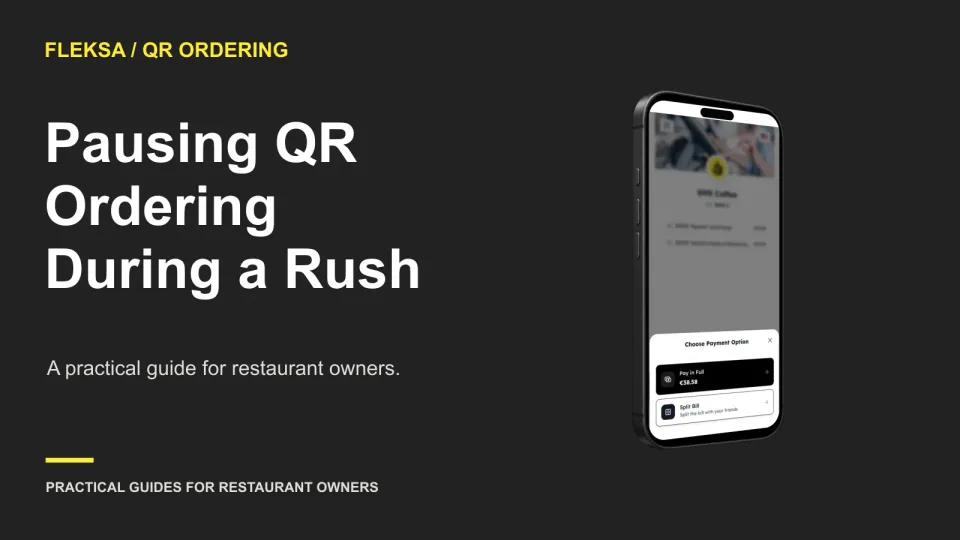
A QR ordering pause can relieve pressure on a busy team, but it can also leave guests unsure what happened to their orders. Use this worksheet to choose a response, protect the handoff and agree on a safe restart.
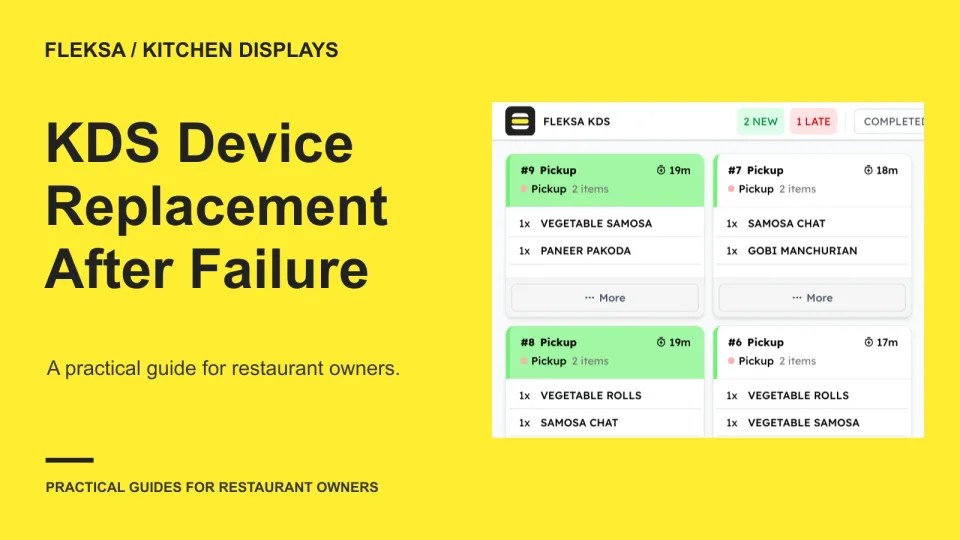
A spare kitchen screen is useful only if staff can restore the right station on it. Use this practical rehearsal to measure replacement time, check ticket behavior and decide when to switch to a fallback.
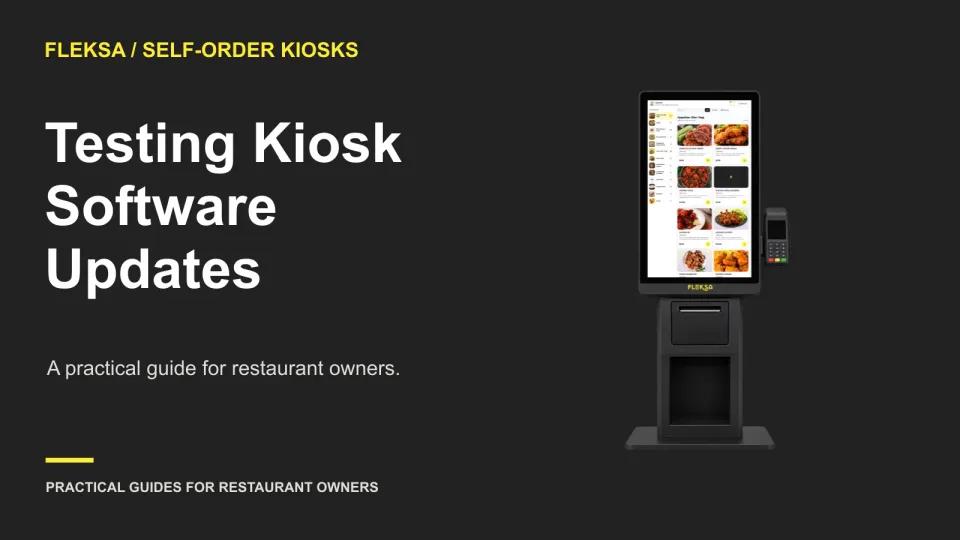
A kiosk update can affect ordering, payment, and kitchen tickets at once. Use a one-device pilot, a written acceptance test, and a staffed fallback to decide whether the update is ready for your other kiosks.
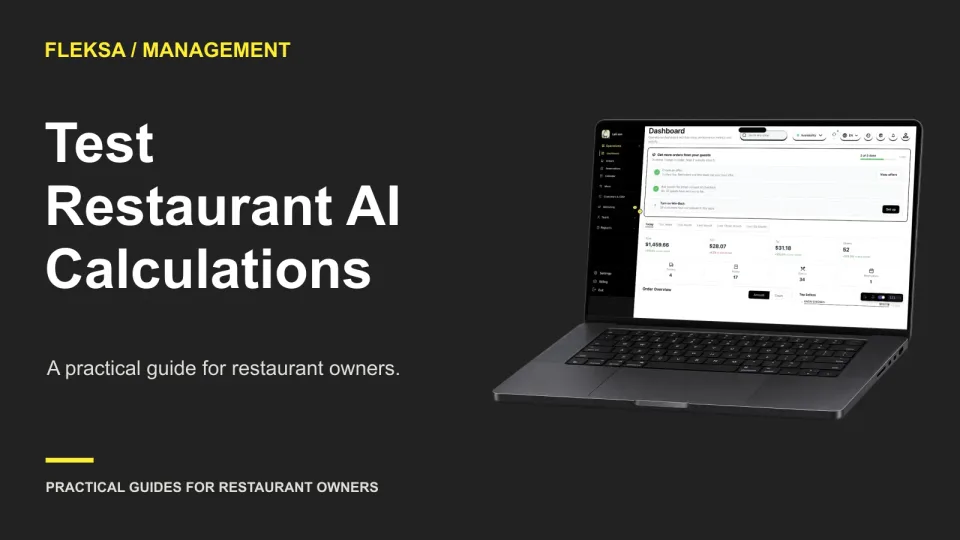
Can a restaurant AI assistant calculate sales per labor hour from numbers you provide? Use this fictional shift worksheet to check its arithmetic, units, rounding, and response to missing information before relying on it for decisions.
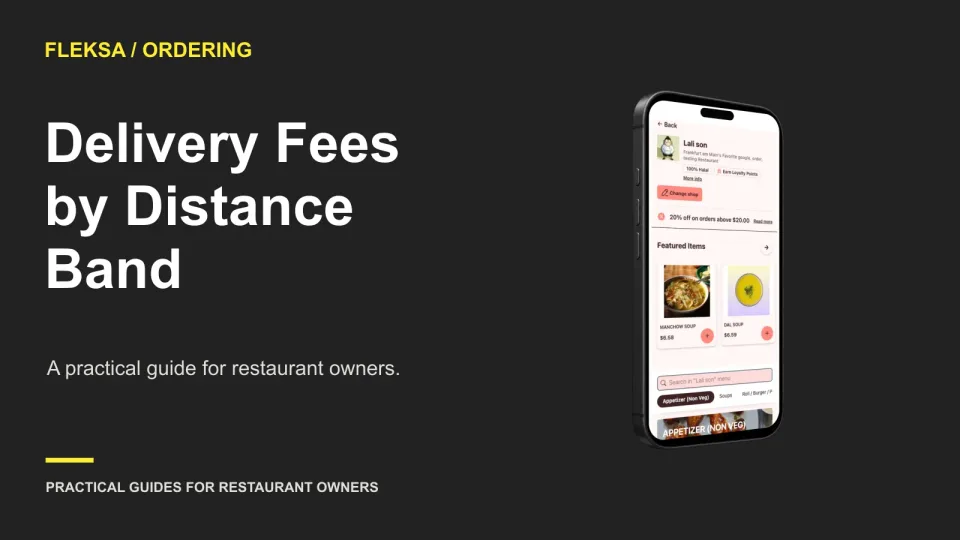
Distance-based delivery fees can reflect the cost of longer trips without surprising guests at checkout. Use a simple worksheet to compare fee options, check sample orders, and decide what to monitor before making a change.
Page 25 of 62
Older articles for diners