Compare software, understand costs, and plan your next step.
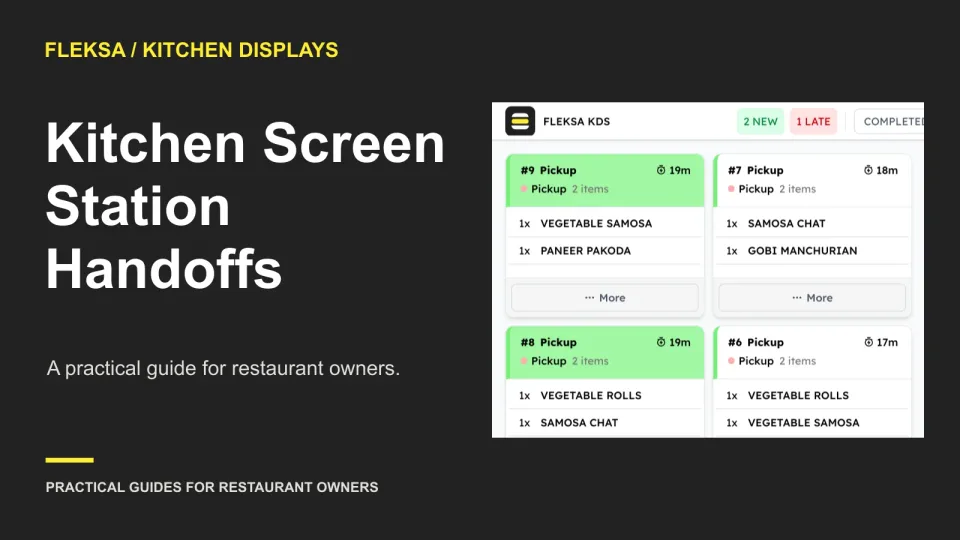
A finished item can disappear from the kitchen’s view before the next station is ready. Use this handoff worksheet and a simulated missed-acceptance test to compare screen workflows before you buy.
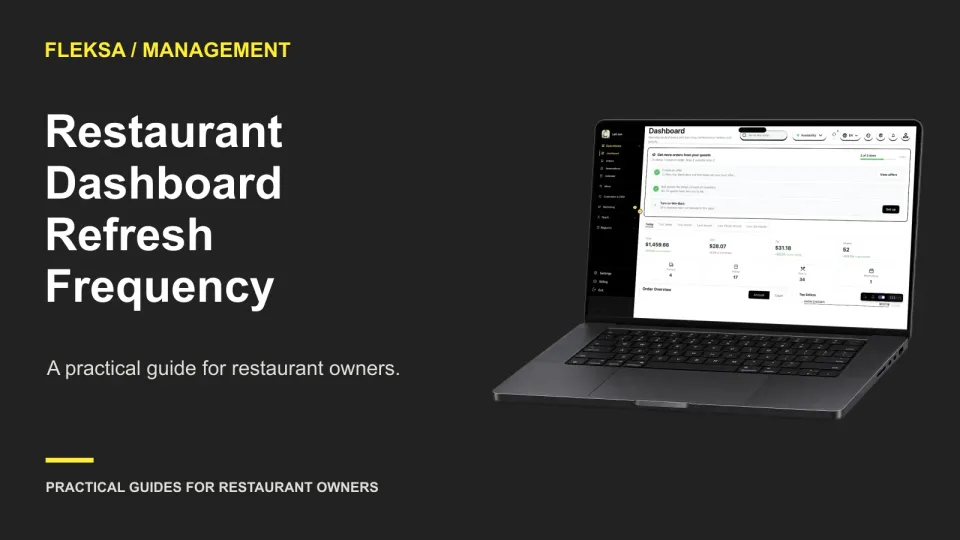
A dashboard can be useful for closeout and still arrive too late for a staffing decision. Use this worksheet to set a refresh threshold, assign an escalation owner, and test what happens when sales data is late.
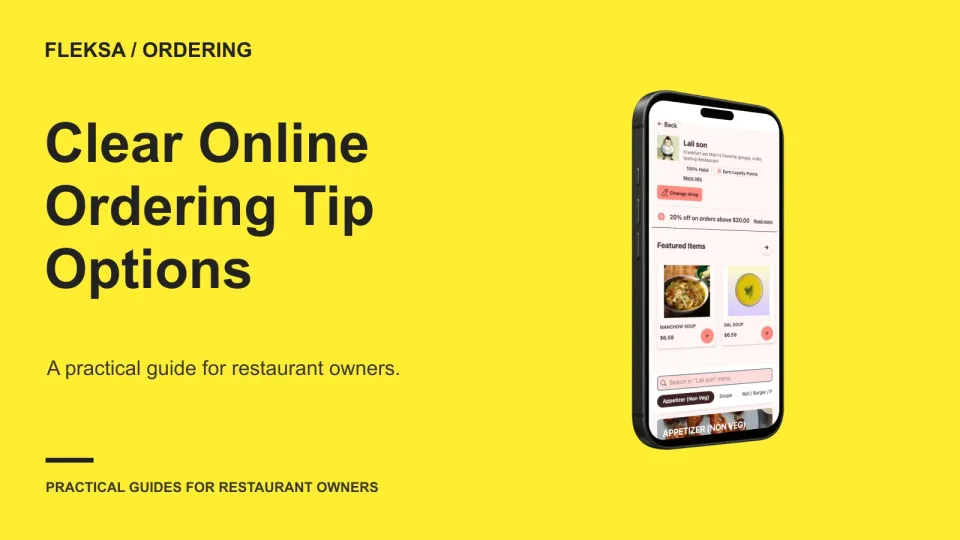
A clear online tip prompt gives guests a genuine choice and shows how each option changes the total. Use these sample totals and checkout questions to review your setup before accepting orders.
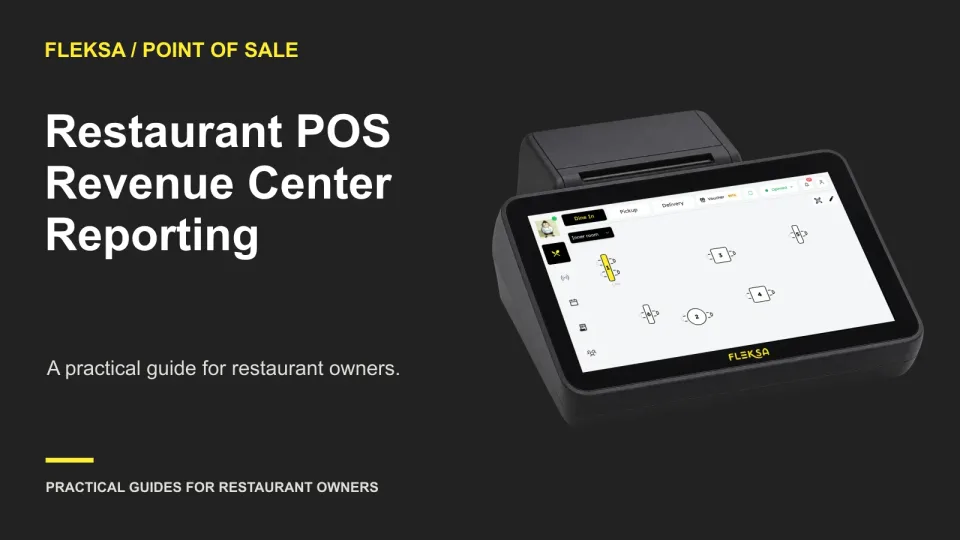
A revenue-center report should show what the bar and dining room earned without changing the restaurant total. Use this worksheet to set allocation rules, walk through exceptions, and compare POS demonstrations.
A single tablet can simplify delivery order intake, but only if orders reach the right POS and kitchen workflow. Compare providers by your actual channels, test exceptions safely, and ask for a complete operating quote.
A reservation report and a POS report can both be right while showing different cover counts. Learn how to trace split checks, walk-ins, and changed party sizes before deciding whether a discrepancy needs correction.
A QR code can take an order, but someone still needs to notice it and get food to the right guest. Use this seating-area worksheet to decide where phone ordering fits and where another service model is safer.
A paused kitchen ticket needs a clear owner, a visible status, and a reliable path back to preparation. Use this worksheet to compare display workflows and test what cooks see when a delayed order resumes.
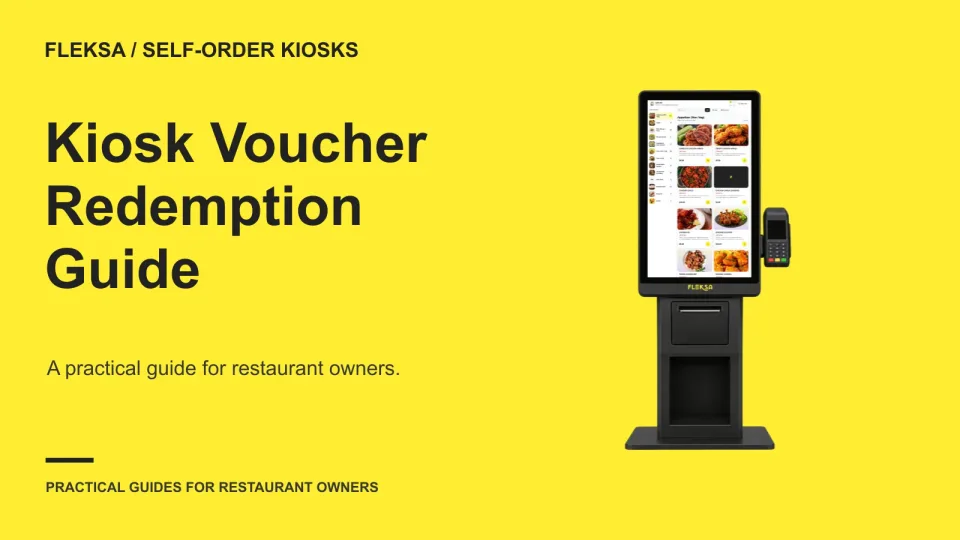
A kiosk voucher needs more than a code field. Learn how to trace an offer through an order, check the price before payment, and give staff a practical way to help when a promotion is rejected.
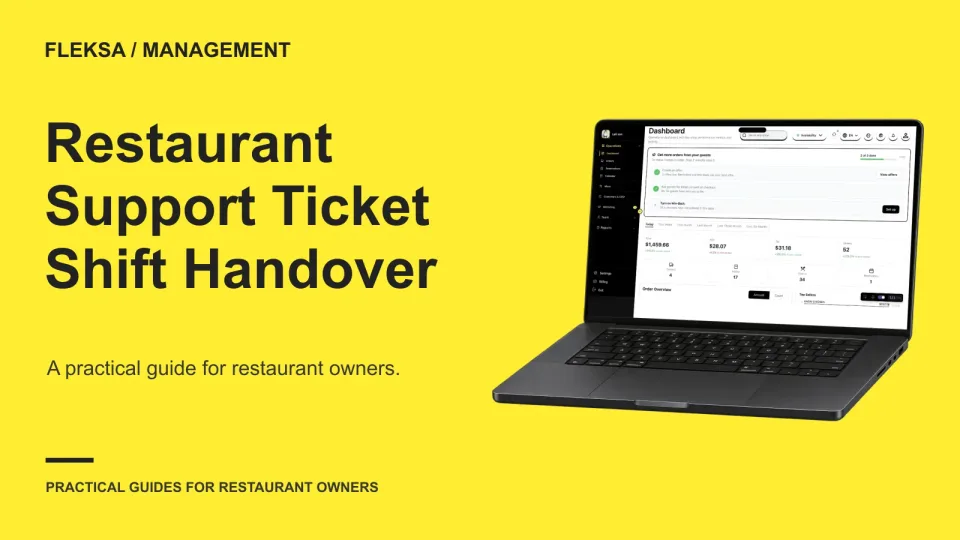
A support ticket can stall when the employee who reported it clocks out. Use this handover worksheet and a safe simulated reply test to give the next shift the context, authority and next action it needs.
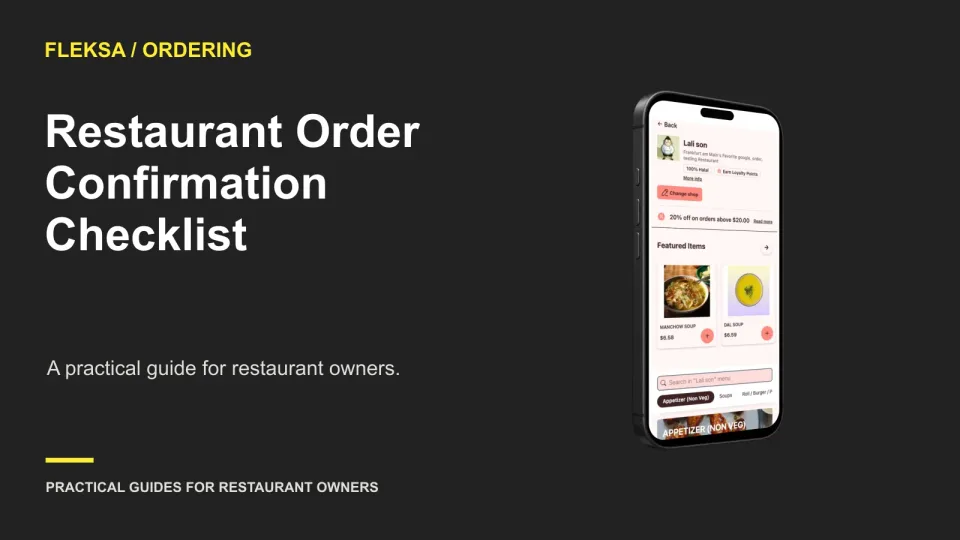
A useful order confirmation tells guests what the restaurant accepted, what they owe, when and how they will receive it, and who to contact. Use this checklist and sample message to review your current setup.
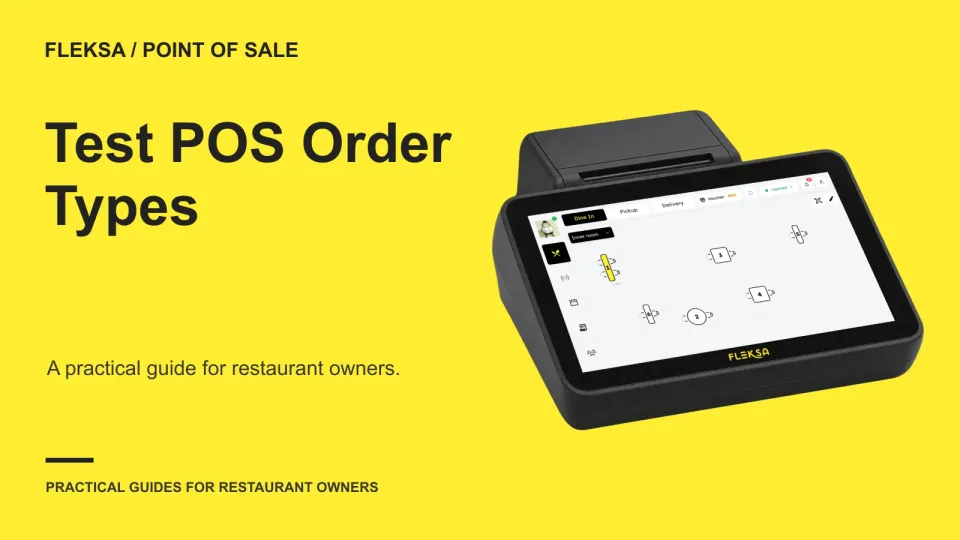
A dine-in or takeout label needs to stay accurate beyond the first tap. Use this practical test to check order changes, staff permissions, receipts, tax treatment, and reports before choosing a restaurant POS.
Page 30 of 62
Older articles for diners