Compare software, understand costs, and plan your next step.
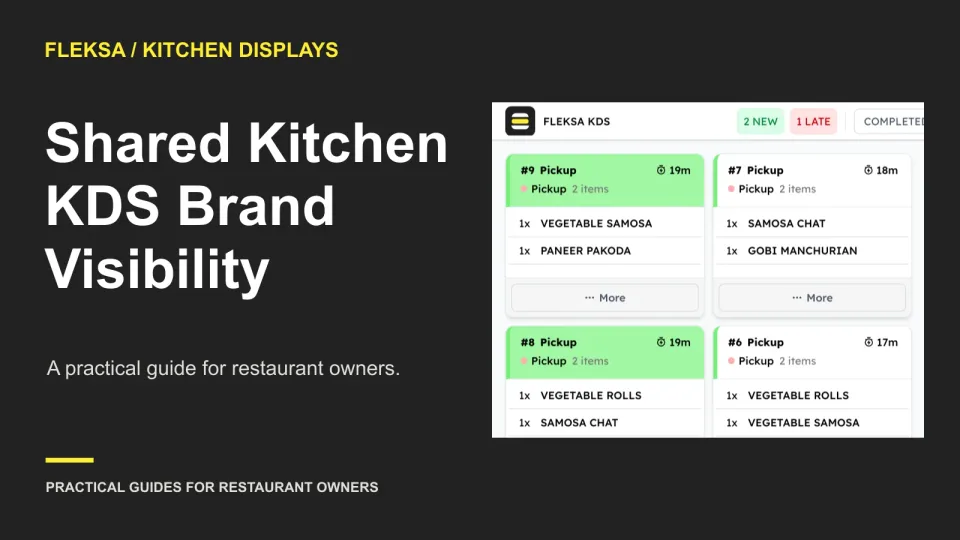
Two brands can send the same item and order number to one kitchen. Use this practical worksheet to compare display setups, test a confusing ticket and agree on a safe expo handoff before buying.
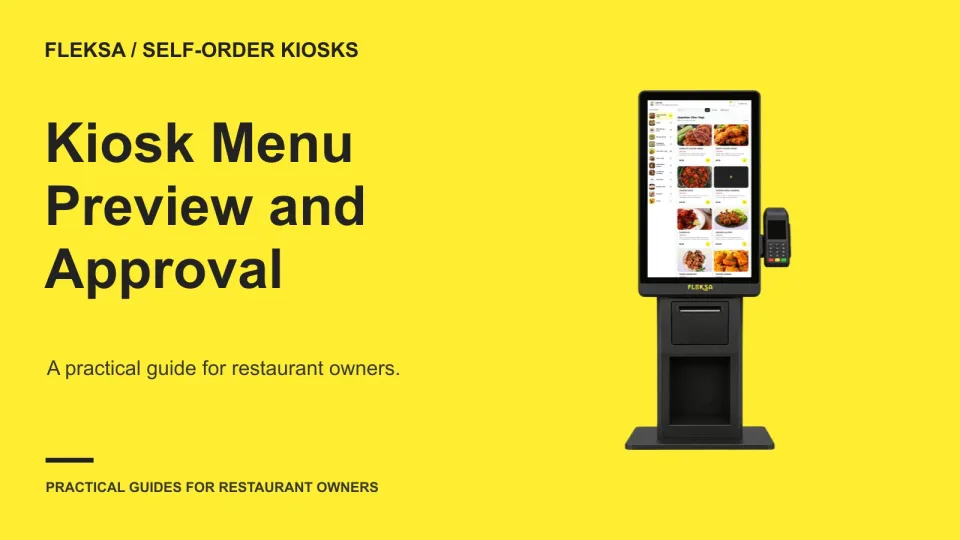
A kiosk menu can look correct in an editor and still cause trouble at the counter. Use this checklist to compare test mode with a staged device, assign approval, and prepare a workable rollback.
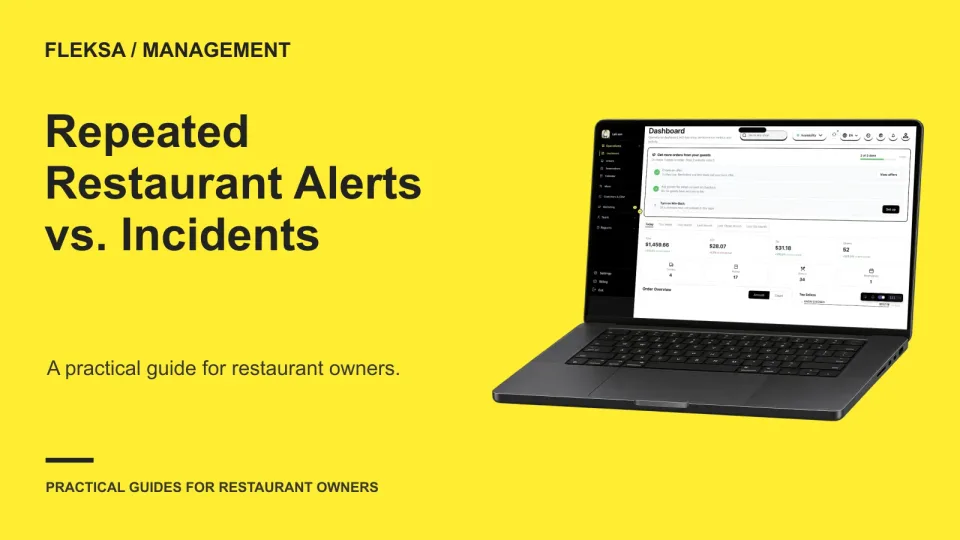
A stream of alerts does not always mean a stream of separate problems. Use this practical worksheet to compare how restaurant software groups notifications, assigns ownership, and escalates an unresolved incident.
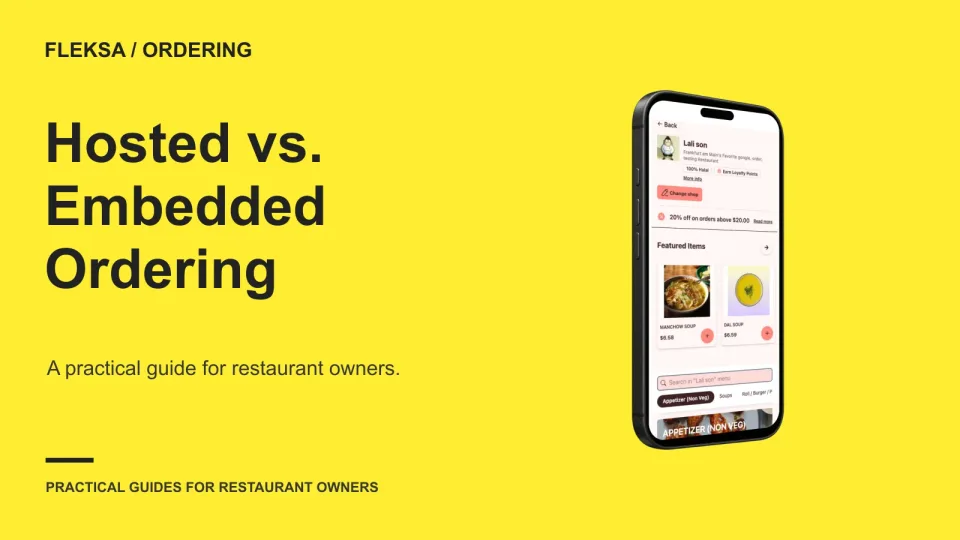
A hosted checkout can simplify the handoff, while an embedded flow can keep more of the ordering journey on your website. Use this scorecard to compare guest experience, control, data access, and failure recovery.
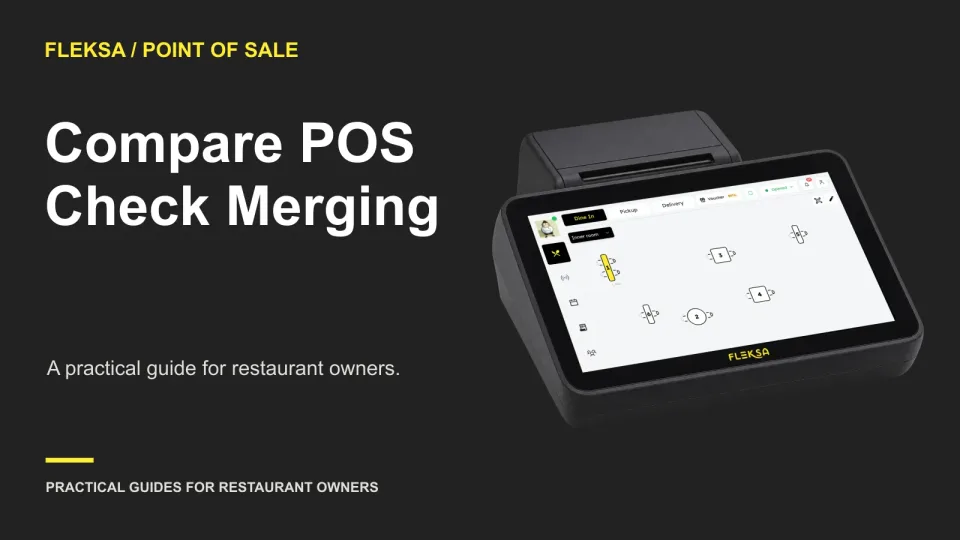
Can your staff combine separately opened checks without losing the details they need? Use a hypothetical large-party scenario to compare totals, item history, payment handling, and who must resolve an exception.
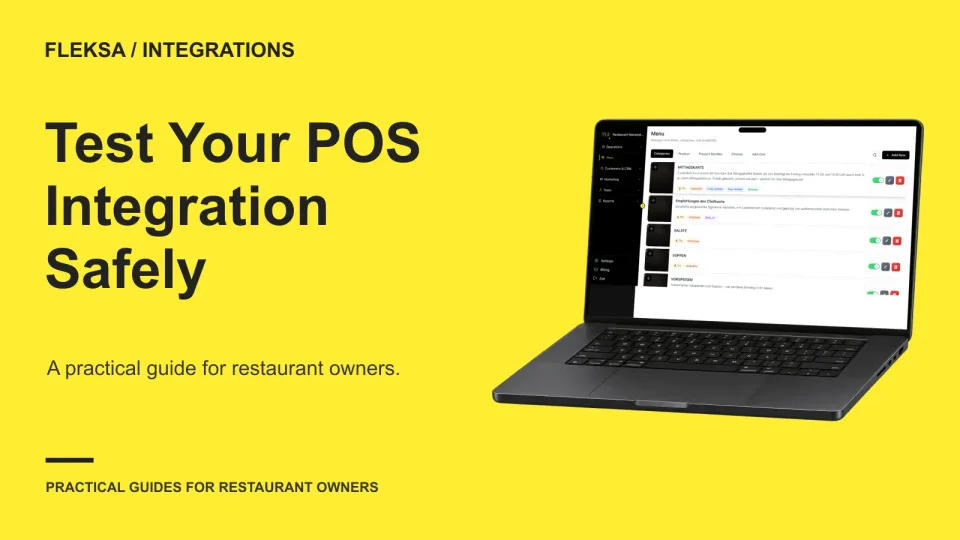
A sandbox can help you check a POS integration without sending real orders or charging guests—but only if its boundaries and features are clear. Use this checklist to prepare realistic cases and decide what evidence you need before launch.
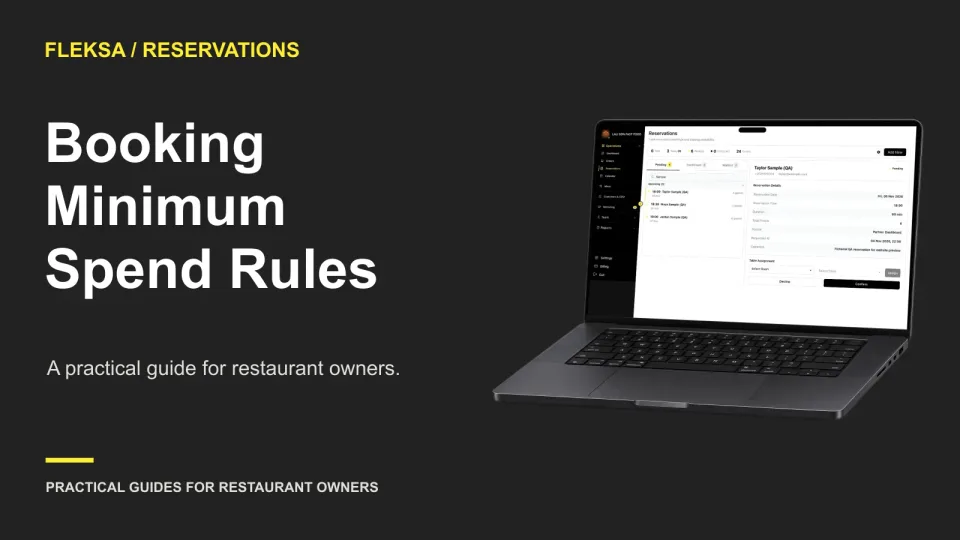
A minimum spend can protect scarce reservation capacity, but it can also turn guests away. Use this practical worksheet to choose when a rule applies, explain it before booking, and settle the bill without surprises.
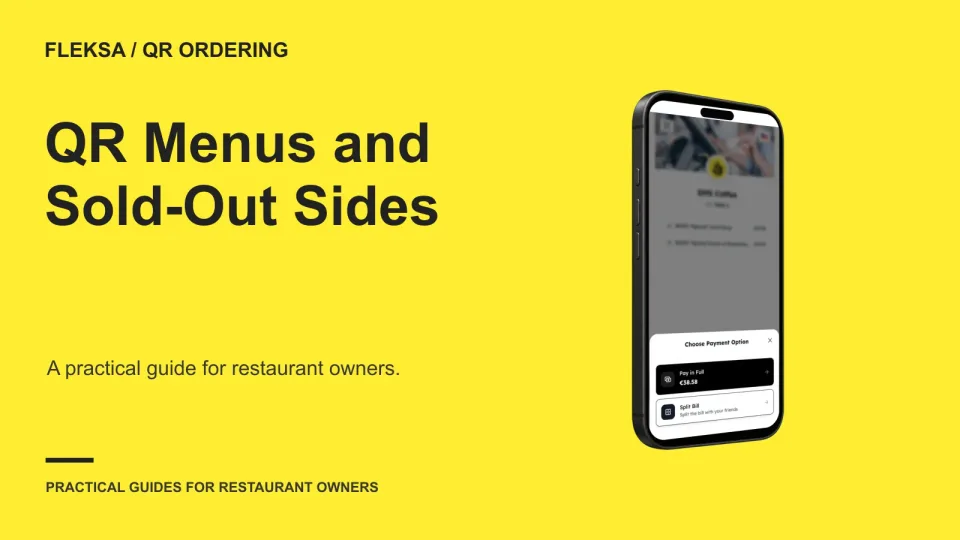
An entrée can be available while one required side is not. Use this worksheet to compare how QR ordering systems handle that choice, protect the cart, and give the kitchen a clear ticket when availability changes.
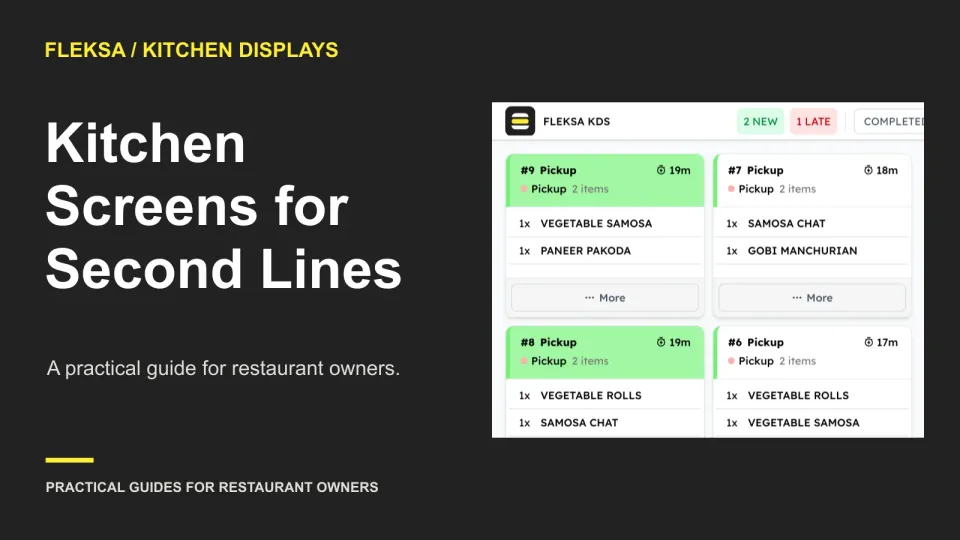
A second preparation line needs more than another screen. Use this practical worksheet to test capacity, shared-item assignments, mixed-ticket handoffs and the full operating quote before you commit.
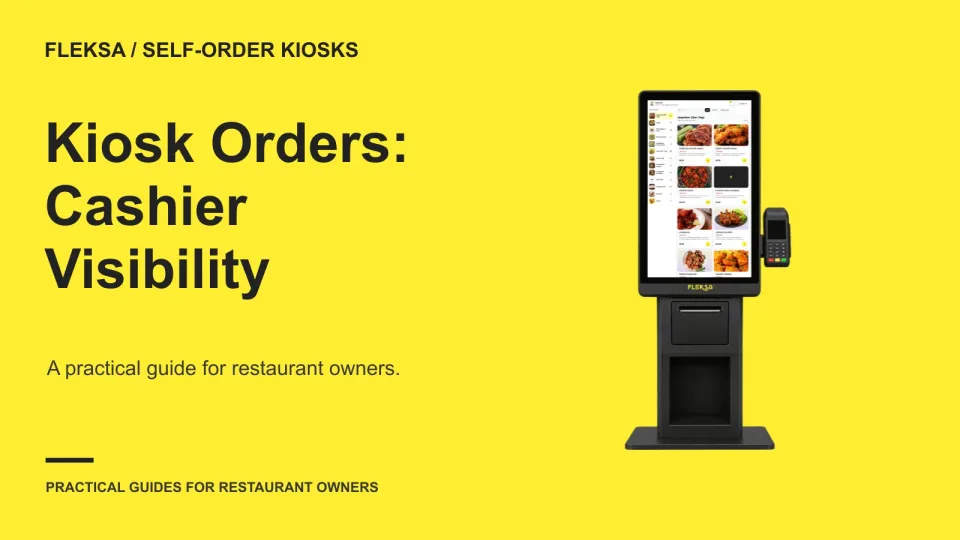
A cashier needs more than a list of kiosk transactions to help a guest find an order. Use this worksheet to compare lookup methods, resolve similar orders and test what happens when a match is uncertain.
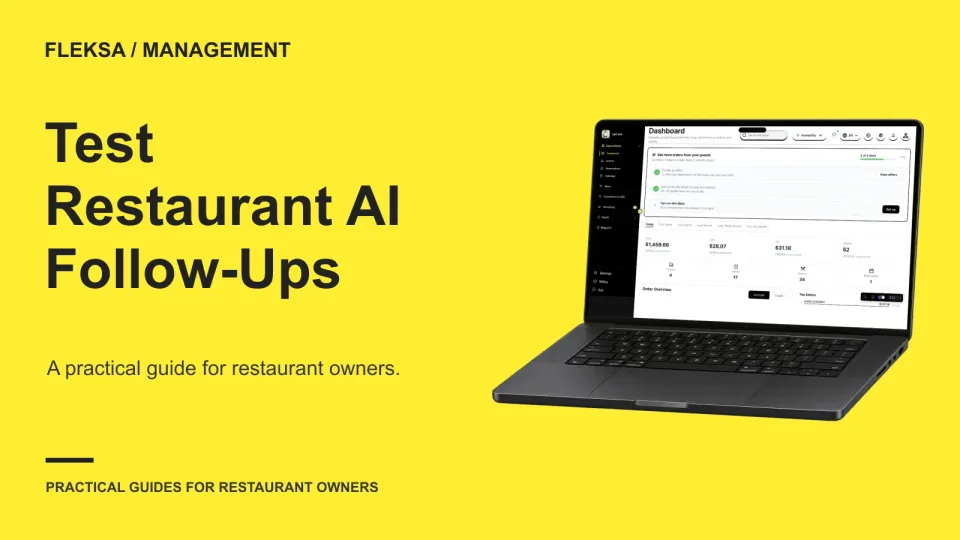
A restaurant AI answer can sound right while using the wrong date or location. Use this two-turn worksheet to check the sources, compare a fresh query, and decide what your team should do when the answer fails.
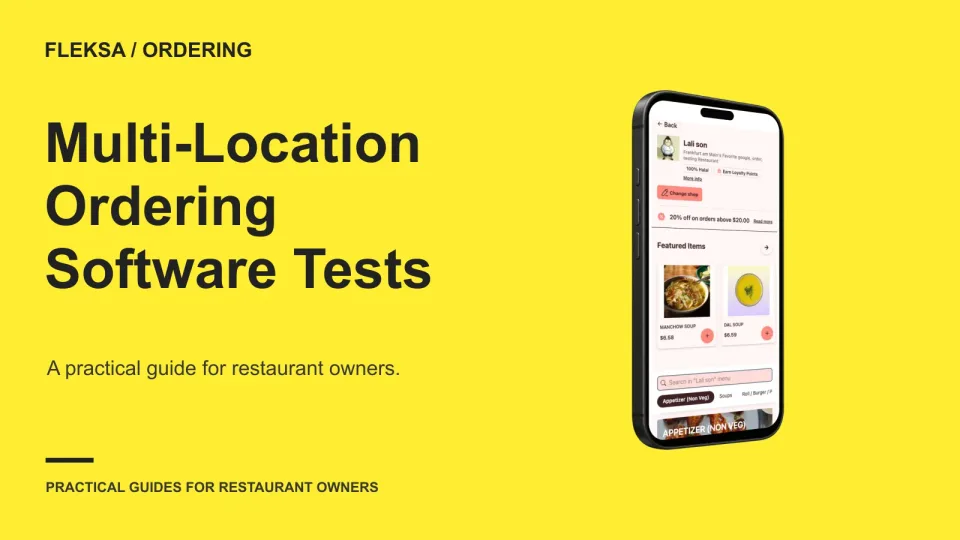
A location selector is only the start. Use this practical test matrix to compare how ordering platforms handle different menus, manager permissions, location-specific pauses, reporting, and support before you sign.
Page 33 of 62
Older articles for diners