Compare software, understand costs, and plan your next step.
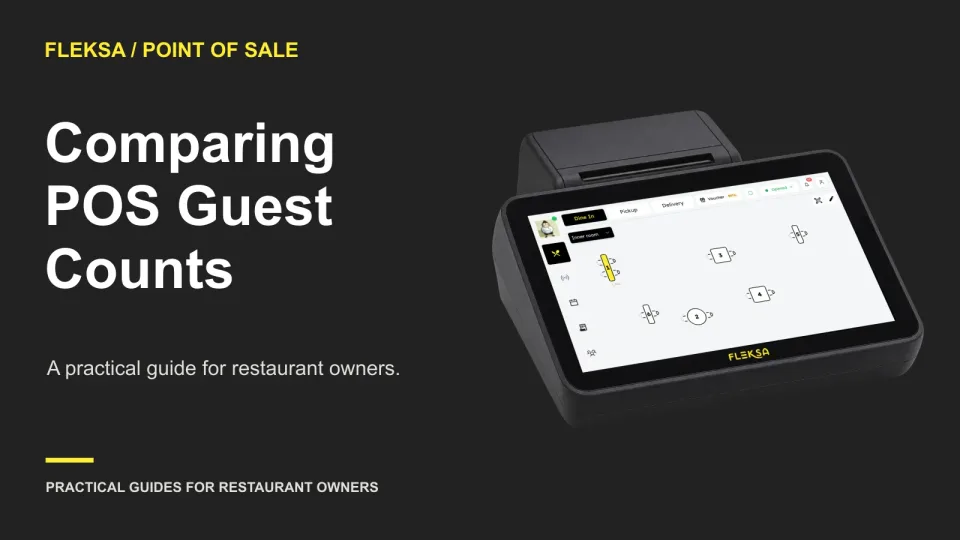
A POS can support sales-per-guest comparisons only if its cover counts and sales reports use compatible rules. Use a changing-party scenario and a sample worksheet to see what to ask before choosing a system.
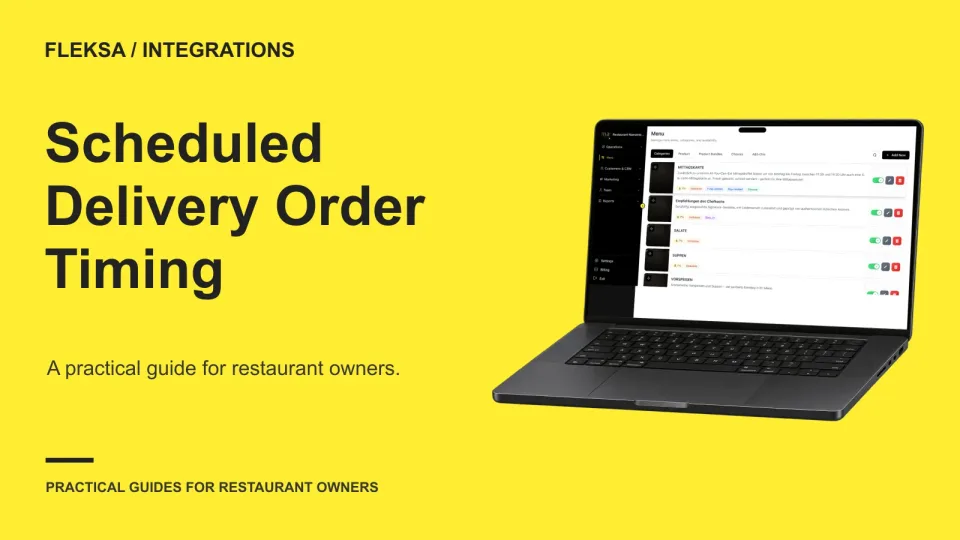
A scheduled delivery order can arrive hours before the kitchen needs to act. Use this timeline and handoff test to compare what staff can see, change, and prepare across your delivery channels and POS.
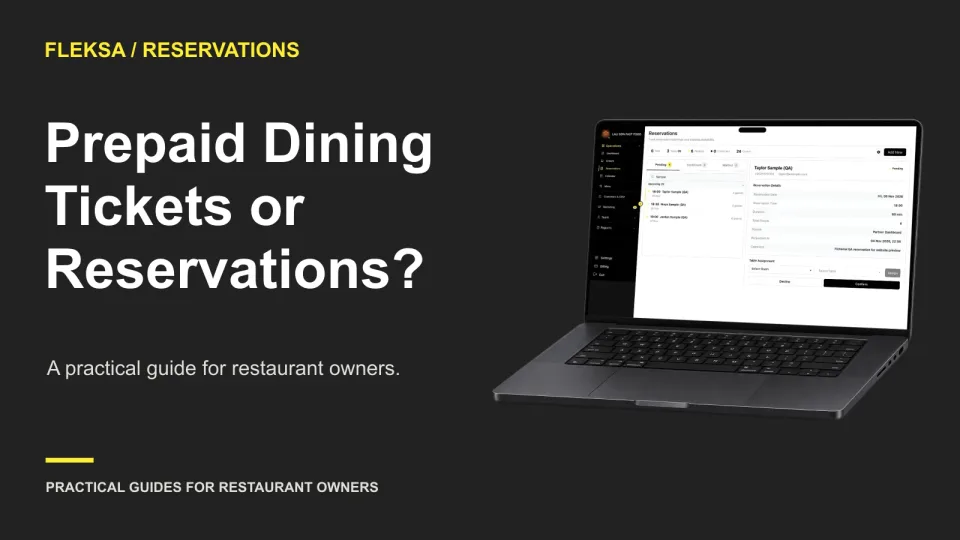
A prepaid ticket collects the event price before service; an ordinary reservation holds a table for payment later. Use this worksheet to compare guest commitment, seating limits, payment costs, and the work your staff must handle.
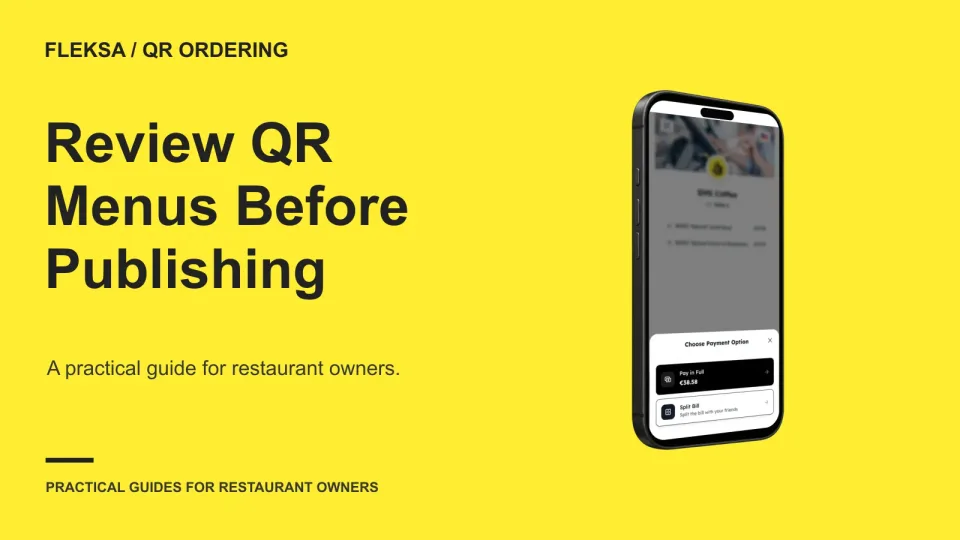
A scheduled menu change is not necessarily a preview. Use this practical worksheet to check an item, price and service area on a test device, assign approval, and agree on a recovery plan before publishing.
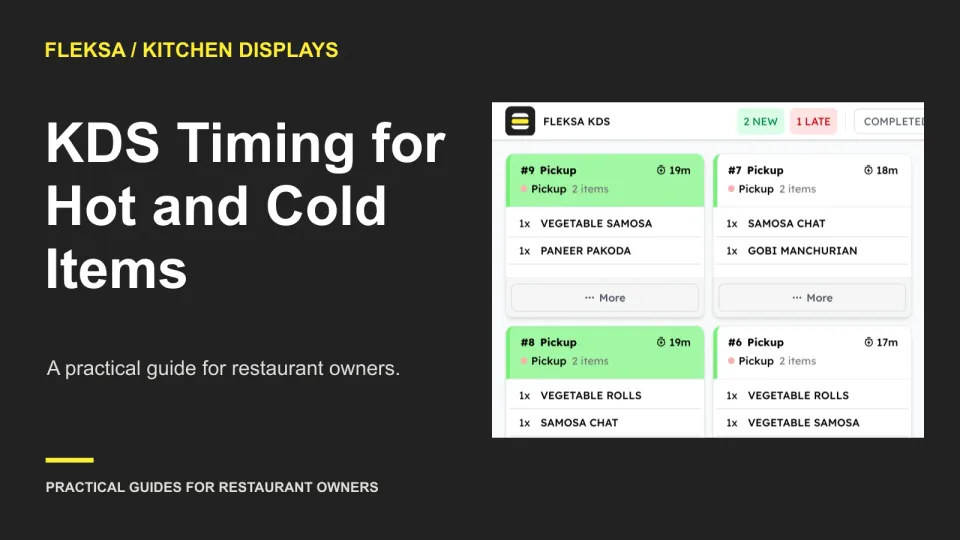
When a hot dish and cold drink finish at different times, expo needs more than a completed ticket. Use this worksheet to compare preparation timing, waiting-item visibility, and escalation workflows before choosing a kitchen display system.
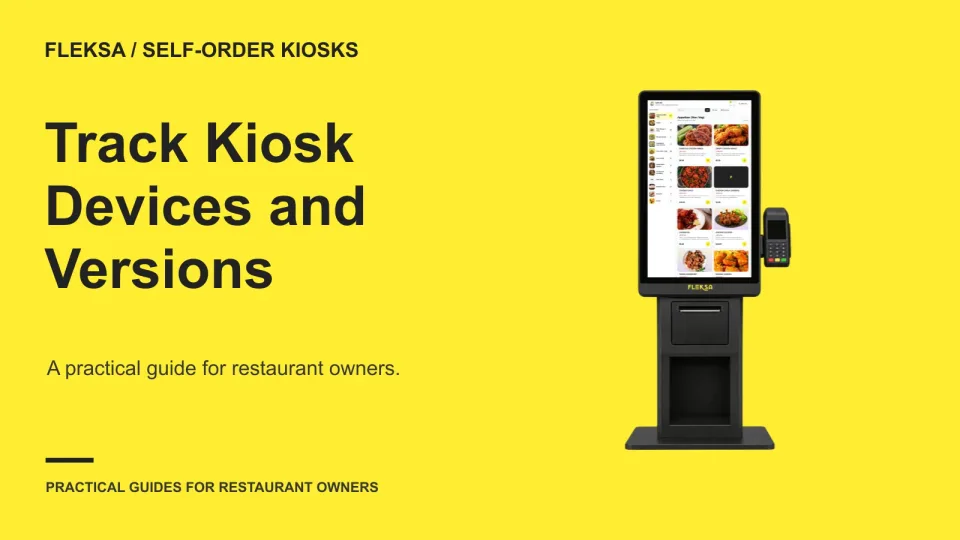
Can you identify every kiosk, its assigned location, and its software version from one inventory? Use this practical register and vendor test to compare an export, a manual record, and update verification before you buy.
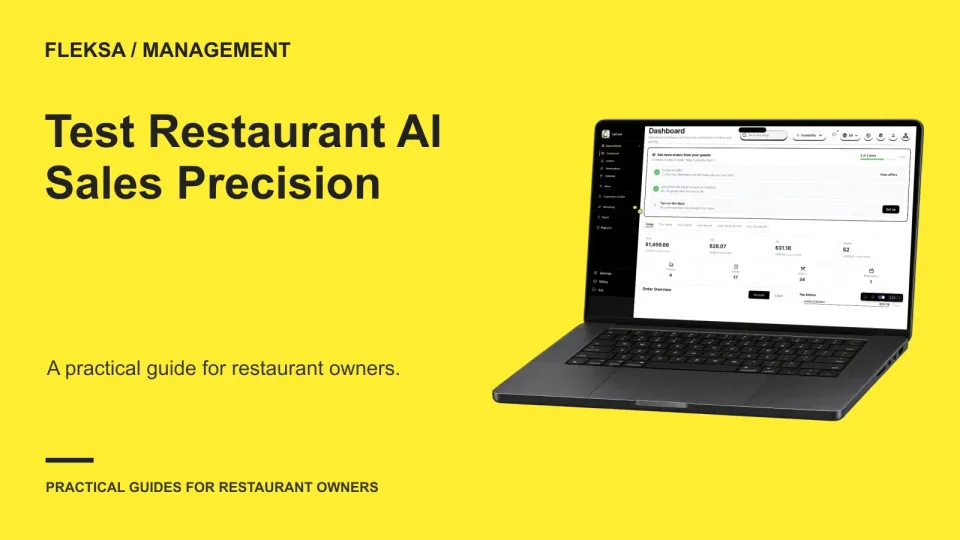
An AI assistant can make an estimate look like a settled sales total. Use this practical worksheet to test both values together, check the evidence behind the answer, and set a clear rule for rejecting unsupported figures.
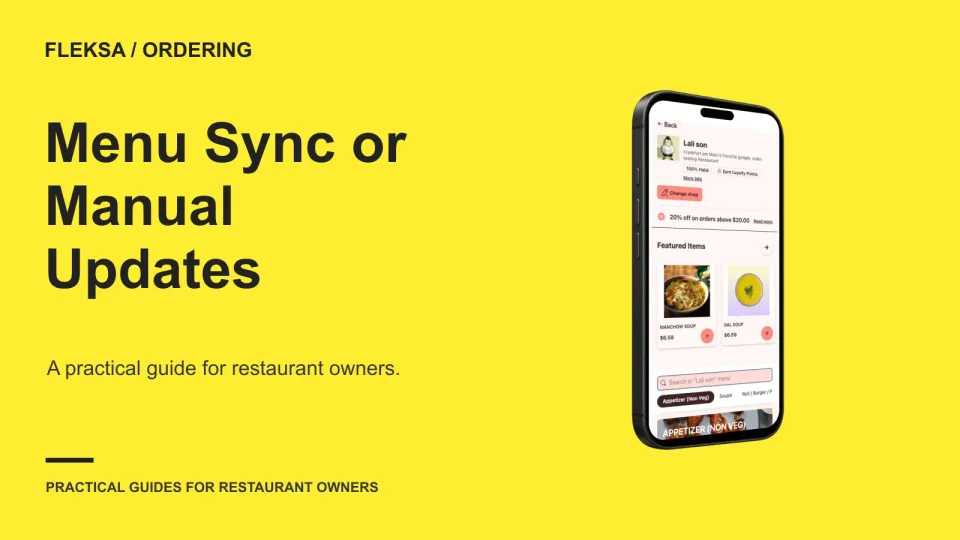
Automatic menu updates can reduce repeated work, but only if the right source controls the right fields. Use this decision matrix to compare synchronization with a separate online menu and plan checks for prices and availability.
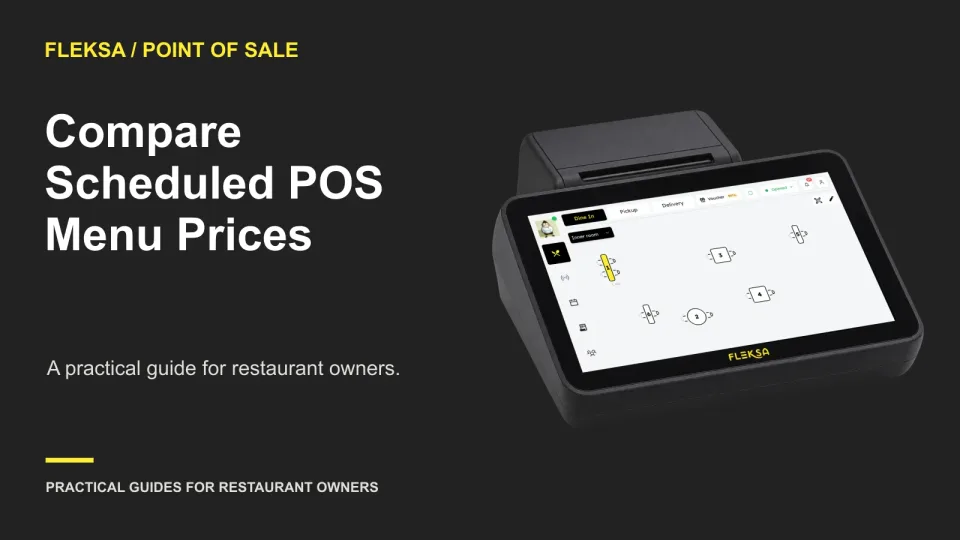
Scheduled prices can simplify a recurring promotion, but timing rules matter. Use a sample menu and boundary-time tests to compare what each POS charges, how it reports the sale, and who approves exceptions.
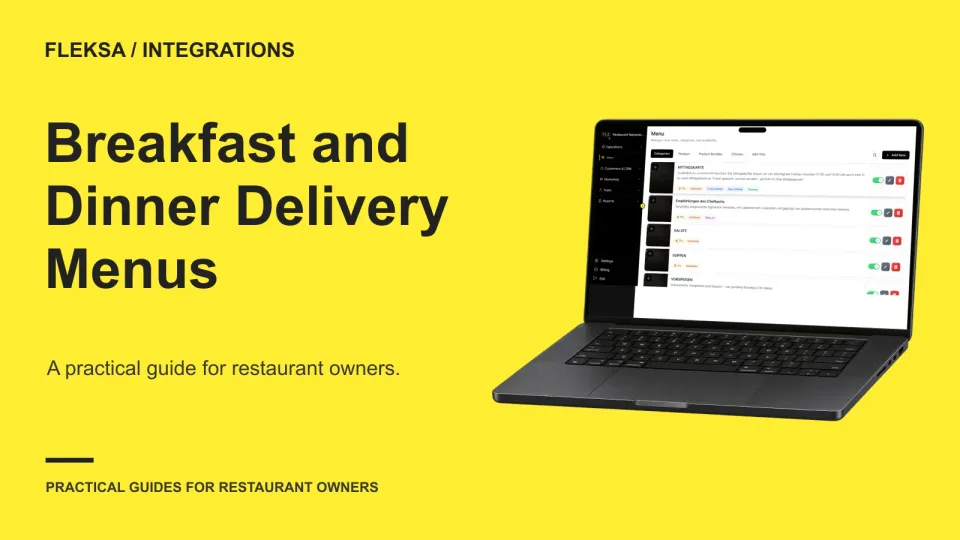
The right menu needs to appear on the right channel at the right time. Use a service-window grid, transition checks, and clear ownership to evaluate whether an integration fits your restaurant.
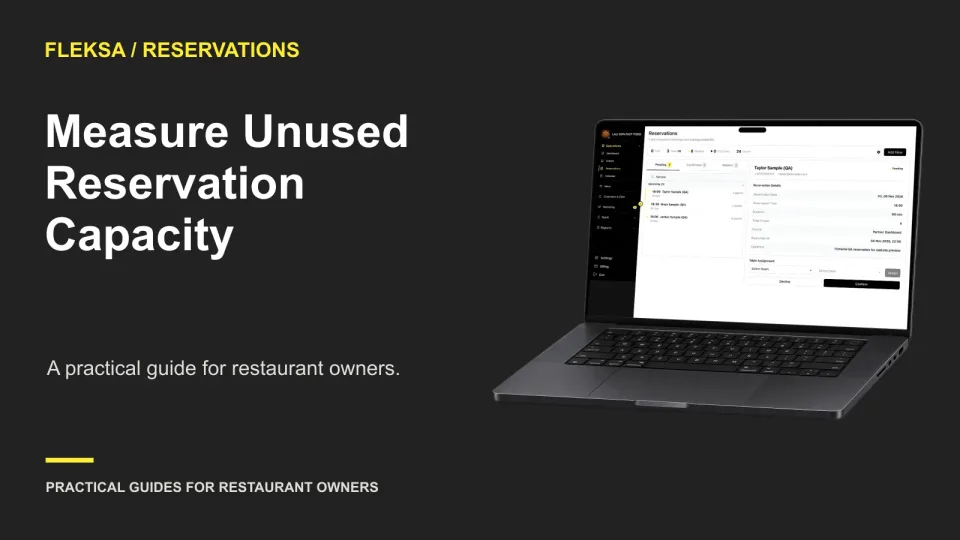
A half-empty four-top is not always a problem. Learn how to separate unavailable seats from usable capacity, compare two booking allocations, and decide whether a rule change is worth a controlled trial.
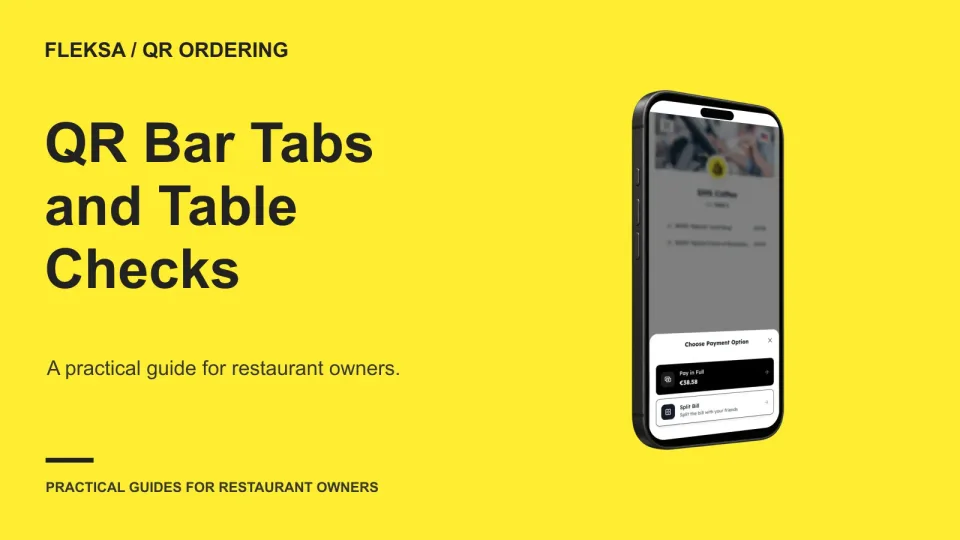
A QR code can identify a location, but that does not necessarily identify who owns a check. Use this worksheet to compare bar and table workflows, test a guest move, and set staff acceptance criteria.
Page 34 of 62
Older articles for diners