Compare software, understand costs, and plan your next step.
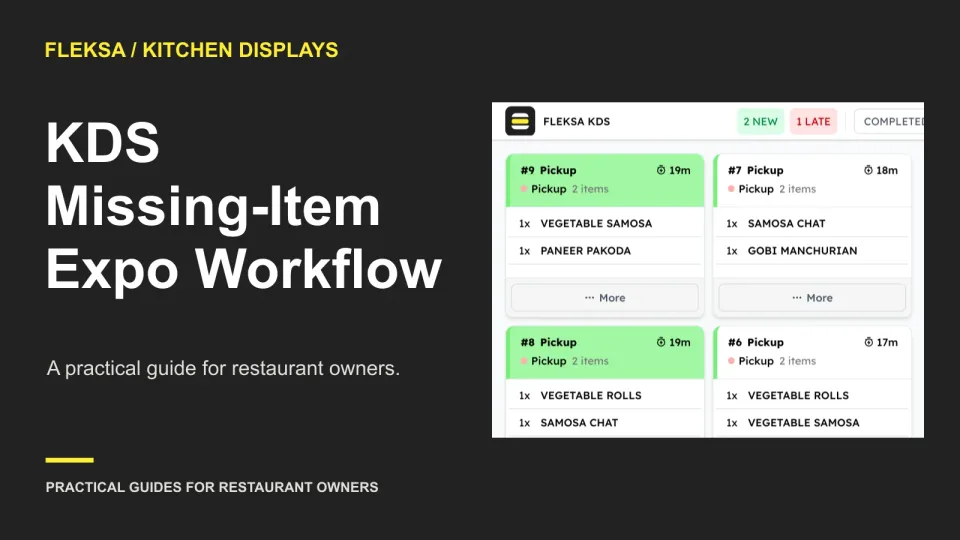
An order with two ready items and one unavailable item needs more than a completed-ticket screen. Use this worksheet to assess how a kitchen display keeps the hold visible, assigns guest contact, and records the final resolution.
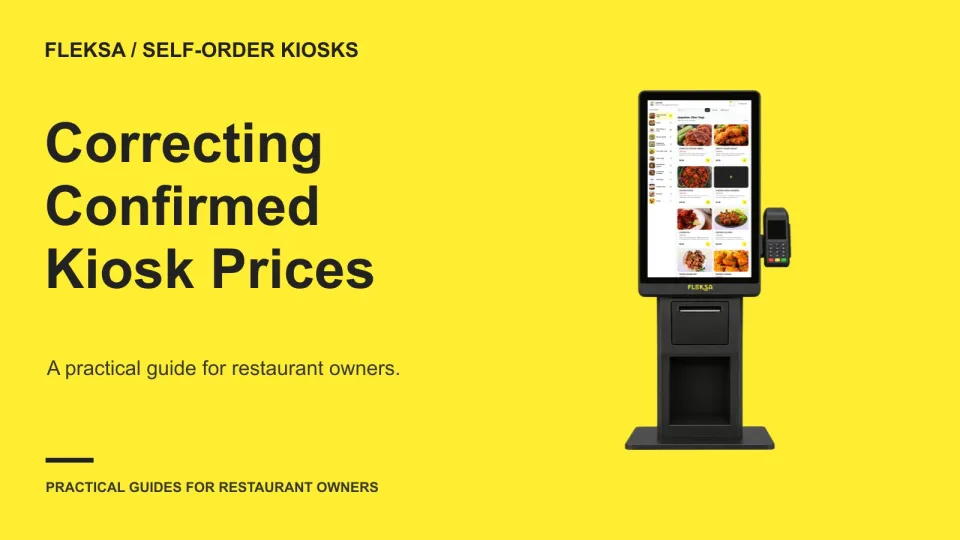
A wrong kiosk price can leave staff choosing between a partial refund and replacing an order. Use this worksheet to trace the guest conversation, approval, kitchen instructions and transaction record before selecting a workflow.
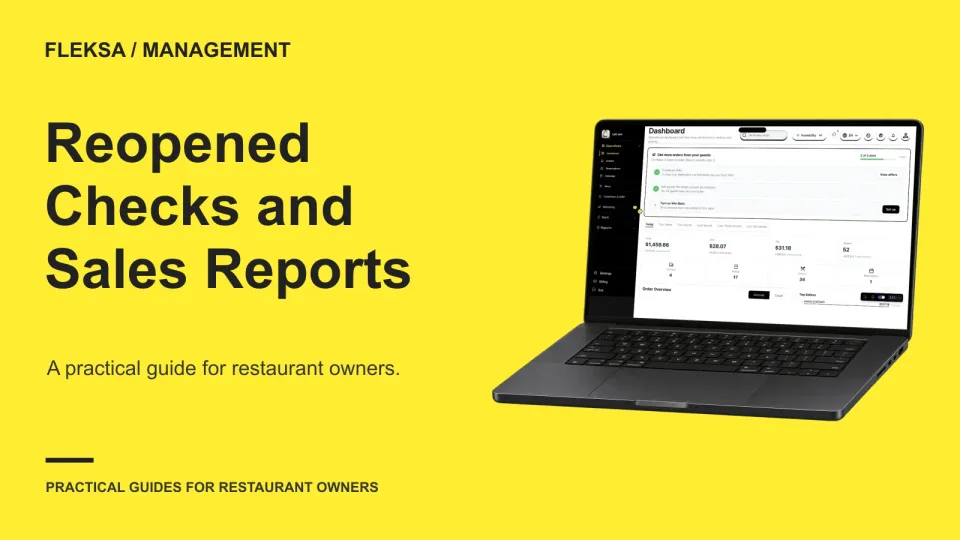
A reopened check can change an earlier sales total or appear as a later adjustment. Use a practical worksheet to reconcile both report versions and decide what evidence your restaurant needs before choosing a POS.
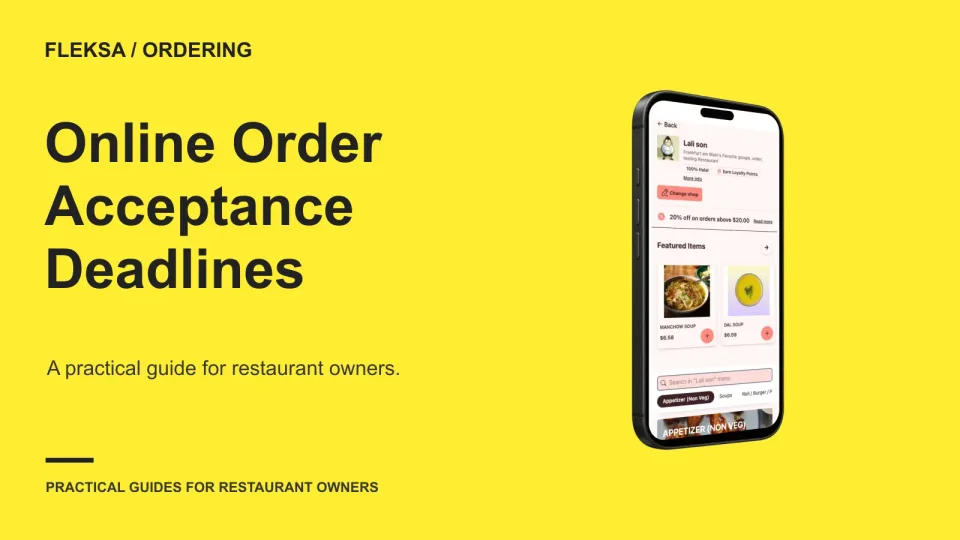
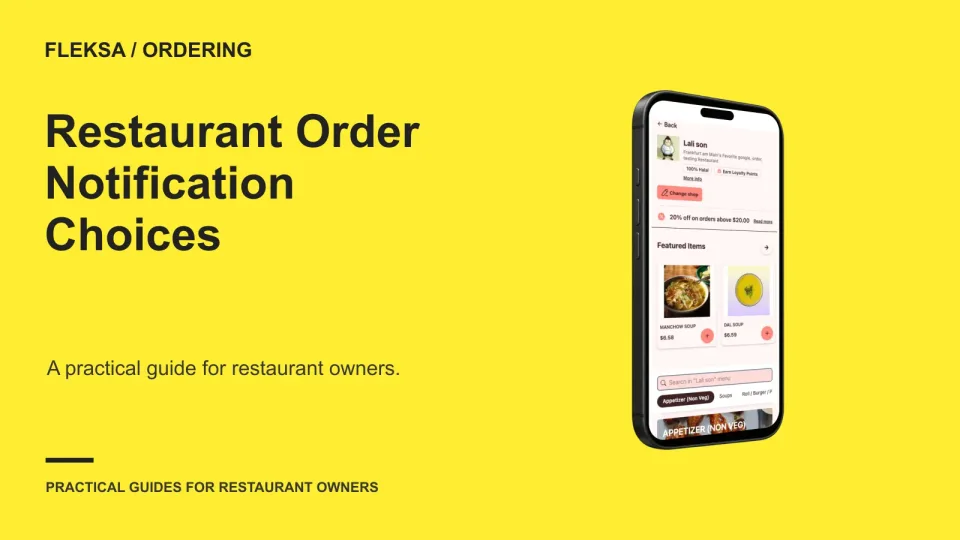
A pickup promise depends on more than kitchen speed. Set an acceptance deadline that leaves enough preparation time, assign a backup for missed alerts, and review delays before they become a regular source of late orders.
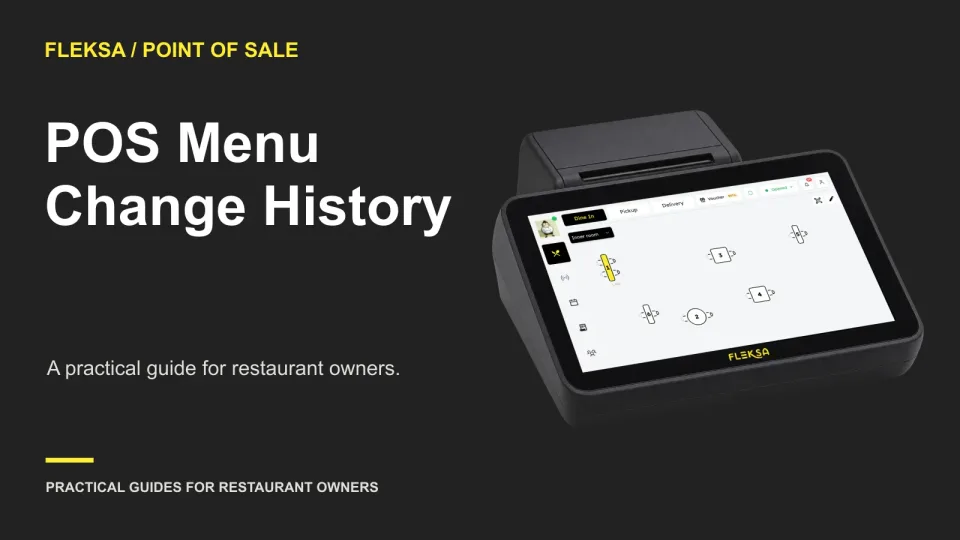
A price looks wrong on your menu. Can your manager see who changed it and restore the intended amount? Use this practical scenario and change log to compare POS systems before you buy.
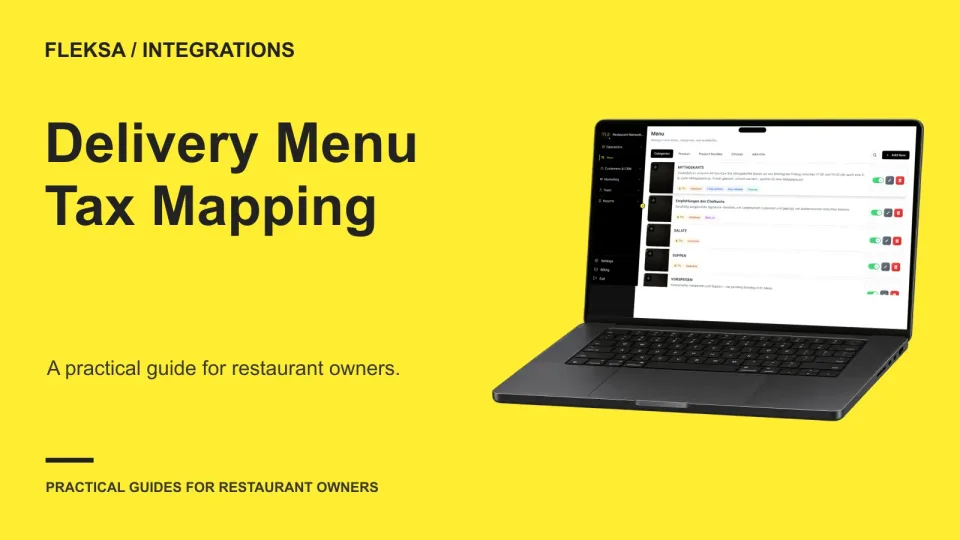
A delivery order can pass through several systems before it reaches your POS. Use a responsibility map and sample orders to find out who supplies tax information, who calculates totals, and how to investigate a mismatch.
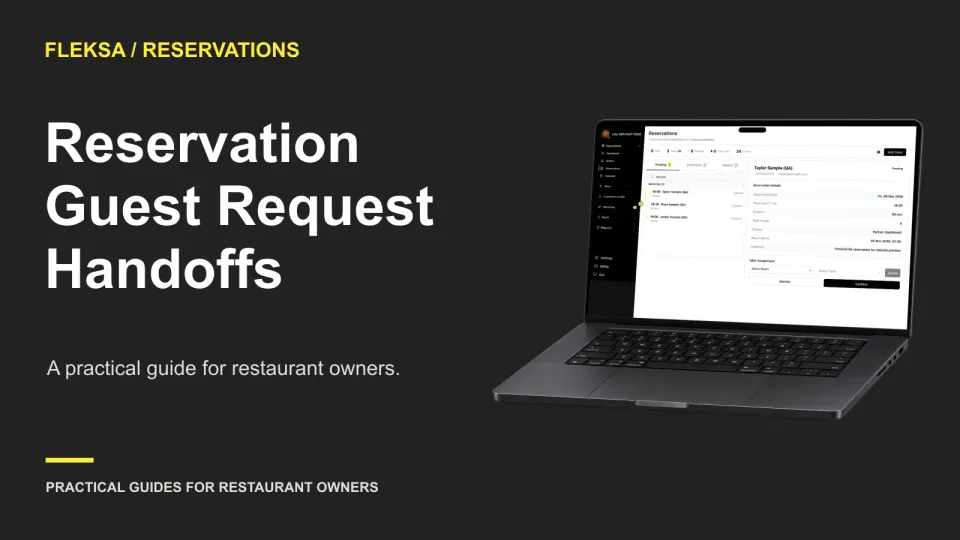
A reservation note only helps if the right people see it at the right time. Use a window-seat request and a server reassignment to compare handoffs, spot gaps, and choose a workable fallback.
Shared tables do not have to mean shared orders. Use this worksheet to compare merchant-specific QR signs with a venue selection step, trace orders to the right kitchen, and agree on who fixes guest mistakes.
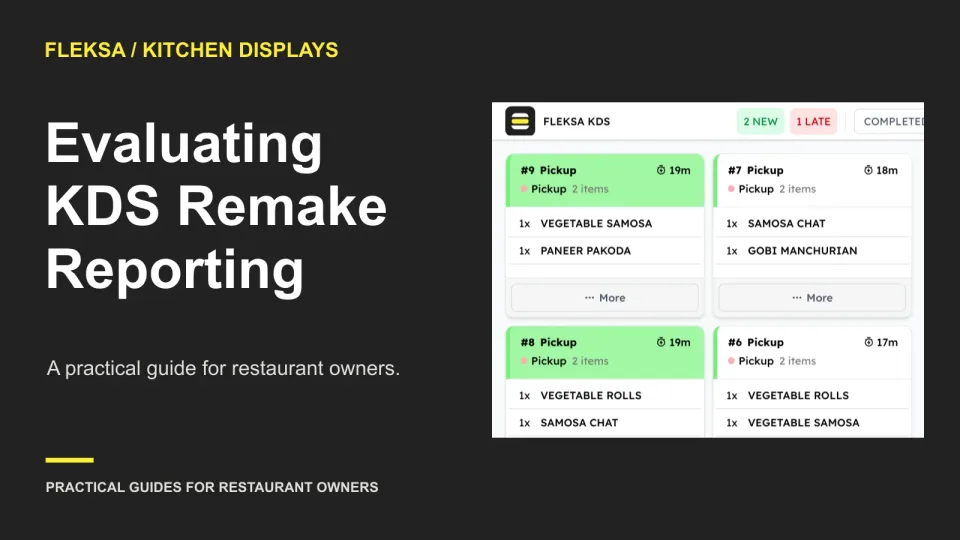
A remake can add kitchen work without adding a sale. Use this decision worksheet and sample order to see whether a KDS report separates original preparation from remakes and gives managers enough detail to investigate.
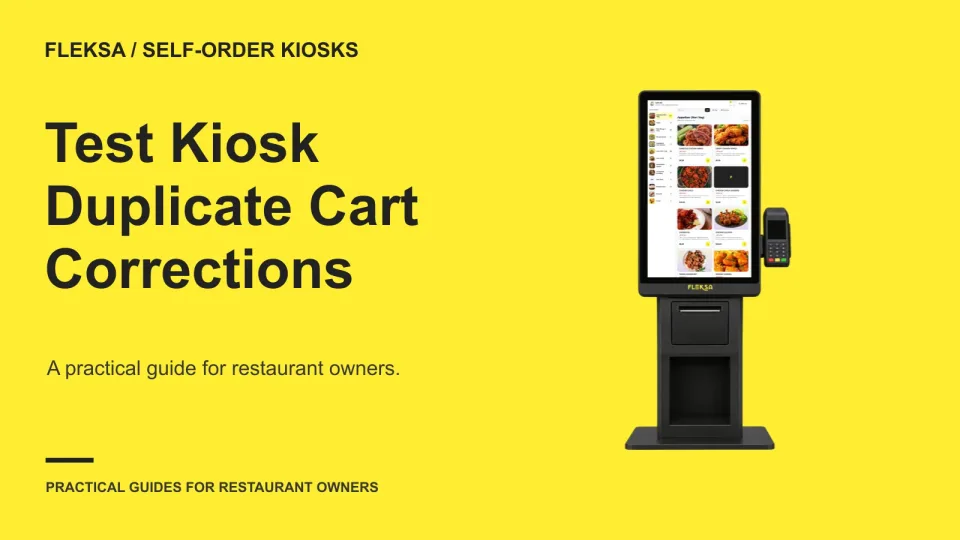
A duplicate item is easy to add and not always easy to spot. Use this practical kiosk worksheet to check cart visibility, modifier details, quantity controls, recalculated totals, and the staff fallback before you buy.
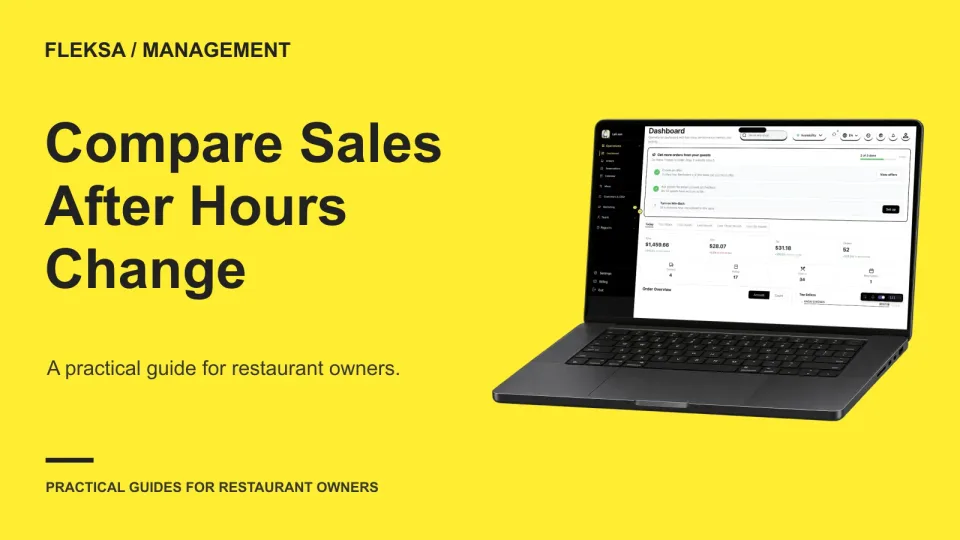
A shorter service can reduce weekly sales while raising sales per open hour. Use this worksheet to separate those measures, check how a dashboard counts closures and breaks, and decide what evidence to request before buying.
An order alert only helps if someone notices it and knows what to do. Compare audible and visual channels, assign a backup, and test coverage across quiet shifts, rushes, and staff handoffs.
Page 35 of 62
Older articles for diners