Restaurant Software Guides

Compare software, understand costs, and plan your next step.

Operations

Self-order kiosks

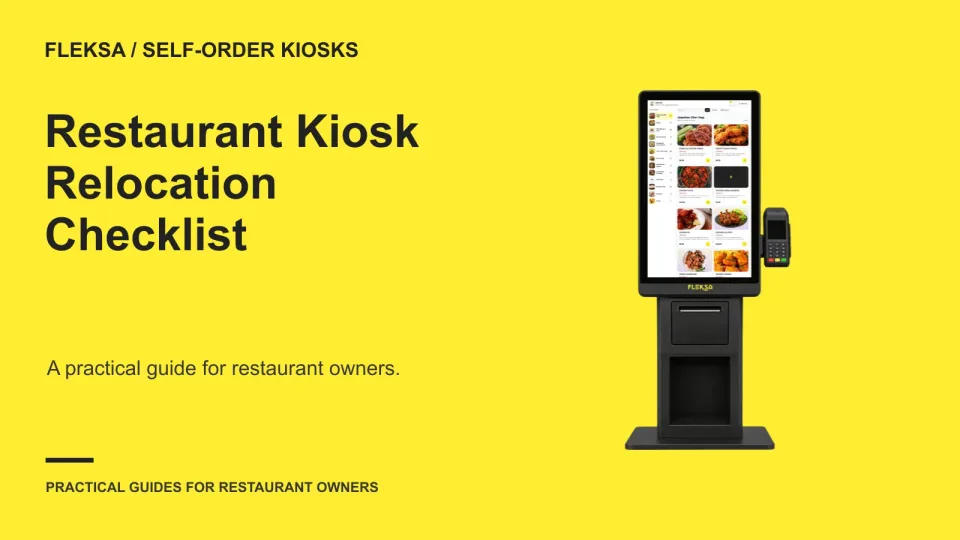
Relocating a Restaurant Kiosk: A Commissioning Checklist

A kiosk can power on at its new address and still send orders to the wrong kitchen. Use this practical commissioning checklist to verify its location, menu, network, and fulfillment route before guests start ordering.

Read →
Management

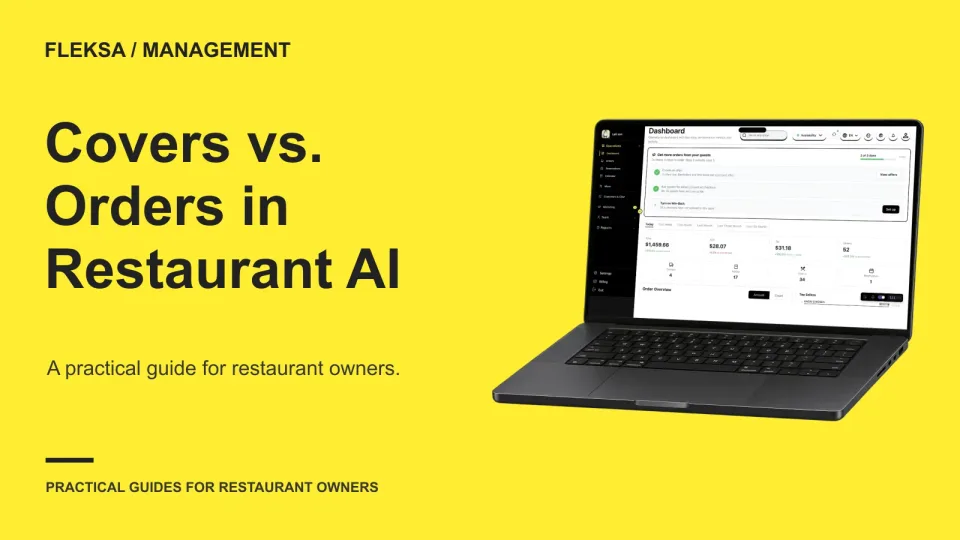
How to Test Restaurant AI on Covers, Orders and Guests

A cover, an order, and a unique guest answer different questions. Use this hypothetical dataset and decision worksheet to see whether a restaurant AI assistant respects those differences before you rely on its reports.

Read →
Ordering & delivery

How to Define Online Ordering Acceptance Criteria
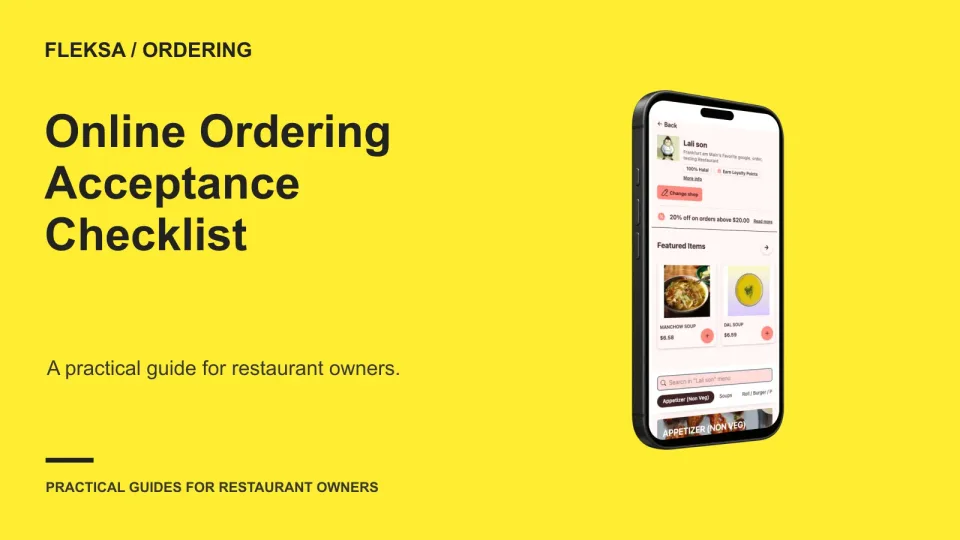
Before accepting an online ordering setup, agree on what must work, who checks it, and what evidence counts. Use this practical checklist to review baskets, prices, notifications, failures, and unresolved issues with your vendor.

Read →
Point of sale

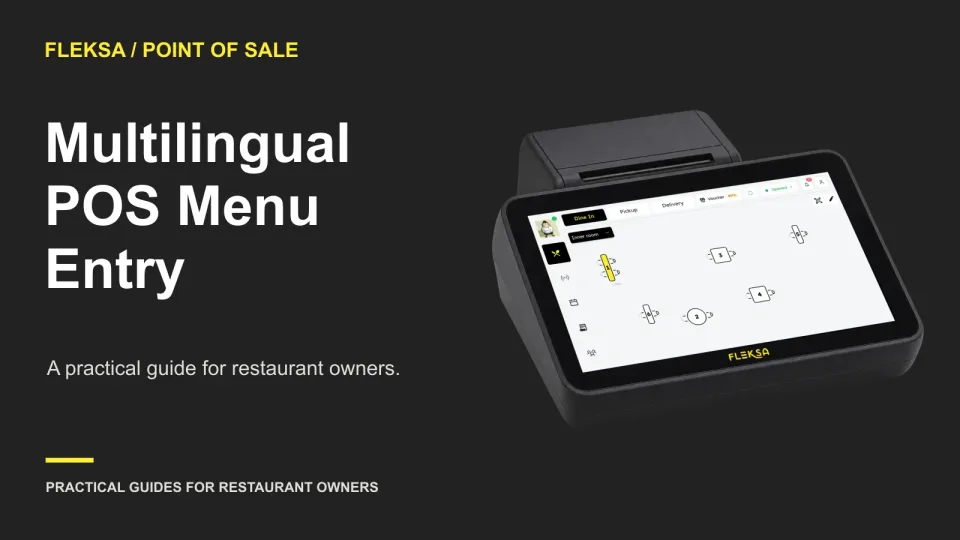
How to Evaluate Multilingual POS Menu Entry

A translated menu label is useful only if staff can select the right item and the kitchen can prepare it correctly. Use this practical demo and review sheet to check item identity, modifiers, instructions and language settings.

Read →
Connected orders

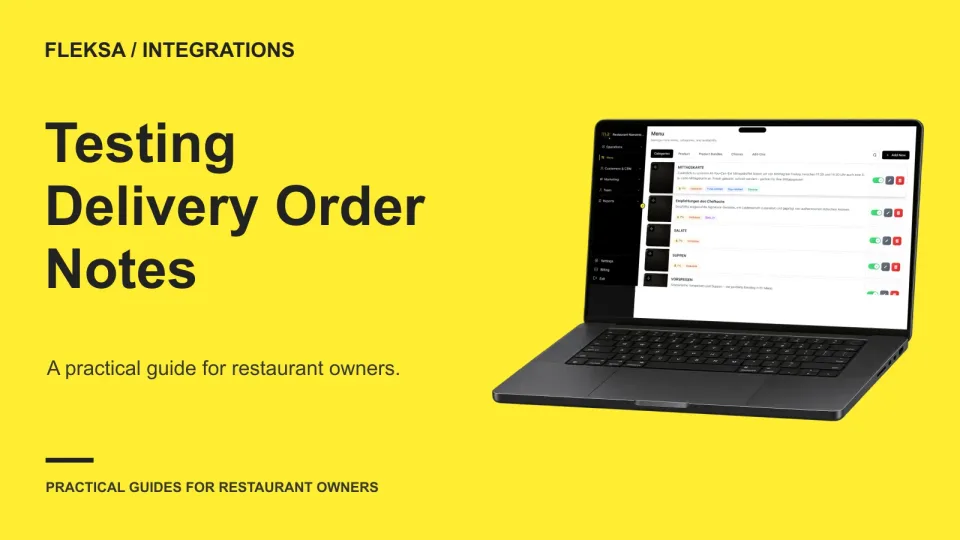
How to Test Order Notes in a Delivery POS Integration

A delivery integration can receive an order without showing every instruction where staff need it. Use this practical test to trace item and order notes from the ordering channel to the kitchen and packing station.

Read →
Reservations

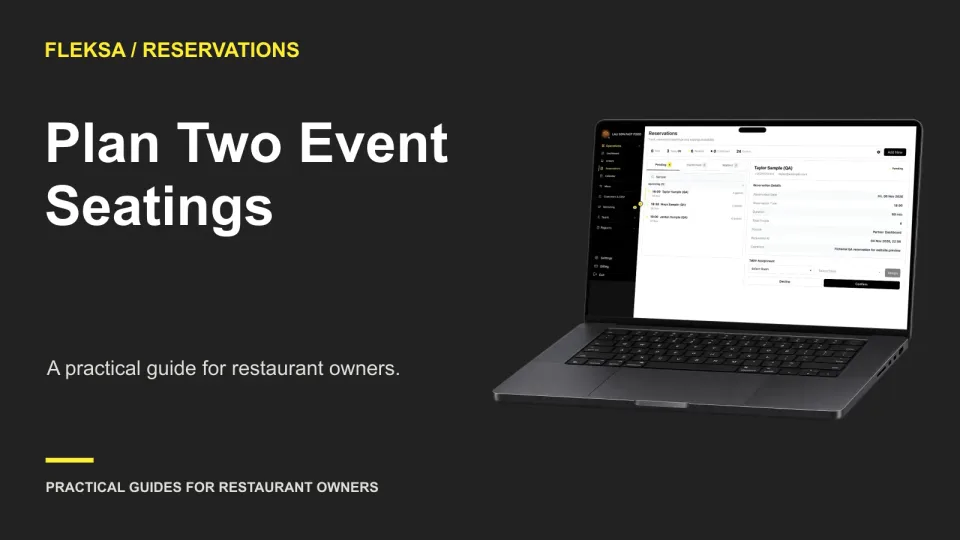
How to Evaluate Reservation Systems for Two Event Seatings

Two event seatings need more than separate start times. Use this practical worksheet to map physical tables, protect cleanup time, test a boundary-crossing booking, and decide what staff should do when an exception comes up.

Read →
QR ordering

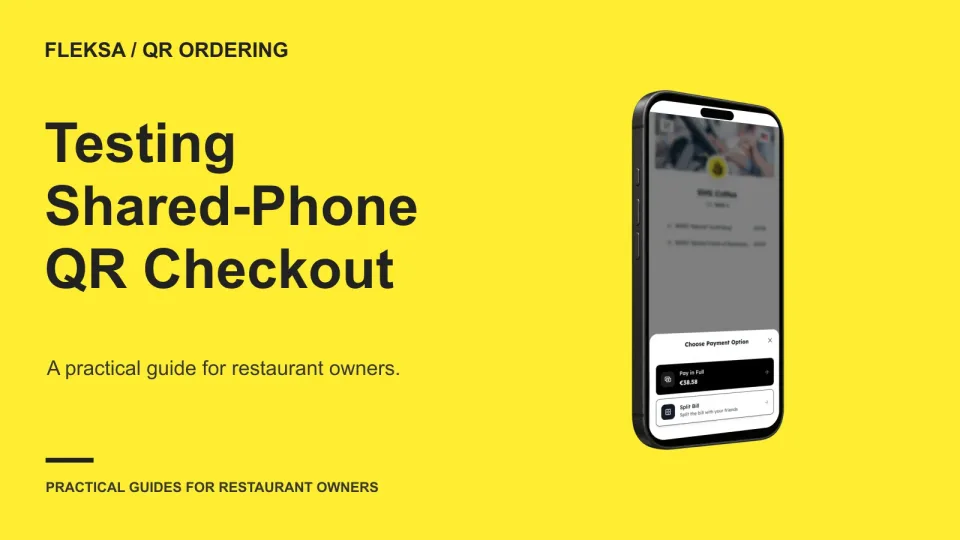
How to Test QR Checkout When Guests Share a Phone

A guest may scan a table QR code and order for someone who does not have a phone. Use this practical acceptance test to check names, confirmations and staff handoff before relying on that workflow during service.

Read →
Kitchen displays

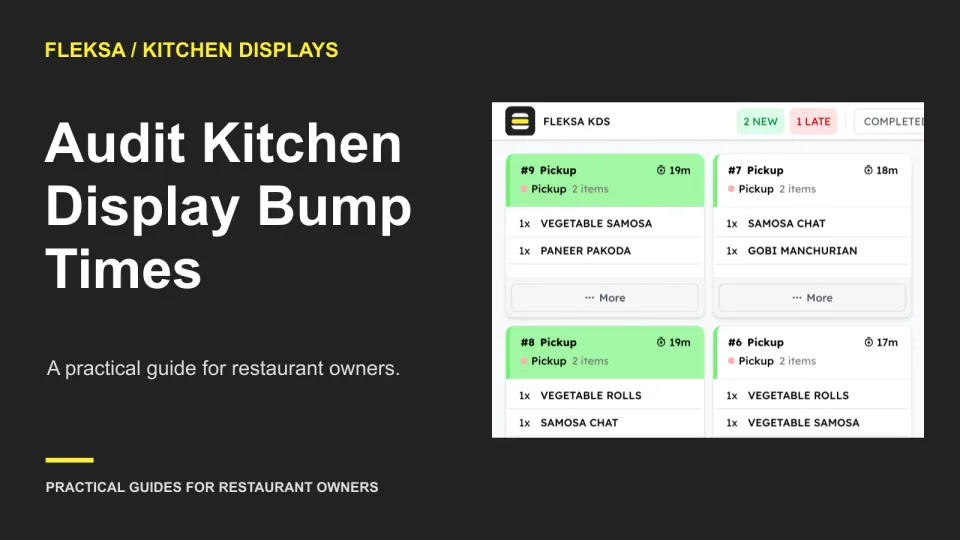
Audit Kitchen Display Timestamps After a Late Bump

A late ticket bump can make a kitchen look slower than it was. Use this practical worksheet to compare observed preparation events with display timestamps and decide which samples belong in your reports.

Read →
Self-order kiosks

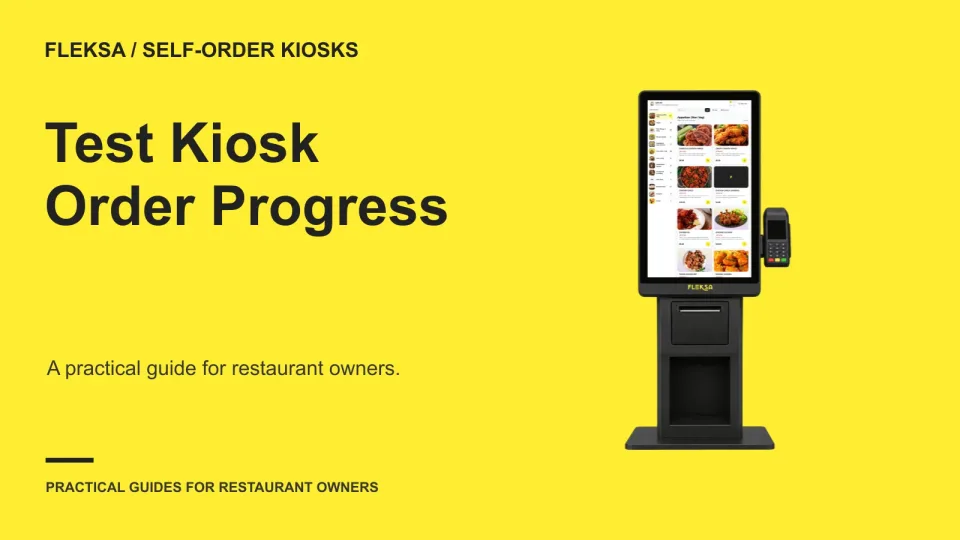
How to Test Kiosk Order Progress for Long Menus

A progress bar can look helpful without telling guests when they will finish. Use a representative order, a safe simulation, and a simple decision worksheet to check whether your kiosk sets accurate expectations.

Read →
Ordering & delivery

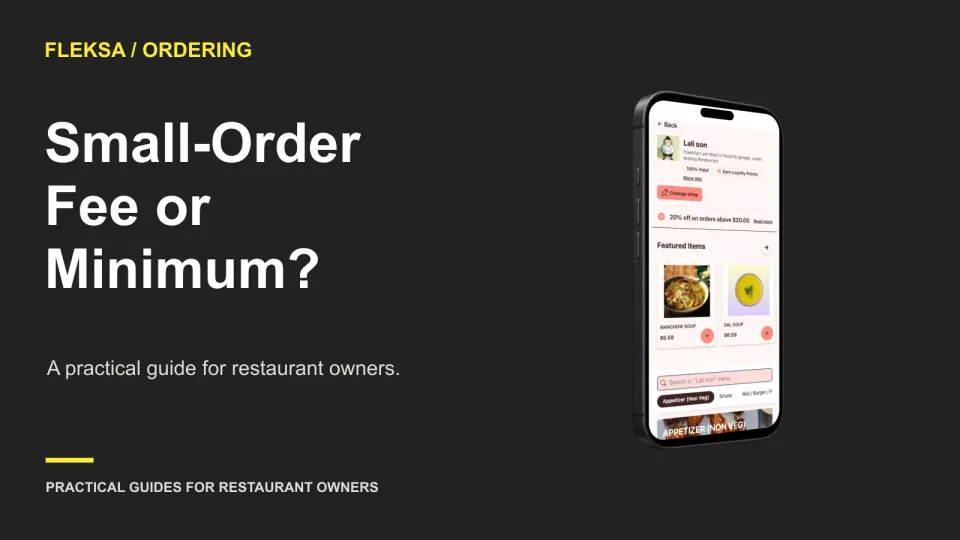
Small-Order Fee vs. Minimum Order: Which Should Your Restaurant Use?

A delivery minimum can block unprofitable baskets, while a small-order fee lets guests choose whether to pay more. Compare both against your actual costs, checkout experience, and order patterns before setting a policy.

Read →
Point of sale

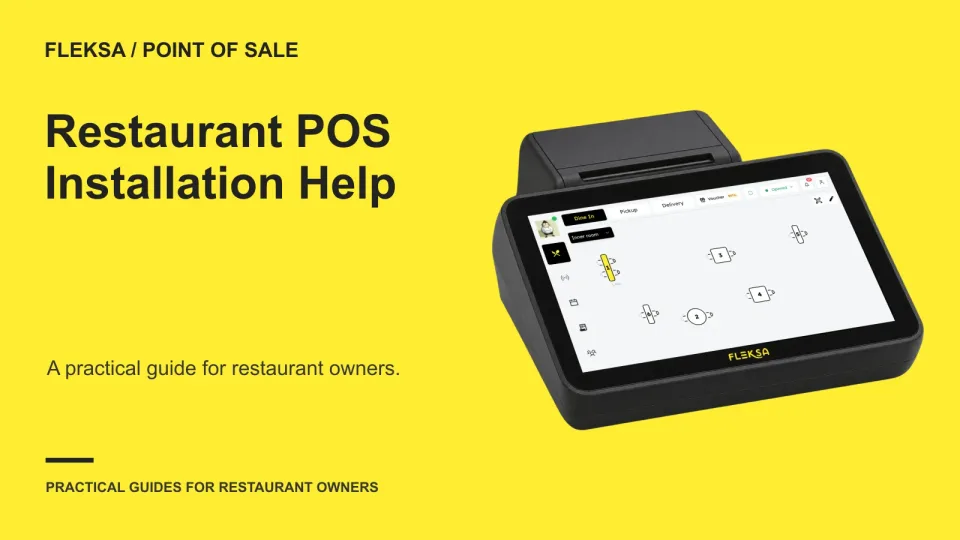
How to Choose POS Implementation Help for a Restaurant

Decide which POS setup tasks your restaurant can handle and where vendor help is worth requesting. Compare installation models using the same sample menu, staff time estimate, and evidence of a successful handoff.

Read →
Connected orders

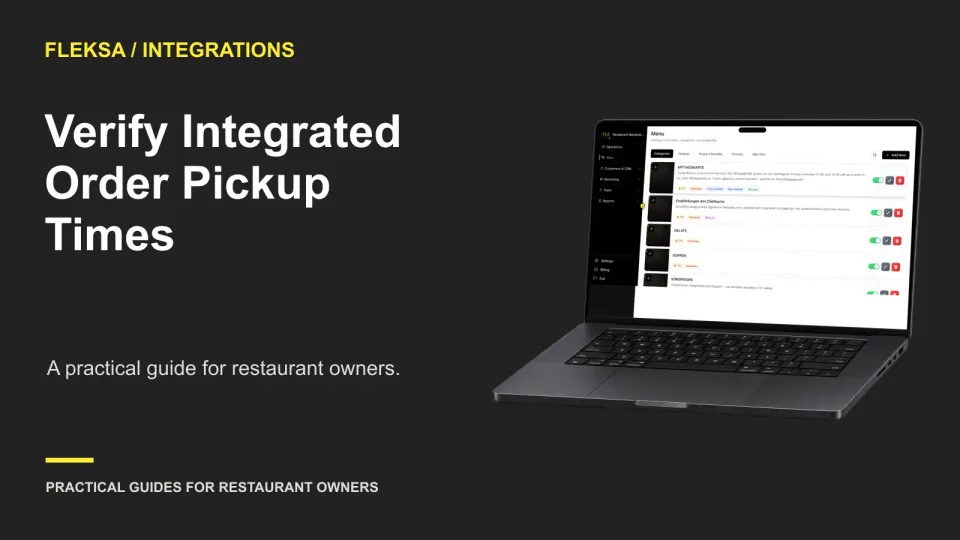
How to Verify Pickup Times on Integrated Restaurant Orders

A timestamp can reach your POS and still tell staff the wrong thing. Use this practical worksheet to compare placement, preparation and promised pickup times across ordering systems and decide how staff should handle exceptions.

Read →

Older articles for diners