Compare software, understand costs, and plan your next step.
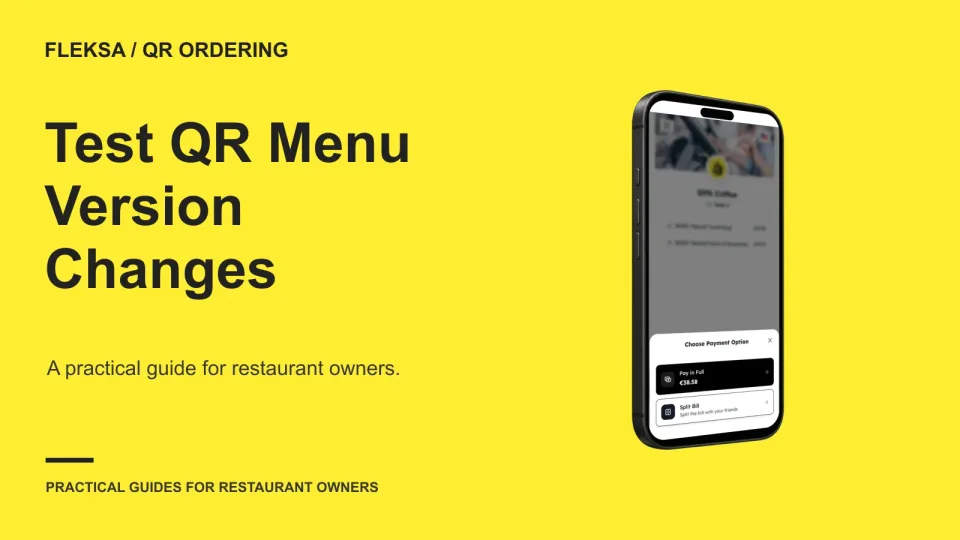
A published menu change can look right on one phone and wrong on another. Use a fresh scan, an already-open page, and a simple worksheet to spot conflicts and decide when staff should intervene.
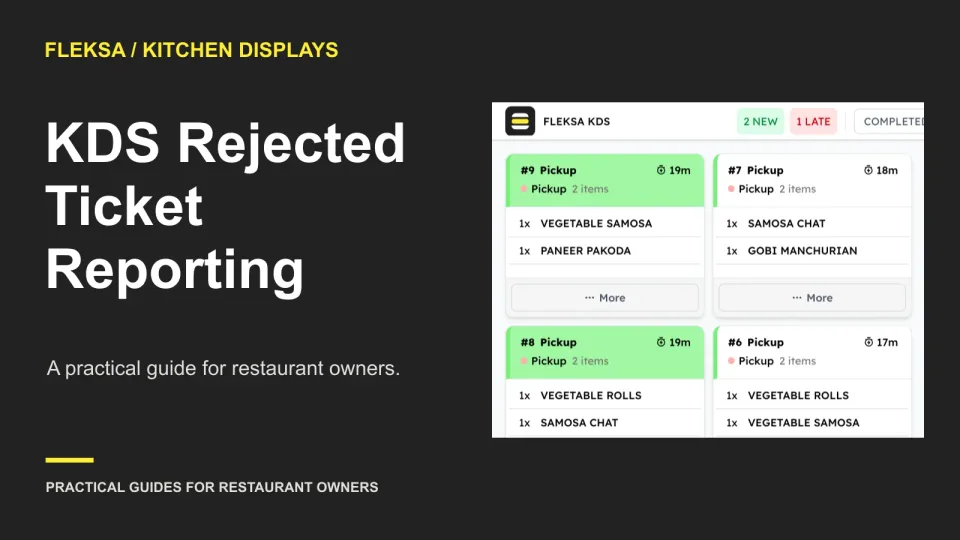
A kitchen display can show active tickets, but managers also need to account for work the kitchen rejects. Use this worksheet to compare status definitions, reconcile a small order set, and decide when a manual process is acceptable.
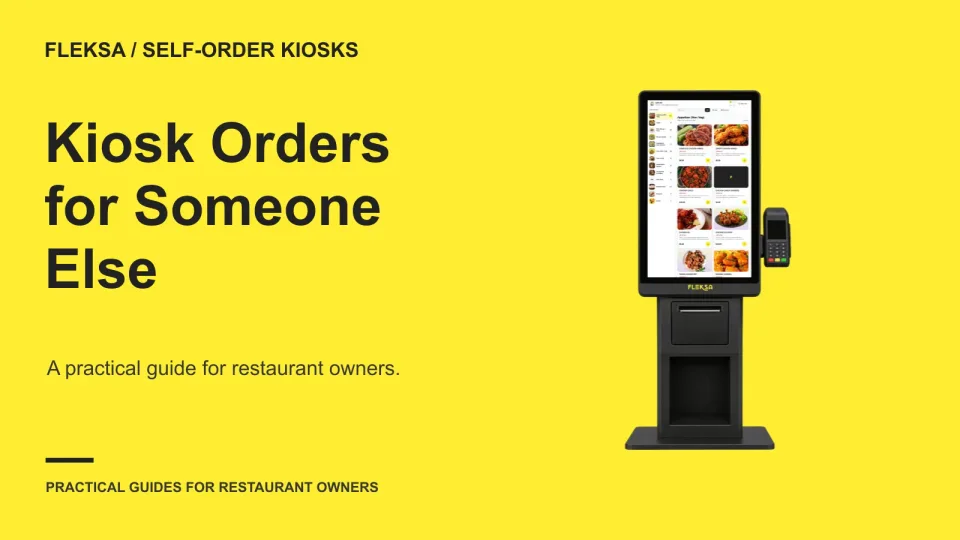
When one person places a kiosk order for someone else, the person collecting the food may not have the payment card or receipt. Use this worksheet to compare handoff options, test the workflow, and set clear acceptance criteria.
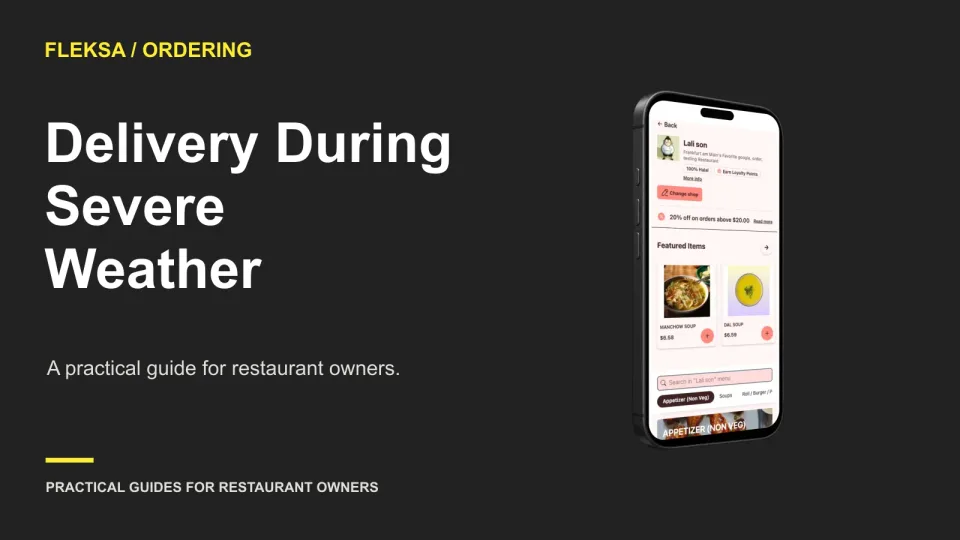
Severe weather can make a normal delivery promise impossible to keep. Use this practical checklist to reassess driver capacity, adjust service areas, handle accepted orders and restore delivery only when conditions support it.
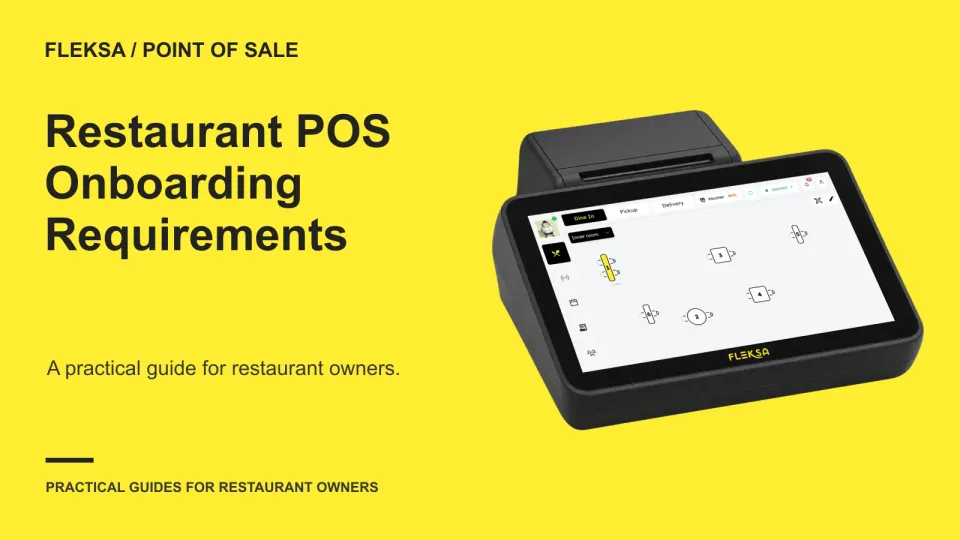
Before choosing a restaurant POS, find out what each vendor needs to configure it. Use a readiness sheet to assign owners, flag approvals and compare how vendors handle a missing menu field before you commit.
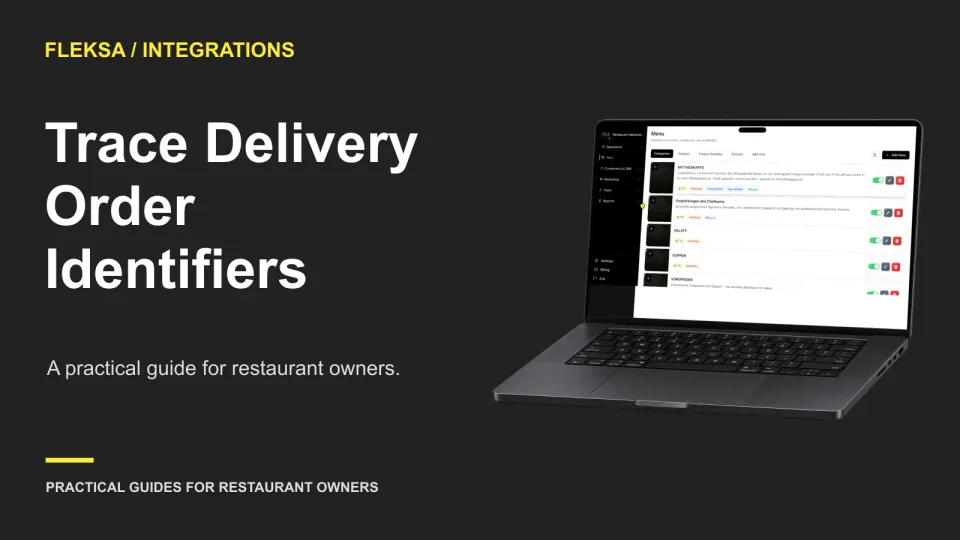
A delivery order can have a different reference in every system it touches. Use this practical map to connect channel, aggregator, POS, and kitchen records, then give support enough information to investigate without sharing unnecessary guest details.
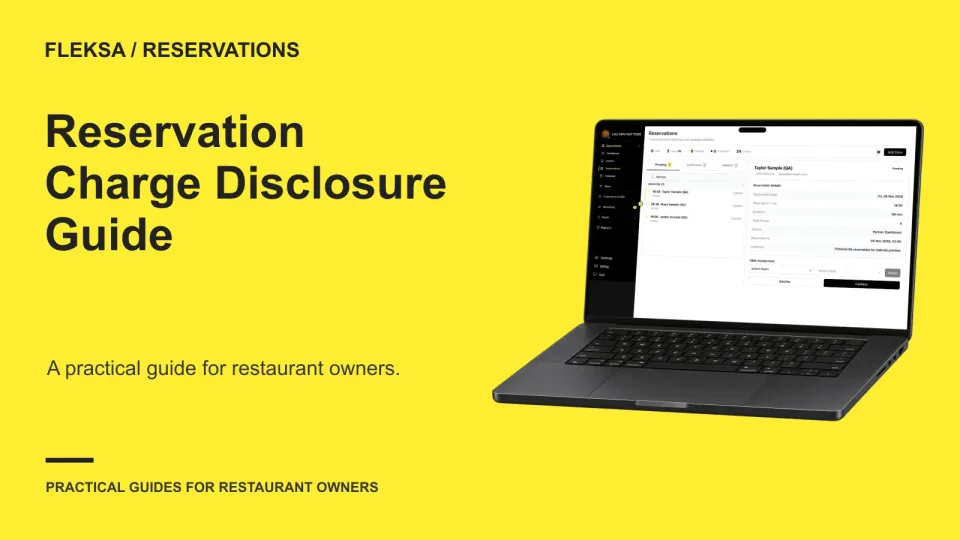
A reservation charge should never surprise a guest after confirmation. Use this operator worksheet to compare booking fees with meal deposits, check receipts and staff corrections, and test what a vendor can actually show.
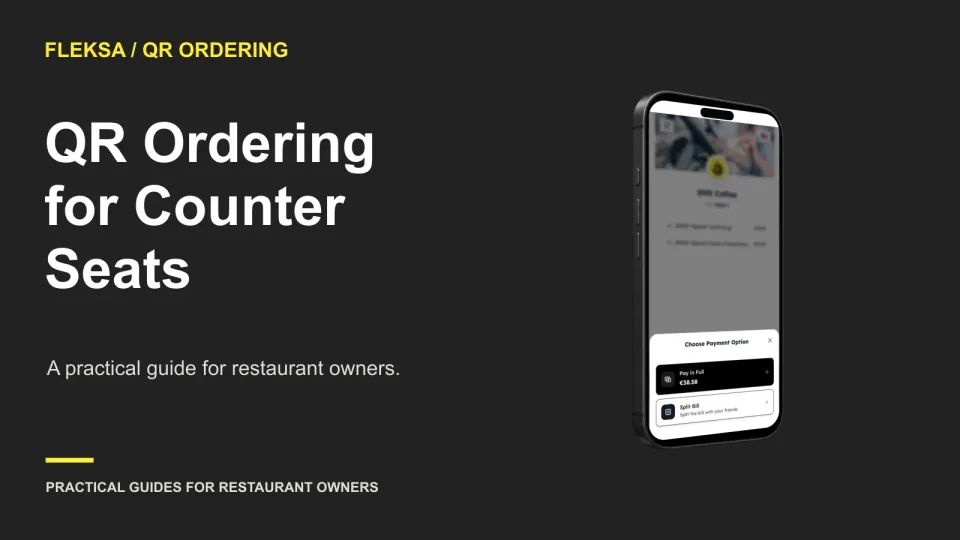
A shared counter needs a way to connect each QR order to a guest. Compare seat-level identifiers with a staffed handoff, and use a practical demonstration to check what happens when a guest moves.
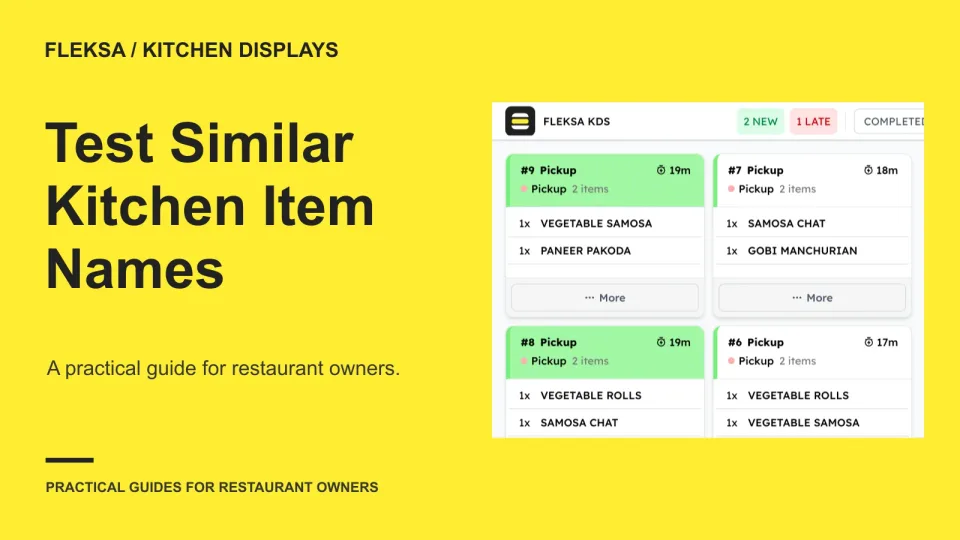
Two burgers can have nearly identical names but need different recipes. Use this worksheet and simulated order test to decide whether your kitchen display gives cooks enough information to prepare each one correctly.
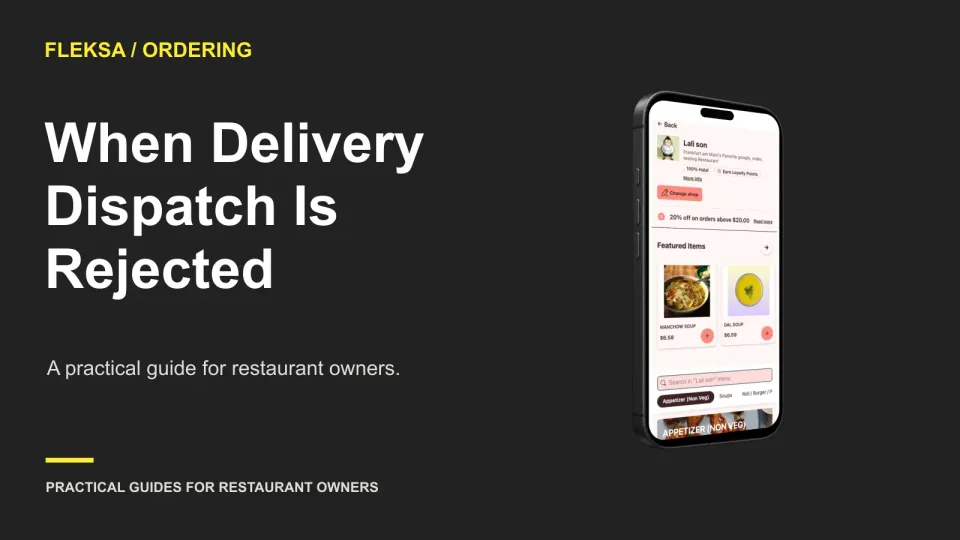
An accepted order and an accepted delivery request are separate events. Give staff a clear path to verify dispatch, find an authorized alternative, contact the guest, and resolve payment without making the meal twice.
When a POS disruption hits during service, staff need more than a support number. Use a sample incident and a communication tree to compare who gets updates, when the next message arrives, and how the vendor confirms recovery.
A marketplace change can arrive after the kitchen has already started the original ticket. Use a channel-by-channel handoff matrix to find out where updates appear, who checks them, and what staff should do when the instructions conflict.
Page 38 of 62
Older articles for diners