Compare software, understand costs, and plan your next step.
Dietary filters can help guests narrow a menu, but they should not read like allergen guarantees. Use this practical worksheet to compare ingredient records, visible results, and staff confirmation before choosing QR menu software.
When an ingredient runs short, a kitchen display must help cooks distinguish the approved substitute from the usual recipe. Use this worksheet to compare staff notes with recipe identifiers and run a safe vendor demonstration.
A cancellation count alone rarely tells you what went wrong. Use this practical review to sort canceled orders by stage and reason, check the quality of your data, and choose a focused change to test.
A marketplace order can show the right guest total while leaving your POS with an unclear discount or funding record. Use this practical worksheet to check the transfer, identify gaps and agree on a reconciliation method before rollout.
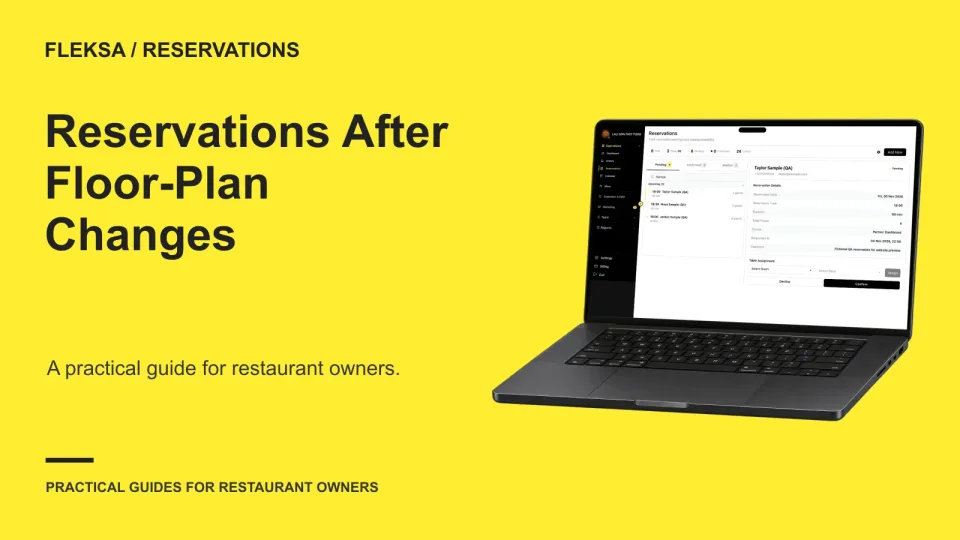
A new dining-room layout can leave old table assignments pointing to the wrong places. Use this practical worksheet to map bookings, resolve conflicts, and prepare hosts before the first service under the new plan.
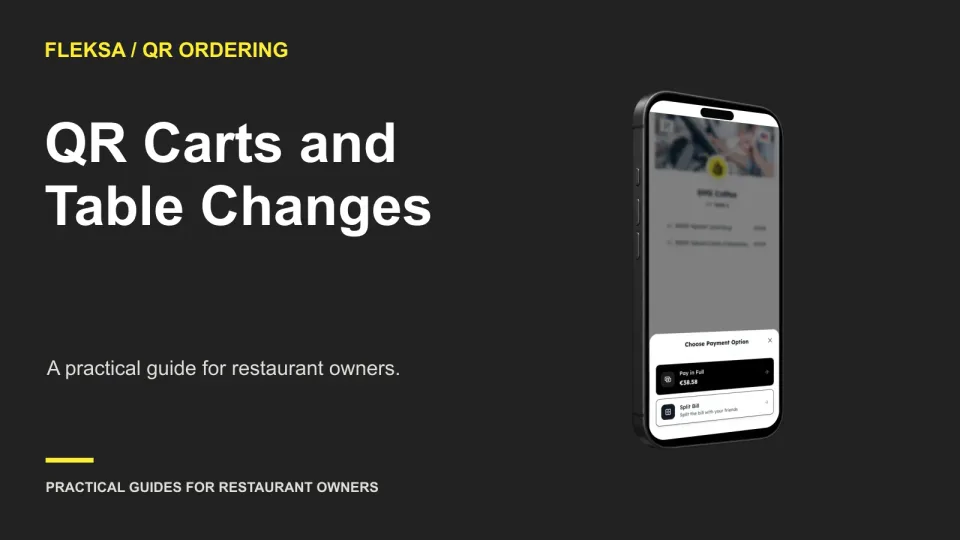
A guest can fill a QR cart at one table and move before placing the order. Use this practical decision guide to compare rescanning, resetting and staff assistance, then check that the order reaches the right table.
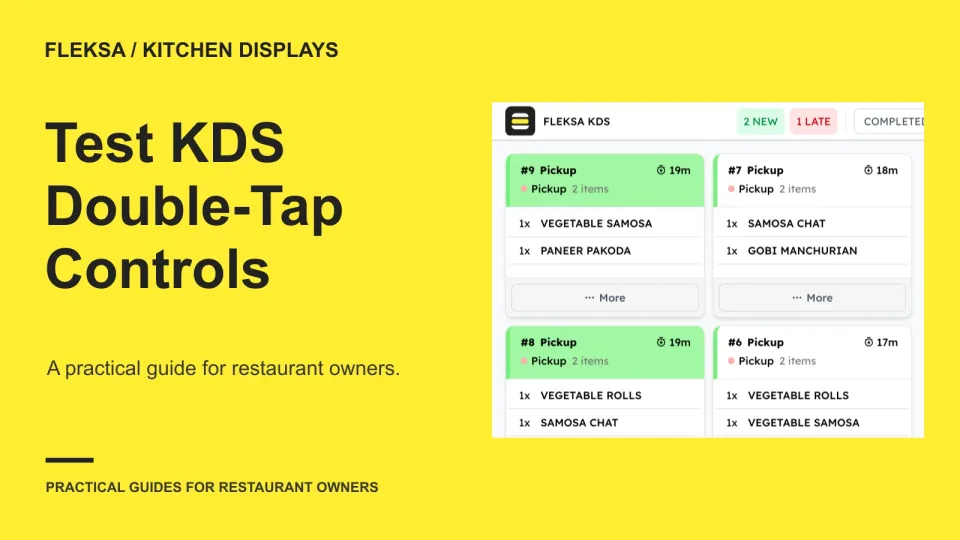
A rushed cook may tap a completion control twice before the screen responds. Use this practical worksheet to check ticket identity, visible confirmation, delayed responses and recovery before choosing a kitchen display system.
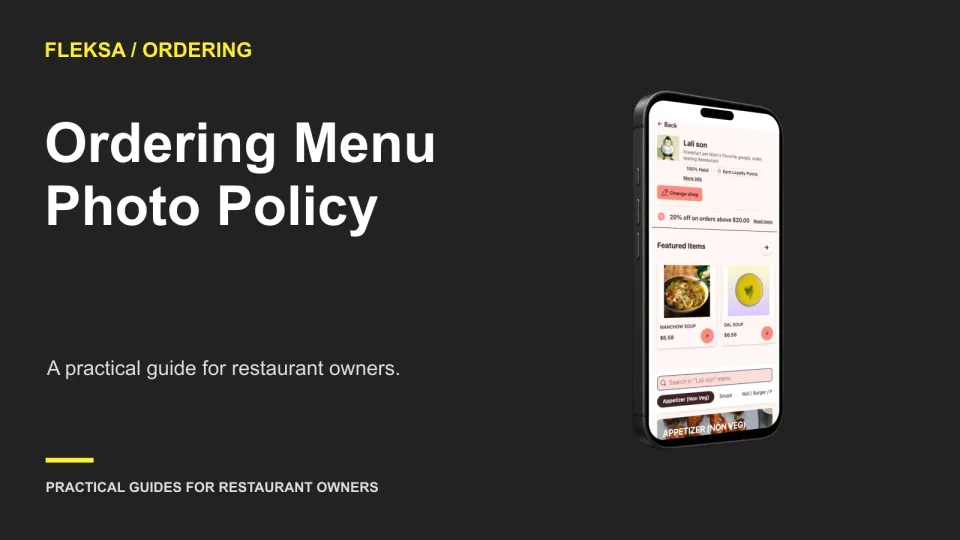
Not every ordering item needs a photo. Use a simple approval policy to decide where images help guests choose, check that portions and options match, and keep the menu accurate after changes.
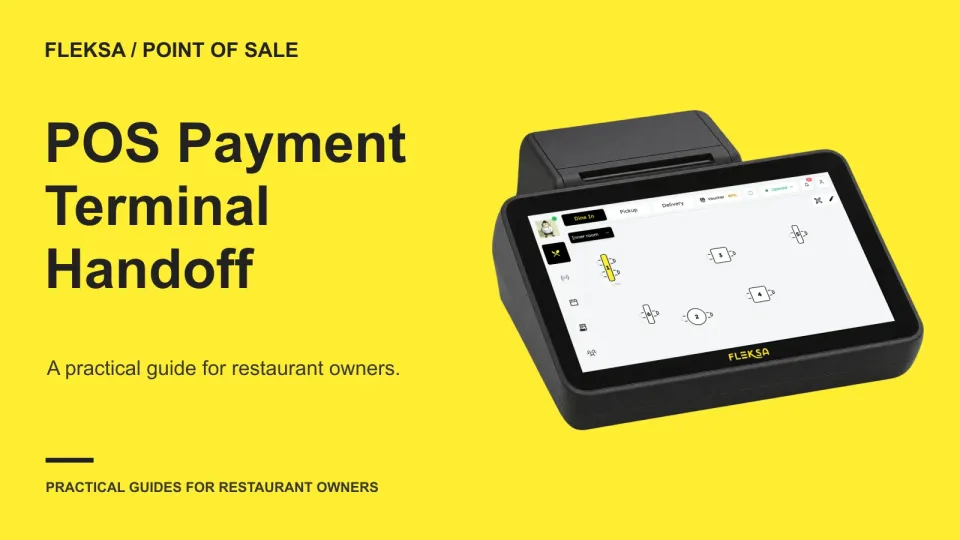
A payment terminal can look easy to use while leaving staff unsure which check was paid. Use this practical handoff test to compare the amount, check reference, and final payment state before choosing a POS.
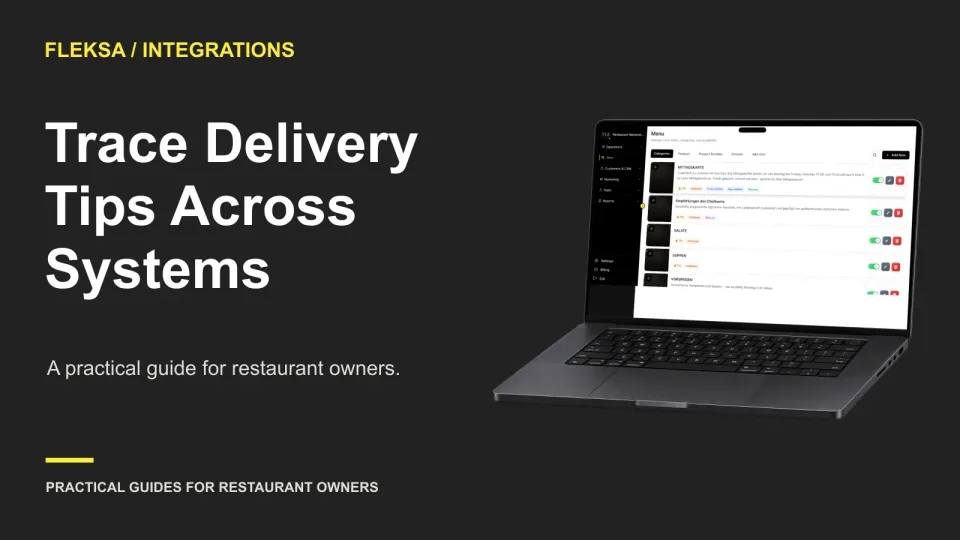
A delivery tip can appear in one report and be missing from another. Use a practical recipient and reporting-path matrix to compare channels, clarify who receives each tip, and spot unresolved questions before connecting systems.
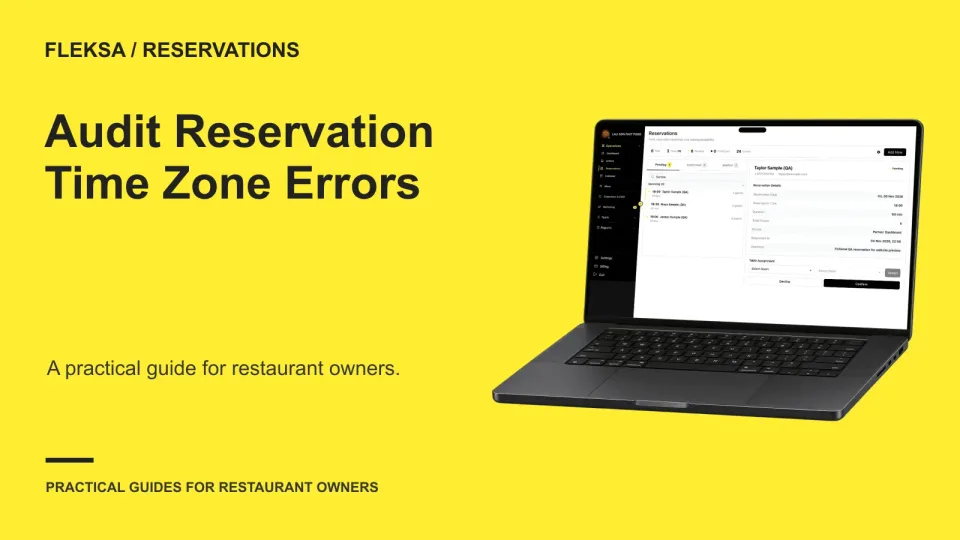
A booking can look right on one screen and wrong on another. Use this audit to check location time zones, daylight saving transitions and guest confirmations before a time-zone change creates confusion at the host stand.
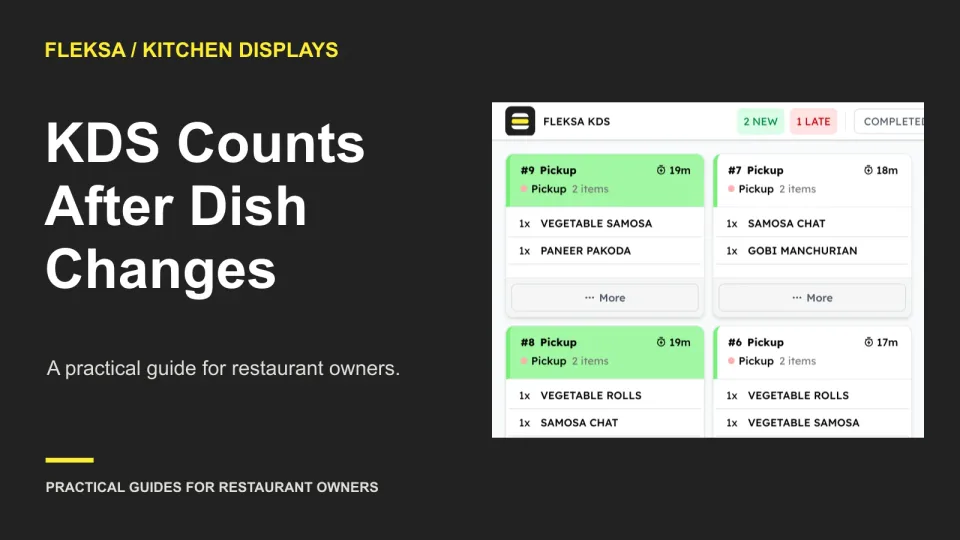
A canceled or changed dish can leave a kitchen station with less demand but food already prepared. Use this worked example to check count changes, staff alerts, and whether a vendor can show the history.
Page 40 of 62
Older articles for diners