Compare software, understand costs, and plan your next step.
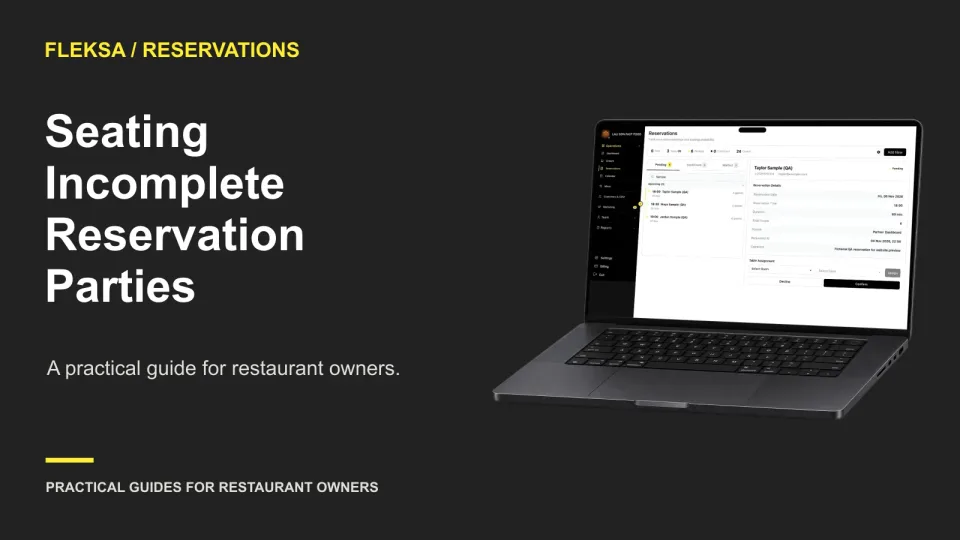
Seating part of a reservation can keep service moving, but only if staff know who is still expected. Use this decision worksheet to compare holding and seating, record the choice, and test the handoff.
A table number alone may not tell the kitchen or runner which guest requested a change. Use this four-guest example to evaluate item notes, ticket details, seat changes, and the handoff before choosing QR ordering software.
A receipt should tell the same order story as the final checkout screen. Use a line-by-line worksheet to check items, options, fees, tips, and totals, then document differences and ask your provider for a fix.
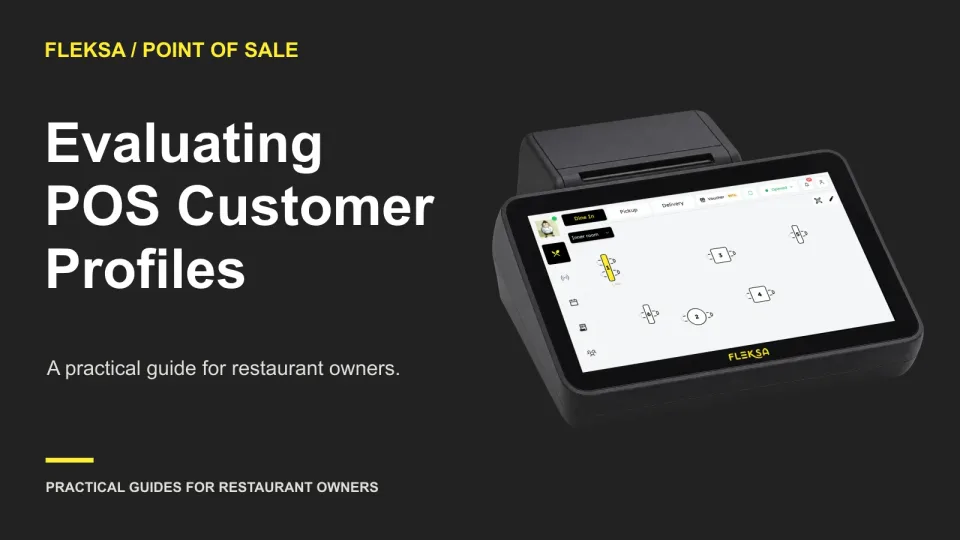
A customer profile is useful only if staff can find the right guest and fix mistakes safely. Use these practical scenarios to compare lookup, duplicate handling, permissions, exports, and deletion before choosing a POS.
A POS may record dine-in and takeout orders, but that does not mean an accounting export separates them correctly. Use this practical check to compare categories, reconcile gross sales, and assign follow-ups before rollout.
A recurring booking should save staff time without hiding sold-out dates or making one cancellation affect the whole series. Use this practical calendar worksheet and acceptance test to compare reservation software before committing.
When several ingredients disappear during service, one sold-out button may not be enough. Use an order-impact matrix to decide what to pause, which accepted orders need attention, and who should contact guests.
A payment button does not necessarily move money. Use this guide to compare tender setup, staff permissions and close reports before your restaurant accepts a payment method.
A menu item can reach a delivery channel while its photo does not. Use an image register and a safe test to identify the source of each image, spot rejection risks, and assign a fallback before rollout.
Two nearby tables can accommodate a party without pushing furniture together, but only if both tables stay available and guests understand the arrangement. Use this practical worksheet to set capacity limits, host approval rules, and booking tests.
A closed browser can leave a guest unsure whether dinner is on its way. Compare cart restoration with a fresh start, then use a practical acceptance test to check expiry, table identity, and staff handoff.
Before signing or renewing an online ordering contract, find out what happens to order and guest records after it ends. Use this practical questionnaire to compare access periods, deletion timelines, exceptions, and responsibilities.
Page 43 of 62
Older articles for diners