Compare software, understand costs, and plan your next step.
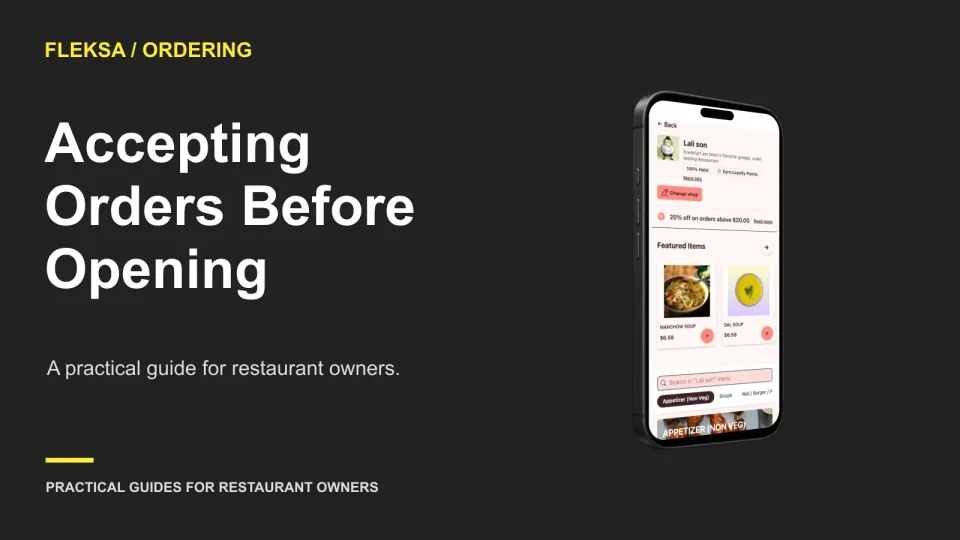
Taking orders before the kitchen opens can help guests plan ahead, but only if your team can deliver at the promised time. Use this readiness timeline to set a safe first window and check the opening handoff.
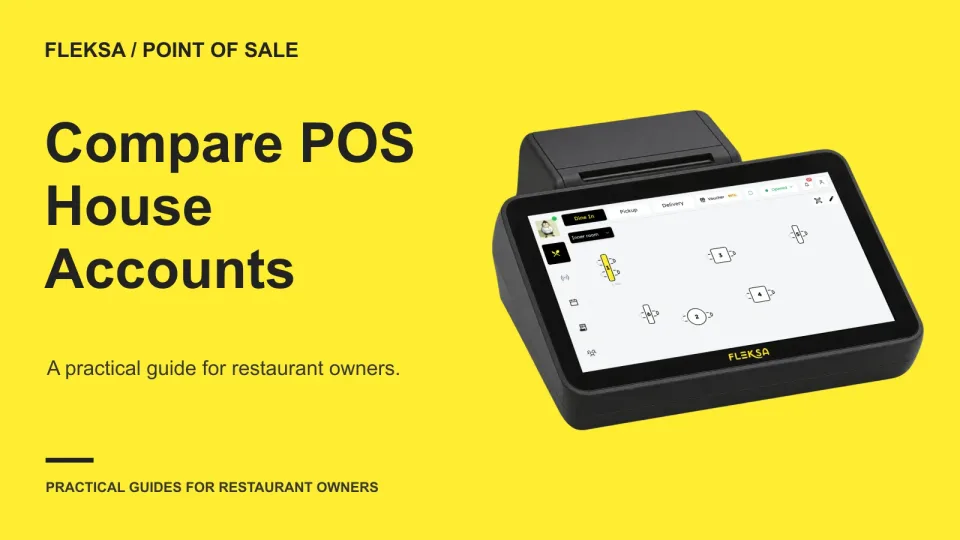
A house account lets an approved customer purchase now and settle later, but the POS must make the balance traceable. Use this sample ledger and exception checklist to compare approval, spending limits, invoices, and payments.
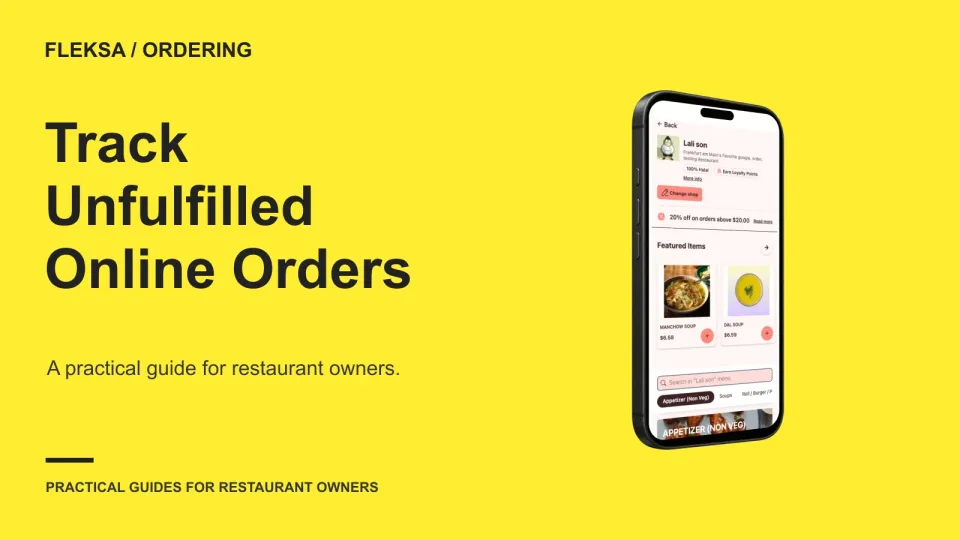
An accepted order can still fail when an item runs out, the kitchen falls behind, or a delivery address cannot be served. Use a simple incident log to classify what happened, track the outcome, and decide what to fix first.
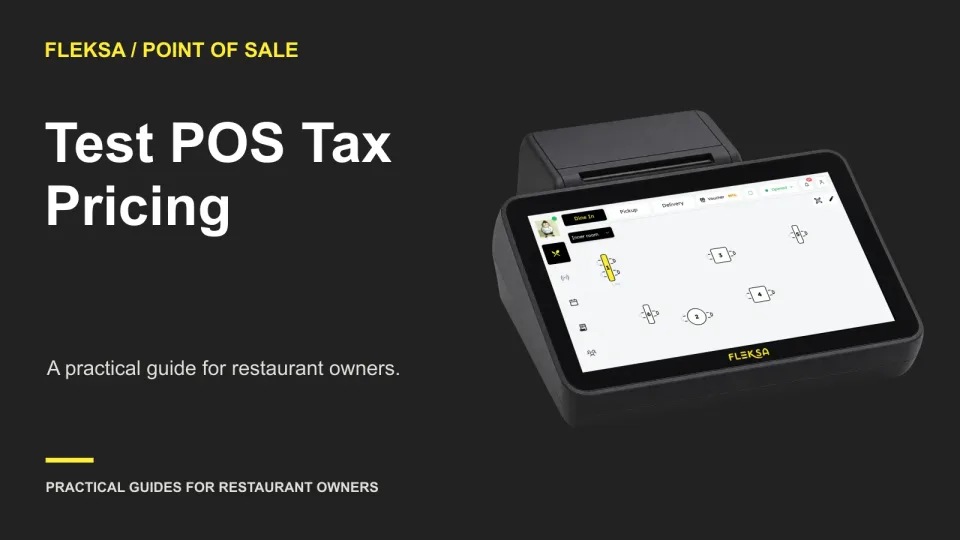
A menu price is only the start of the check. Use a mixed cart to compare expected totals, tax, receipts, and reports before choosing a restaurant POS or changing its pricing setup.
A tax exemption should affect only the items your restaurant has approved for it. Use this practical test card to check staff permissions, mixed-item receipts, documentation and reports before choosing or changing a POS.
A correct base price can hide an expensive checkout mistake. Use this practical modifier audit to compare approved menu prices with direct ordering, calculate valid combinations, trace differences, and retest fixes without placing live orders.
Cash rounding should change the amount collected for an eligible cash payment, not silently change the card price. Use a cents-based worksheet to check the payment screen, receipt, reports, refunds and exceptions before choosing a POS.
The best first online ordering window is busy enough to show how orders move, but quiet enough for someone to watch. Use this scorecard to compare traffic, staffing, support coverage, and the time available to fix problems.
A readable receipt needs more than a working printer. Use this checklist and sample to see whether a POS shows the right items, payment details, and copy options at the point your staff need them.
A change notice is useful only if the right person receives it early enough to act. Use these questions to compare ordering vendors on fee updates, feature releases, incident alerts, and the controls your restaurant actually has.
When your website works but its ordering menu does not, guests need a clear explanation and a useful next step. Use this checklist to choose a fallback, route the problem to staff, and safely restore ordering.
A weighed item needs more than a price button. Use this guide to check how a POS captures weight, calculates the total and explains the charge on a receipt before you commit to a setup.
Page 49 of 62
Older articles for diners