Compare software, understand costs, and plan your next step.
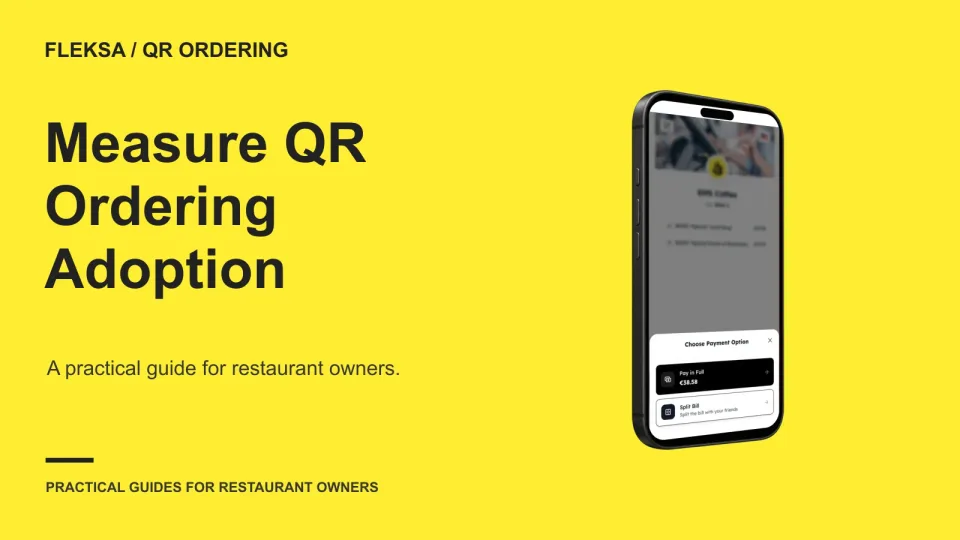
A QR scan shows interest, not a sale. Use a consistent count of eligible guest parties, track orders and payments separately, and choose a service test based on where guests leave the ordering process.
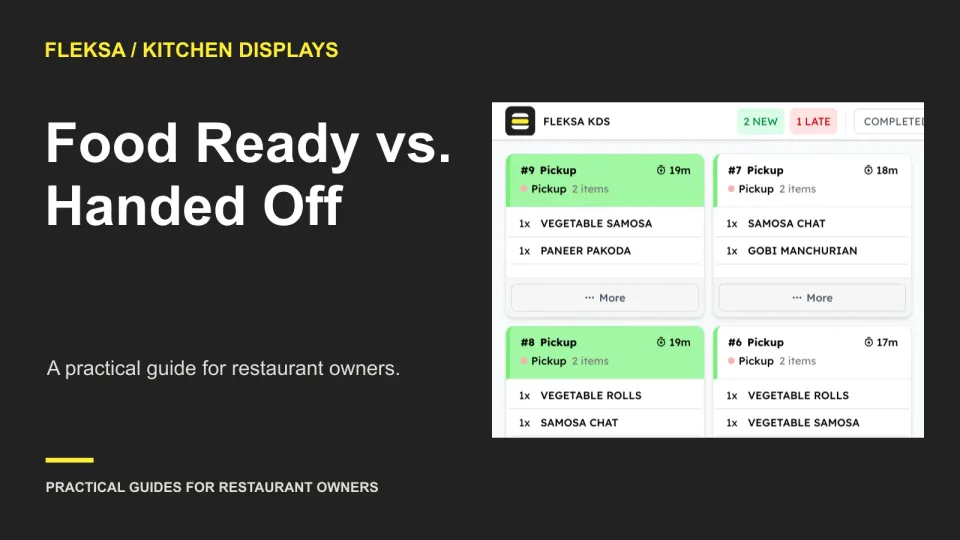
A finished dish is not the same as an order in a guest’s hands. Use these state definitions, owner assignments, and demo scenarios to evaluate how a kitchen display handles readiness, missing items, and pickup delays.
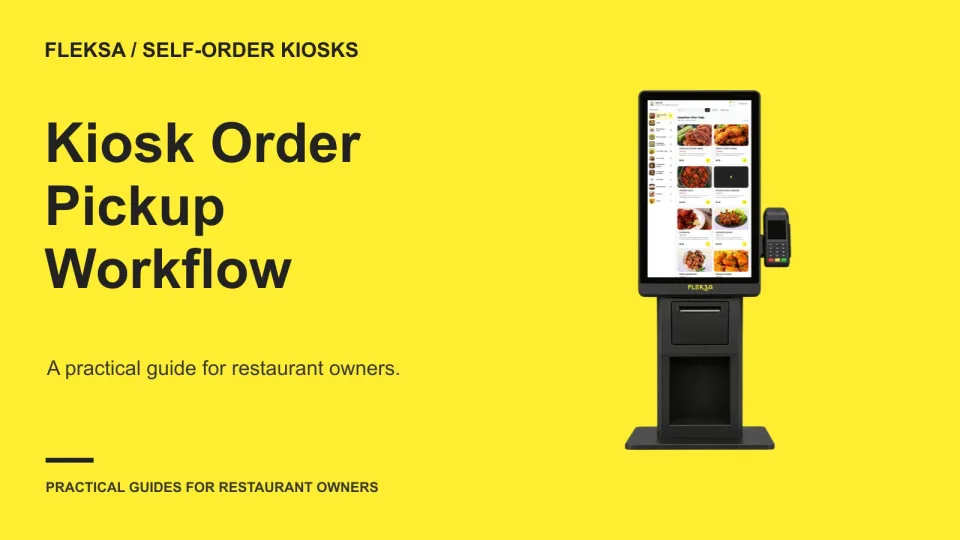
A kiosk order needs a clear path from confirmation to collection. Use this practical worksheet to choose an identifier, assign handoff duties, and test where guests wait before you commit to a pickup setup.
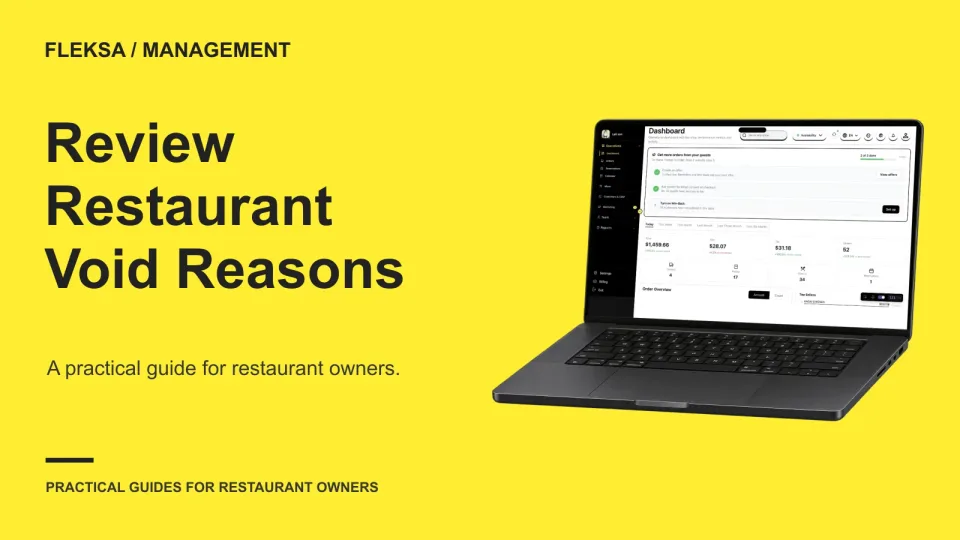
A void report can point to a confusing menu, a service bottleneck, or a training gap. Learn how to compare reasons with order volume, investigate fairly, and test a correction before changing the process.
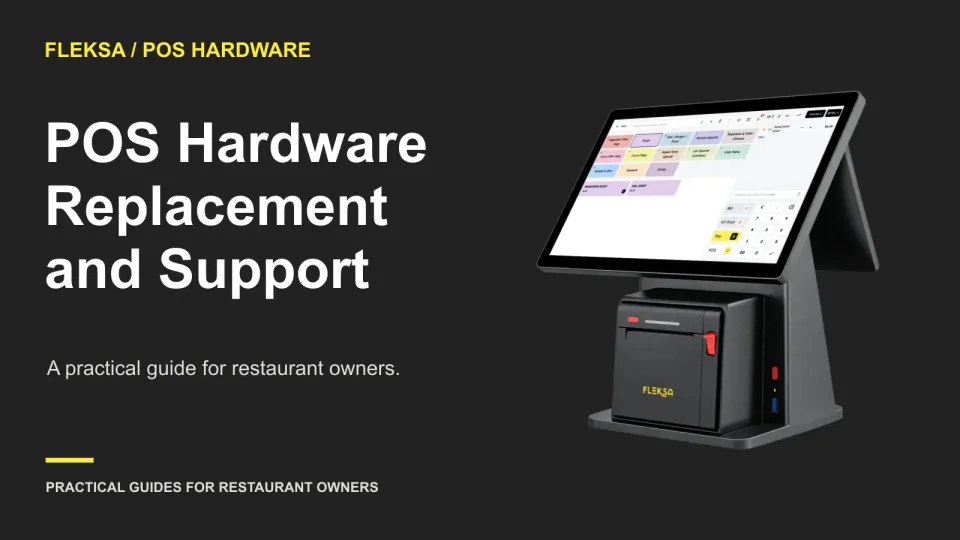
A POS hardware warranty matters most when a device fails during service. Use these questions to compare coverage, replacement logistics, backup plans, and the work needed to get a new terminal ready.
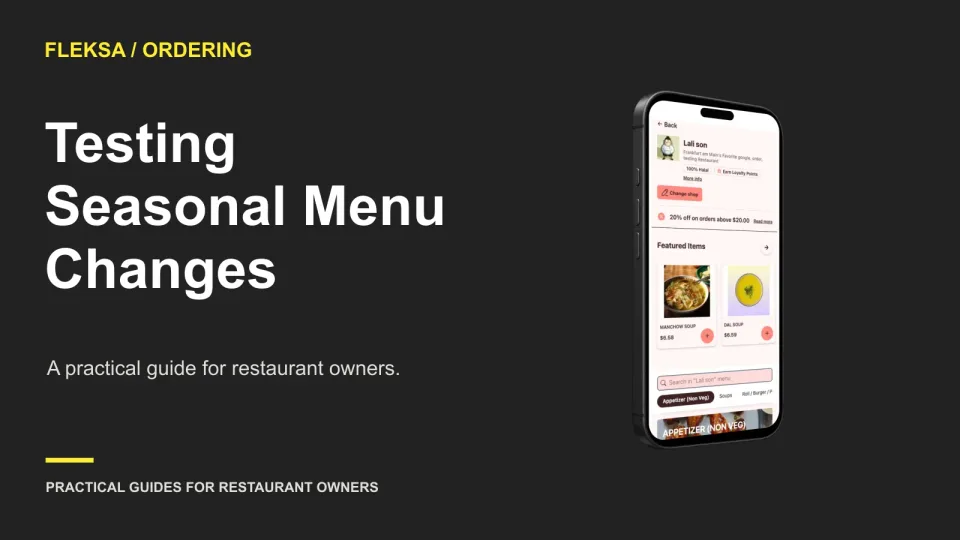
When your menu changes several times a year, the buying decision depends on more than how quickly you can edit one item. Use the same sample menu to compare bulk changes, publishing, recovery options and staff effort.
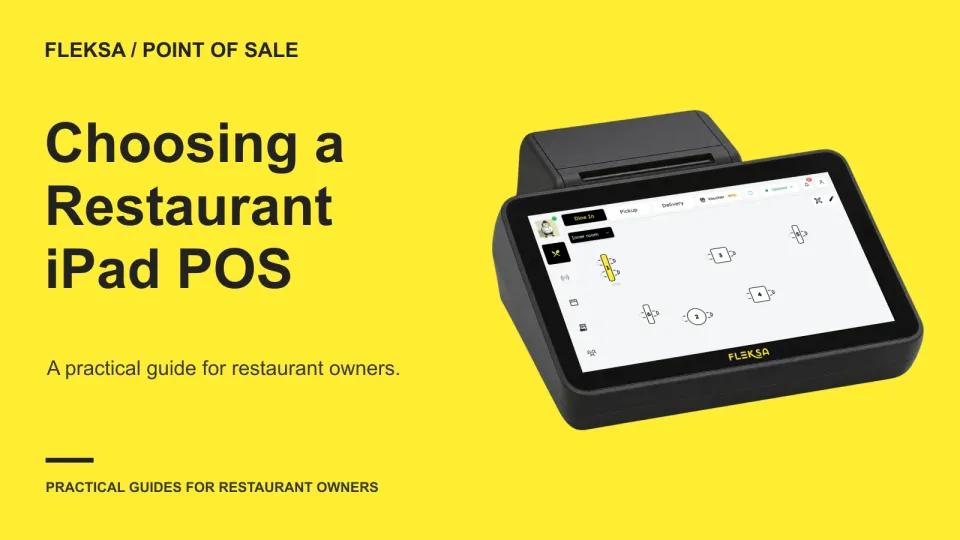
An iPad POS may fit your counter or dining room, but the tablet is only part of the decision. Use this worksheet to compare devices, service workflows, support and the full quoted cost before choosing a system.
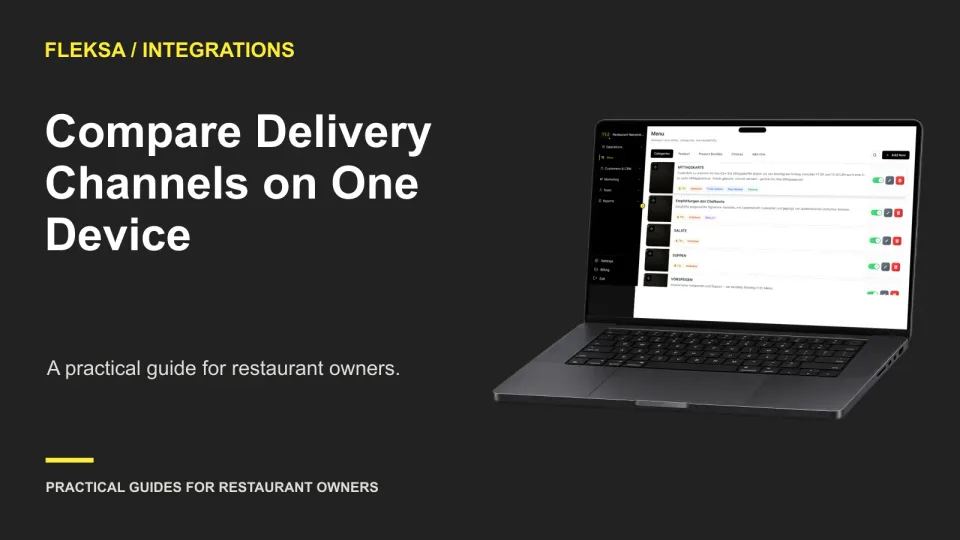
A shared order screen only helps if staff can read it under pressure. Use a short simulated queue to check channel labels, next actions, exception handling, and shift ownership before choosing a system.
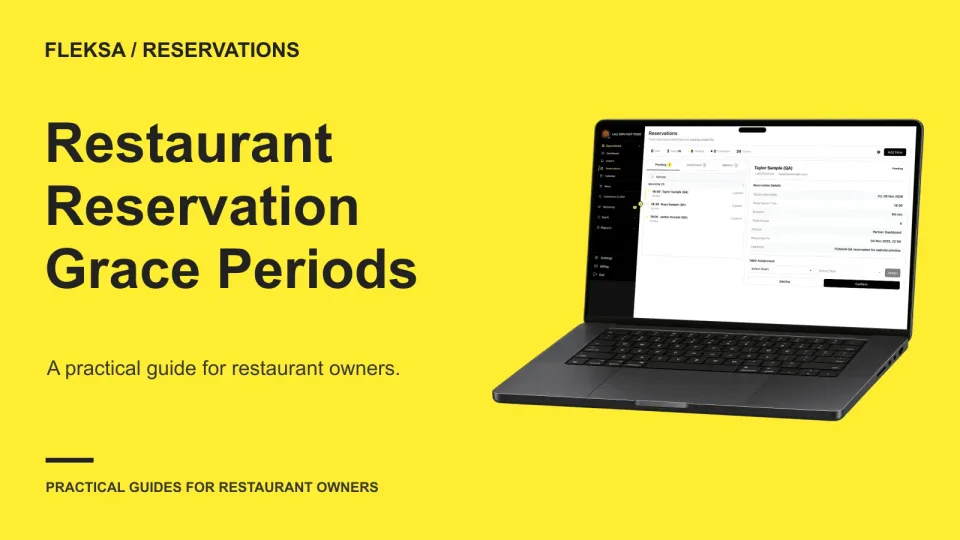
A late booking can put the next party at risk, but releasing a table too quickly can cost a guest relationship. Use this practical worksheet to set a grace period, define exceptions, and prepare your hosts to make the call.
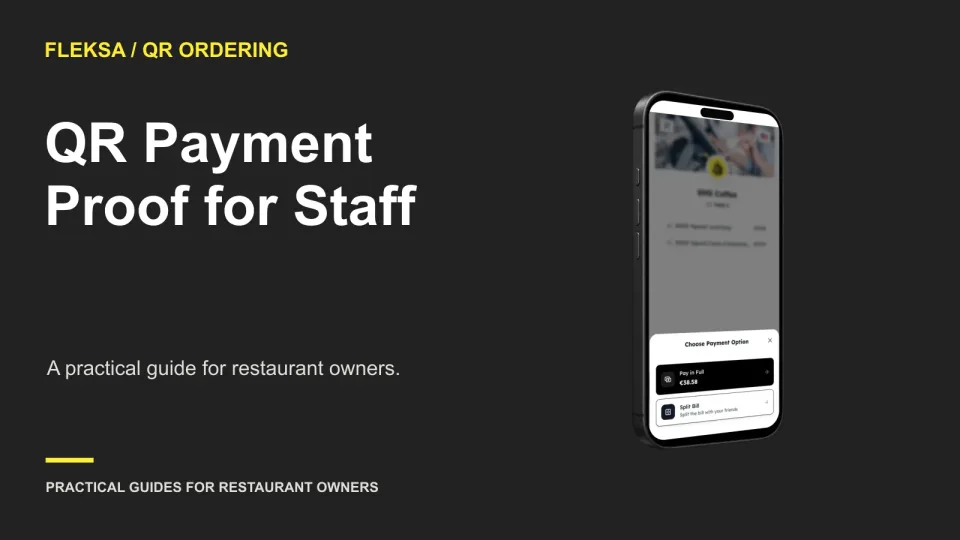
A guest’s confirmation screen and a paid table bill are not always the same thing. Use this decision worksheet to choose a staff-facing payment record, handle mismatches, and set a pass-or-fail vendor demonstration.
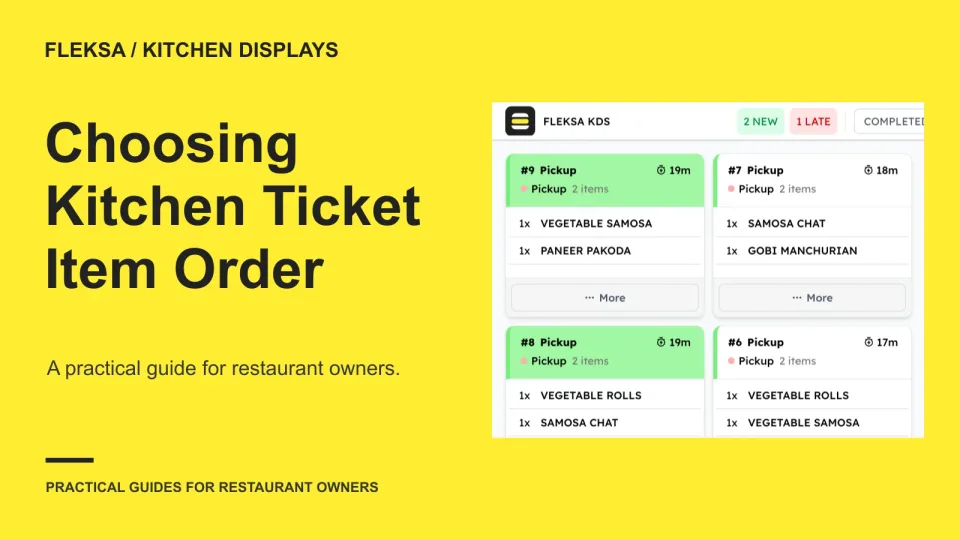
Seat, prep priority, and entry order each solve a different kitchen problem. Use a mixed-order worksheet and a safe demo scenario to choose a ticket layout that cooks and expeditors can read quickly.
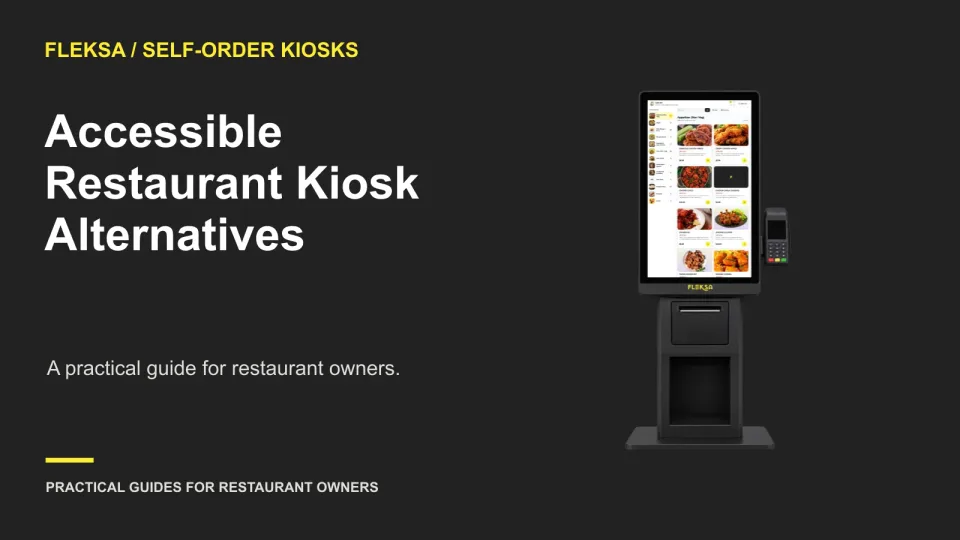
A kiosk should not be the only way to order. Use this practical worksheet to compare staffed alternatives, check peak-hour capacity and give guests the same menu choices without making assistance awkward.
Page 5 of 62
Older articles for diners