Compare software, understand costs, and plan your next step.
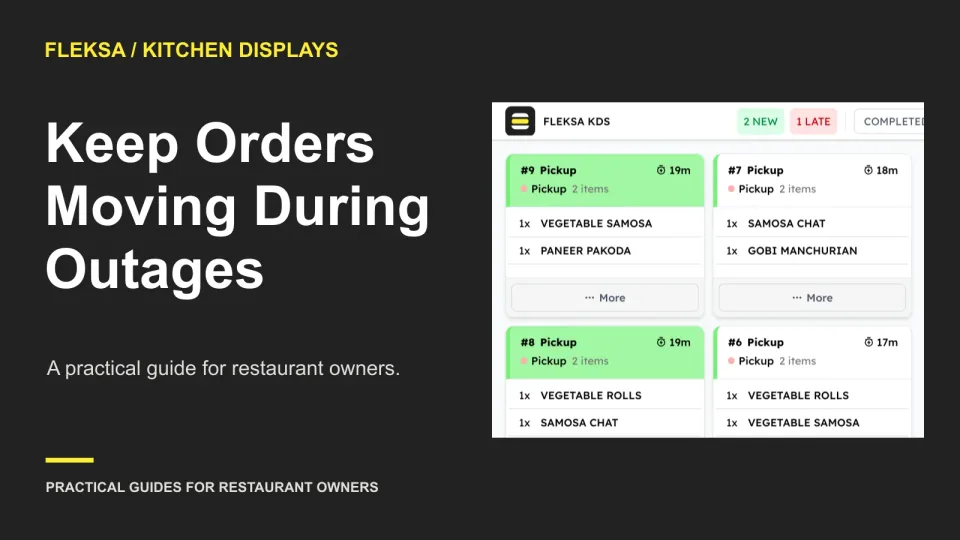
A failed kitchen screen does not have to stop service. Set a paper handoff, assign one person to control tickets, and reconcile each open order before returning to normal display operations.
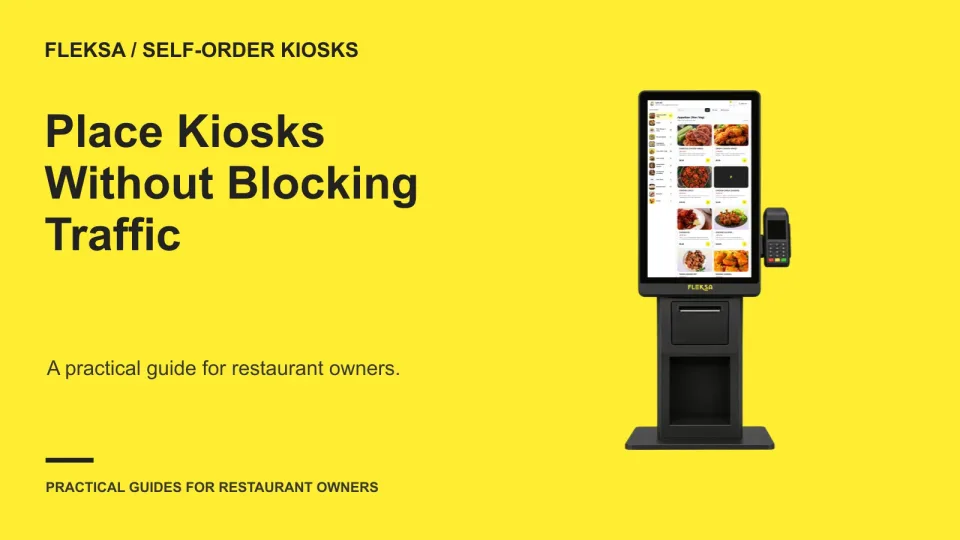
The best kiosk location is not always the most visible one. Map where guests arrive, order and collect food, then compare queue capacity and access before committing to power, network and installation work.
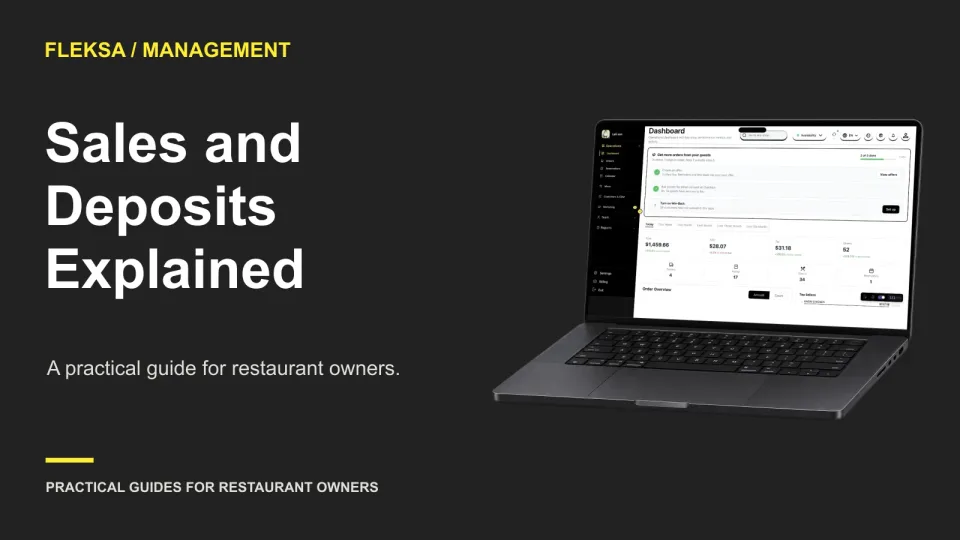
A sales report and a bank statement measure different things. Use this practical worksheet to trace a fictional batch from orders through settlement, account for refunds and fees, and spot differences that need a closer look.
A low monthly price can look different once a restaurant closes for the season. Use this 12-month worksheet to compare subscriptions, minimums, order fees and processing costs before signing an ordering contract.
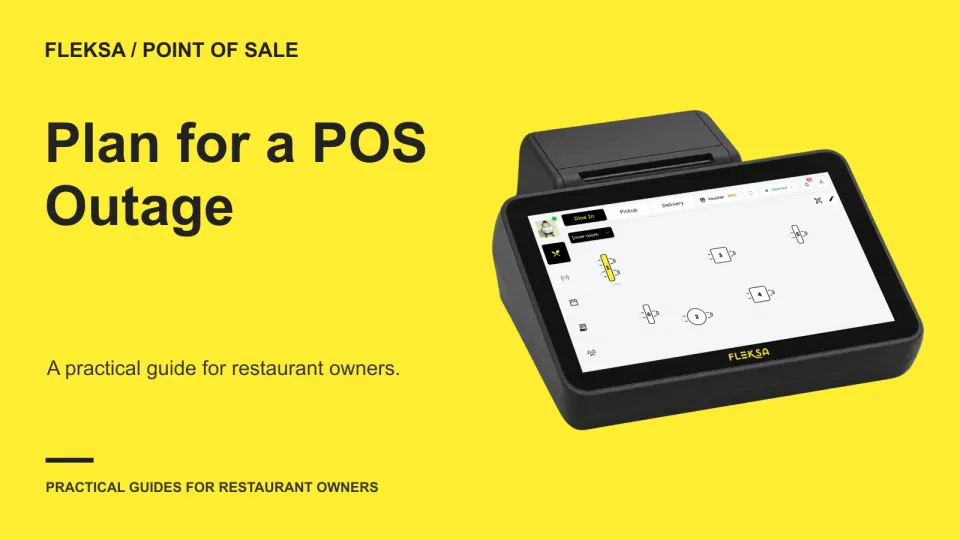
An internet outage does not have to stop every order, but offline capabilities vary. Use this guide to separate failure scenarios, test essential service tasks, and plan for payment and reconciliation risks.
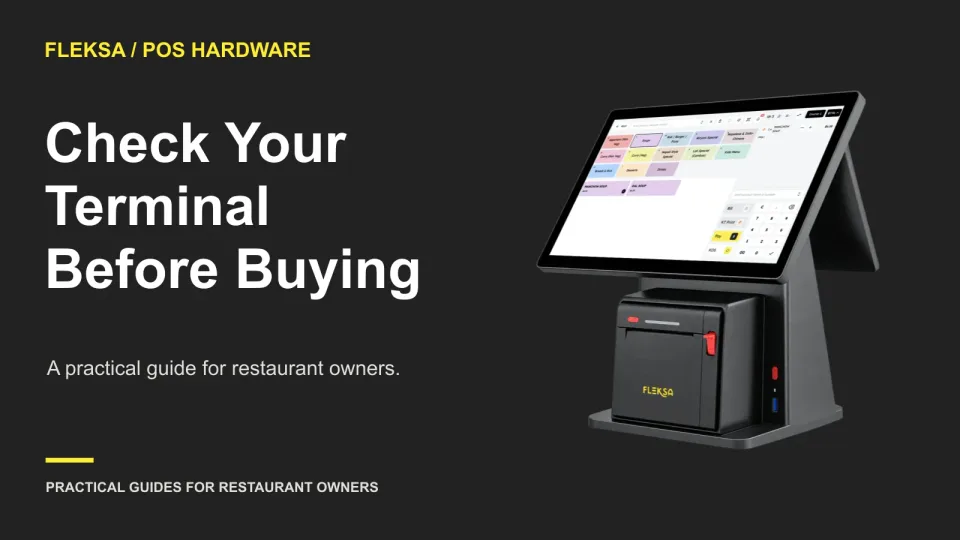
A terminal that accepts cards may still not connect to your POS. Use this practical matrix and testing checklist to verify the software, processor, device and connection before you buy or switch providers.
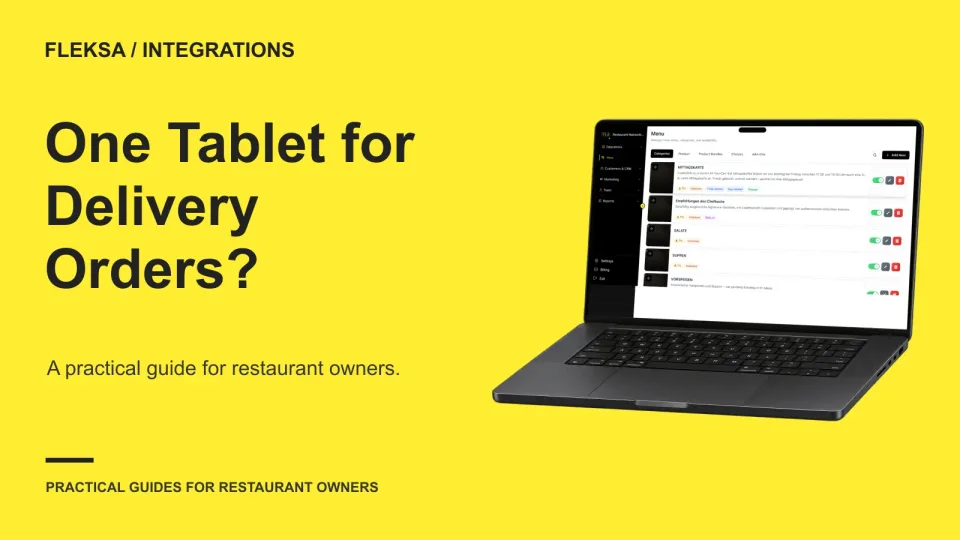
One tablet may simplify delivery order handling, but channel coverage alone does not tell you what staff can actually do. Map each action, test the order path safely, and keep a fallback for exceptions.
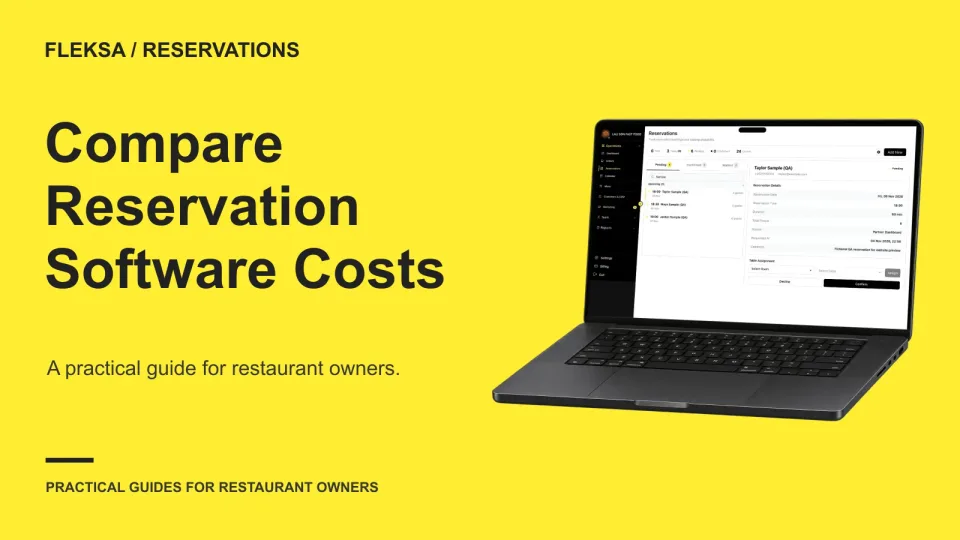
Per-cover pricing changes with guest volume, while a flat fee can make the monthly bill easier to predict. Use this worksheet to compare booking channels, cancellations, message charges, and the costs that may sit outside either plan.
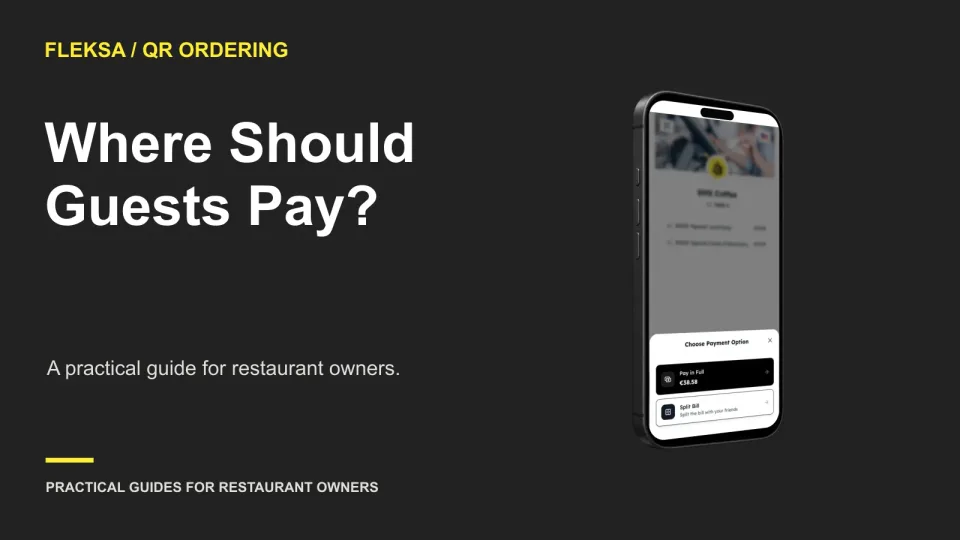
Pay-at-table can reduce trips to a busy counter, while counter payment keeps a staff member in the transaction. Use this worksheet to compare queue capacity, guest support, unpaid checks, and end-of-shift reconciliation.
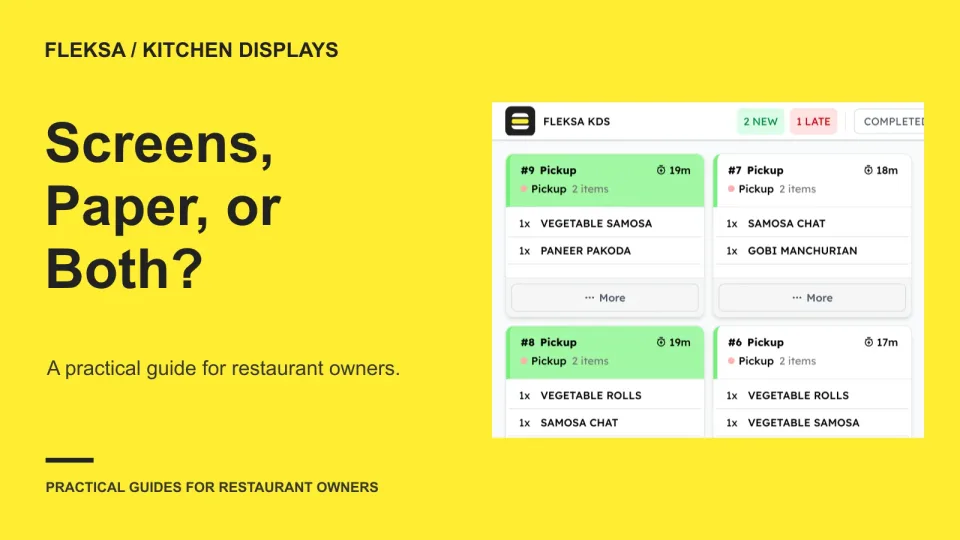
A screen can make an active queue easier to see, while a paper ticket can travel with an order. Compare both against your stations, correction process, and costs before choosing a kitchen setup.
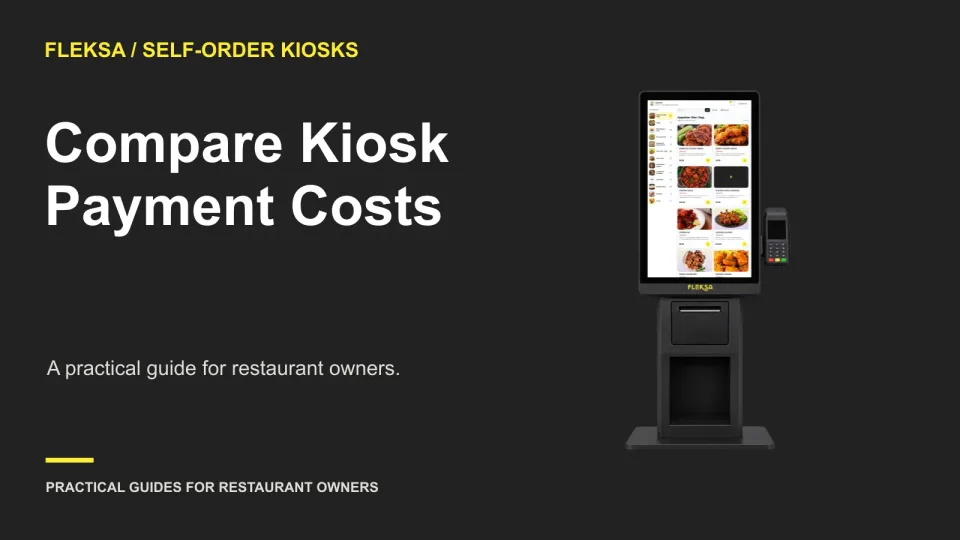
A lower card rate does not tell you the full cost of a kiosk payment setup. Use this worksheet to compare transaction fees, cash handling, staffed fallback, and the terms that can change your quote.
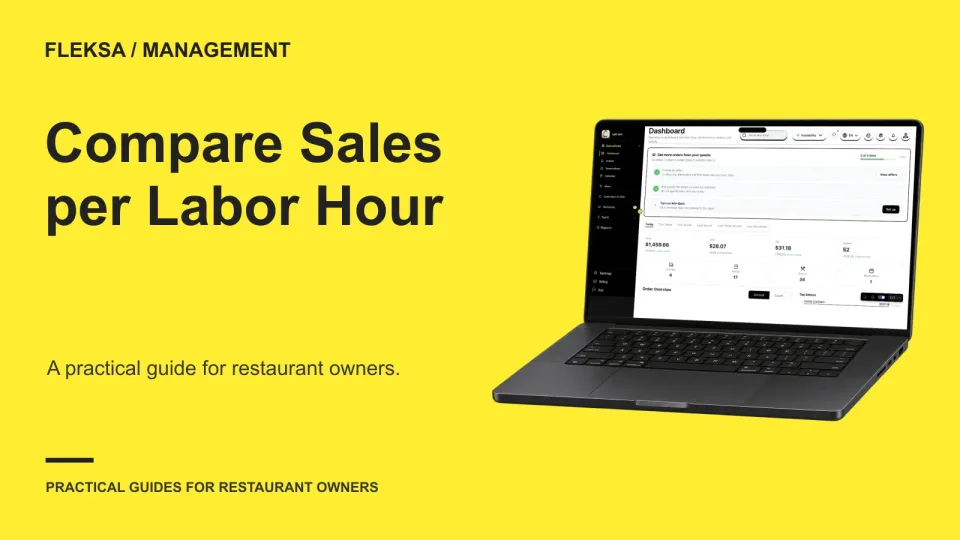
Sales per labor hour can show where shifts deserve a closer look, but a higher number does not prove a better service. Use this worksheet to align sales and paid hours, compare similar shifts, and check the guest experience.
Page 59 of 62
Older articles for diners