Compare software, understand costs, and plan your next step.
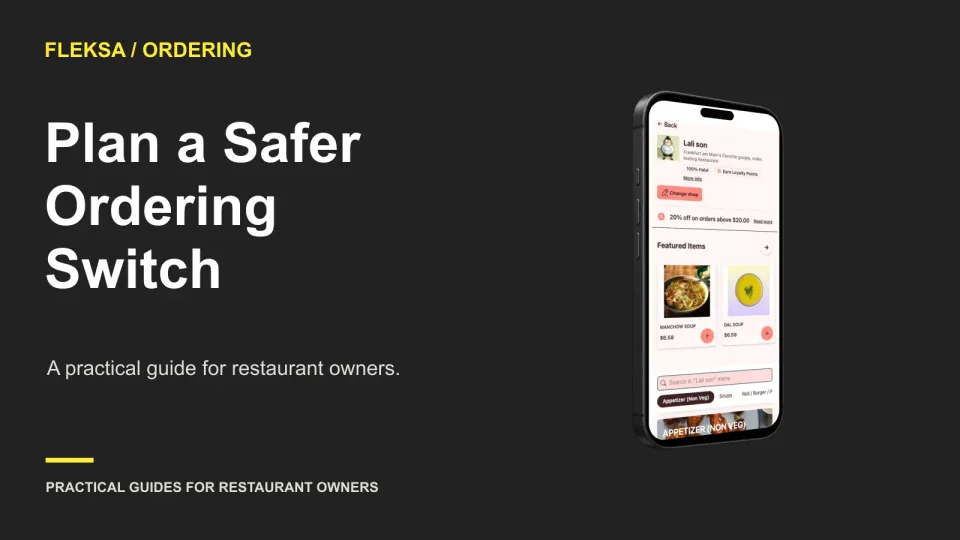
A new ordering page is ready only when the restaurant can receive and act on an order. Use this checklist to compare customer journeys, assign a rollback owner, and verify public links before and after the switch.
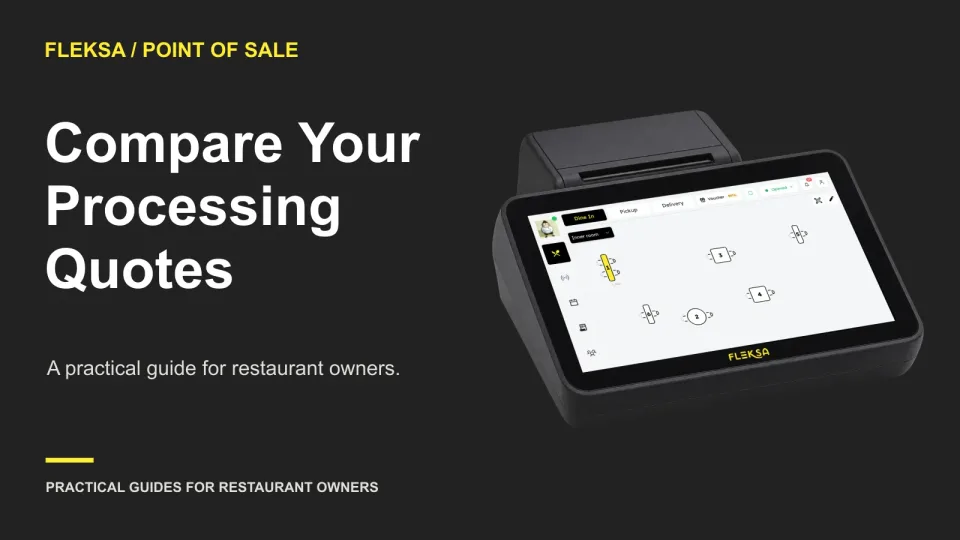
The lowest advertised processing rate may not produce the lowest monthly bill. Use your restaurant’s sales and transaction counts to compare flat-rate and interchange-plus quotes, account for fixed fees, and ask vendors to explain exceptions before you sign.
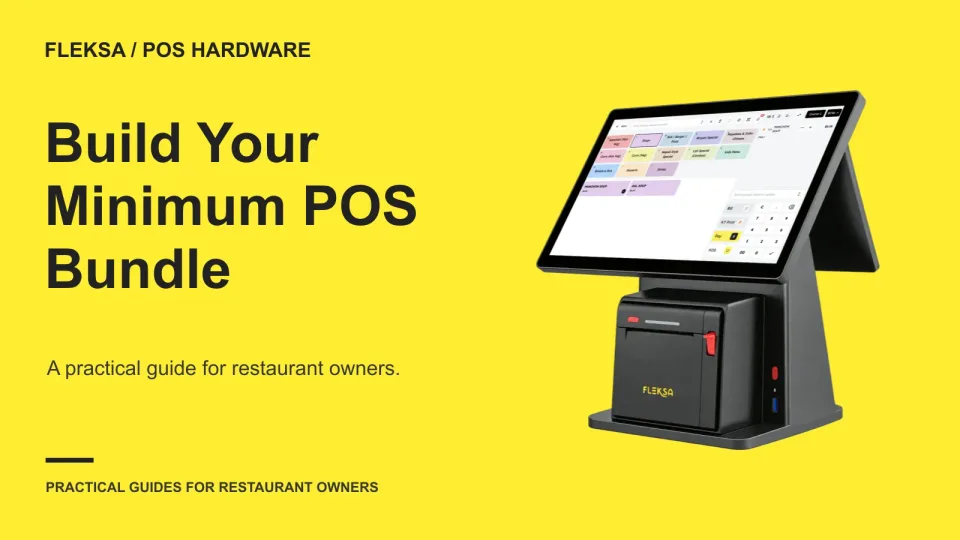
A POS terminal alone may not be enough to run a shift. Use your service workflow to identify the devices, connections, software licenses, and backup procedures your restaurant needs before accepting a quote.
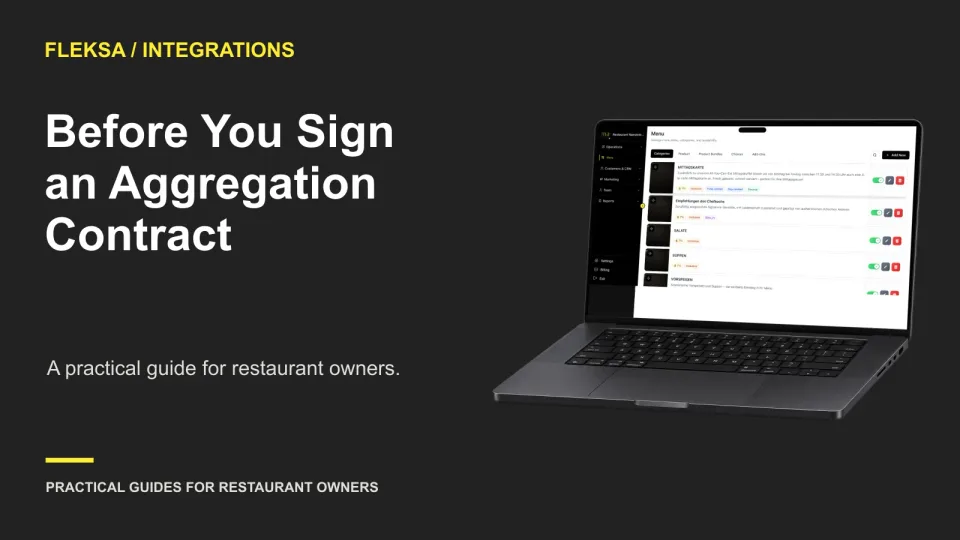
Consolidating delivery orders can reduce the number of screens your staff watches, but it does not erase marketplace fees or vendor dependencies. Use this contract worksheet to compare quotes, test order flows and assign the unanswered questions.
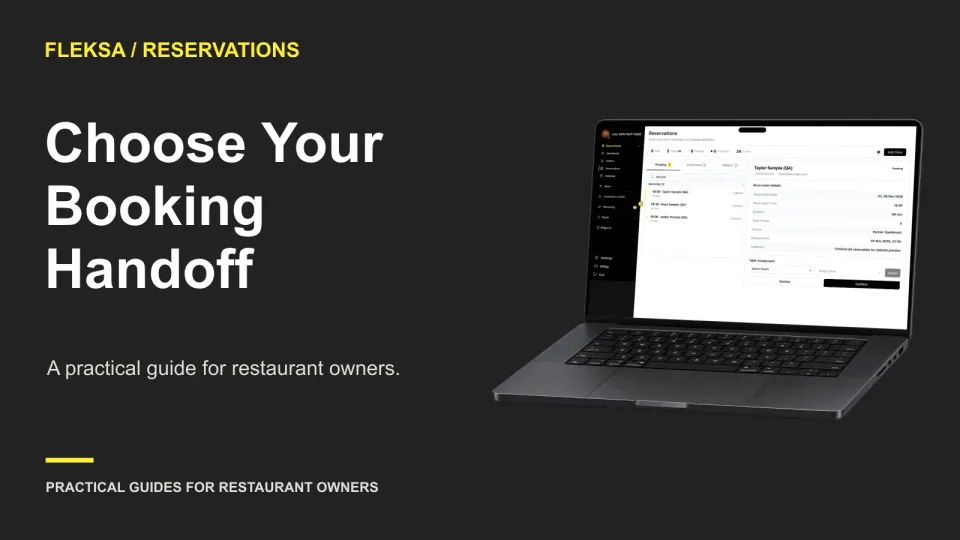
An embedded widget keeps the booking form on your website; a hosted page sends guests to a separate page. Use this practical worksheet to compare the guest experience, maintenance work, and confirmation flow before choosing.
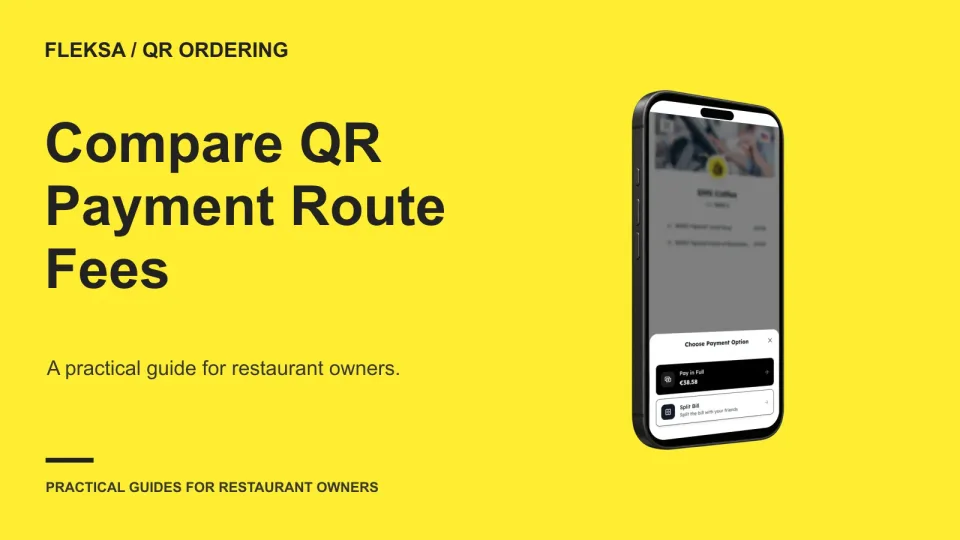
A QR order can cost different amounts depending on where the guest pays. Compare platform charges, processing fees, and optional guest charges with two hypothetical checks, then ask vendors for the terms that could change your decision.
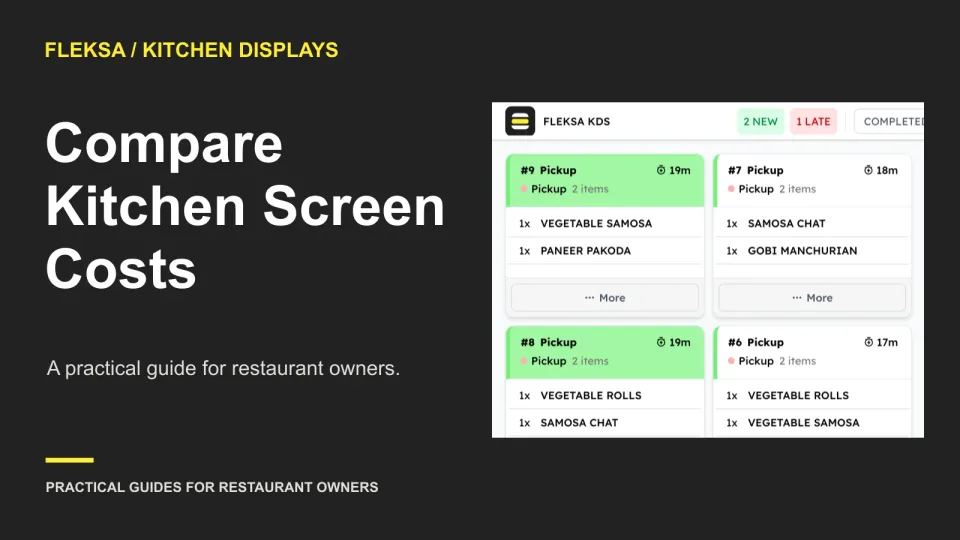
A kitchen screen quote can look inexpensive until you add devices, mounting, network work, and recurring licenses. Use this station-by-station worksheet to compare one-screen and multi-screen options and set a practical acceptance test.
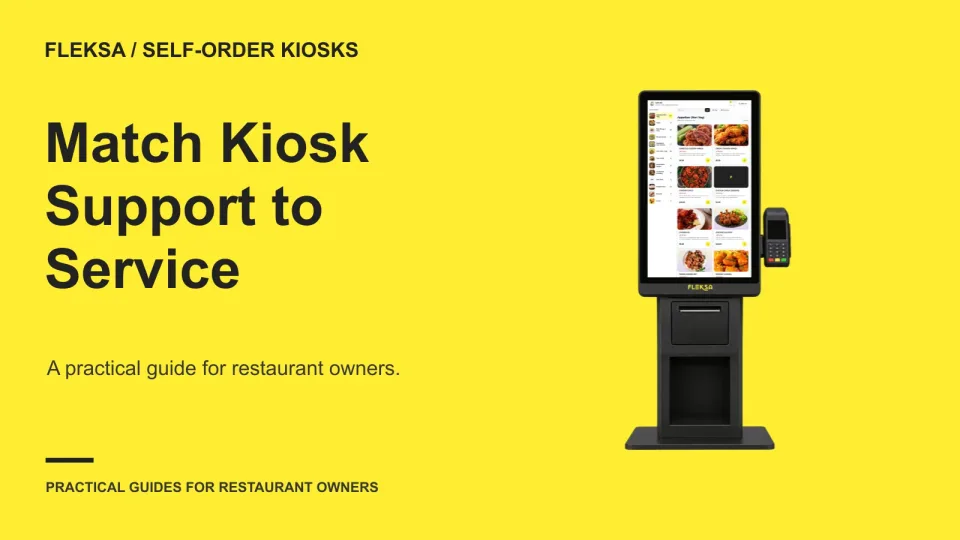
A kiosk support line is only useful if the right help is available when service is running. Use this practical worksheet to compare coverage, response commitments, escalation windows, and your staff’s fallback plan.
When restaurant software goes down, managers need more than a backup notepad. Use this runbook to assign decisions, control service capacity, record orders and payments, and reconcile the shift when systems return.
A polished demo is not enough to choose an ordering provider. Bring a representative menu, run realistic service scenarios, and score the results against written pass criteria and the quote.
One POS may support counter and table service, but that does not mean every order can move between them without re-entry. Use this workflow worksheet to compare demonstrations, identify exceptions, and set practical acceptance criteria.
A dashboard total and an exported report should agree when they measure the same sales. Use this worksheet to align dates and definitions, investigate a one-cent difference, and set a clear pass or fail test for a vendor demonstration.
Page 60 of 62
Older articles for diners