Compare software, understand costs, and plan your next step.
A split-shift reservation schedule needs more than opening and closing times. Map your last seating, meal duration and changeover, then check what guests can actually book at each boundary.
An accessibility request needs more than a note on a reservation. Use a practical seating worksheet, a clear callback process, and a simulated staff check to decide what you can confirm before a guest arrives.
A completed booking rate tells you how often a reservation journey ends in confirmation. Breaking that journey into steps helps you find the largest drop, compare devices, and choose a focused test without guessing at the cause.
A reminder can bring a confirmation, a cancellation or a request that needs a person. Use this practical worksheet to assign an owner, protect table capacity and check what happens before a guest receives an answer.
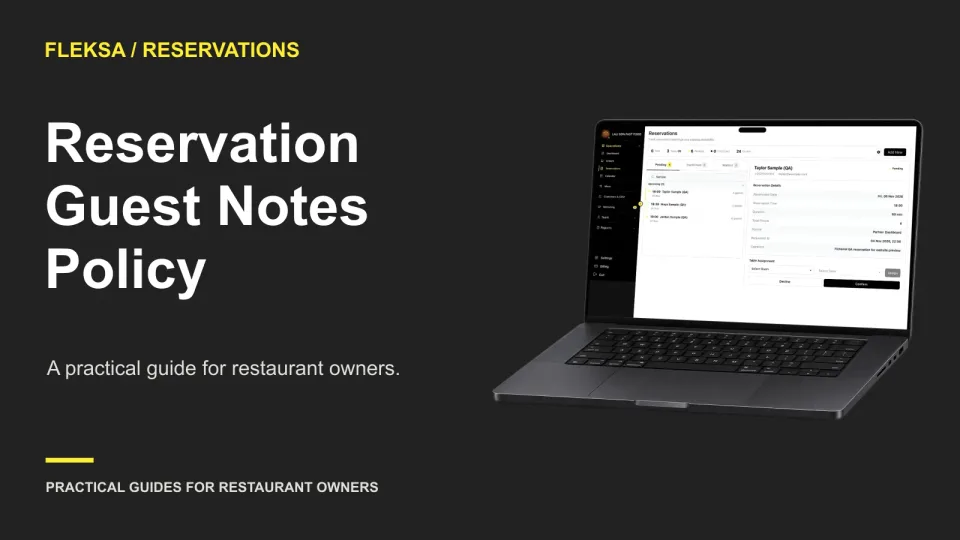
A useful guest note helps the team prepare without turning a reservation record into a permanent diary. Use this practical policy to sort visit requests, reusable preferences, and details that should not be recorded.
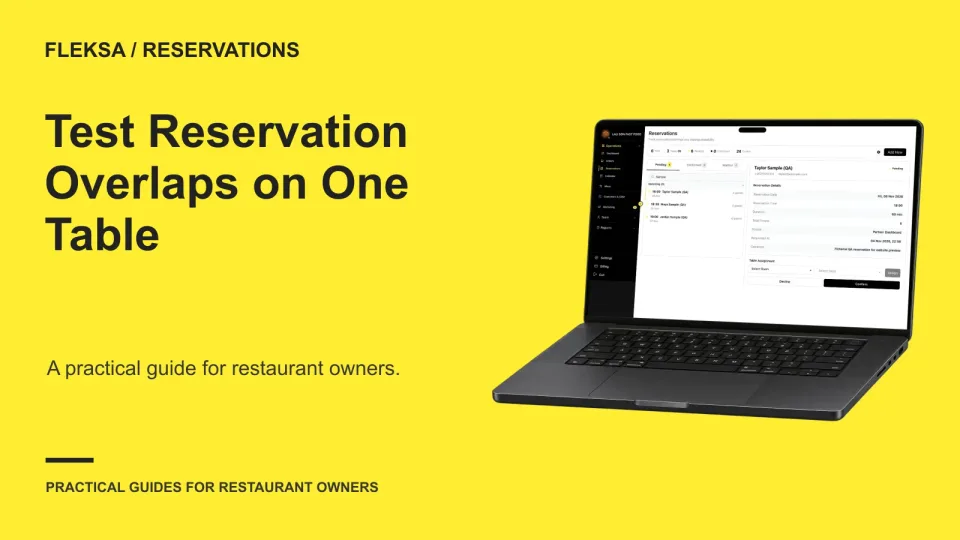
A booking slot can look open while an earlier party is still using the table. Use this one-table exercise to compare expected and observed availability, check boundary times, and give a vendor a clear result to investigate.
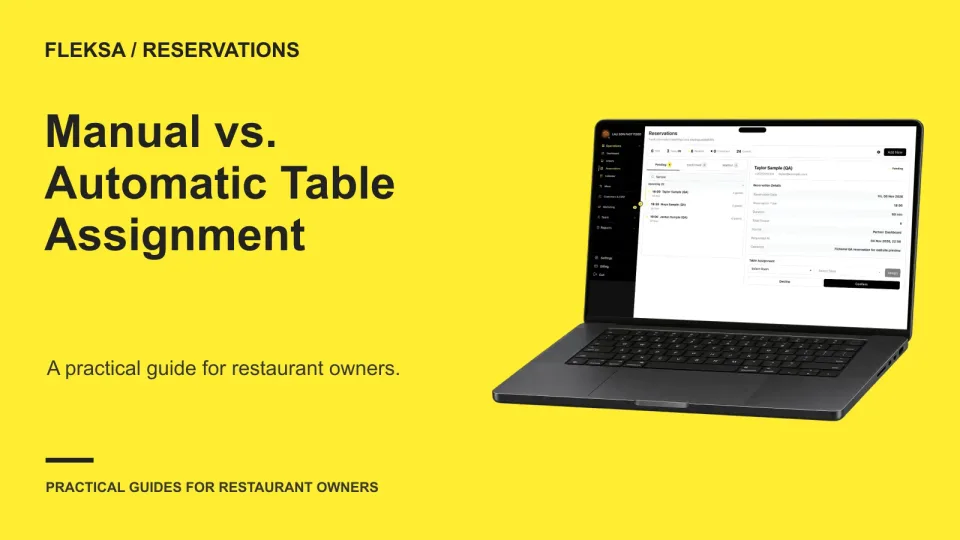
Automatic table assignment can reduce routine host work, but a suggested table deserves review when timing, seating needs or changing availability make the choice uncertain. Use this decision framework to set boundaries and evaluate reservation software.
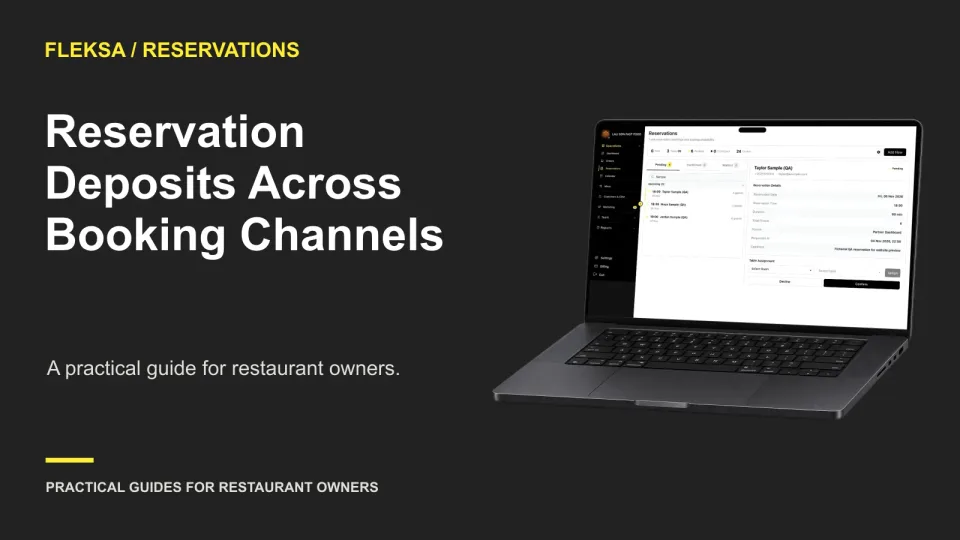
A deposit rule can look consistent on paper while working differently across booking paths. Use a channel-by-channel worksheet to check what guests see, when money is collected, and how staff resolve exceptions.
Some reservation requests need a person to check the room before promising a table. Use this practical workflow to decide when to hold a request pending, assign a reviewer, and give guests a clear answer.
A cover limit can leave guests without a suitable table, while a table count can hide unused seats. Use this six-table example to compare both rules and test whether reservation software handles real seating constraints.
A booking can appear in more than one report without representing two reservations. Use this practical worksheet to assign one source per booking, reconcile cancellations, and test whether a vendor can explain its channel counts.
A reservation change can leave a deposit untouched, trigger a refund, or create an amount due. Use this worksheet to compare those outcomes and see whether a vendor can make the payment status clear to staff.
Page 3 of 8
Older articles for diners