Online ordering built for your restaurant.
Give guests a direct way to browse your menu and order for pickup or delivery on your branded website.
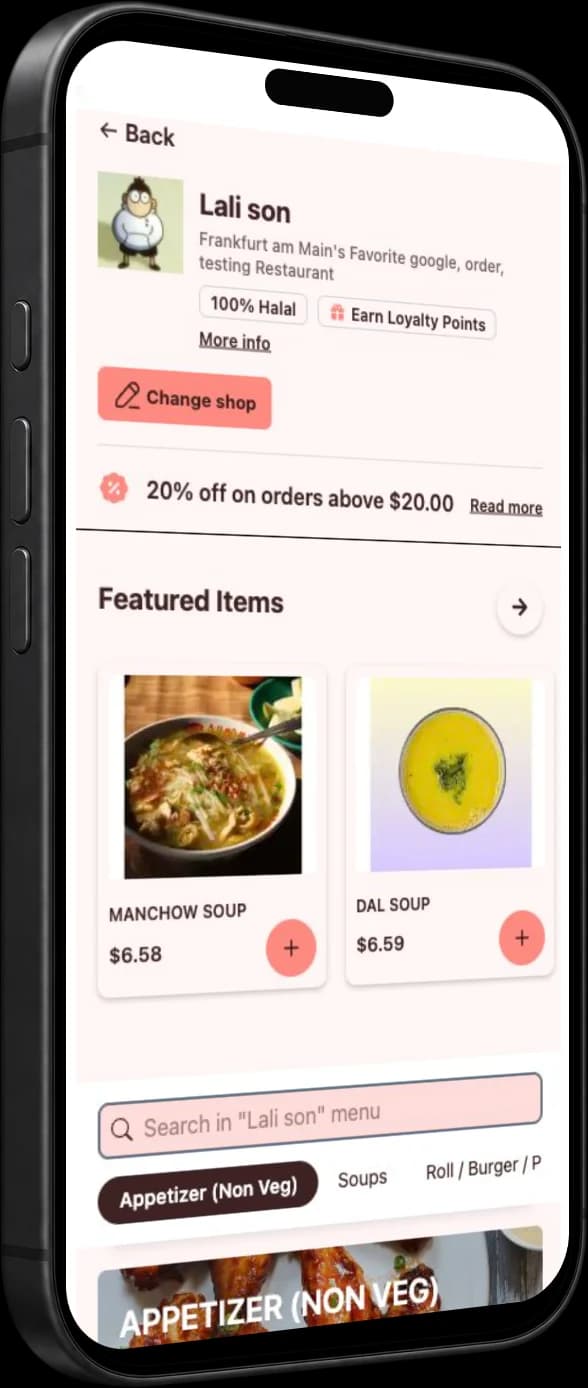
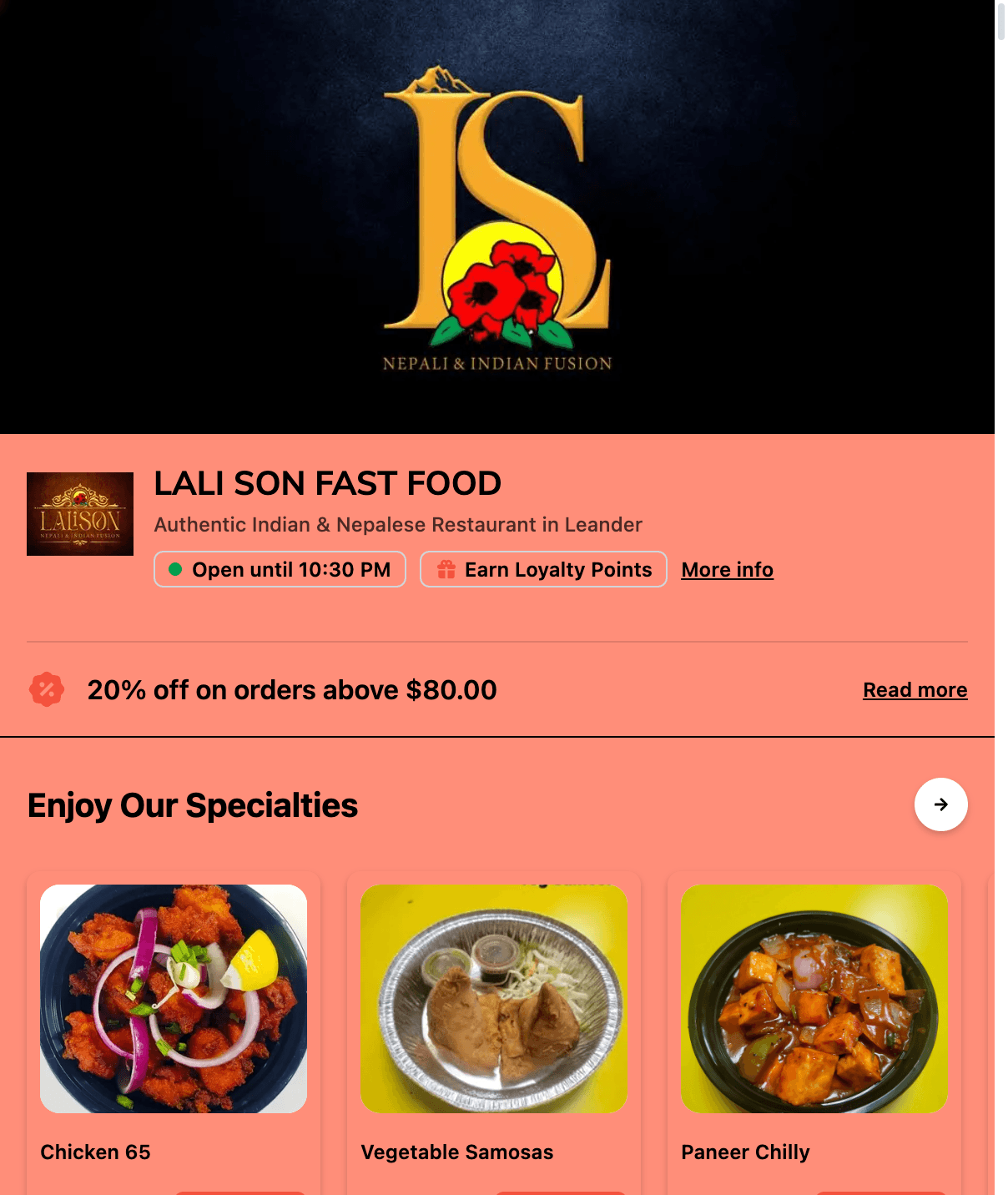
A website for your menu and orders.
Give guests a branded place to browse your menu, search for dishes and order directly from your restaurant.
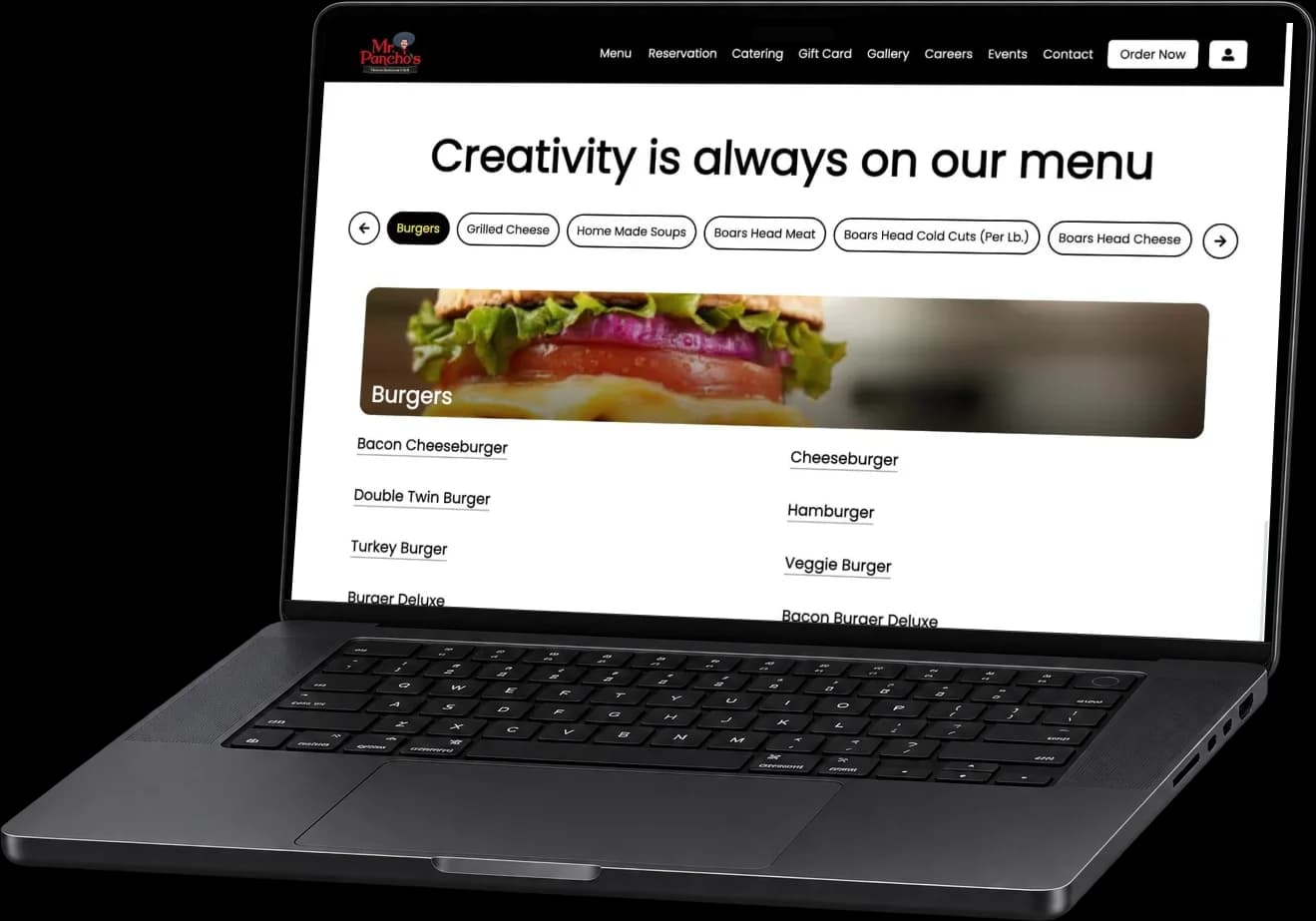
Let guests order from your menu.
Guests can choose dishes from your menu, review their cart and place an order for pickup or delivery.
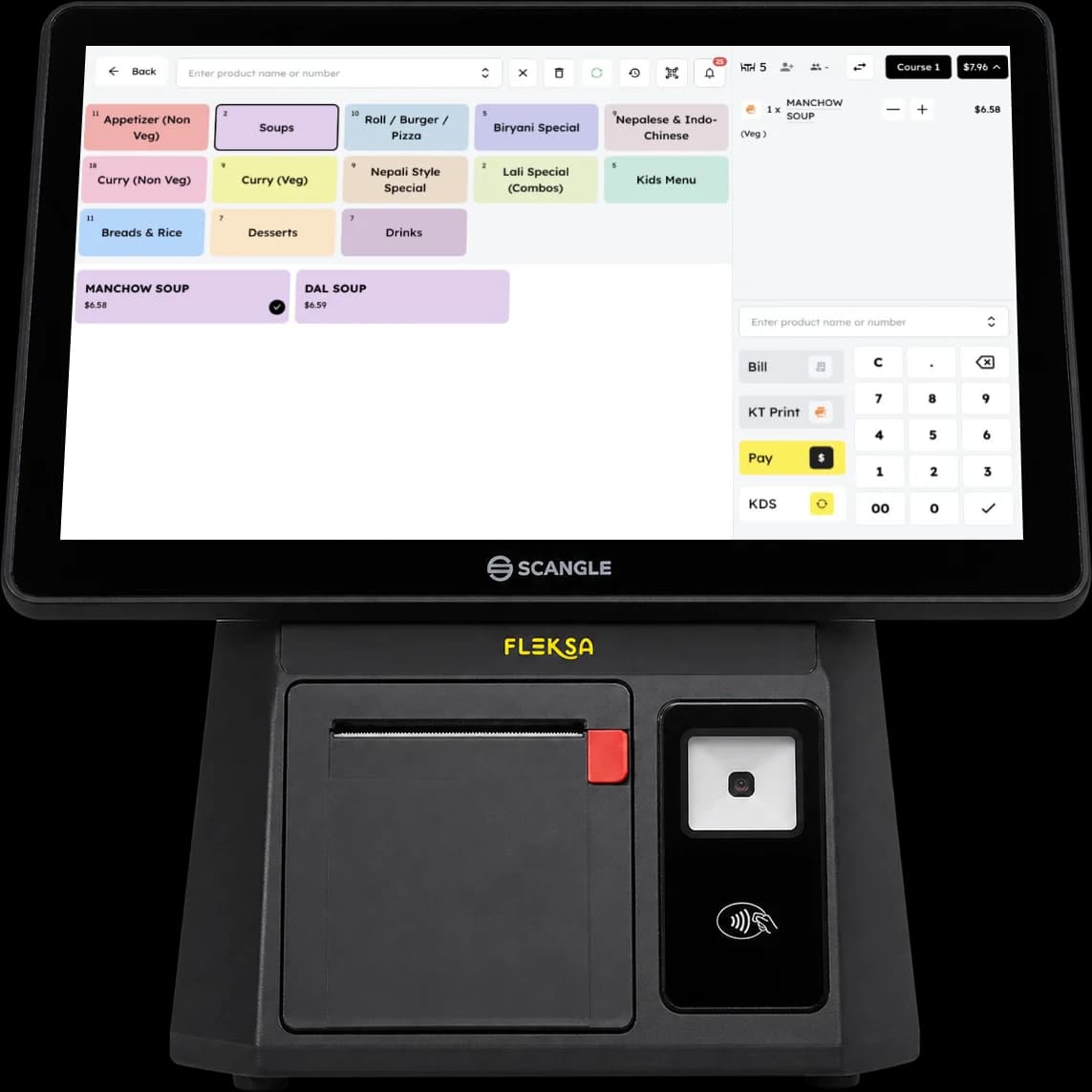
Manage orders with your team.
Take and review orders in the Fleksa POS. You can also connect supported marketplace channels alongside direct ordering.
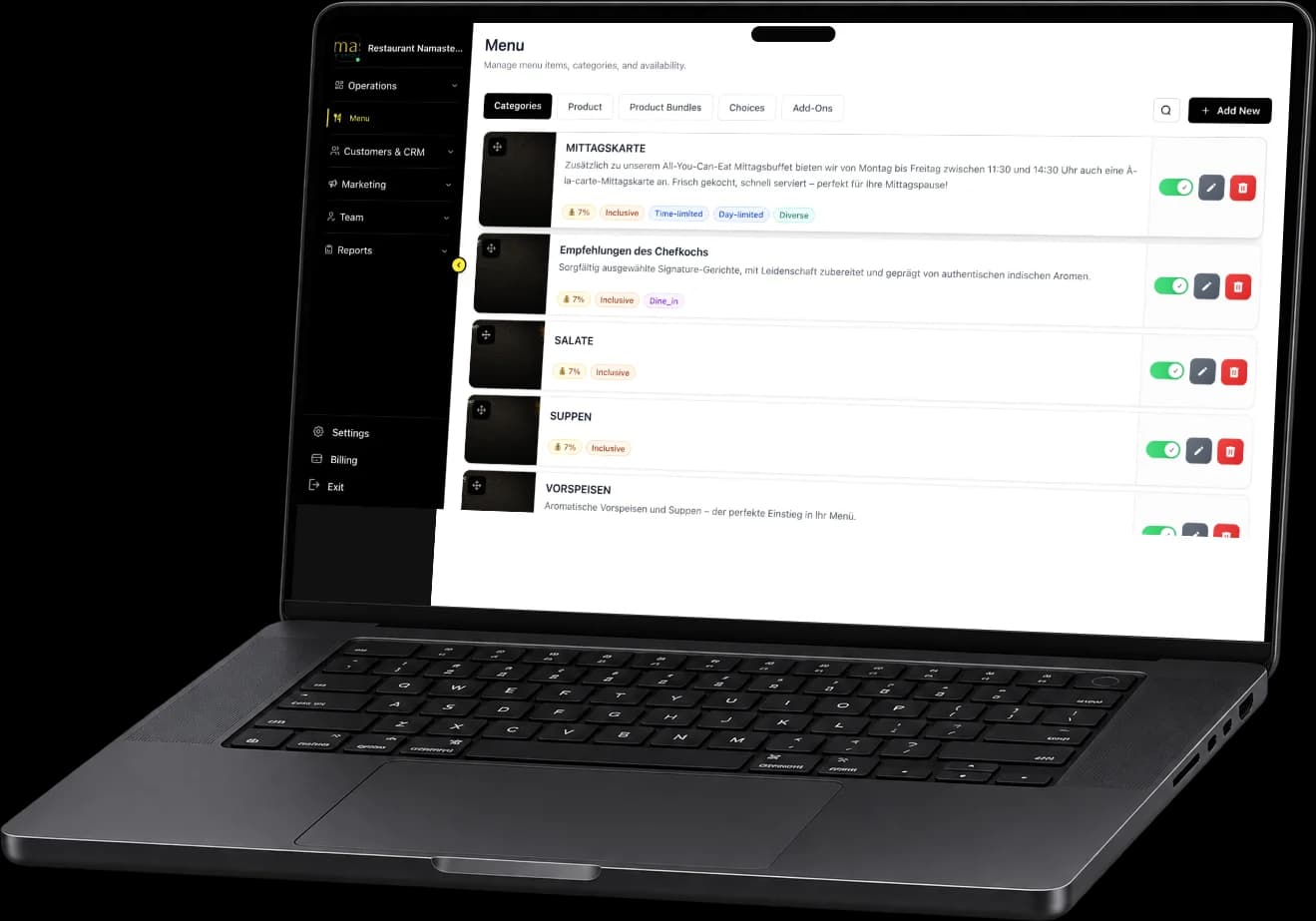
Keep your menu organized.
Manage categories, products and availability from the restaurant portal, so your online menu stays organized.
Get started with Fleksa.
Set up your ordering website
Give guests a place to discover your restaurant and order directly under your brand.
Add your menu
Present your dishes online so guests can browse the menu and search for what they want.
Take orders
Let guests order for pickup or delivery on your website. Google ordering may also be available with a supported setup.
Built for the way restaurants actually run.
Independent restaurants
Give guests a direct way to order from your restaurant alongside your other sales channels.
Restaurants offering pickup
Show your menu online and let guests place a pickup order before they arrive.
Restaurants offering delivery
Set delivery areas, minimum order values and fees. Depending on your location and setup, use your own drivers or a supported delivery network. Staff review delivery orders in the POS and accept them, or let them be accepted automatically, depending on your settings. The order shows when it is waiting for dispatch. Guests can leave a note for the driver.
Restaurants using marketplaces
Connect supported third-party ordering channels to Fleksa and manage those orders alongside your direct business.
More ways for guests to order.
| Website | Pickup | Delivery | ||
|---|---|---|---|---|
Guest journey | Browse and order | Find your restaurant | Collect an order | Receive an order |
Restaurant benefit | Direct ordering | Another way to be found | Offer pickup | Set delivery areas and fees |
Make it easier for guests to order directly from your restaurant.
Fleksa Online Ordering
Flex: 10 % of eligible online orders (your website and Google) plus $0.50 per reservation, at least $49 a month. Fix: $199 a month with 0 % Fleksa commission. Online ordering on its own costs $99 a month or 10 % per eligible order. Card fees are extra.
See plansRestaurant online ordering FAQ
Common questions about online ordering for your restaurant.
With direct ordering, guests order through your restaurant's own website. A marketplace lists restaurants in its own app or website. Fleksa provides your branded ordering website and can connect supported third-party channels, so you can use both. Compare each channel's fees and setup before choosing.
Flex: 10 % of eligible online orders (your website and Google) plus $0.50 per reservation, at least $49 a month. Fix: $199 a month with 0 % Fleksa commission. Online ordering on its own costs $99 a month or 10 % per eligible order. Card fees are extra.
Yes. Guests can browse your menu and place pickup or delivery orders online.
Fleksa offers a branded restaurant website where guests can browse your menu and order directly. Ask our team about connecting your domain.
Supported delivery apps can arrive on one tablet with the integration pass, where available. On Flex, the pass costs $49 a month per location. It is included in Fix. Ask which apps are available for your location.
Order with Google is available on request. On Flex, orders through Google count as eligible online orders. On Fix, they cost 0 % Fleksa commission.
Yes. You can define delivery areas and set minimum order values and delivery fees.
Yes. Fleksa also supports online reservations for your restaurant.
Related products & comparisons
Explore related features, comparisons and cost guides.
Your menu on your own restaurant website. Confirm ordering and reservation options for your setup.
Check supported connections for ordering, delivery and payments in your market.
Guests scan, order and pay at the table. Bill splitting depends on your setup.
Email and SMS campaigns, loyalty points and digital gift cards for your guests.
Compare marketplace ordering with direct orders through your own website.
Ordering platform comparison: commission, control, and integrations.
Compare ordering channels, restaurant software and the setup your team needs.
Compare direct ordering, website options and the requirements for connecting your POS.
Estimate gross annual aggregator commission before direct-ordering costs.
Bring more orders directly to your restaurant.
Give guests more ways to order directly through your website, app, and QR codes. Explore an illustrative commission calculation using your own order numbers.
- Direct ordering through your own channels
- More control over your guest relationships
- Ordering and restaurant operations connected with Fleksa
Included in every plan, from $49/month. Flex: 10% on eligible online orders plus $0.50 per reservation, minimum $49. Fix: $199/month, 0% Fleksa commission. Card fees, hardware and add-ons extra. Plans and prices
How much are aggregators costing you?
Estimated annual commission
Assumes the same daily order volume for 365 days. This is gross commission, not savings; software, payment and delivery costs are excluded.
The initial 30% rate is an example, not a standard market rate. Adjust it to match your terms; the result is not a projection of savings with Fleksa.