Compare software, understand costs, and plan your next step.
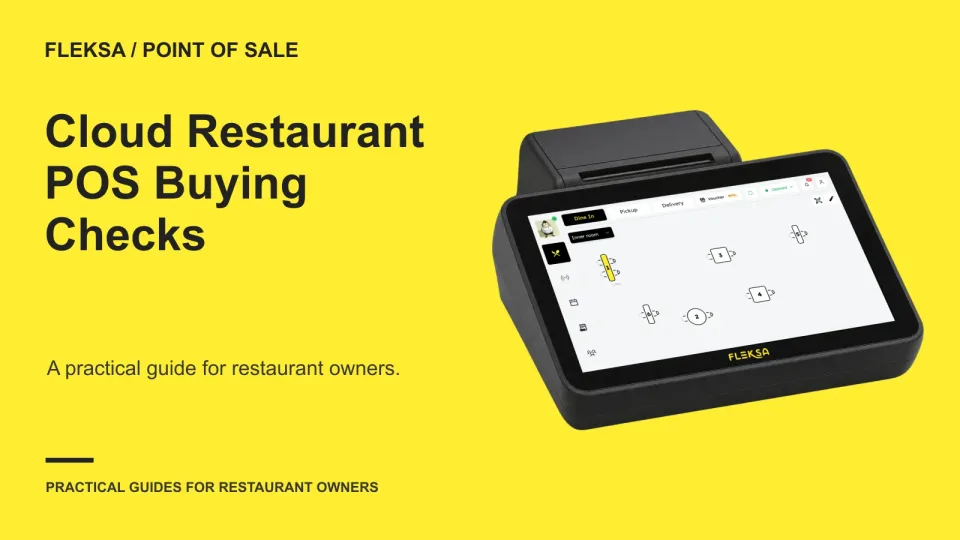
A cloud POS can make restaurant data easier to access across devices, but an internet outage or an unclear support plan can change the equation. Use these practical checks to compare systems against your actual service needs.
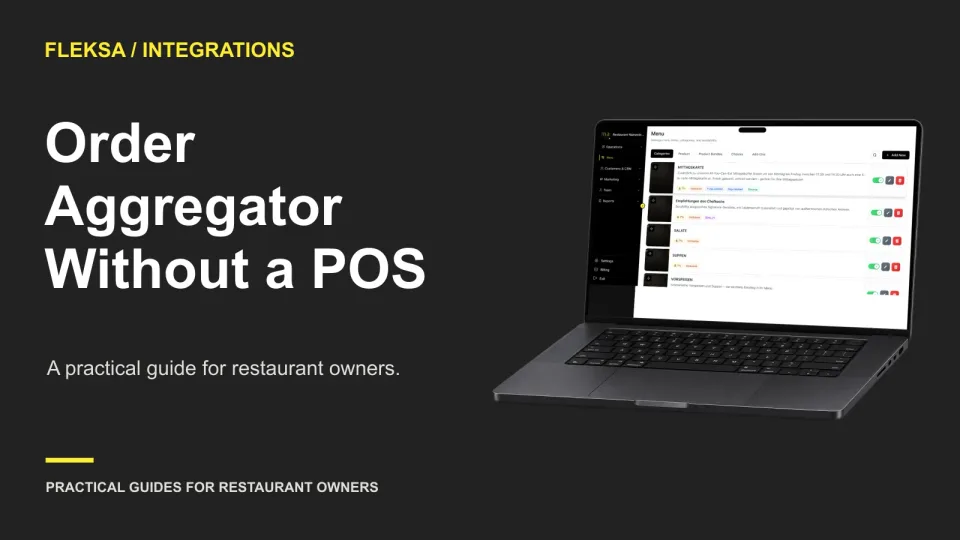
An aggregator-only setup can be a practical starting point, but it does not automatically replace a POS. Map your orders, test exceptions and compare the manual work before deciding what to buy.
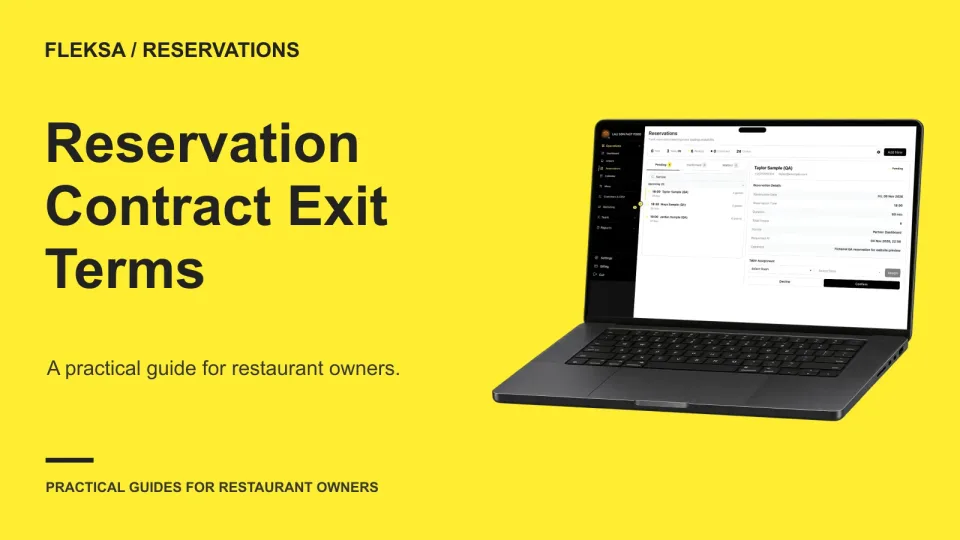
A reservation contract can end while guests still expect their tables. Use this practical worksheet to check what you can export, who handles future bookings, and how to reconcile records before switching systems.
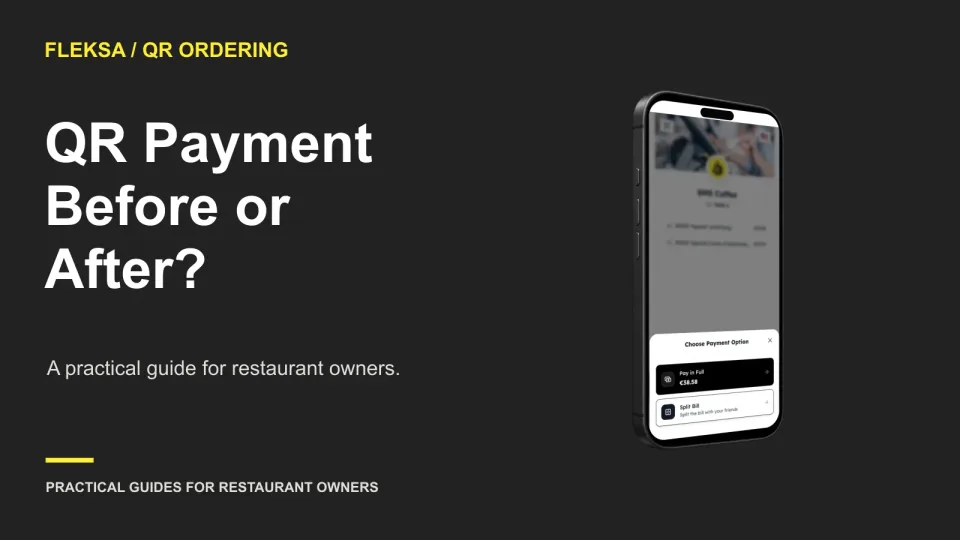
Paying when guests order can reduce unpaid-order exposure, while paying after the meal can make additions easier. Use this worksheet to compare the tradeoffs and check how payment states reach your staff.
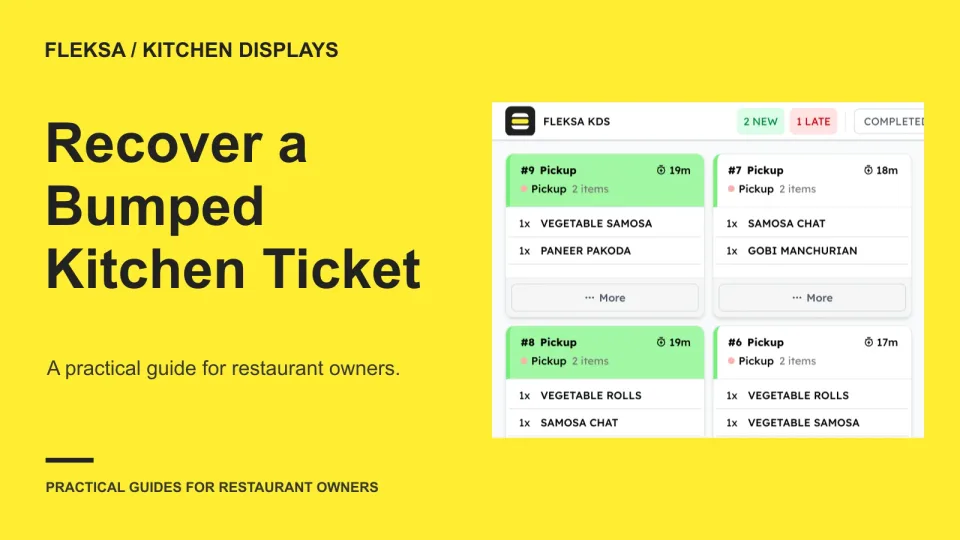
An accidental bump does not always mean an order needs to be cooked again. Use this checklist to evaluate recall controls, establish what each station has done, and confirm the guest receives the right order.
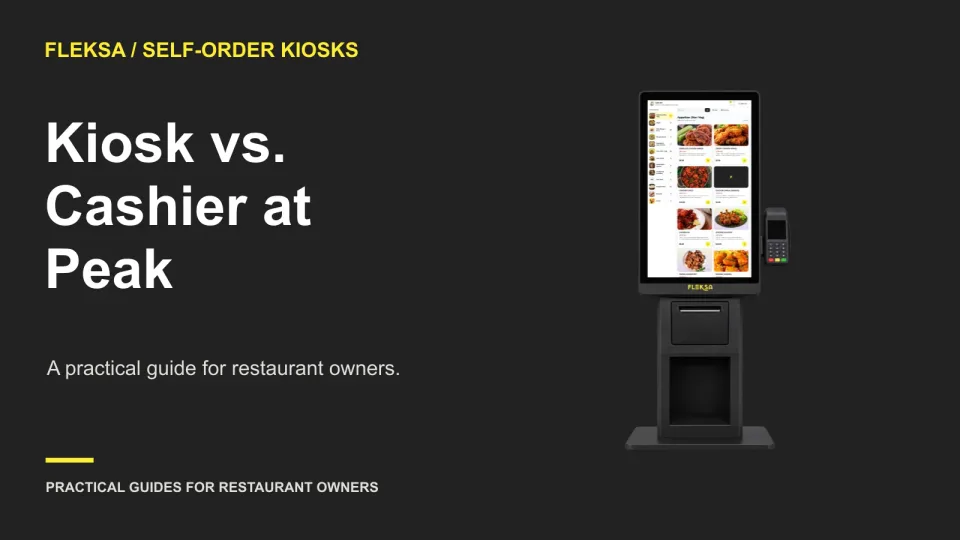
A kiosk helps during a rush only if guests can order without overwhelming the cashier or shifting the line to pickup. Use this worksheet to compare capacity, plan assistance, and test the setup before buying.
Before you rely on restaurant software during a busy shift, check who answers, when they answer, and how an urgent issue moves up the queue. Use this practical matrix and rehearsal to evaluate a vendor’s support commitments.
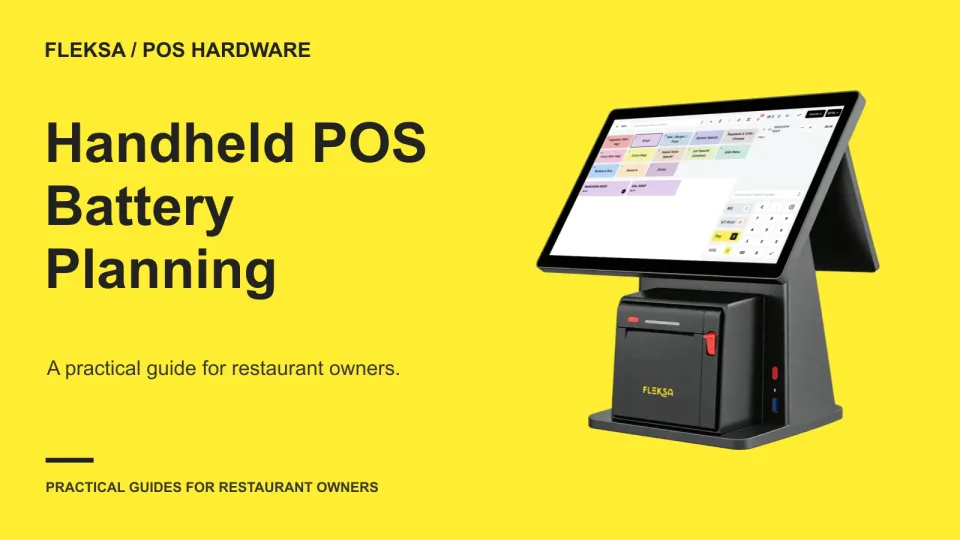
A handheld POS needs enough charge for setup, service, and close—not just the dinner rush. Use a coverage schedule to decide how many devices to charge, when to rotate them, and where to keep a ready spare.
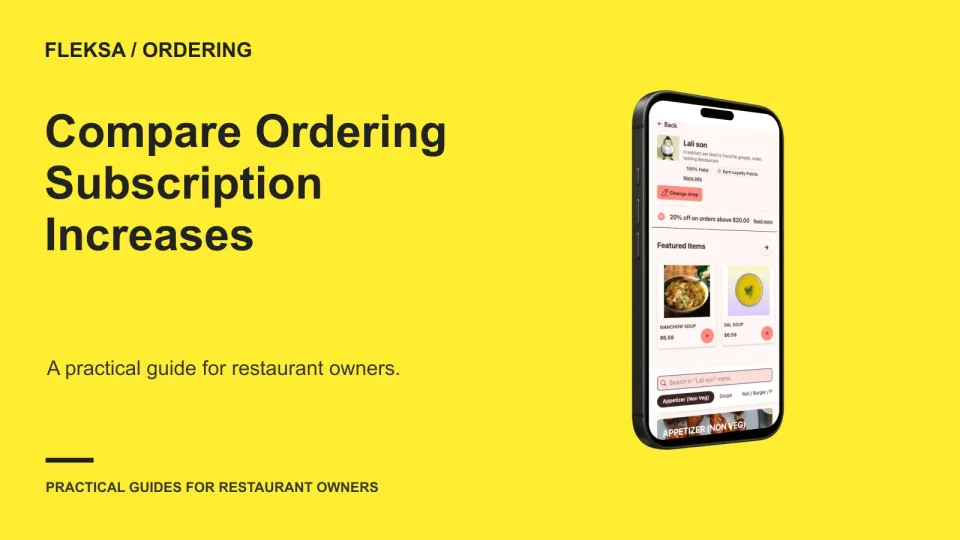
A renewal increase is a good reason to compare your ordering costs, but the lowest monthly fee may not be the cheapest choice. Use this worksheet to account for order volume, fulfillment and the work of switching.
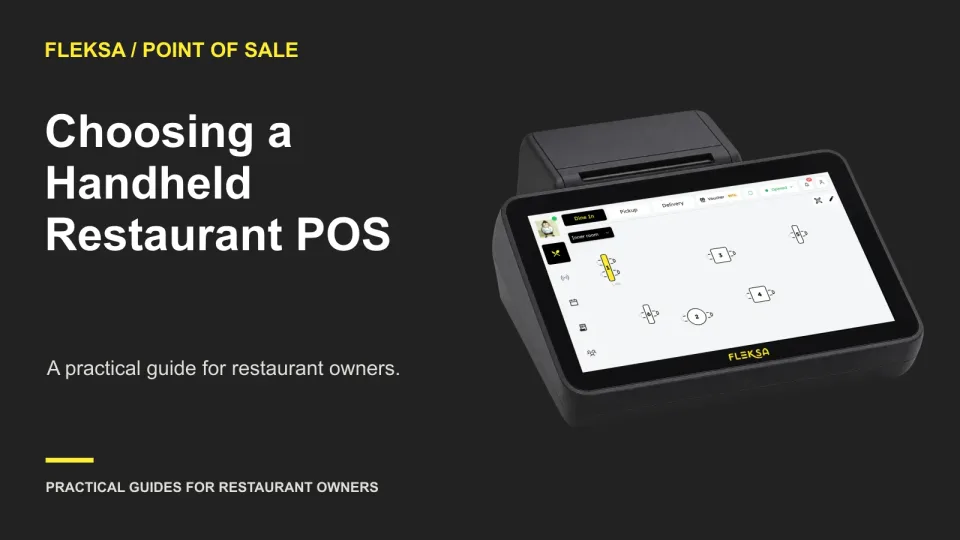
A handheld can help servers enter orders and handle checks away from a fixed station, but it also adds costs and dependencies. Use this service and cost scorecard to decide whether it fits your restaurant.
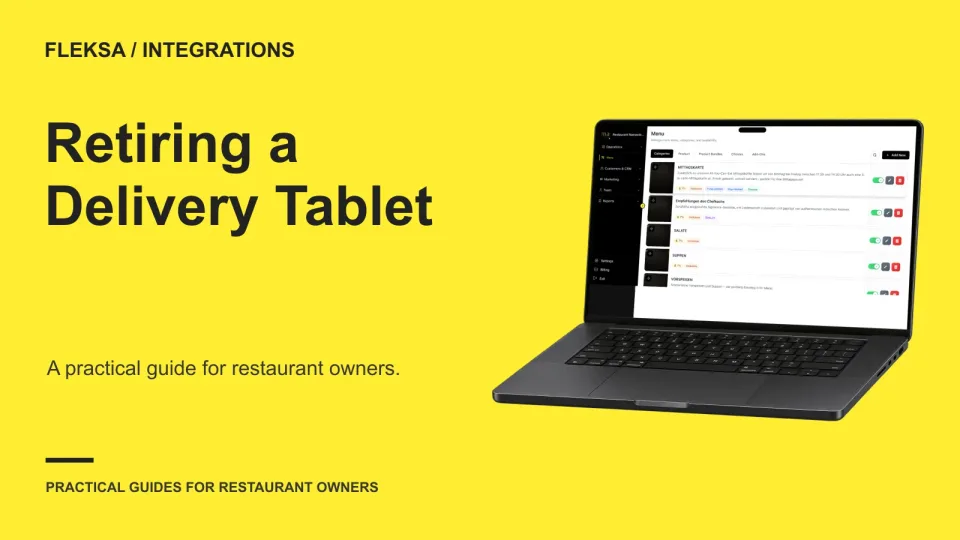
A marketplace tablet is ready to retire only when its essential jobs have another owner and a tested workflow. Use this channel-by-channel sign-off to check activation, order handling, exceptions, outages, and a practical way back.
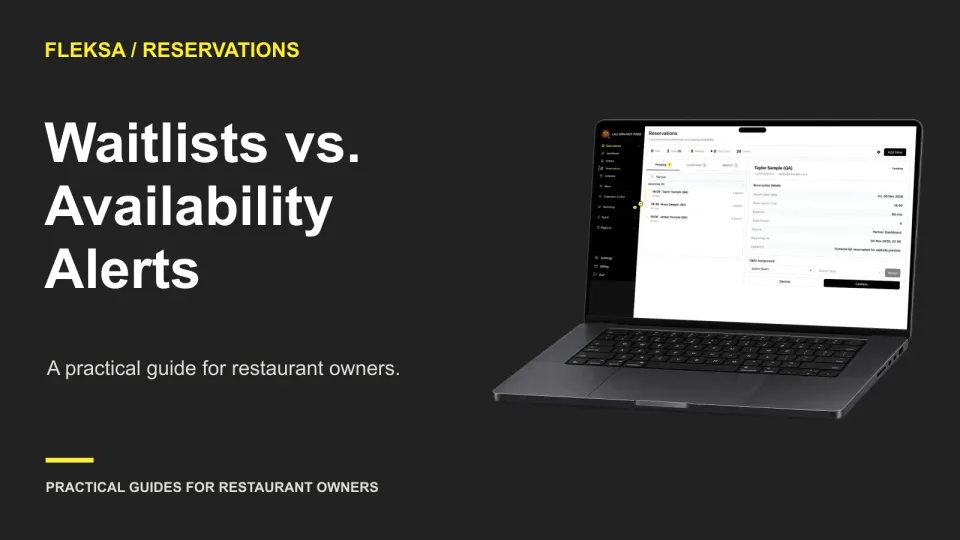
A managed waitlist gives staff more control over who gets an opening. An availability alert lets interested guests compete for it. Use this worksheet to choose a model that fits your service and guest expectations.
Page 4 of 62
Older articles for diners