Restaurant Software Guides

Compare software, understand costs, and plan your next step.

Operations

Ordering & delivery

How to Compare Ordering Provider Uptime Commitments

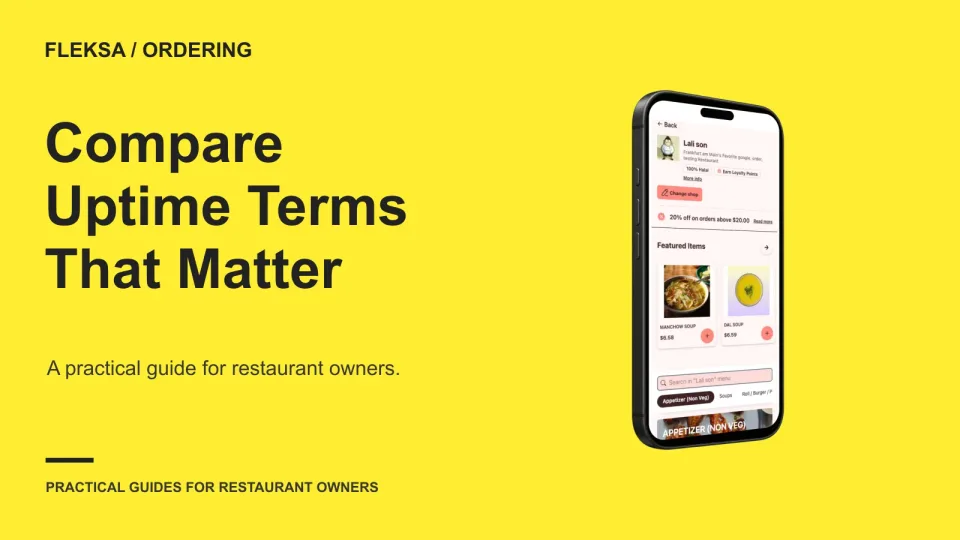
An uptime percentage alone won't tell you whether guests can place orders during dinner. Use this comparison sheet to ask providers about covered services, downtime calculations, exclusions, remedies, and incident updates.

Read →
Management

Restaurant Management Software: One Platform or Separate Tools?

One restaurant platform can reduce handoffs, while separate tools may fit specialized needs better. Compare the workflows, full costs, support responsibilities, and exit terms before deciding which setup is right for your restaurant.

Read →
Management

Compare Restaurant Sales Reports by Order Channel

A channel report is only useful when each source counts sales the same way. Use this practical worksheet to compare counter, direct website, and marketplace orders while keeping taxes, tips, fees, and deposits separate.

Read →
Management

How to Evaluate AI-Generated Restaurant Forecasts

Before an AI forecast changes your schedule or supply order, compare it with actual demand and a simple historical baseline. This practical worksheet shows how to check shift-level errors, unusual events, data freshness, and human override rules.

Read →
Ordering & delivery

How to Plan a Soft Launch for Direct Ordering

A direct ordering soft launch gives your team a controlled way to check the guest experience and kitchen workflow. Use this practical checklist to set limits, review real orders, and fix problems before inviting a wider audience.

Read →
Point of sale

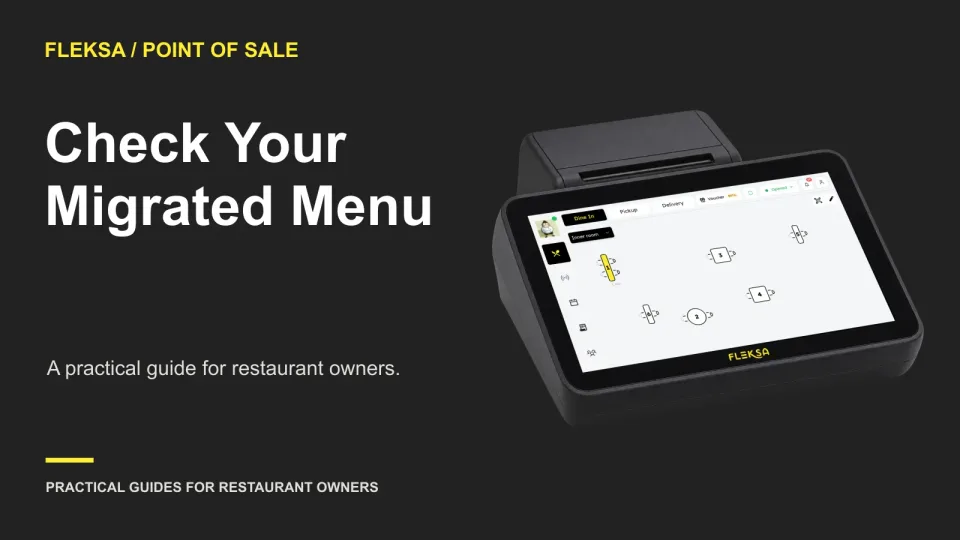
How to Validate a Restaurant Menu After POS Migration

A migrated menu can look complete and still send the wrong option or charge the wrong price. Use an approved reference menu, a targeted sampling sheet, and simulated orders to catch mismatches before sign-off.

Read →
Connected orders

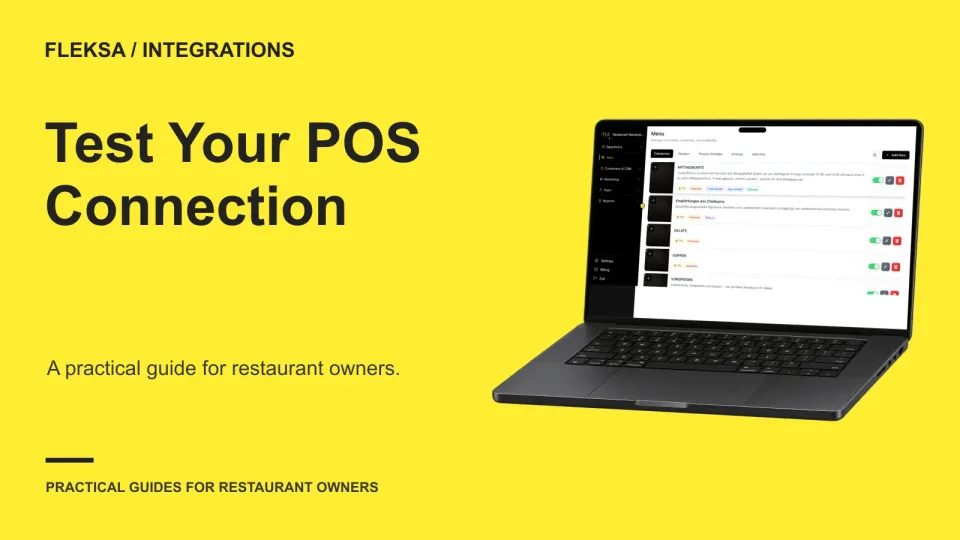
A Restaurant POS Integration Acceptance Test Before Launch

Before relying on a new POS connection, trace orders from source to kitchen, check menu changes, and rehearse failures. Use this acceptance checklist to assign owners, record exceptions, and decide whether the integration is ready for service.

Read →
Reservations

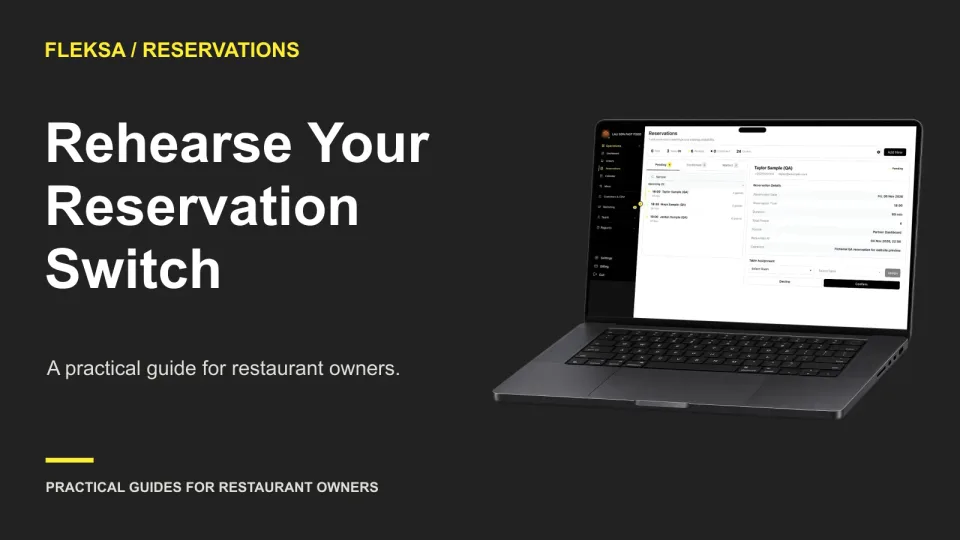
How to Rehearse a Restaurant Reservation System Migration

A reservation migration rehearsal can expose missing notes, time errors, and table conflicts before guests are affected. Use fictional bookings to check the workflow, then reconcile authorized records at cutover with one person responsible.

Read →
QR ordering

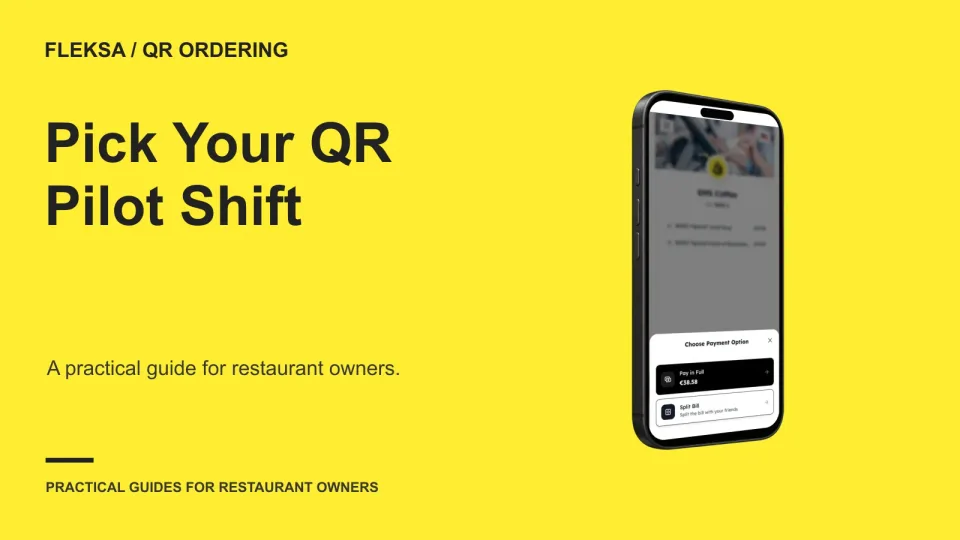
Choose a QR Ordering Pilot Shift by Service Period

The quietest shift is not always the best place to try QR ordering. Compare service periods by volume, staff coverage, and order complexity, then start with a small table group and clear rules for stopping or expanding.

Read →
Kitchen displays

How to Train Kitchen Staff on a New Display

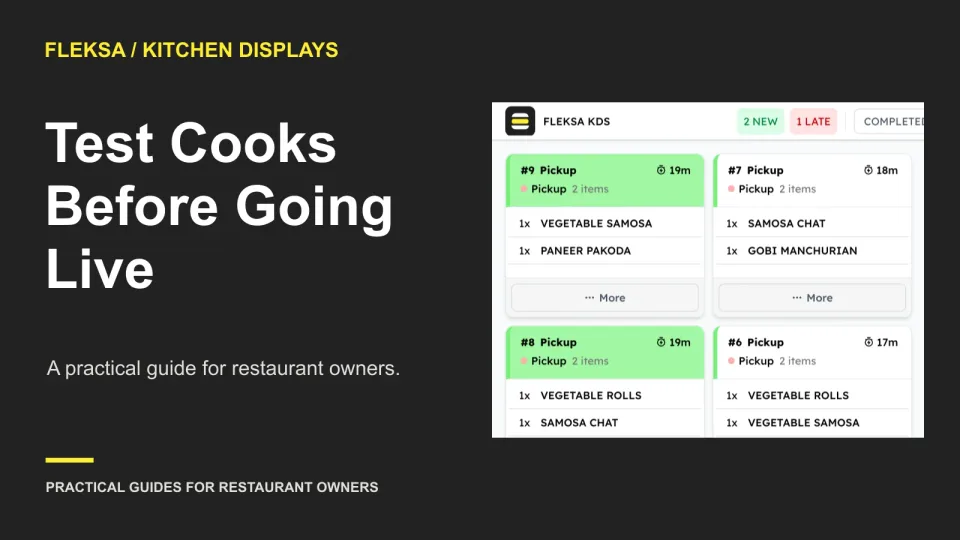
Before replacing paper tickets, give every cook the same practical screen test. Use fictional orders to check modifiers, handoffs, corrections, and exceptions, then set a clear retraining threshold and plan a supervised service pilot.

Read →
Ordering & delivery

Commission-Free Restaurant Delivery: Which Costs Remain?

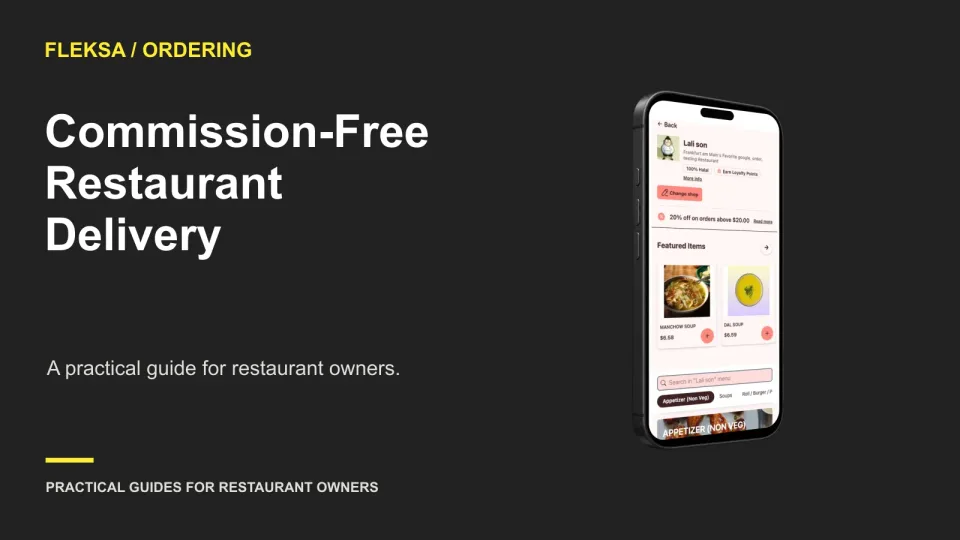
Commission-free delivery removes a provider commission under a qualifying plan, but someone still pays for processing and each trip. Learn how to calculate the restaurant’s contribution, the guest’s total, and the costs to check before signing.

Read →
Connected orders

Otter Restaurant Alternatives for Consolidating Orders
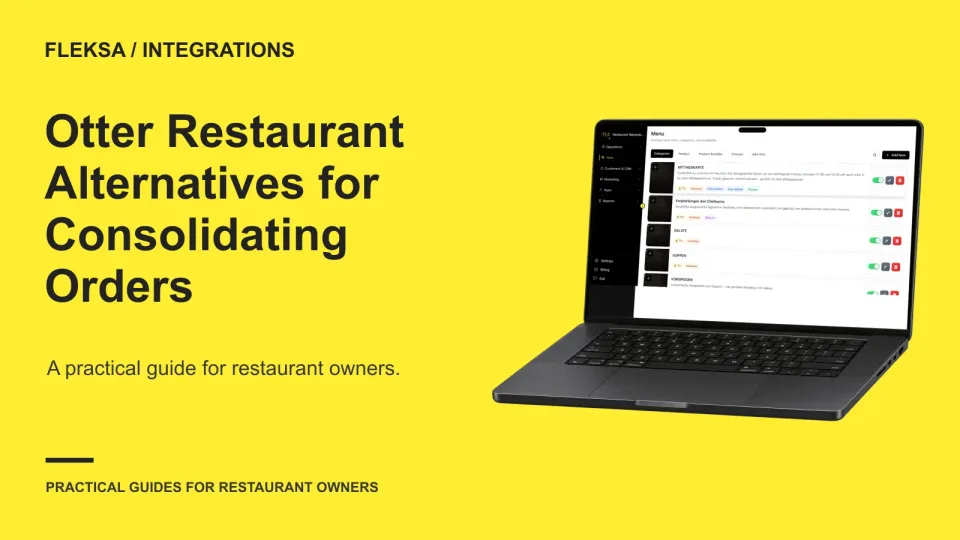
Looking for a way to manage delivery orders on fewer devices? Compare Fleksa, Otter, and your existing POS integration using a practical checklist for channel support, menu mapping, handoff, costs, and failure recovery.

Read →
Older articles for diners