Restaurant Software Guides

Compare software, understand costs, and plan your next step.

Latest Articles

Kitchen displays

Should Your Kitchen Display Whole Orders or Item Tickets?

A whole-order display helps the kitchen see what belongs together. Item-level tickets can make station work clearer. Use a sample order, an assembly check and a vendor demonstration to decide which view fits your service.

Read →
Self-order kiosks

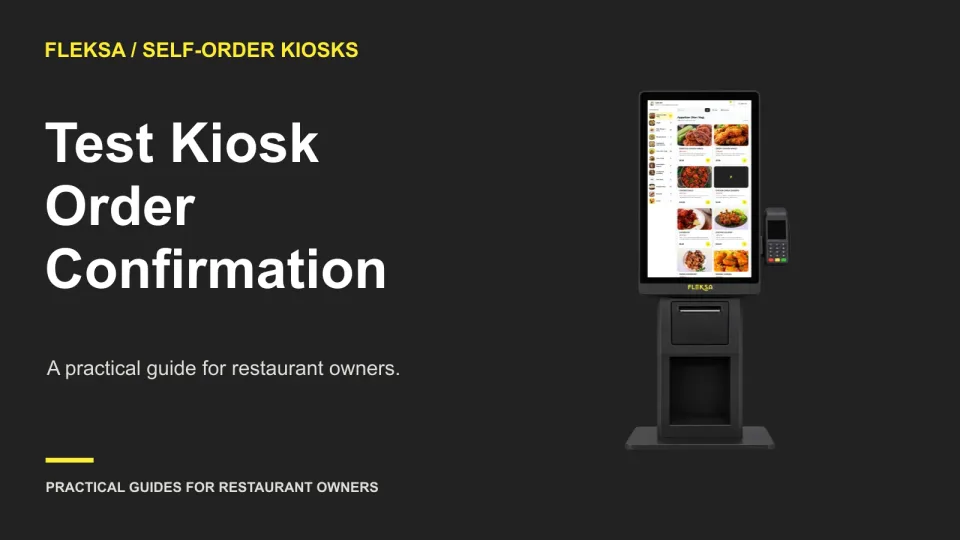
Test Kiosk Order Confirmation Before Submission

A kiosk review screen should let guests spot and fix mistakes before committing. Use this hypothetical cart and acceptance test to check edits, discounts, fulfillment details and the final action without sending a real order.

Read →
Marketing

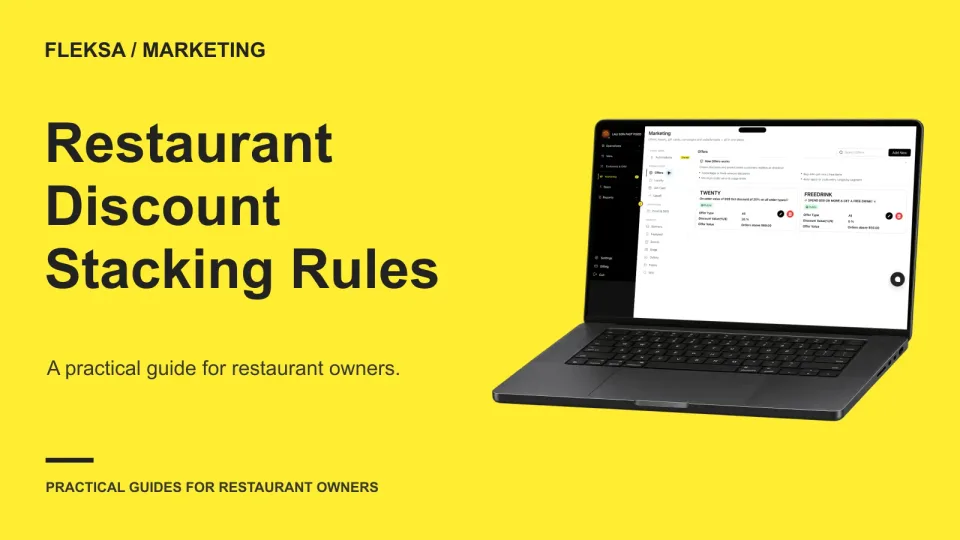
Set Restaurant Loyalty Discount Stacking Rules

Can a guest use a loyalty reward and a promotion on the same order without eroding your margin? Use this worksheet to compare the outcomes, set a limit, and test what happens when an order is canceled.

Read →
Management

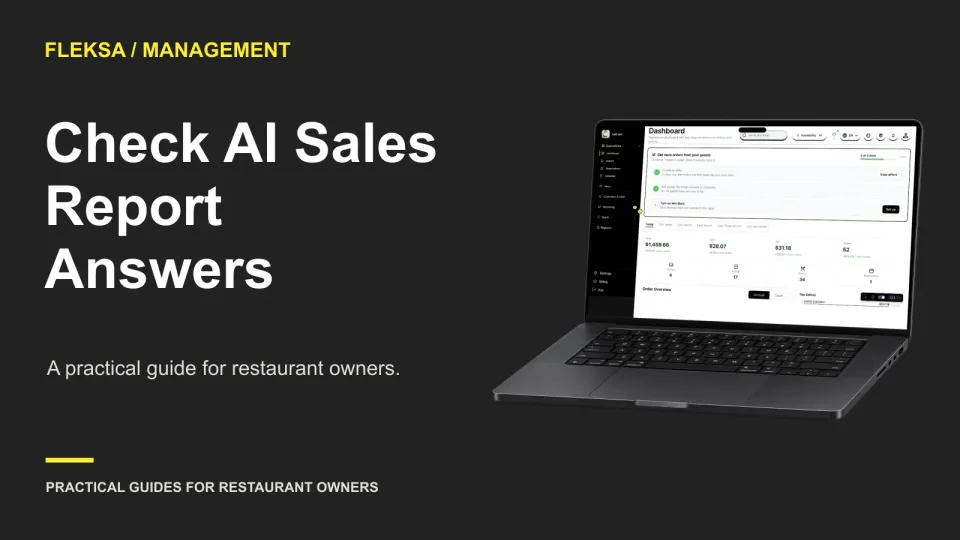
How to Check Restaurant AI Answers Against Sales Reports

A confident AI answer can still use the wrong dates or add the wrong rows. Use this five-question test to compare an assistant’s answers with a sample sales report before relying on it for restaurant decisions.

Read →
POS hardware

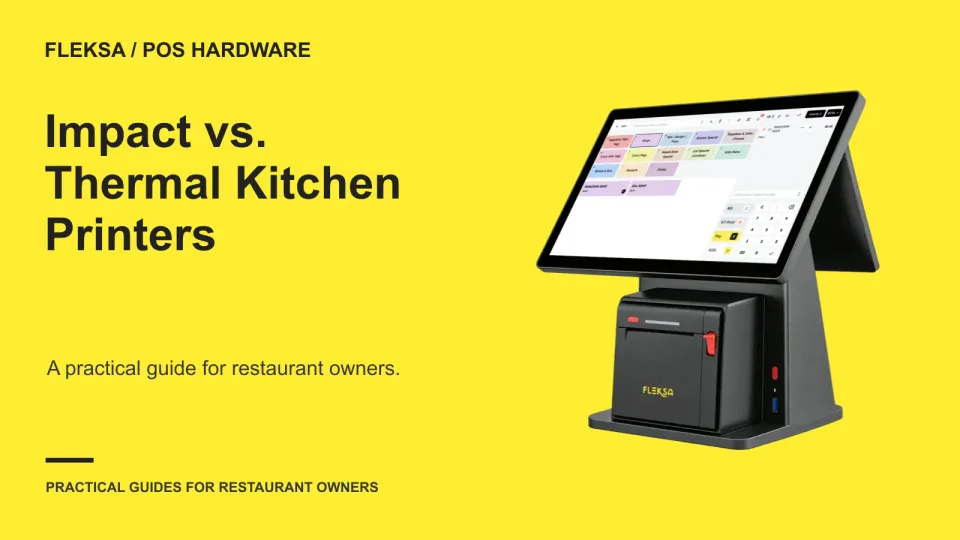
Impact vs. Thermal Printers for Restaurant Kitchen Tickets

An impact printer can provide an audible cue, while a thermal printer avoids ribbon changes. The better choice depends on compatibility, station conditions and what your cooks can read during service. Use this worksheet and trial to make the decision.

Read →
Websites

How to Choose a Restaurant Website Domain Name

A good restaurant domain is easy to say, type, and keep. Use this practical scorecard to compare names, check renewal costs, investigate possible brand conflicts, and register the winner under an owner-controlled account.

Read →
Ordering & delivery

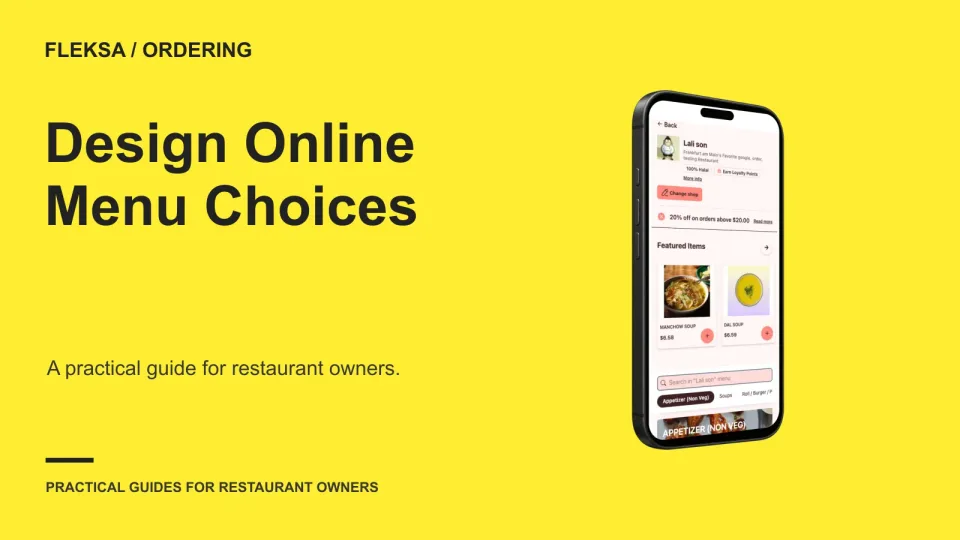
How to Design Required and Optional Choices for an Online Menu

A clear modifier setup tells guests what they must choose, what they can add, and what each option costs. Use a simple meal map to set selection limits, check cart totals, and make tickets easier for staff to read.

Read →
Point of sale

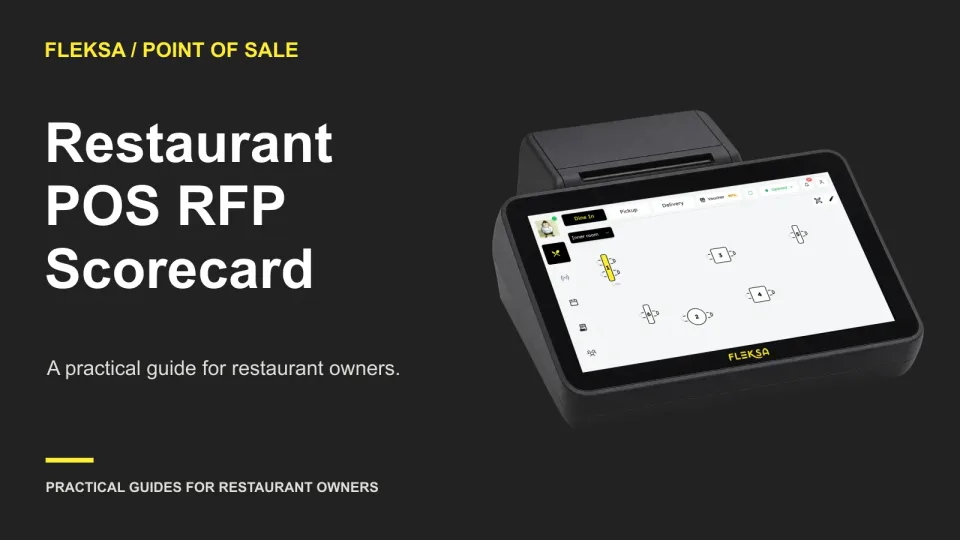
How to Build a Restaurant POS Request for Proposal

A useful POS request for proposal gives vendors the same operating details, asks for evidence of critical workflows, and makes quotes easier to compare. Use these requirements and a weighted scorecard to narrow your choices.

Read →
Connected orders

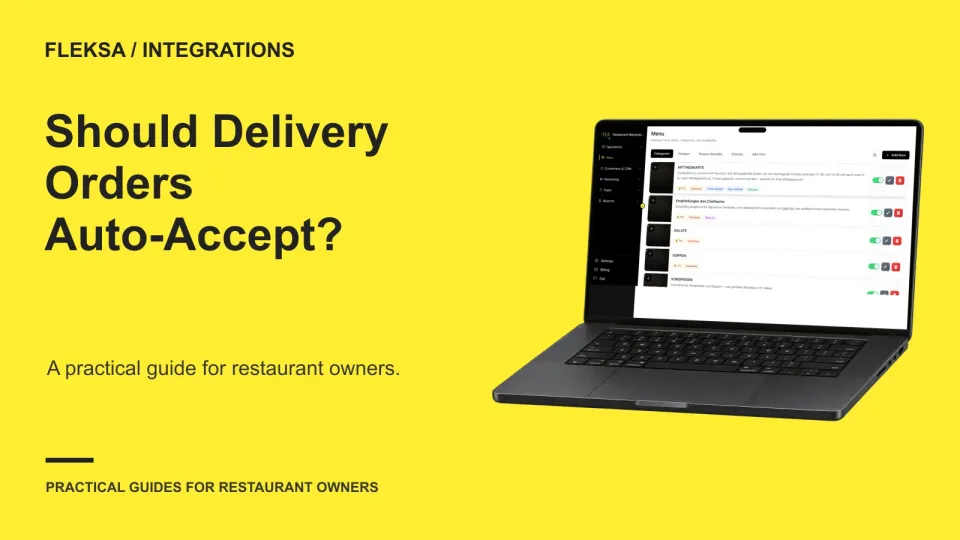
Should a restaurant automatically accept integrated delivery orders?

Automatic acceptance can remove a repetitive tablet task, but it also commits the kitchen before a person reviews the order. Use this decision matrix to compare channels, check capacity, and assign someone to handle exceptions.

Read →
Reservations

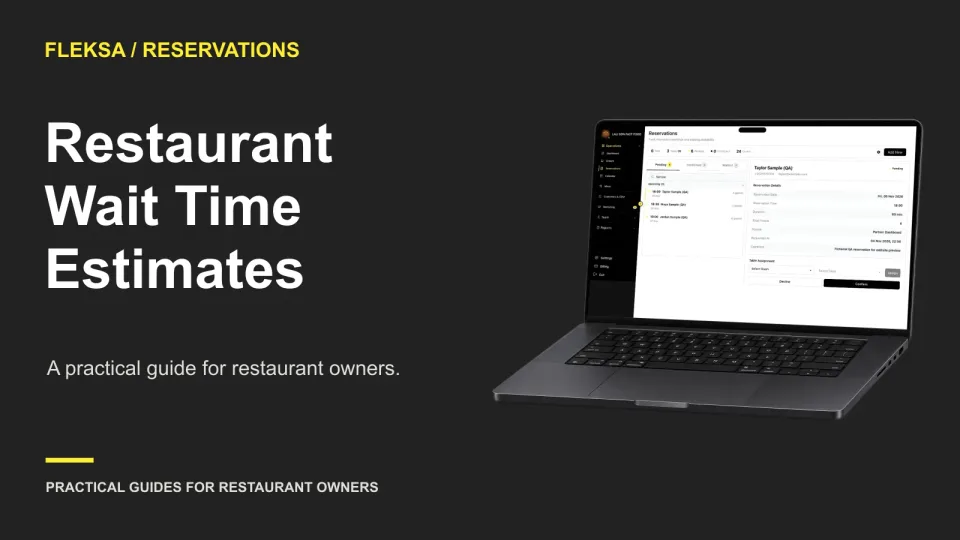
How to Estimate Restaurant Wait Times From Actual Seating

A useful wait estimate starts with actual seating times, then accounts for the tables and parties in front of the host. Use this practical worksheet to set a range, explain uncertainty, and update guests when conditions change.

Read →
QR ordering

When to Publish QR Menu Changes During Service

An open QR cart can hold yesterday’s price or an item the kitchen has just sold out. Use this decision worksheet to choose when to publish, what to tell staff, and what to ask your vendor to demonstrate.

Read →
Kitchen displays

How to Identify Remake Orders on a Kitchen Display

A remake needs kitchen attention without becoming a second paid order. Use this decision worksheet and vendor demonstration to compare ticket options, check the expo handoff, and catch misleading sales records.

Read →

Older articles for diners