Compare software, understand costs, and plan your next step.
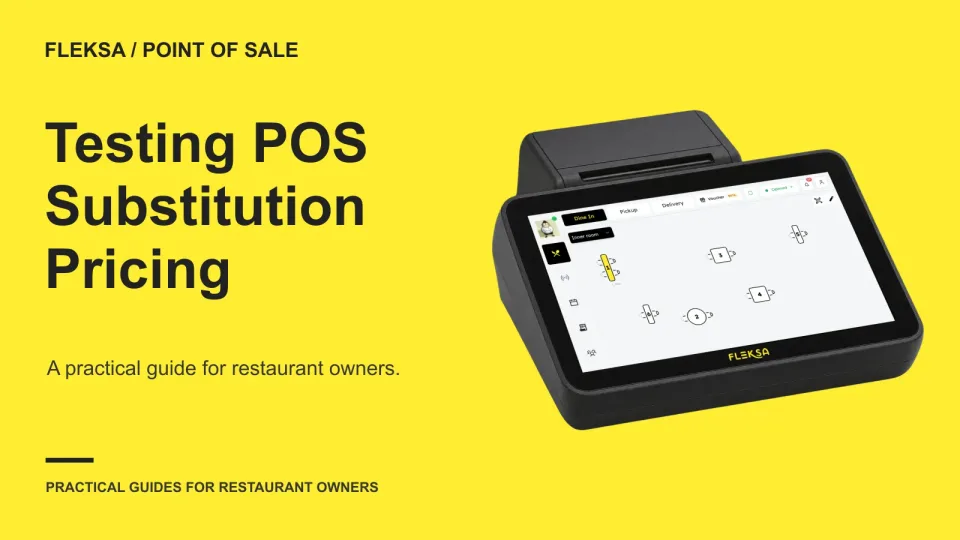
A substitution can look correct on the guest check and still confuse the kitchen. Use one dish and two approved swaps to check pricing, preparation instructions, reporting and the workarounds staff would need.
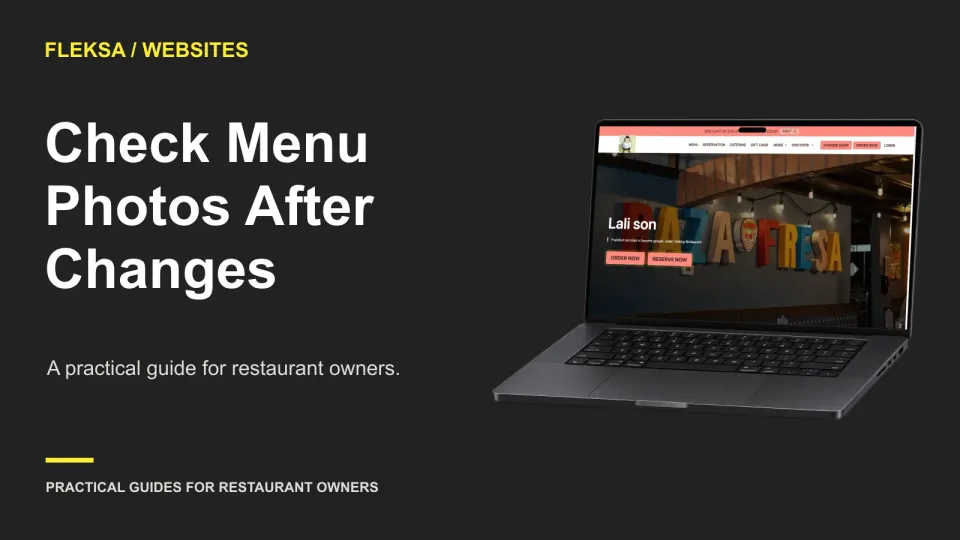
A menu change can leave an old dish photo on your ordering page, homepage, or mobile site. Use this practical audit to trace affected images, compare them with current dishes, and check corrections before and after publishing.
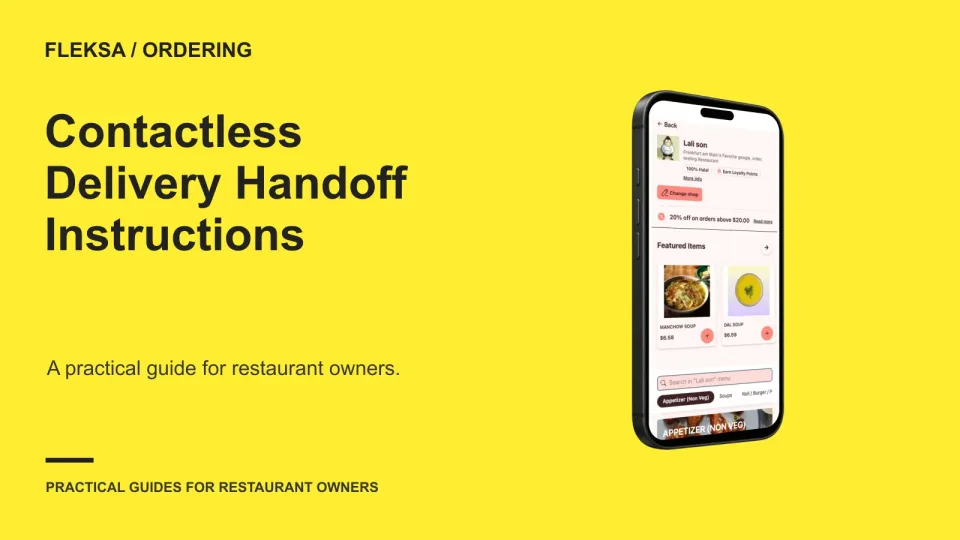
A correct address does not tell a driver where to leave a meal. Use this practical checklist to collect a handoff location, access details, notification preference, and a fallback when the original plan fails.
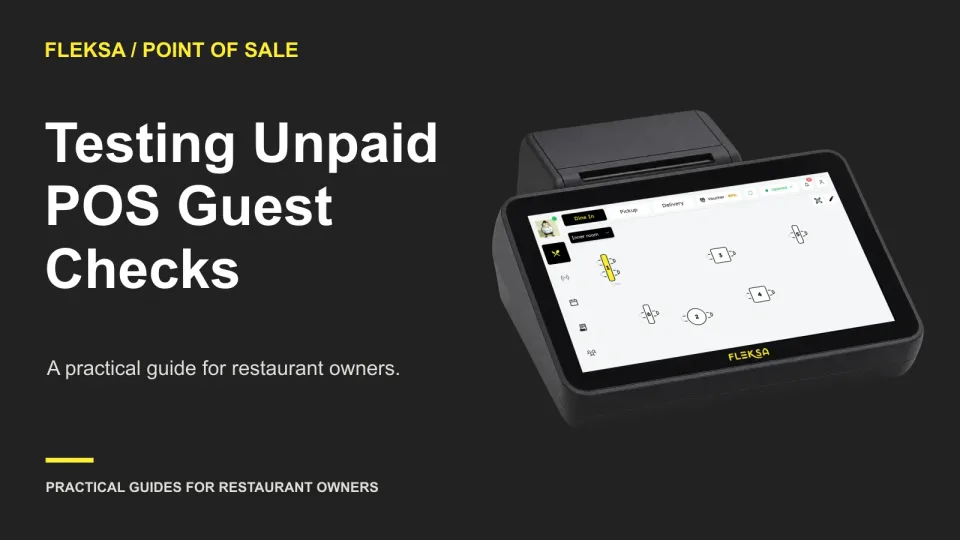
A guest check should identify the right table, show the current amount due and make its unpaid status clear. Use this practical test to compare an original check with a revised version before choosing a POS.
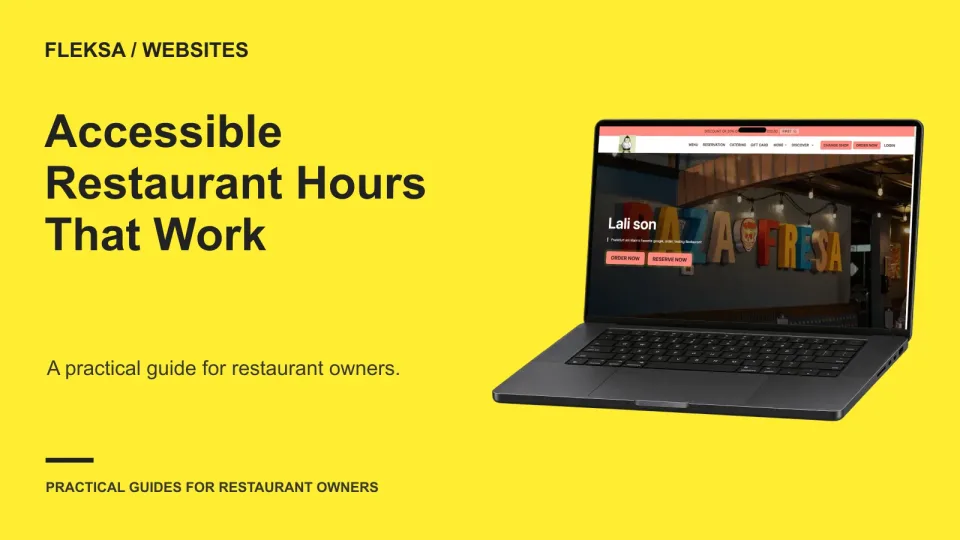
Clear restaurant hours help guests decide when and where to visit. Learn how to organize regular and holiday hours, connect them to the right location, and test a website at mobile zoom and with a screen reader.
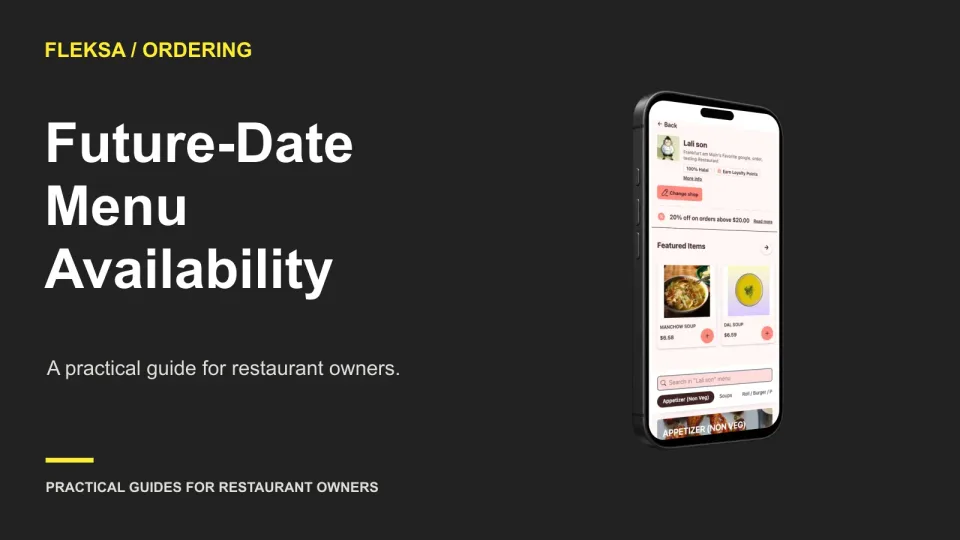
Future orders need more than a scheduling button. Map each item's service dates and preparation needs, show eligible choices before checkout, and test what happens when a guest changes the date or an item becomes unavailable.
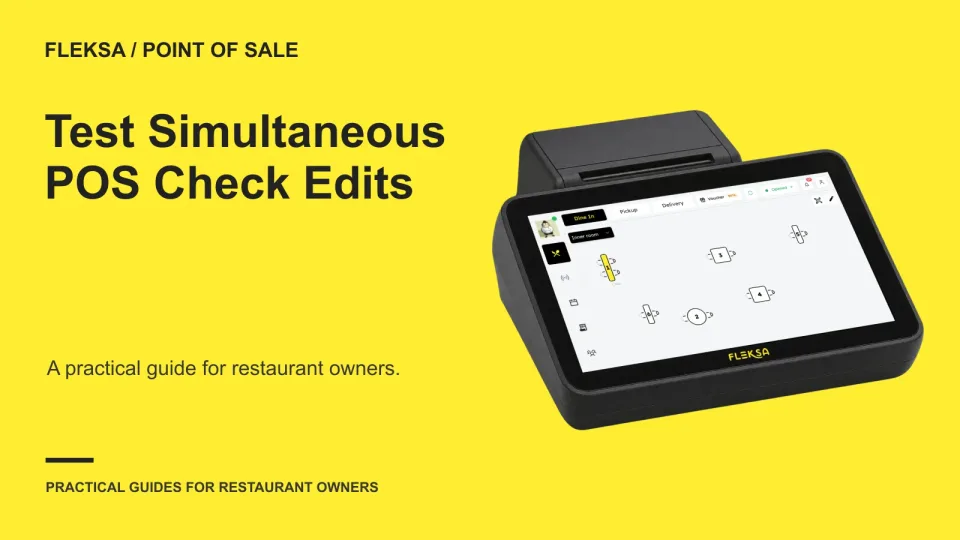
Two servers may need to add items to the same open check at nearly the same time. Use this practical test to check item preservation, conflict warnings, kitchen output, and recovery before choosing a POS.
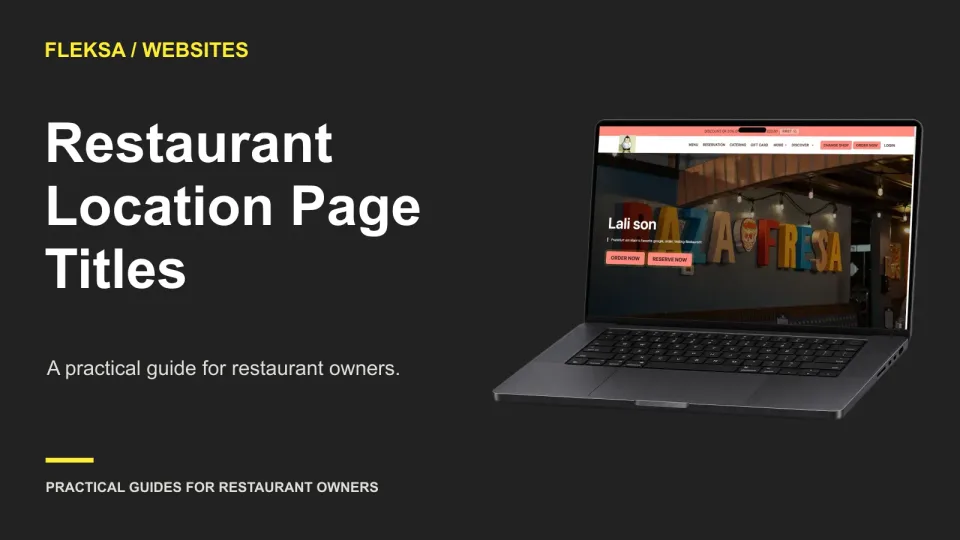
A useful location page title tells guests which restaurant and branch they are viewing. Use these patterns and a practical audit to distinguish locations, match each page’s content, and check titles after publication.
Pausing new orders does not settle the orders already accepted. Use this practical handoff checklist to identify what is owed, assign each order an owner, communicate changes, and clear the queue before reopening.
A canceled booking or smaller final bill can leave part of a customer deposit unused. Use these scenarios to evaluate how a POS identifies the balance, routes the decision, and records what happens next.
A restaurant’s search snippet can show information that no longer matches the business. Use this review sheet to check important pages, replace outdated descriptions, and monitor what guests see without assuming Google will display your edits.
When one modifier sells out, the whole menu item does not always need to disappear. Learn how to handle required choices and optional add-ons, present unavailable options, and test what happens to an existing cart.
Page 67 of 94
Older articles for diners