Compare software, understand costs, and plan your next step.
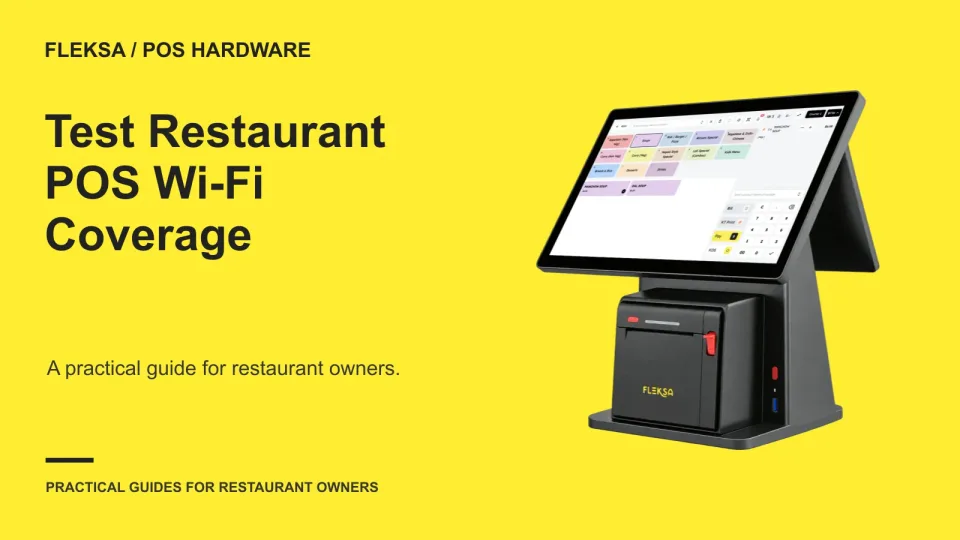
A strong signal at the counter does not prove a handheld will work at every table. Use a service-area map, repeatable device checks, and a controlled pilot to find weak spots before choosing equipment.
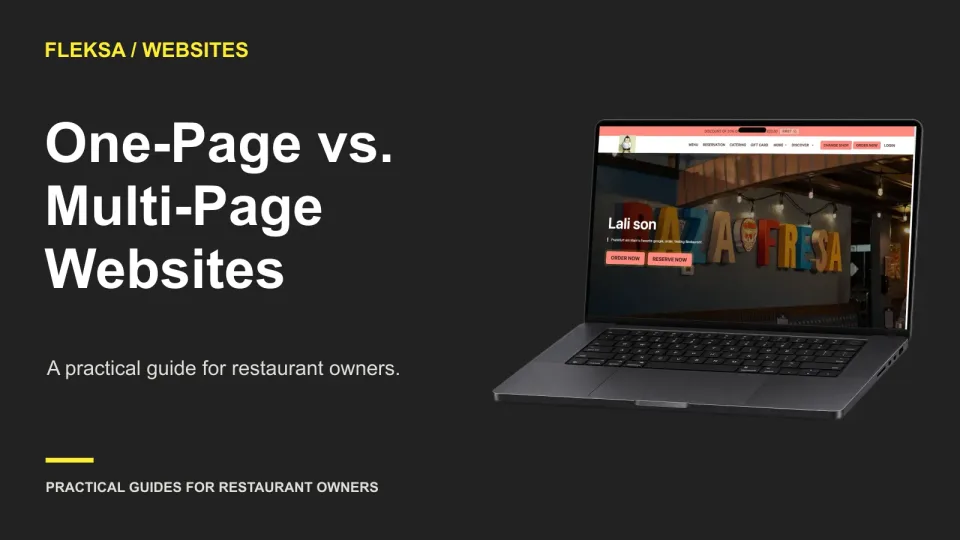
A single page can work well for a focused restaurant, but it can become difficult to use as menus, locations, and guest questions grow. Use this decision matrix and mobile test to choose a structure your team can maintain.
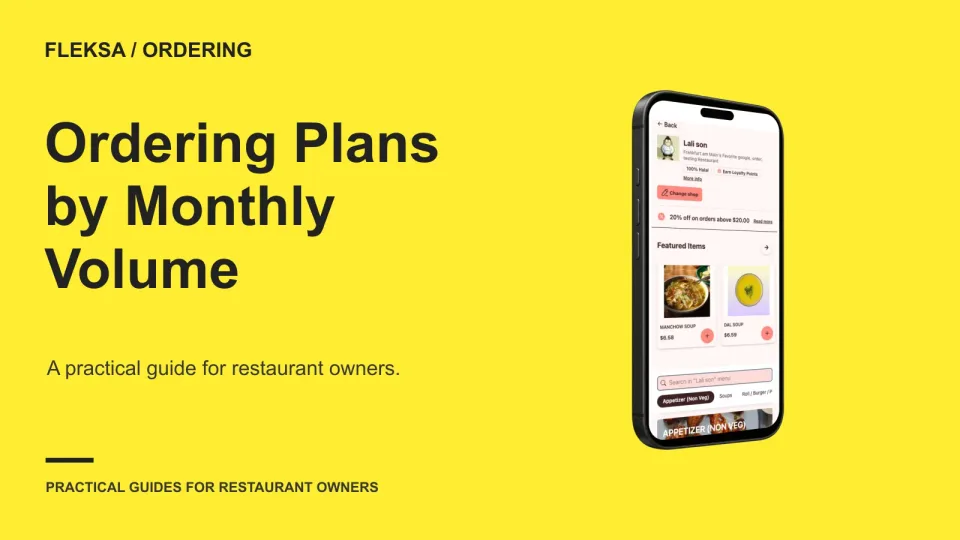
A low monthly price can look different once seasonal order swings and contract terms enter the picture. Build a month-by-month comparison using written quotes, then check the annual total and the amount due in your busiest month.
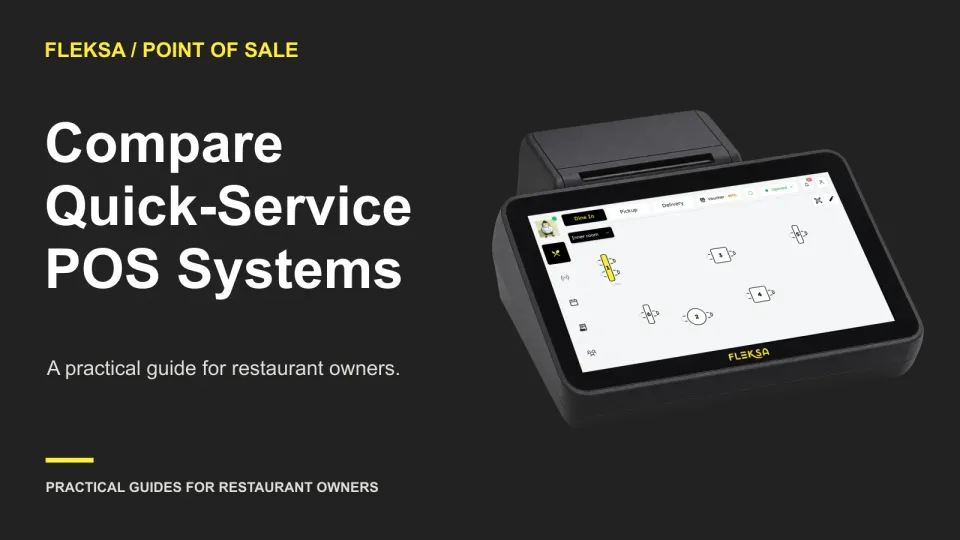
The right quick-service POS must handle your menu, payments, and pickup process when the line is long. Use this counter-service scorecard to compare vendors on the same order, identify blockers, and understand the full quote.
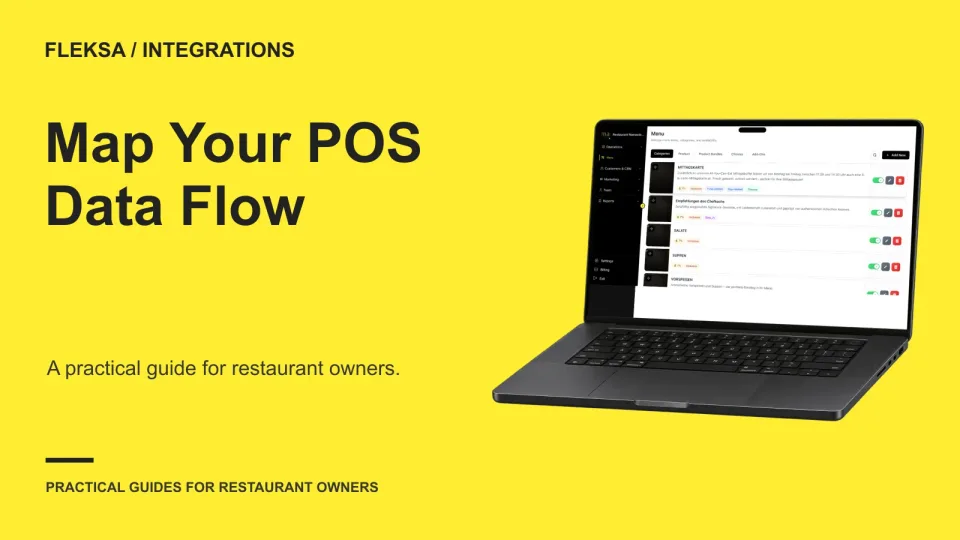
Before connecting your POS to an ordering system, decide which system owns each field. Use this practical diagram, ownership matrix, and test plan to spot conflicting updates and document the work that stays manual.
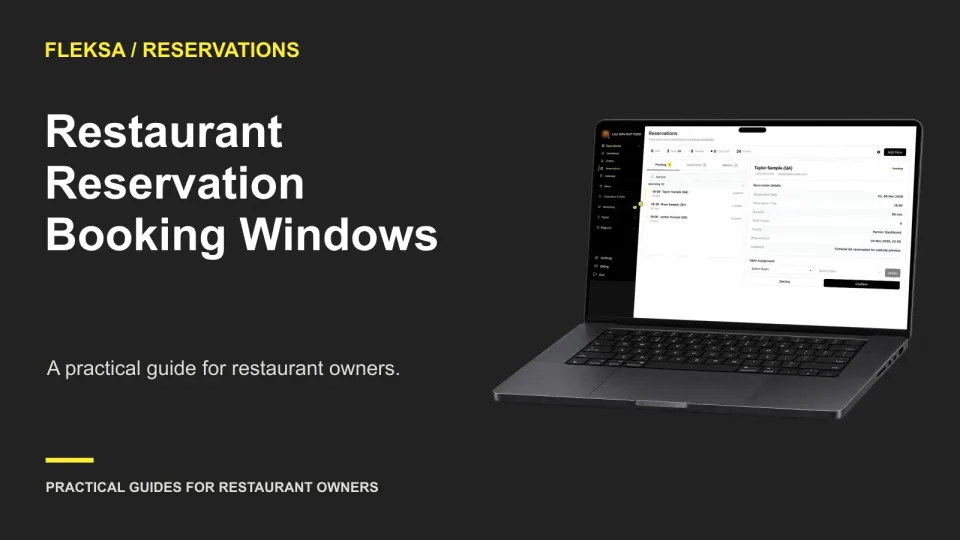
A useful booking window gives guests enough time to plan without committing your restaurant to a schedule you cannot support. Use this worksheet to set a booking horizon, short-notice cutoff, and clear exceptions.
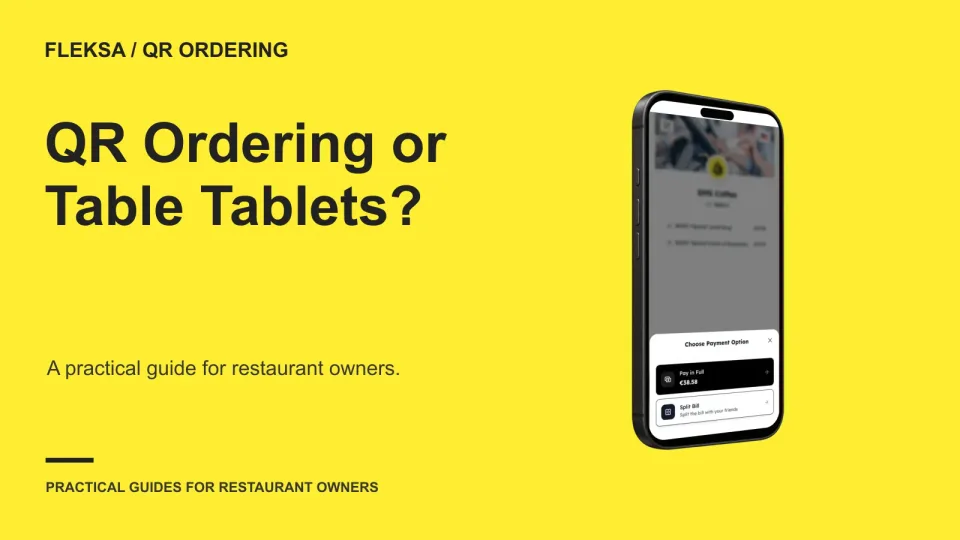
Guest phones avoid a restaurant-owned device at every table, while shared tablets put a device within reach. Compare the full service workflow, fallback options, and quoted costs before choosing either approach.
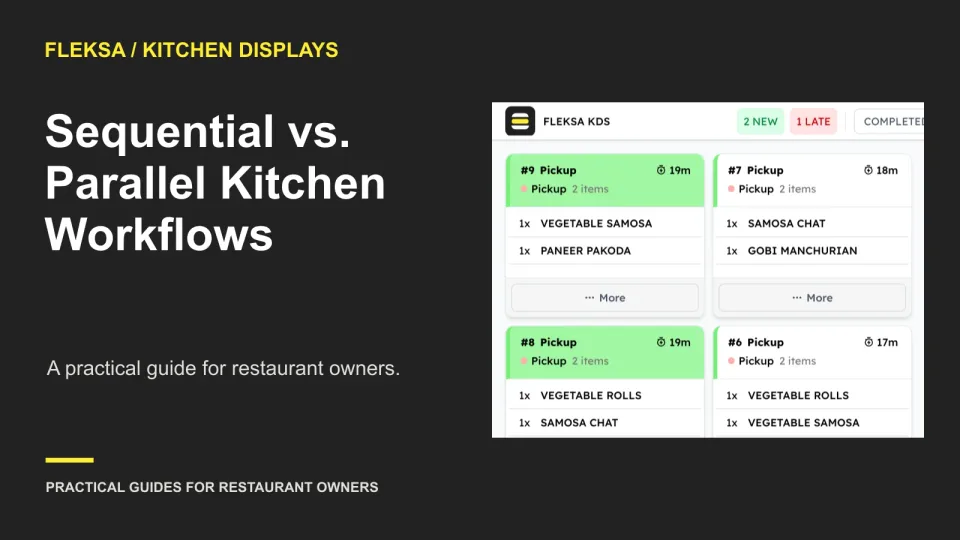
Should the oven see a pizza ticket immediately or only after toppings are complete? Use this practical worksheet to compare station visibility, handoffs, missed completions, and rework before choosing a kitchen display workflow.
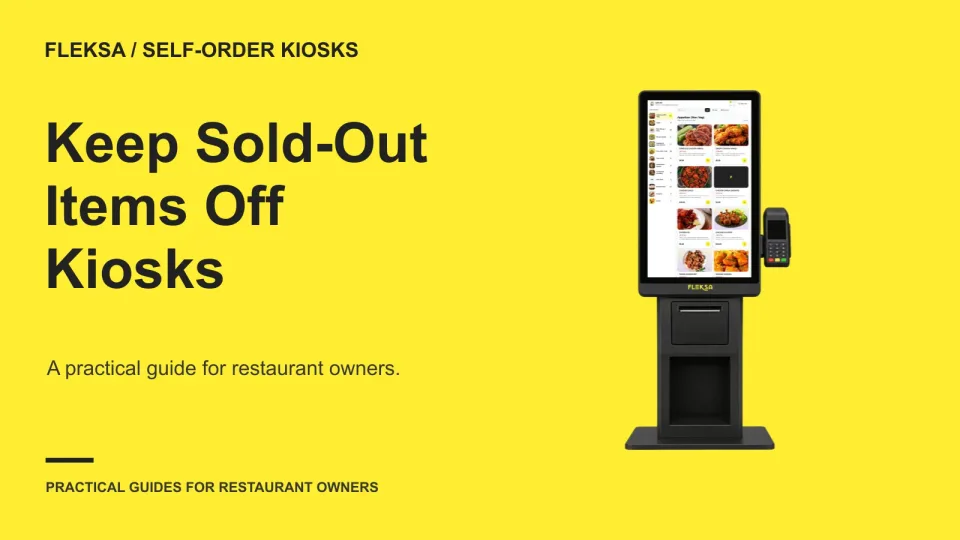
A sold-out button is only useful if the change reaches the kiosk before another guest orders. Use this checklist to assign ownership, check active carts and verify what reaches the kitchen before an item returns.
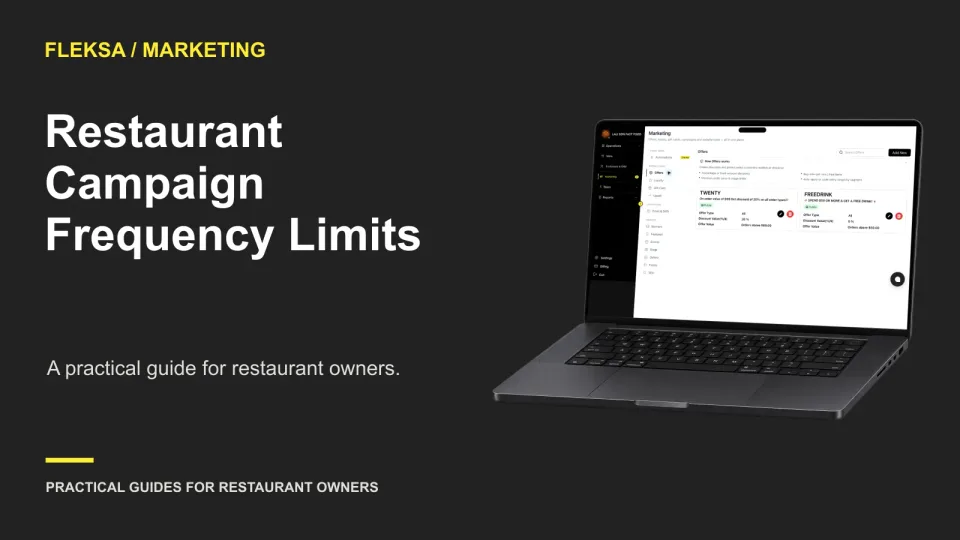
A shared contact cap can stop an automated offer and a manual campaign from reaching the same guest too often. Use this worksheet to rank messages, handle service notices, and check whether your software applies the rules consistently.
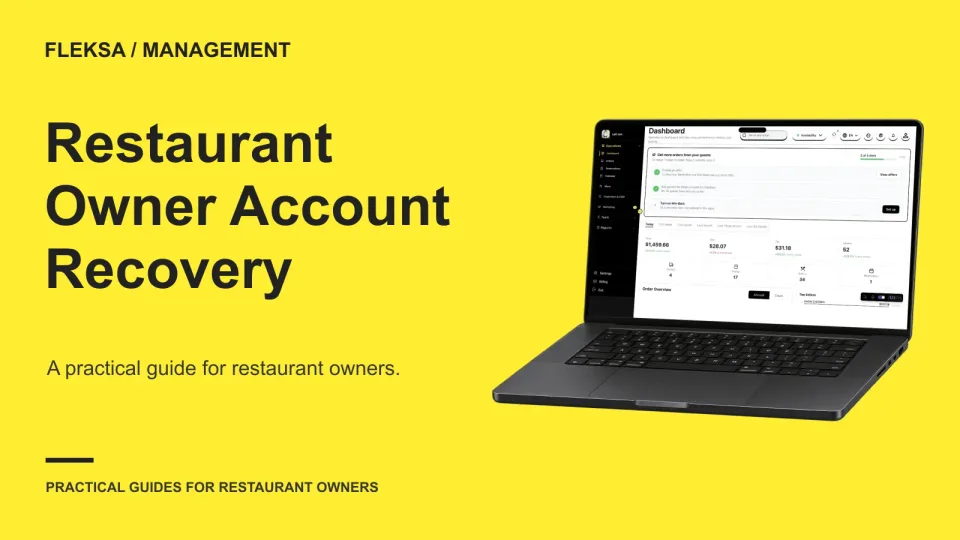
A locked owner account can leave a restaurant unable to manage critical settings. Build a recovery plan around named administrators, current recovery contacts, and a vendor-confirmed process that never requires staff to share passwords.
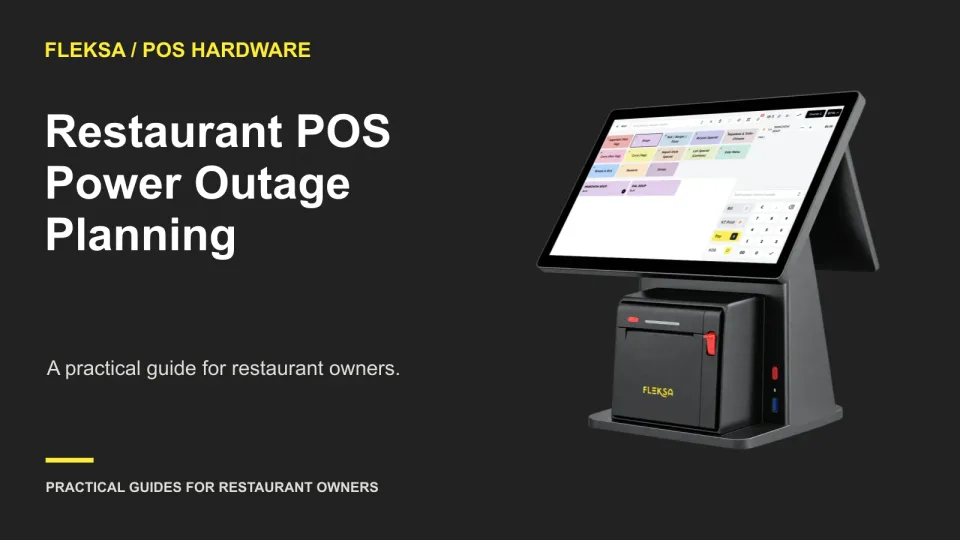
A POS with offline software still needs powered hardware. Map the devices needed to take and route an order, estimate backup runtime, and prepare staff to recover safely after a short outage.
Page 8 of 94
Older articles for diners