Compare software, understand costs, and plan your next step.
A POS report is not the same as usable data. Use a fictional restaurant scenario to check export detail, permissions, timing, and costs before choosing a system—and find omissions that could affect your decision.
A menu name can change while the item behind it stays the same—or a familiar name can hide a replacement. Use stable identifiers, a shared change log and safe retests to keep connected orders matched.
A large reservation can tie up tables that smaller parties need. Use a sample floor plan to decide which tables can join, compare competing bookings, and give hosts a clear process for splitting combinations.
When a guest isn't sure a QR order went through, another tap can send the kitchen a second ticket. Use this staff decision process to check the order, payment, and kitchen status before anyone retries.
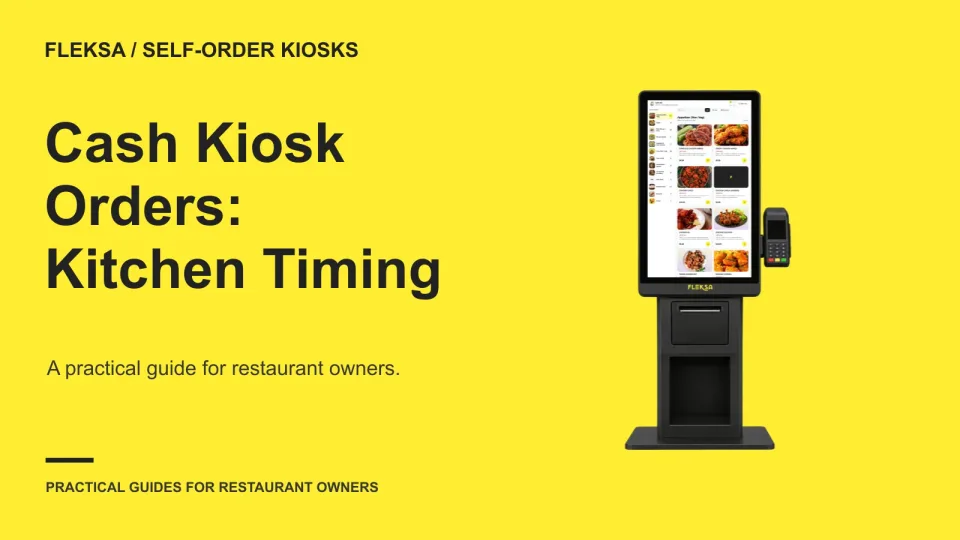
Starting a cash kiosk order before payment can shorten the wait, but it can also send unpaid food into production. Use this decision worksheet and demonstration checklist to choose a release rule your staff can manage.
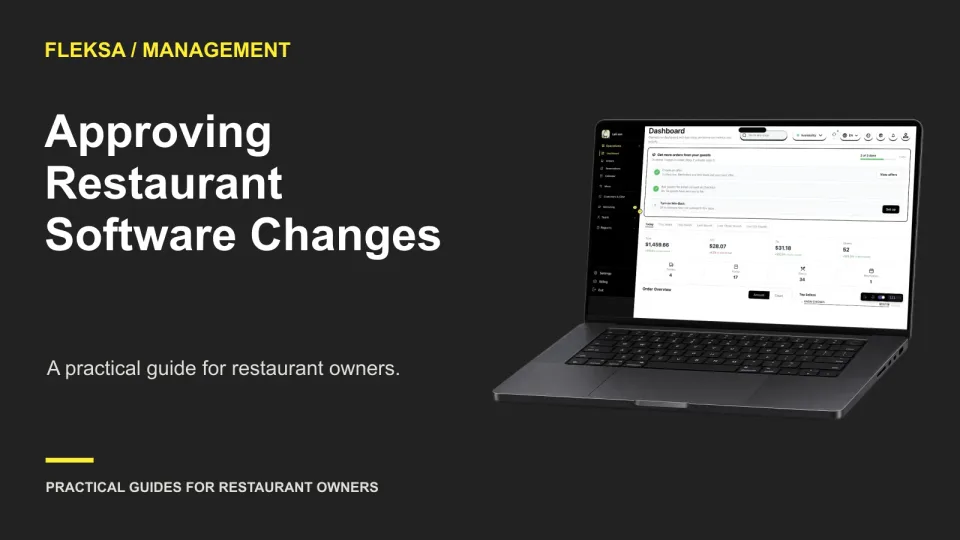
A menu price, order cutoff, or reservation limit can change service in seconds. Use this practical worksheet to decide which edits need a second person’s review and how to check that approval happens before a change goes live.
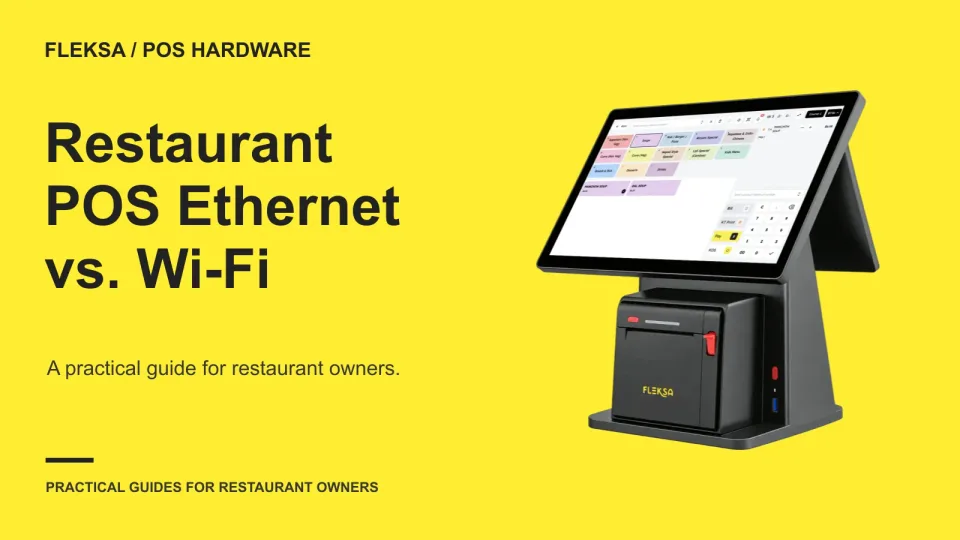
Fixed POS terminals and mobile devices have different connection needs. Use a station-by-station worksheet to compare Ethernet and Wi-Fi, clarify what happens during an outage, and give your team a workable fallback.
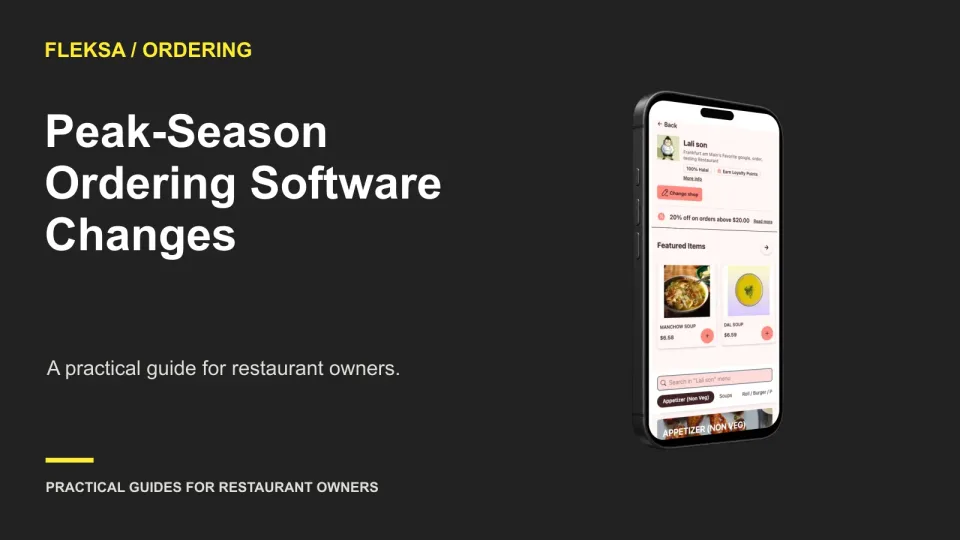
A peak-season software change needs a smaller scope, extra shift coverage, and a clear way back. Use this timeline to decide when to cut over, what to test, and who can pause the change.
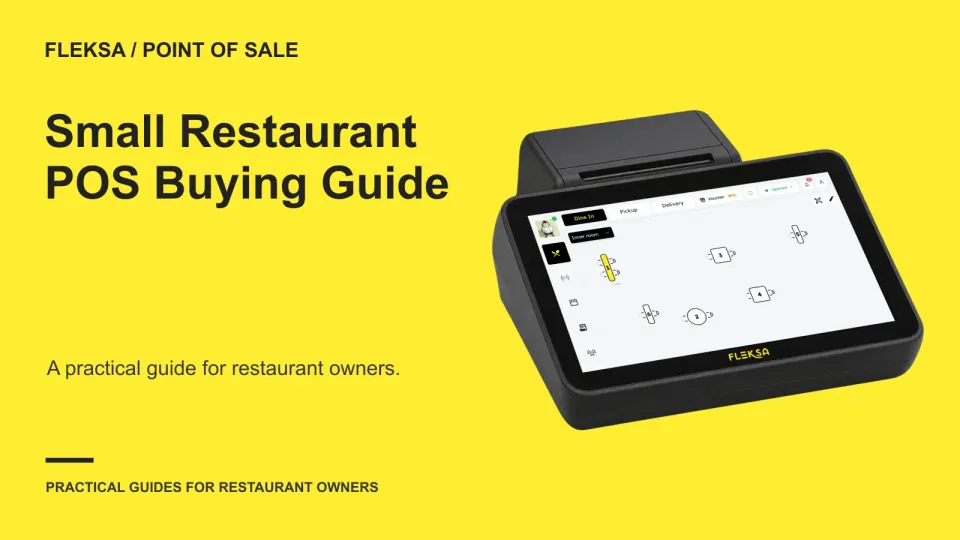
The best small-restaurant POS depends on how you serve guests, take orders and pay for equipment. Use this framework to compare Fleksa, Toast and Square, calculate a realistic first-year cost and run a useful demonstration.
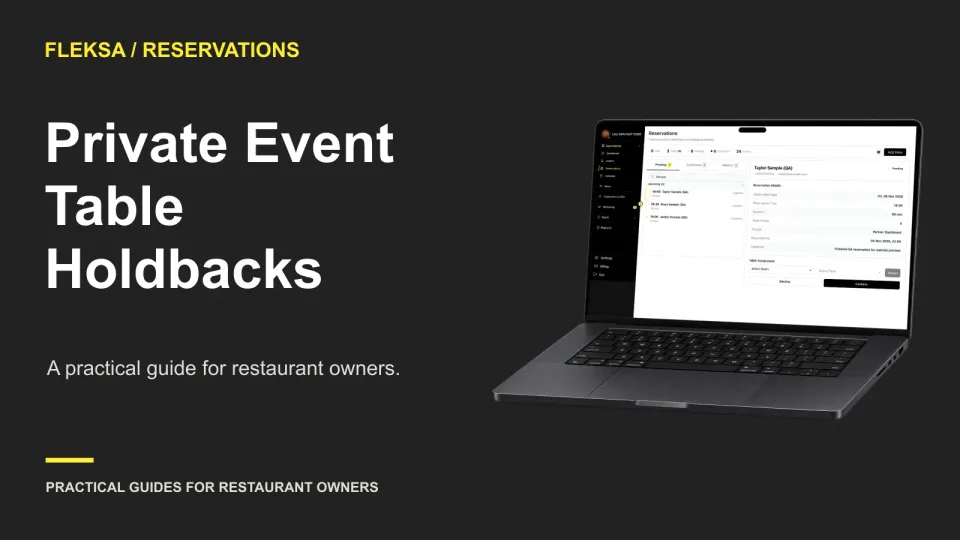
A tentative event does not have to block an entire dining room. Set a table-by-table hold, account for setup and booking overlaps, and give one person a deadline to release unused space.
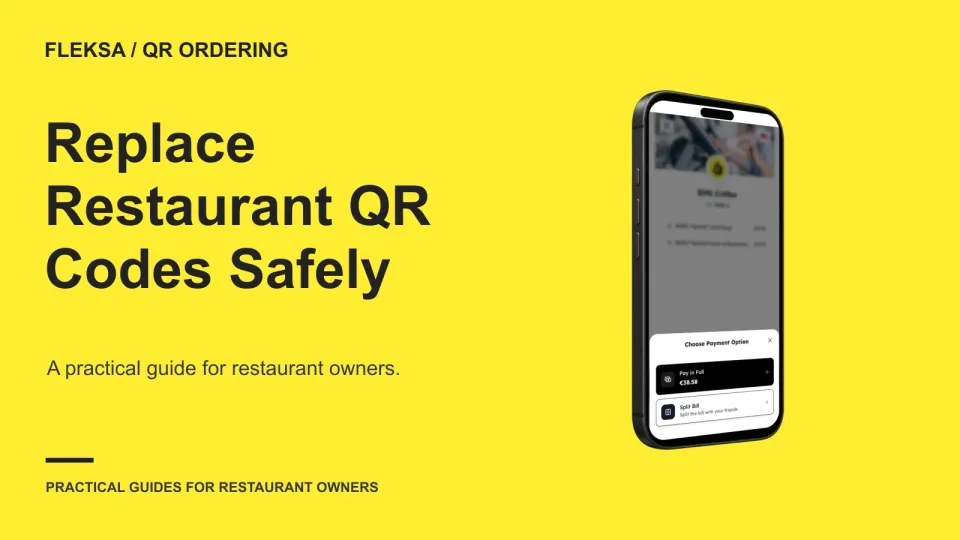
A damaged QR sign is easy to reprint, but a misplaced one can send an order to the wrong table. Use this replacement process to verify the destination, retire old material, and record who approved the change.
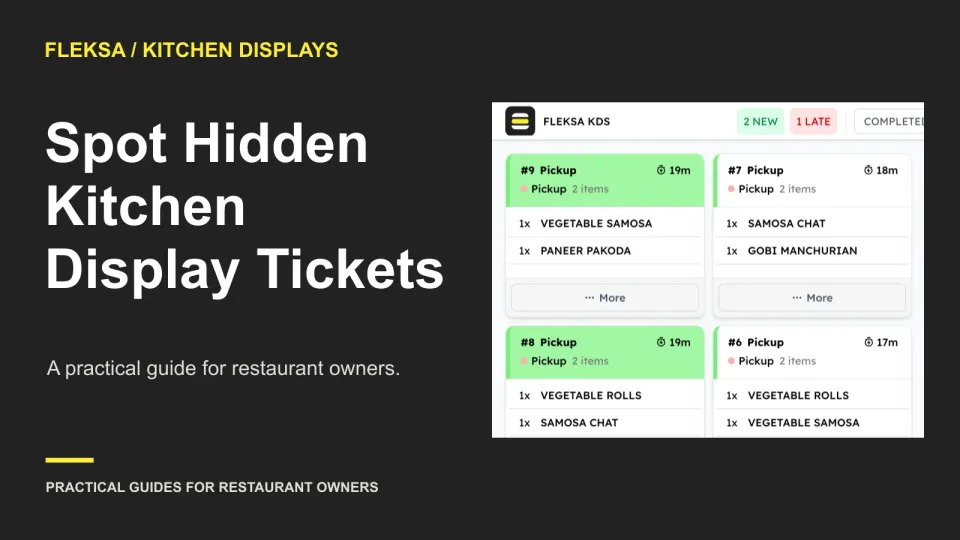
A full kitchen screen may show only part of the active queue. Use this practical test to compare visible and active tickets, spot older orders off-screen, and give one worker clear responsibility for escalating overflow.
Page 11 of 94
Older articles for diners