Compare software, understand costs, and plan your next step.
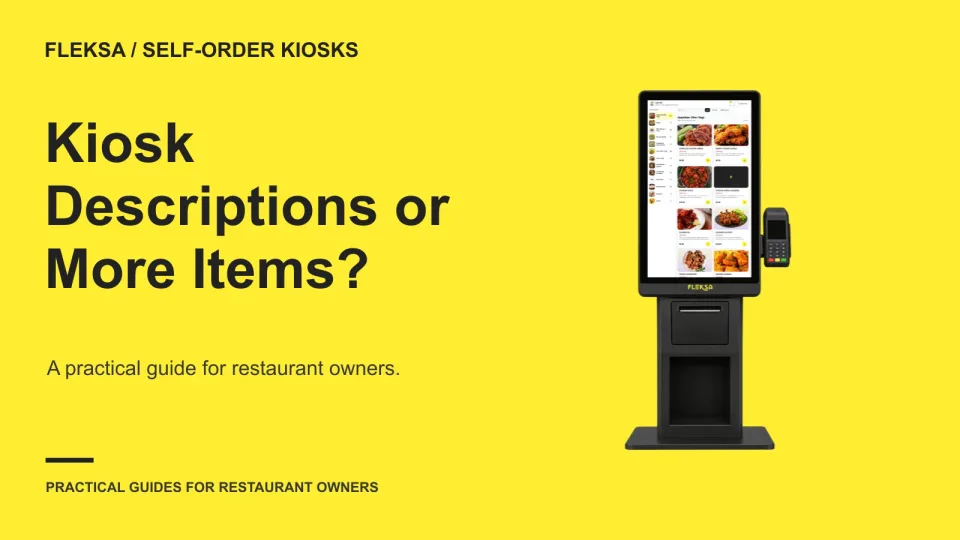
Should guests see more dishes at once or get a short explanation of each one? Use this worksheet and a simulated vendor demonstration to compare browsing speed, selection accuracy, and the cost of crowding a screen.
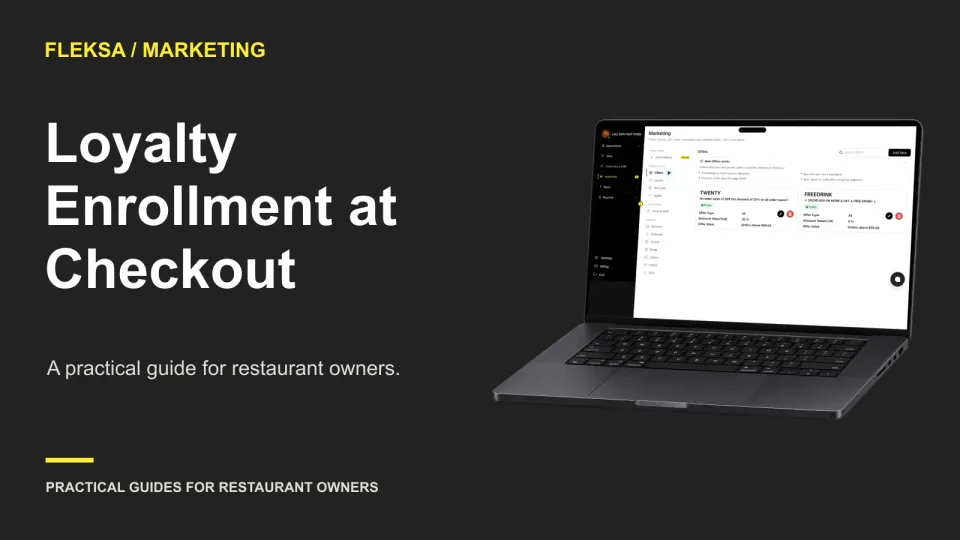
Before staff invite guests to join a loyalty program, test what happens at each step. This guide offers a decision worksheet, practice scenarios, and questions to ask your software provider.
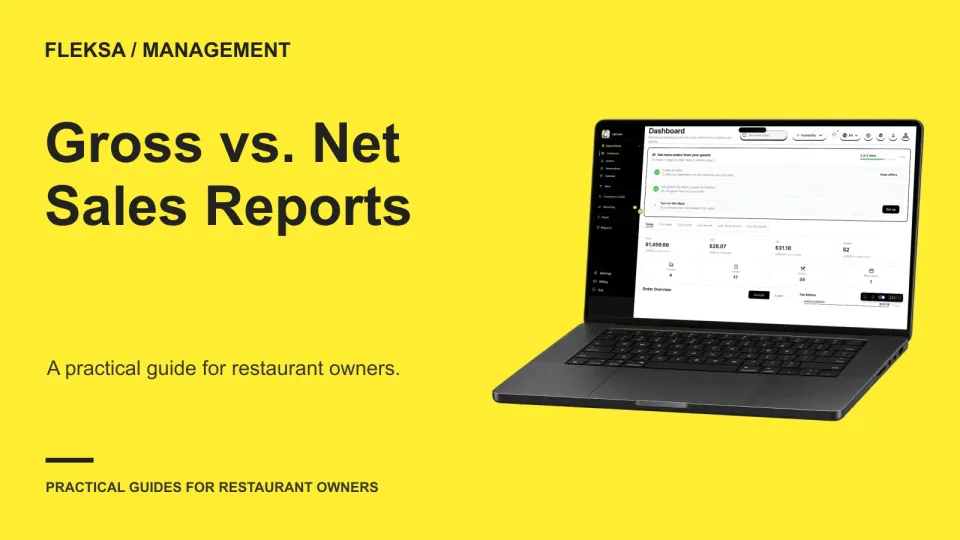
Two sales reports can show different totals without either one being wrong. Use a gross-to-net bridge to compare definitions, trace discounts and refunds, and decide whether a reporting workflow gives your team enough evidence to close the books.
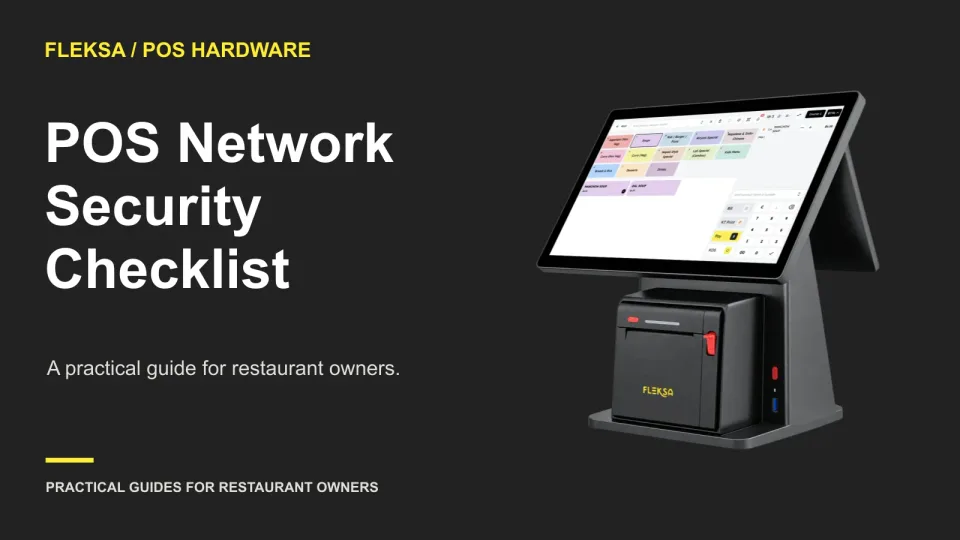
A POS can depend on a network your restaurant does not fully control. Use this practical worksheet to assign ownership, check guest Wi-Fi separation, and agree on who responds when access or connectivity fails.
An HTML menu is often easier for guests to read and for staff to keep current. A PDF can still help with printing or sharing. Compare both formats with a practical mobile task test before choosing.
A menu editor can look simple until you need different prices by location or a quick sold-out change. Use this demonstration checklist to see who can edit, approve, publish and reverse changes before you choose a provider.
QR ordering gives guests a self-service path, while handheld devices keep order entry with staff. Compare the service steps, full operating costs, and fallback needs before choosing one method or a combination.
A POS integration can fail quietly while orders or updates fall behind. Learn which signals to monitor, who should receive an alert, and how to test the response before choosing a provider.
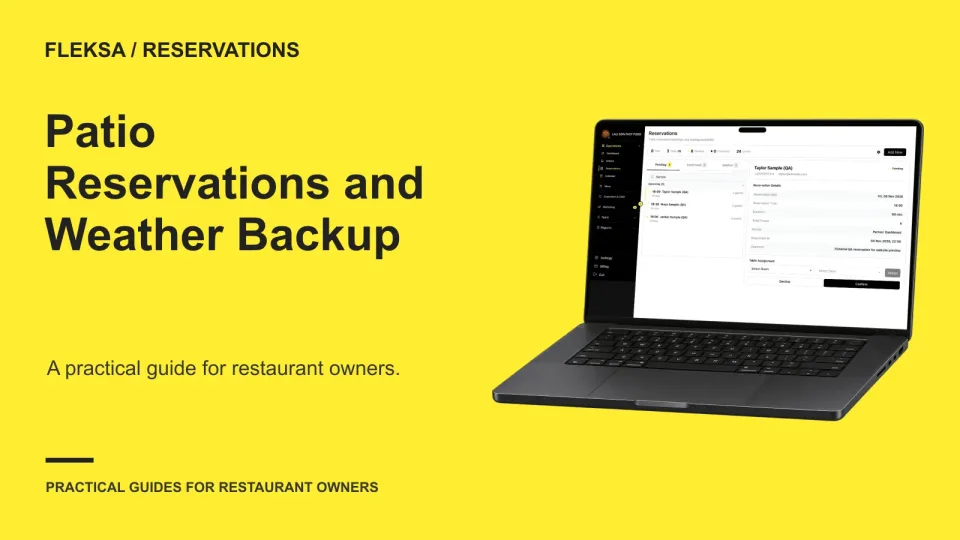
A patio reservation should not quietly become a promise of an indoor table. Learn how to count available tables, set guest expectations, and make a clear weather decision before service.
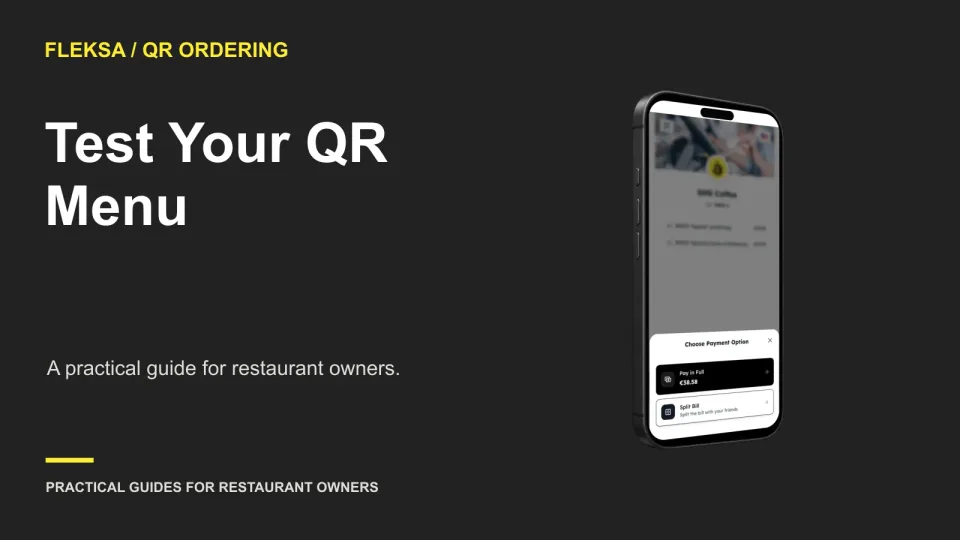
A QR code that opens on your phone may still frustrate guests. Use a short set of realistic tasks, a mix of devices, and a simple worksheet to find reading and navigation problems before launch.
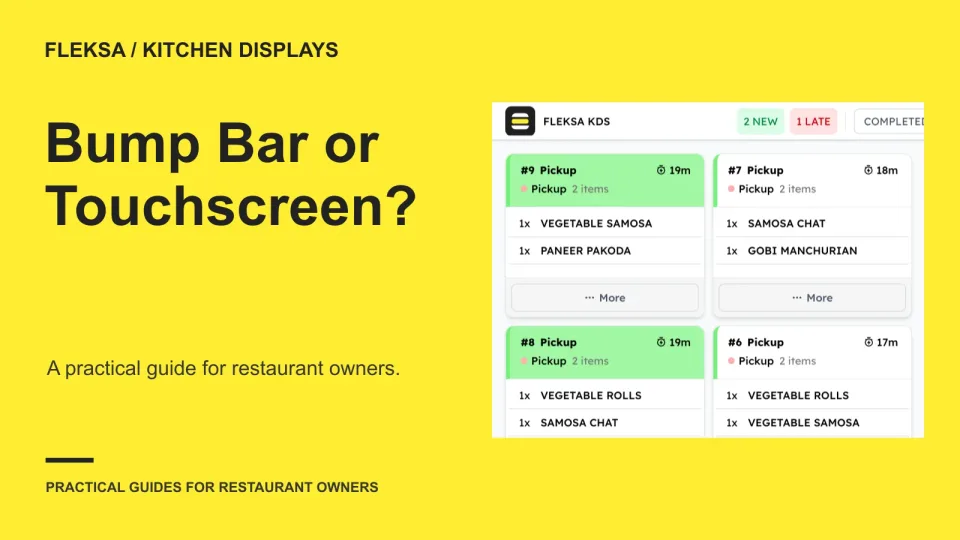
A bump bar may suit a busy, gloved station, while a touchscreen can make detailed ticket selection easier. Use a task-based scorecard and a safe simulation to decide whether one control or a mixed setup fits your kitchen.
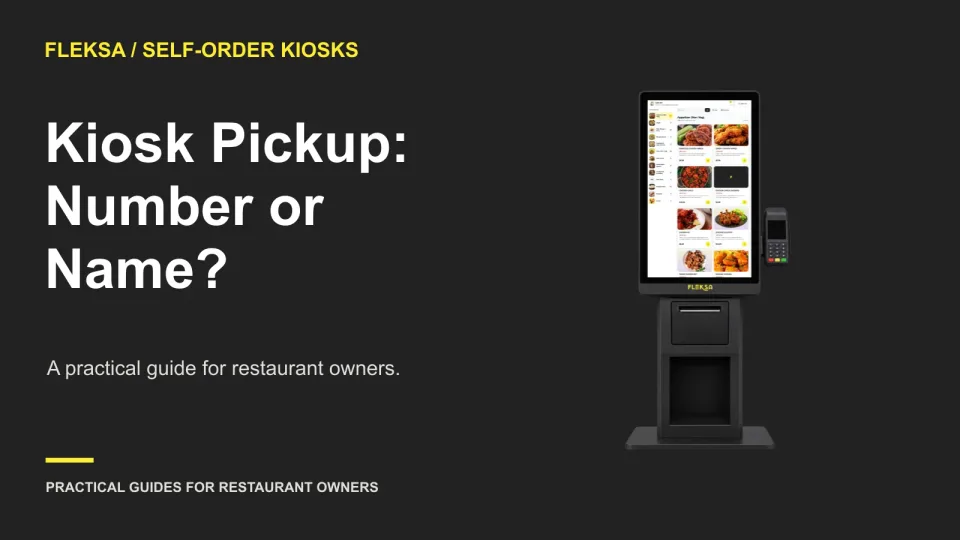
A familiar name is easy to say, but it may not identify one order. Compare numbers, names, and other tokens, then run a simulated vendor demonstration that includes duplicate names and a missing identifier.
Page 12 of 94
Older articles for diners