Restaurant Software Guides

Compare software, understand costs, and plan your next step.

Latest Articles

Management

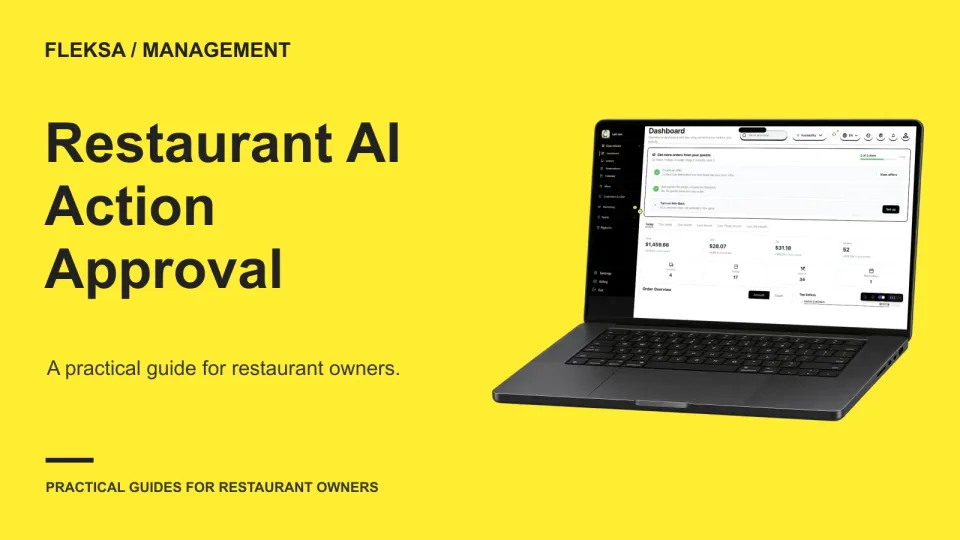
Restaurant AI Action Approval: What Needs a Manager?

An AI suggestion and an authorized restaurant action are different things. Use this guide to assign approval roles, set limits, and test what happens when a manager edits, rejects, or misses a request.

Read →
POS hardware

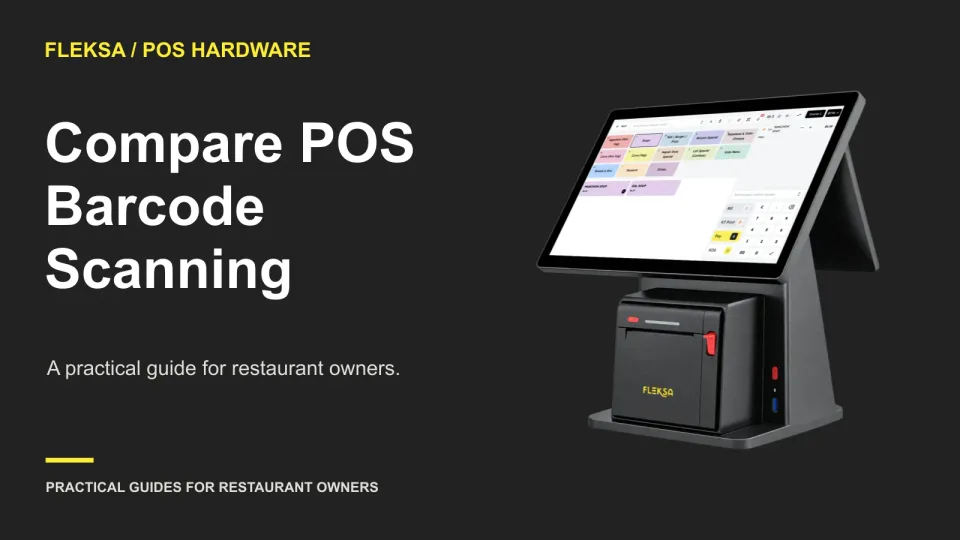
How to Compare POS Barcode Scanning for Packaged Items

A barcode scanner is useful only if it helps your team ring up packaged goods alongside prepared food. Use this practical demo sheet to compare item recognition, prices, quantity corrections, hardware compatibility, and fallback entry.

Read →
Websites

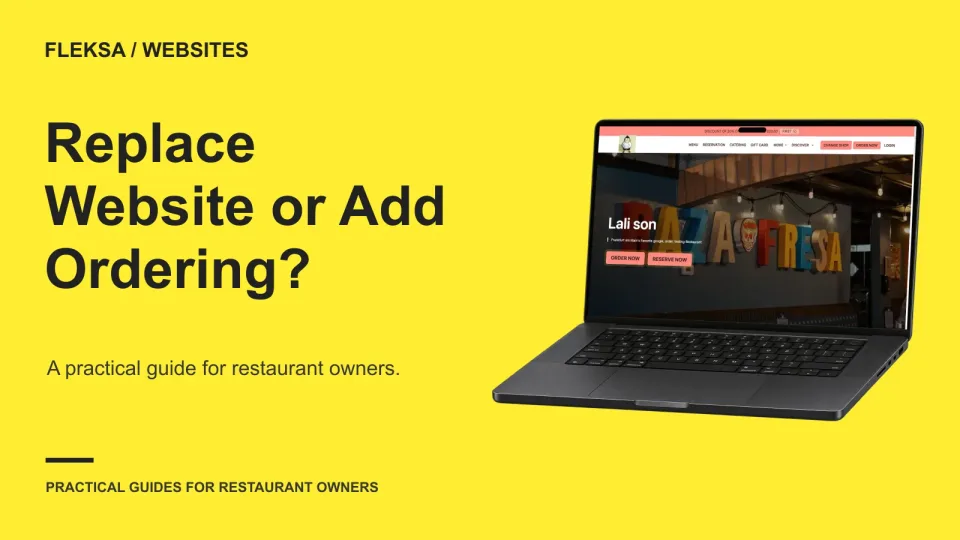
Replace Your Restaurant Website or Add Online Ordering?

A working restaurant website may only need an ordering button. Use this guide to check your site, compare the guest experience and ongoing work, and plan a safe transition without rebuilding more than necessary.

Read →
Ordering & delivery

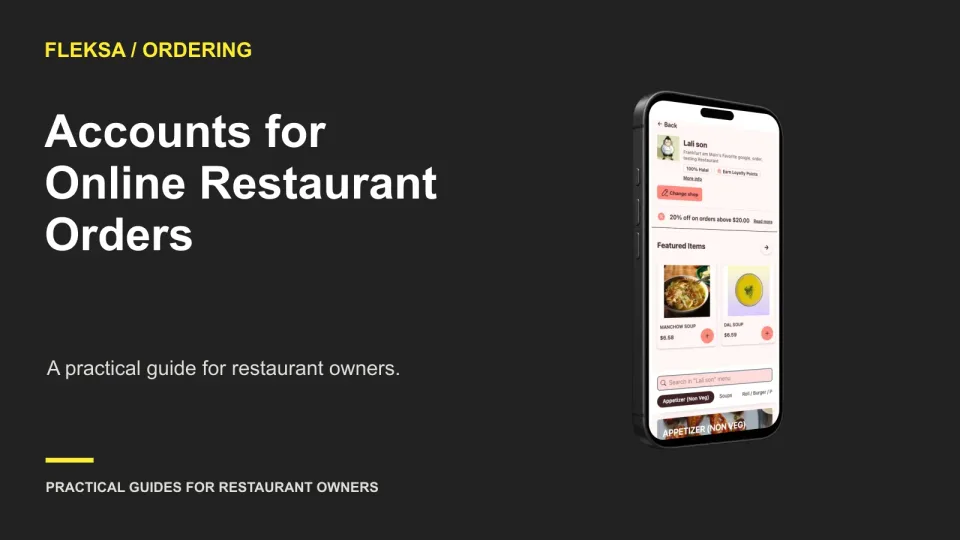
Should a Restaurant Require an Account for Online Orders?

An account can make a return order easier, but requiring one can get in the way of a first purchase. Use a mobile checkout comparison and a practical decision threshold to decide what your restaurant needs.

Read →
Point of sale

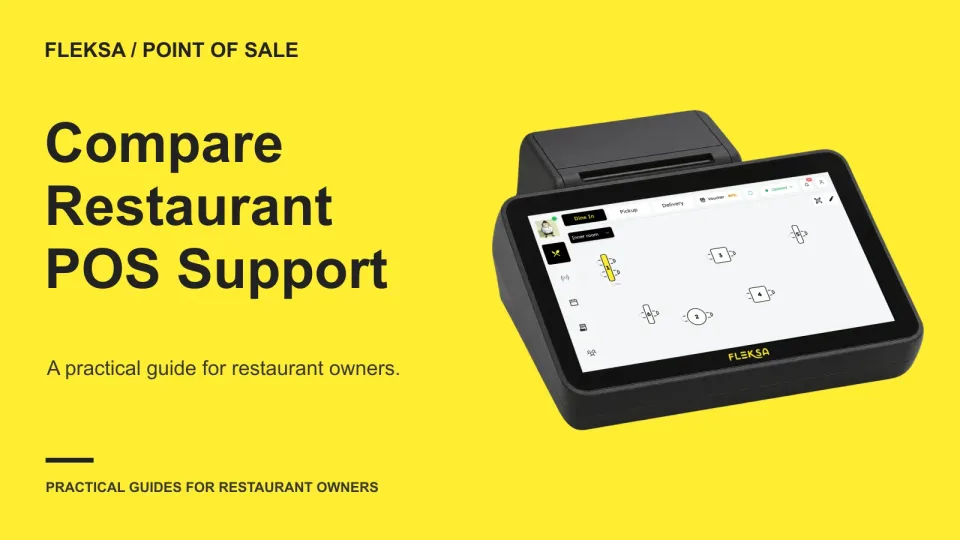
How to Compare Restaurant POS Support Before Signing

A POS support line matters most when your restaurant is busy. Use a coverage matrix and a printer incident scenario to compare support hours, escalation paths, response targets and exclusions before signing.

Read →
Connected orders

How to Align Opening Hours Across Delivery Channels

A delivery integration does not automatically settle which schedule controls ordering. Map hours by location and channel, check holiday rules, and give staff a repeatable way to catch mismatches before guests place orders.

Read →
Reservations

Choose Reservation Check-In and Seated Statuses
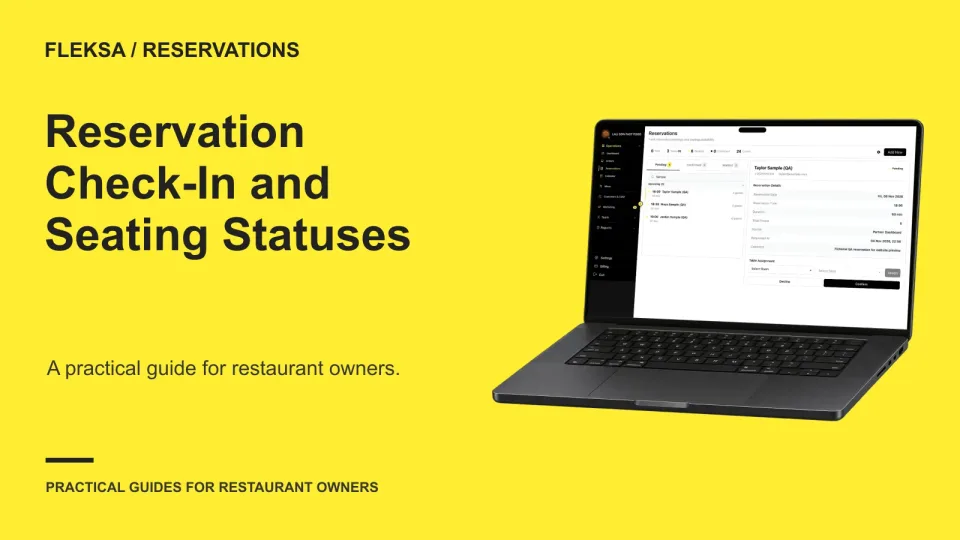
A reliable floor view starts with a shared definition of booked, arrived, seated, canceled, and no-show. Use this decision worksheet to assign status changes, handle guests who leave before seating, and check shift reports for inconsistencies.

Read →
Kitchen displays

How to Evaluate KDS Canceled Order Notifications

A cancellation after cooking starts needs more than a changed order status. Use this worksheet and demonstration checklist to see whether kitchen staff can spot, acknowledge, and act on a canceled ticket.

Read →
Self-order kiosks

How to Handle Kiosk Order Changes After Submission

A submitted kiosk order may already be in preparation when a guest asks for a change. Use this practical worksheet to trace the request, check the payment difference, and decide when staff should stop or replace an order.

Read →
Marketing

How to Measure Restaurant Offer Redemptions and Net Revenue

A redeemed offer is not the same as a new sale. Learn how to choose a denominator, account for discounts and refunds, and check whether your campaign reports give you numbers you can use.

Read →
Management

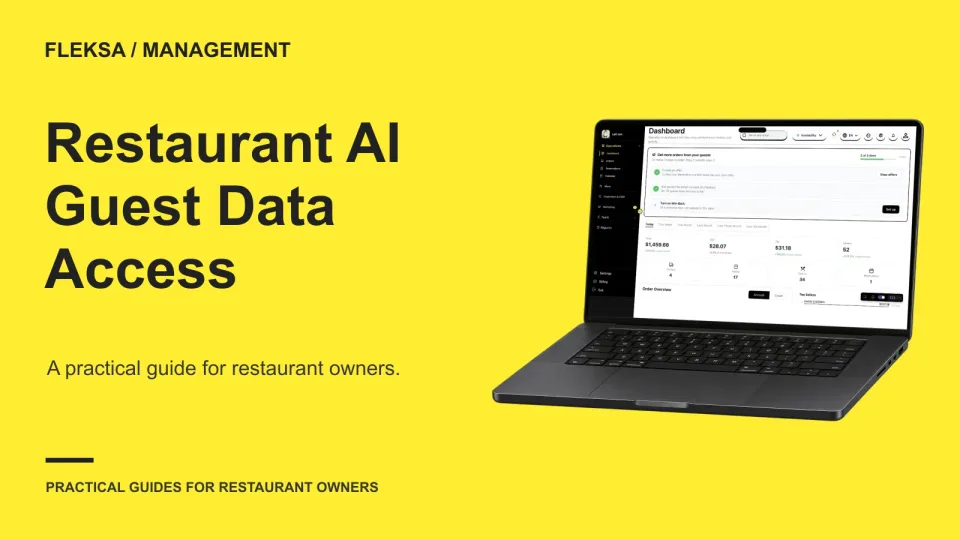
Assess Restaurant AI Access to Guest Data

A restaurant AI assistant may be able to answer a manager’s question without seeing individual guest records. Use this worksheet to choose the minimum useful input, compare outcomes, and set a pass-or-fail vendor demonstration.

Read →
POS hardware

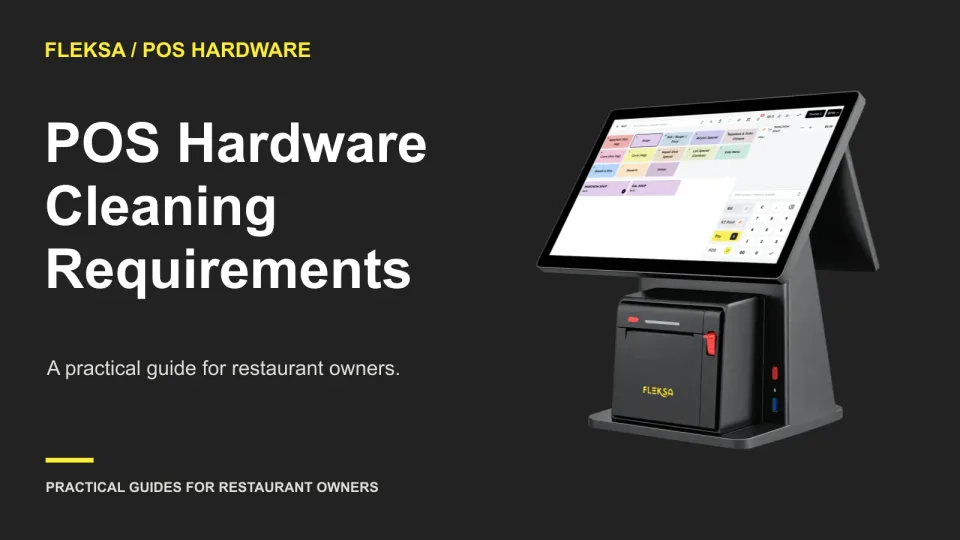
How to Evaluate POS Hardware Cleaning Requirements

Shared POS devices need a cleaning routine that fits the equipment and the shift change. Learn what to request from vendors, how to compare instructions, and what to put on a device-specific cleaning card.

Read →

Older articles for diners