Compare software, understand costs, and plan your next step.
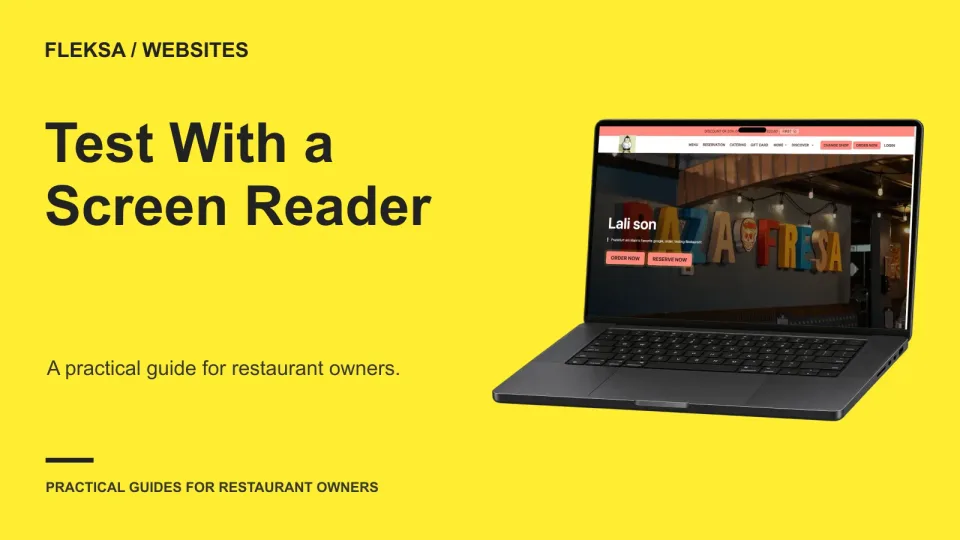
A restaurant website can look ready while essential tasks remain difficult to complete with a screen reader. Use this checklist to choose realistic guest journeys, document barriers and decide what needs fixing before acceptance.
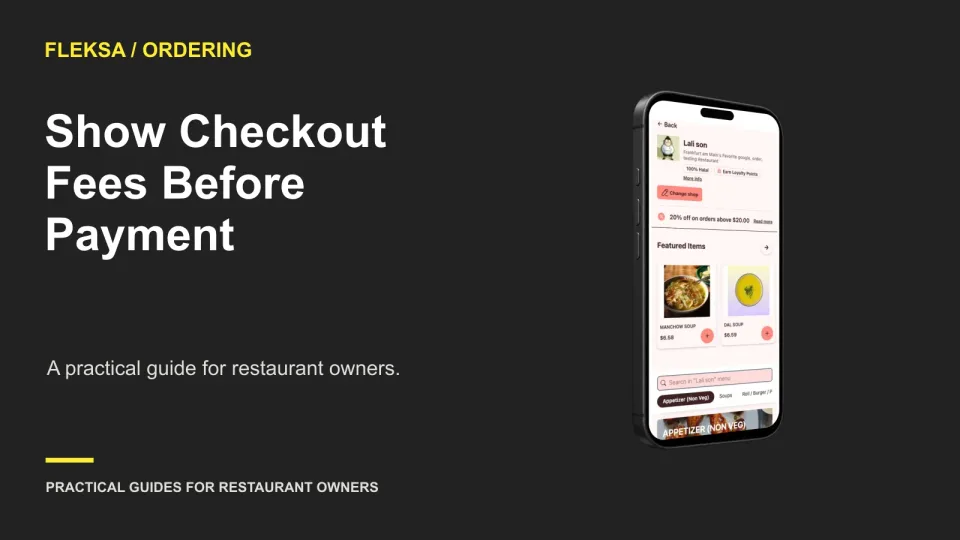
Guests should see an understandable order total before they enter payment details. Use this practical guide to place service and delivery charges, explain changing estimates, and check that the cart and confirmation agree.
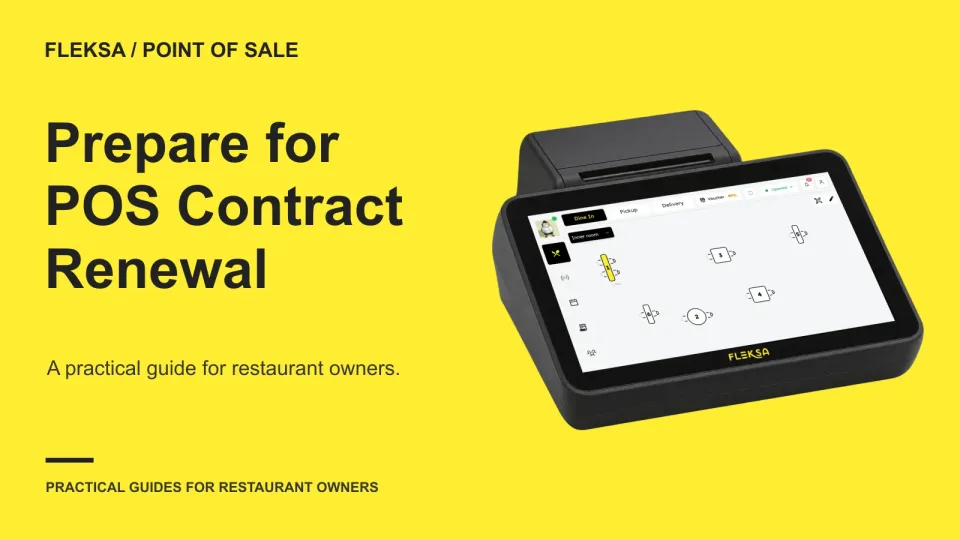
Before your POS contract renews, gather more than last month’s bill. Check notice dates, actual usage, hardware terms and a forward quote, then compare the cost and effort of staying against a realistic switch.
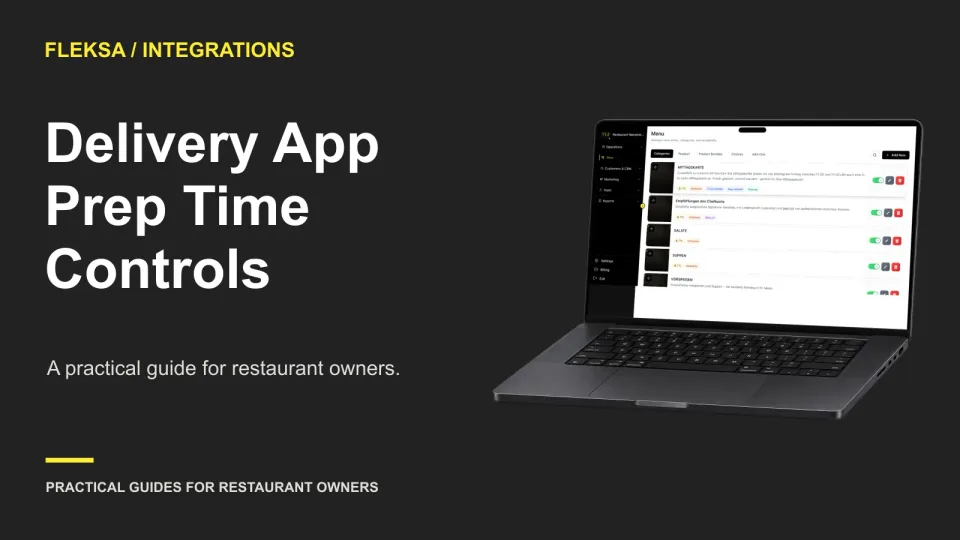
A prep-time control is only useful if staff know where to change it and which estimates it affects. Use this guide to map your channels, simulate a rush, and assign responsibility for checking and resetting times.
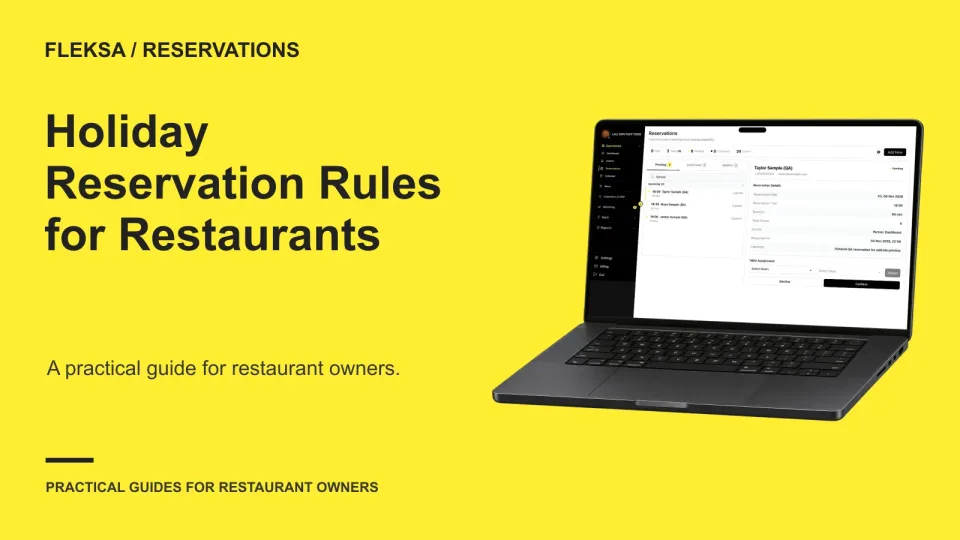
A special-service date needs more than a table holdback. Use this practical worksheet to set holiday hours, seating capacity, menu terms and booking checks while keeping your regular reservation schedule intact.
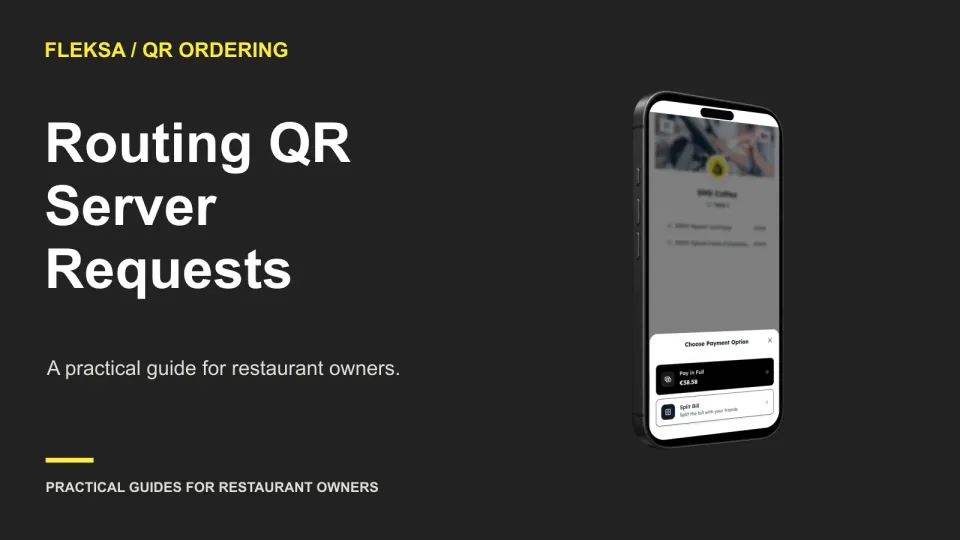
A QR menu can bring a guest’s request to staff, but someone still has to see it and act. Use this worksheet to choose an owner, set an escalation path, and check the workflow before service.
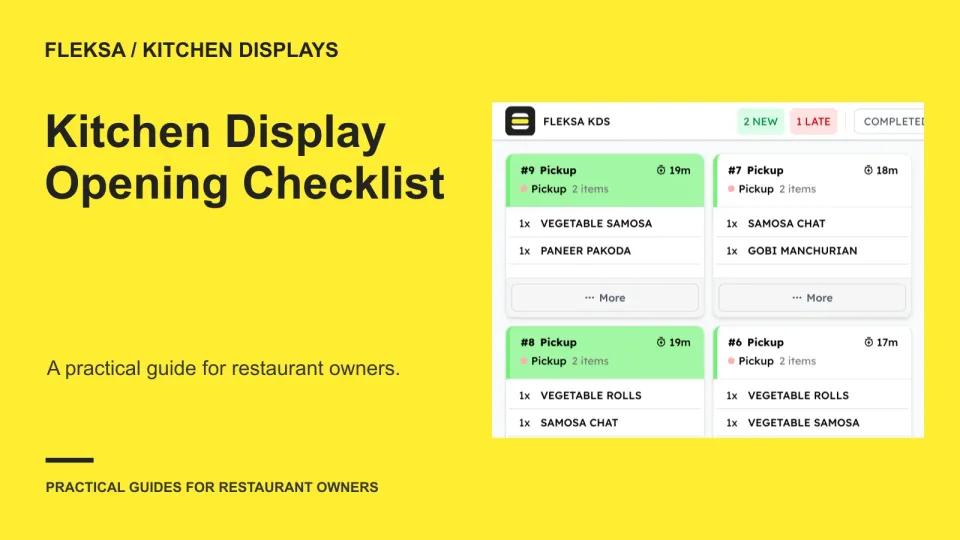
A working screen does not prove that every station will receive the right ticket. Use this opening checklist to check assignments, simulate an order, define a pass and decide when to use your fallback.
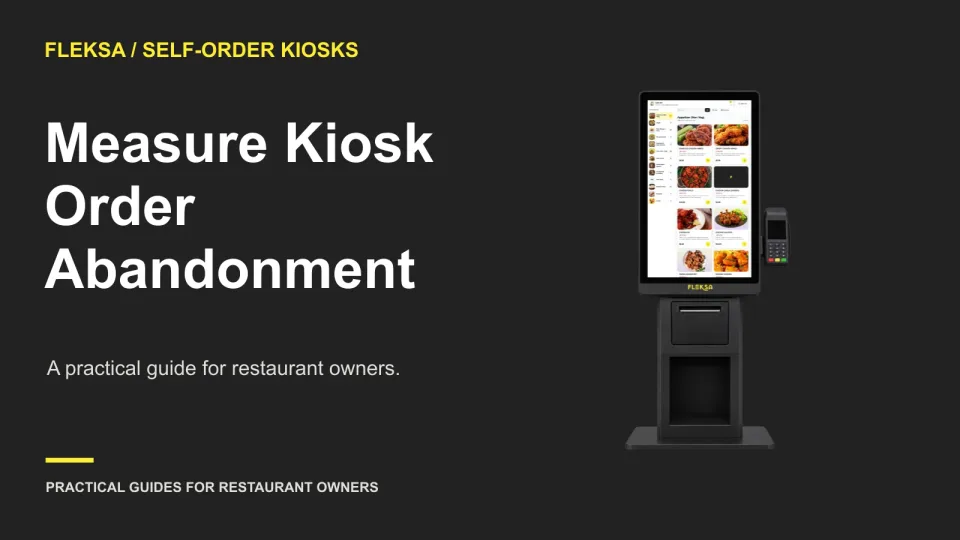
A kiosk session can end before a guest selects an item, during customization, or at checkout. Use a simple step-by-step worksheet to locate the largest drop, separate staff-assisted orders, and decide what to investigate.
An unsubscribe only protects the next campaign if the sending system receives and applies it in time. Use this practical worksheet to map the handoff, test a missed sync, and assign an owner for exceptions.
A recommendation can sound sensible and still use yesterday’s menu. Use this practical worksheet to compare an AI answer with the menu you published, test what happens after a change, and decide when staff should stop relying on it.
A useful POS device inventory tells your team which unit is at each station, what it connects to and whom to call when it fails. Use this sample worksheet and handoff check to make service decisions with less guesswork.
A booking button should tell guests where they are going and what happens next. Use this guide to separate requests from confirmed reservations, check mobile return paths, and agree on practical acceptance checks with your booking provider.
Page 21 of 94
Older articles for diners