Compare software, understand costs, and plan your next step.
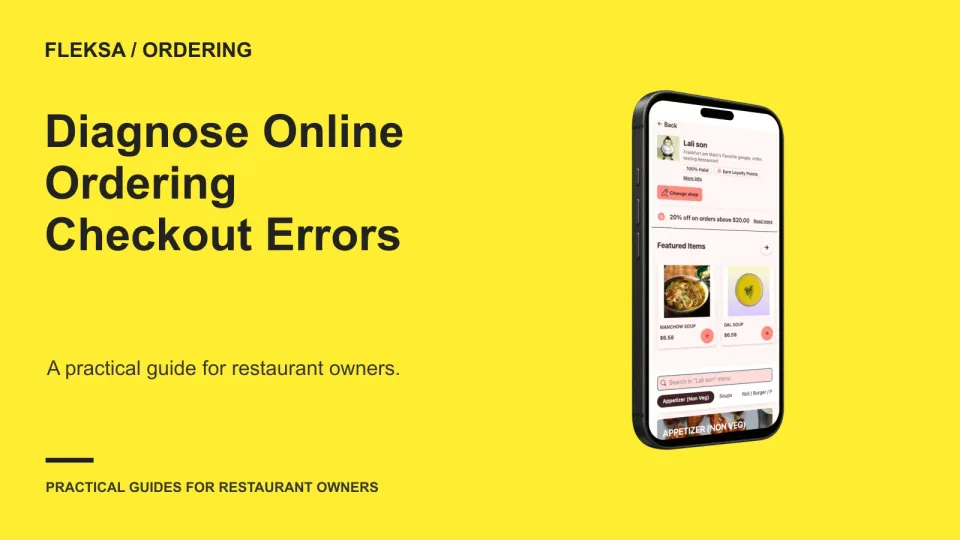
When an online order fails, start with the last step the guest reached. This practical decision tree helps restaurant operators separate service, cart, delivery address, and payment problems without creating a real order during a practice check.
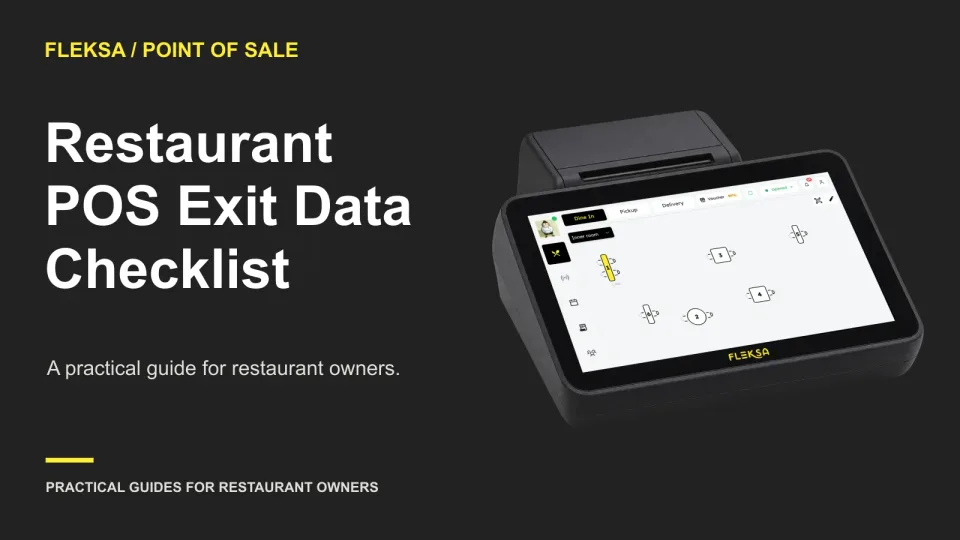
Before you cancel your POS contract, decide which records you need, who owns each export and how you will check the files. This checklist helps you request usable data and document access deadlines before the account closes.
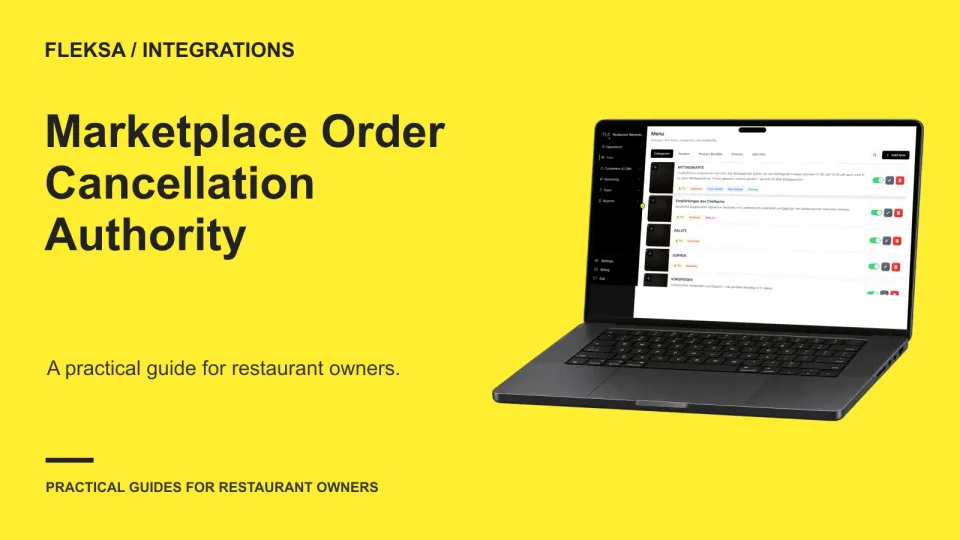
A cancellation in one system may not cancel the order everywhere. Use an authority and status matrix to find who can act, what the kitchen sees, and who resolves a mismatch.
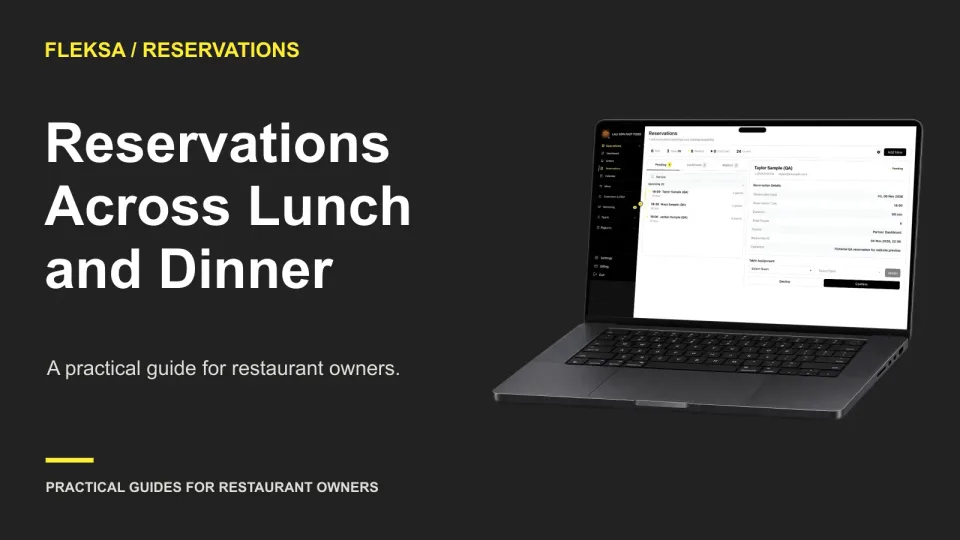
A split-shift reservation schedule needs more than opening and closing times. Map your last seating, meal duration and changeover, then check what guests can actually book at each boundary.
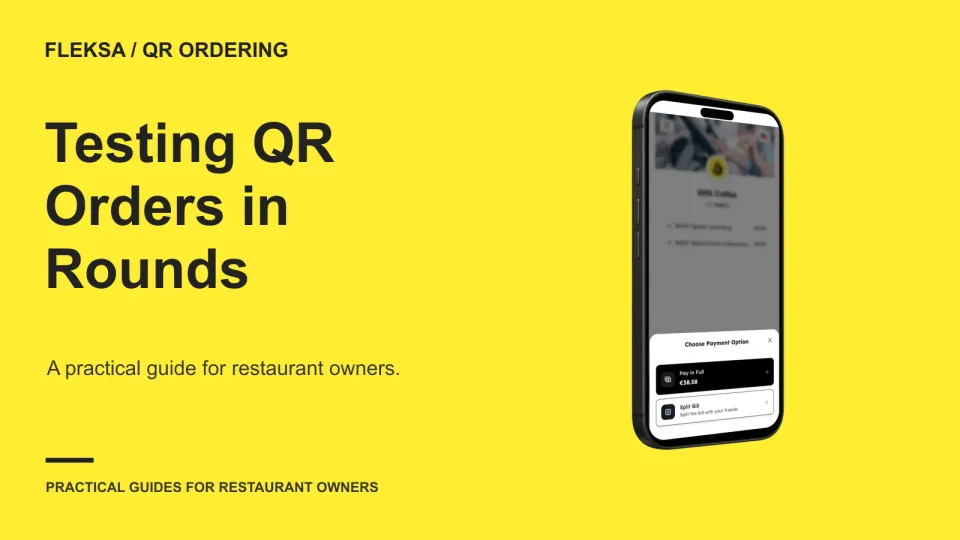
Later QR orders need to reach the right table and the right staff without being mistaken for an earlier ticket. Use a two-guest timeline to check handoffs, payment status and exceptions before choosing a workflow.
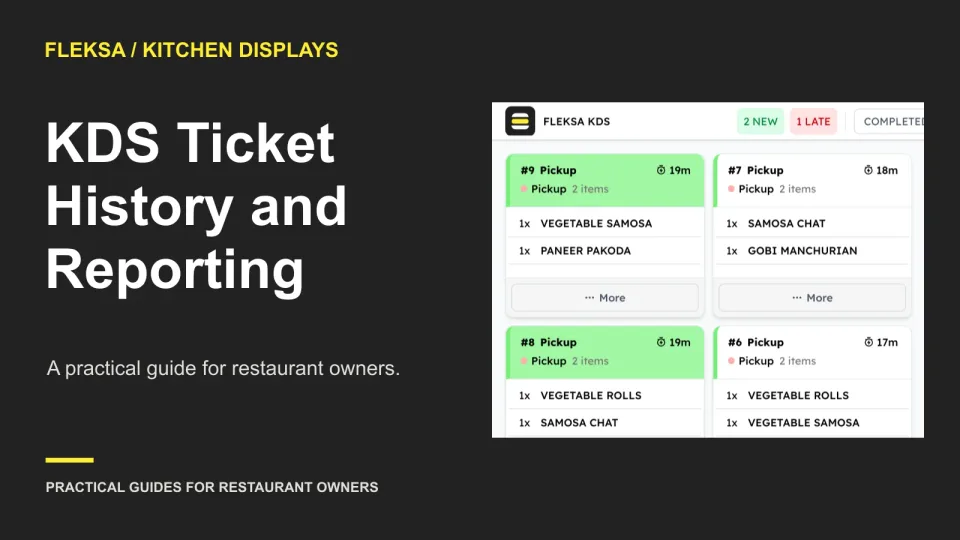
A slow-ticket average cannot explain every disputed order. Use this practical worksheet to decide which kitchen events to retain, where to find them, and how to test whether a vendor can produce a usable history.
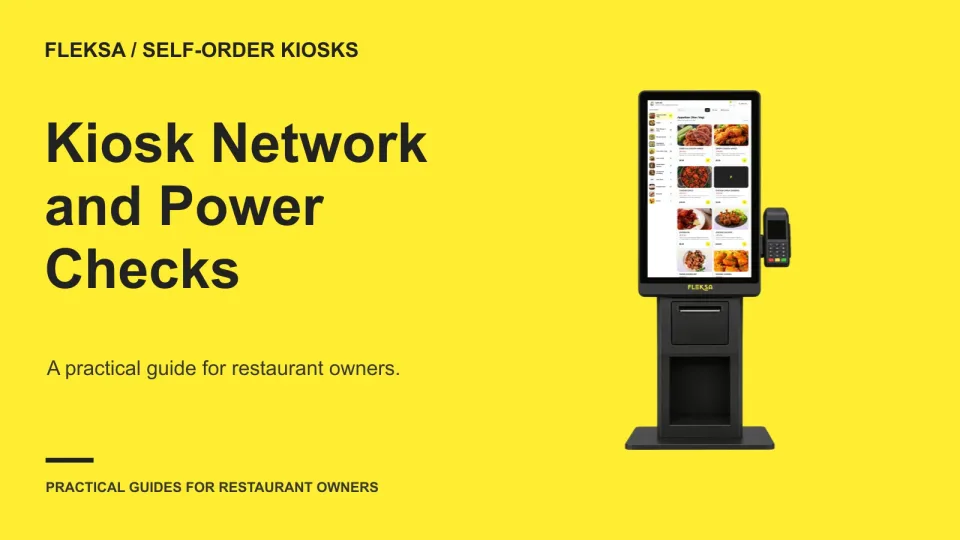
Before installing a self-order kiosk, map the connections it needs and agree on what staff should see when power or internet service fails. Use this worksheet to evaluate a proposed setup without risking live orders or payments.
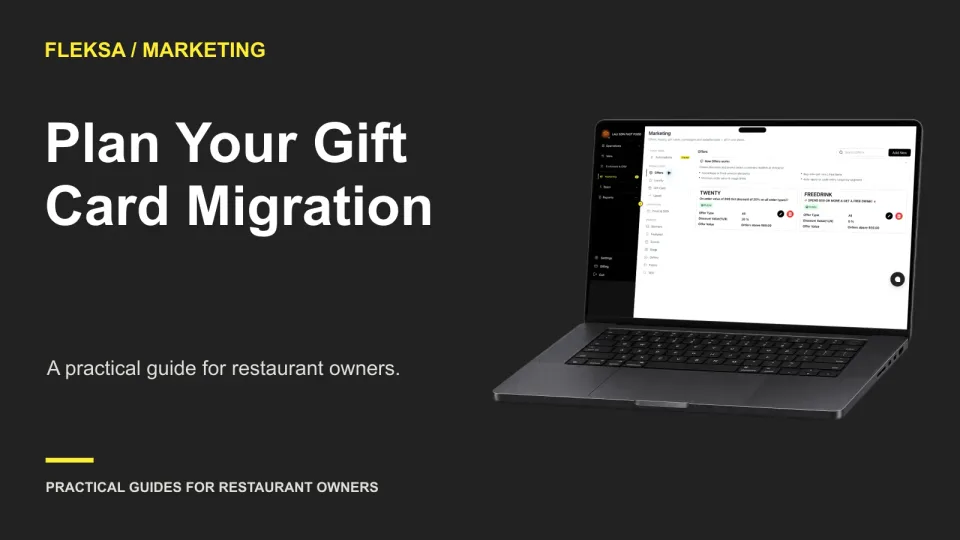
Changing gift card providers means moving more than card numbers. Use a balance inventory, a comparison worksheet, and a practical acceptance test to choose a transition that protects guests and gives your staff a clear path for unresolved cards.
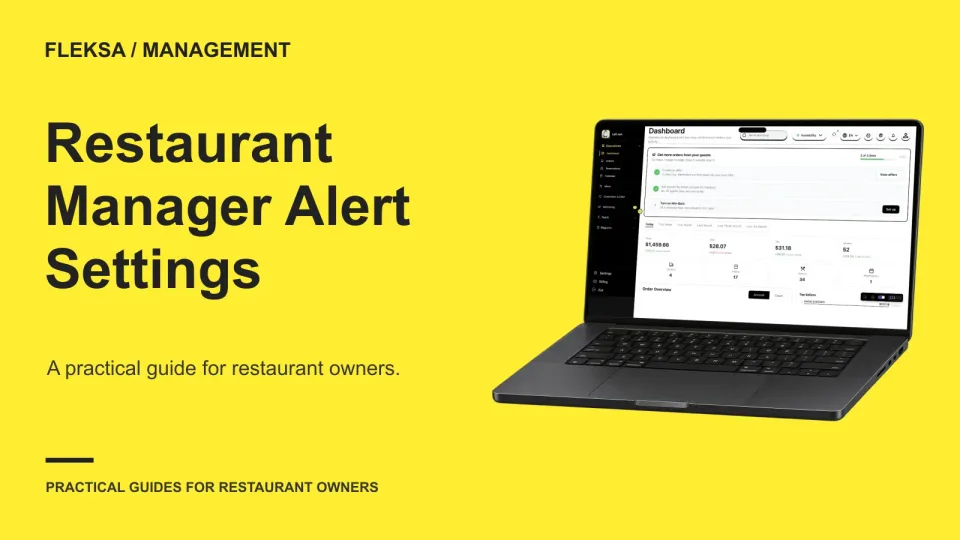
Not every restaurant software event deserves a manager's phone notification. Use this practical worksheet to assign urgency, ownership and response windows, then test duplicate alerts and manager absence before relying on the setup.
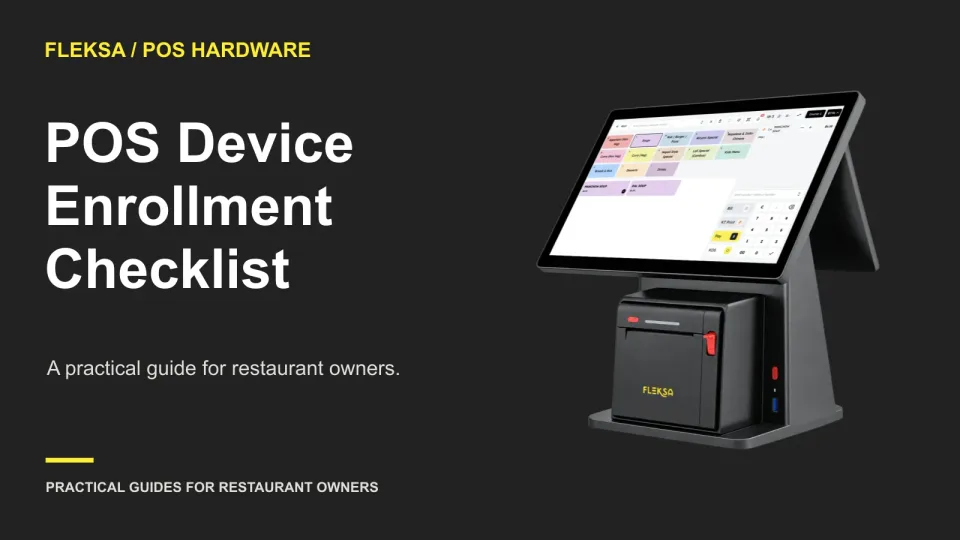
A replacement terminal should not require sharing the owner’s password. Use this checklist to compare who can enroll a POS device, how it gets its settings, and what evidence to request before choosing a system.
A slow menu does not mean every food photo needs to go. Learn how to find large or unnecessary image downloads, prioritize the first screen, and check whether changes help guests browse and order.
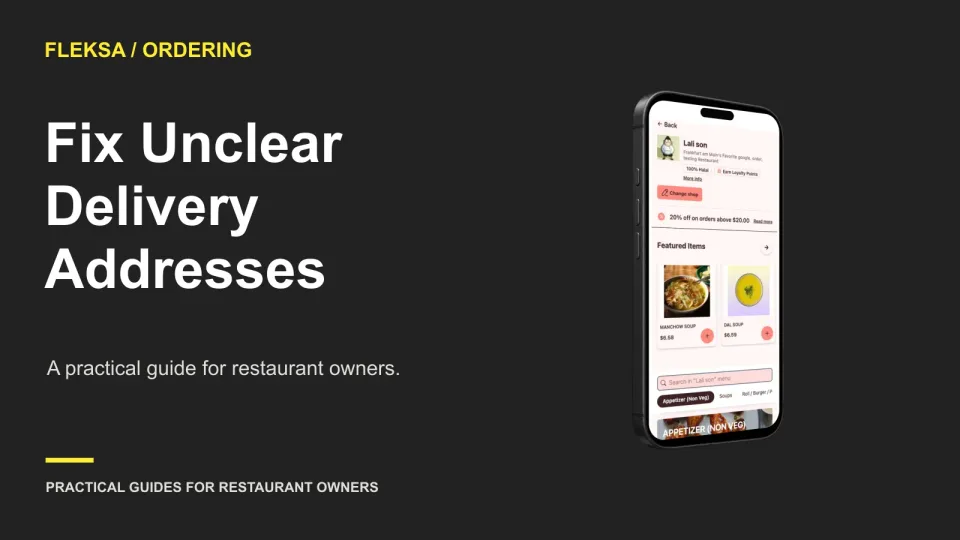
A street address alone does not always get a meal to the right door. Use these checkout fields, correction prompts, and simulated address tests to find handoff problems before they become delivery exceptions.
Page 22 of 94
Older articles for diners