Compare software, understand costs, and plan your next step.
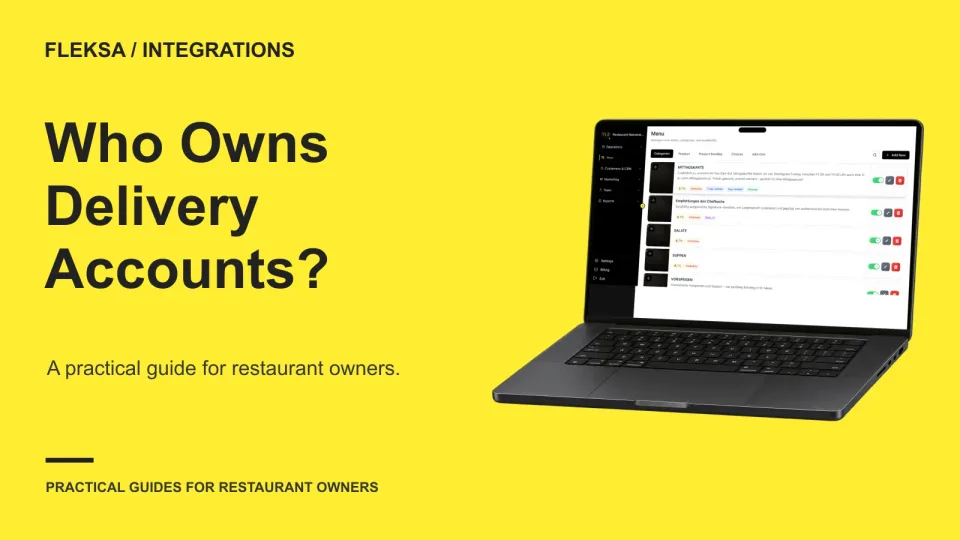
Your delivery aggregator may manage orders, but your restaurant should retain control of the marketplace accounts. Use this inventory to identify administrators, recovery contacts, vendor connections, and the steps needed to change providers.
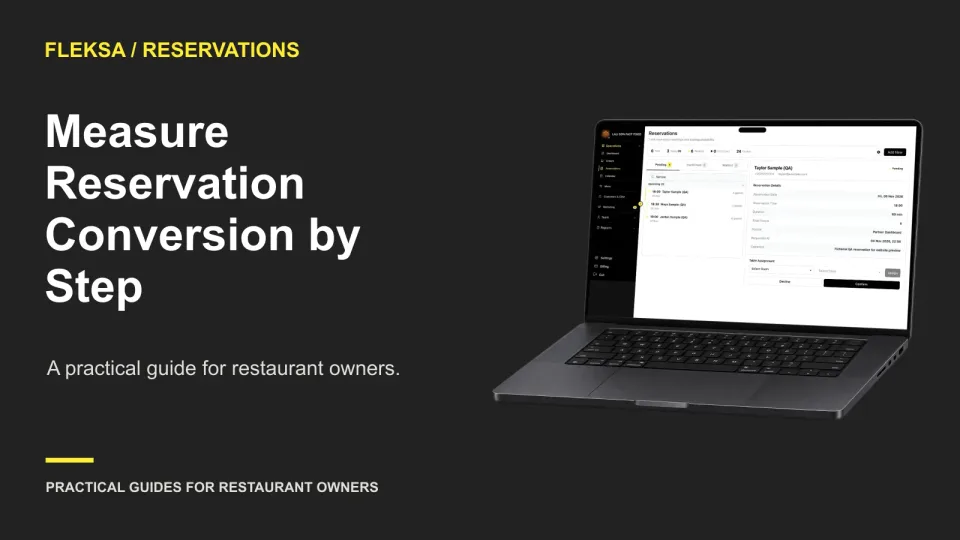
A completed booking rate tells you how often a reservation journey ends in confirmation. Breaking that journey into steps helps you find the largest drop, compare devices, and choose a focused test without guessing at the cause.
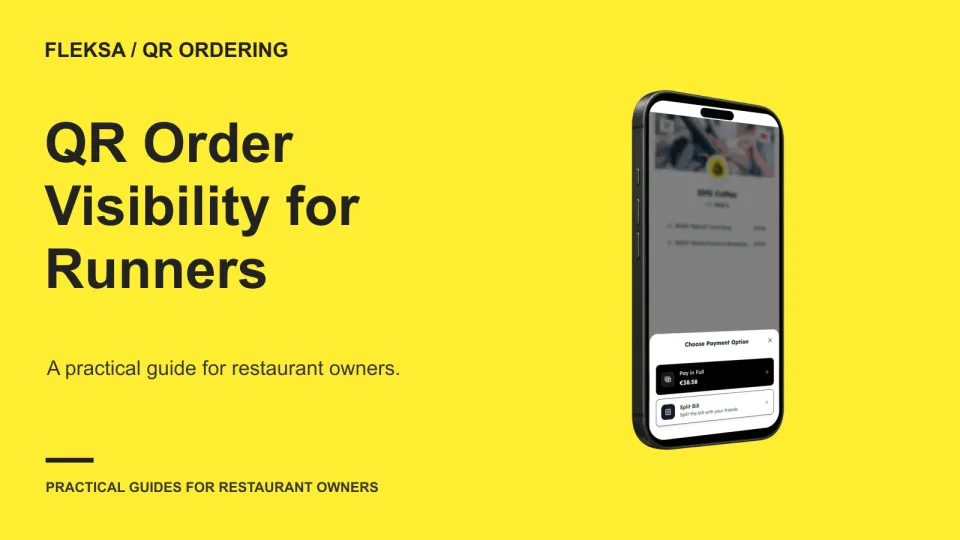
A QR order can reach the kitchen and still leave a runner unsure where to go. Use a sample ticket and a safe simulation to check destination details, item visibility, timing, and who resolves an unclear handoff.
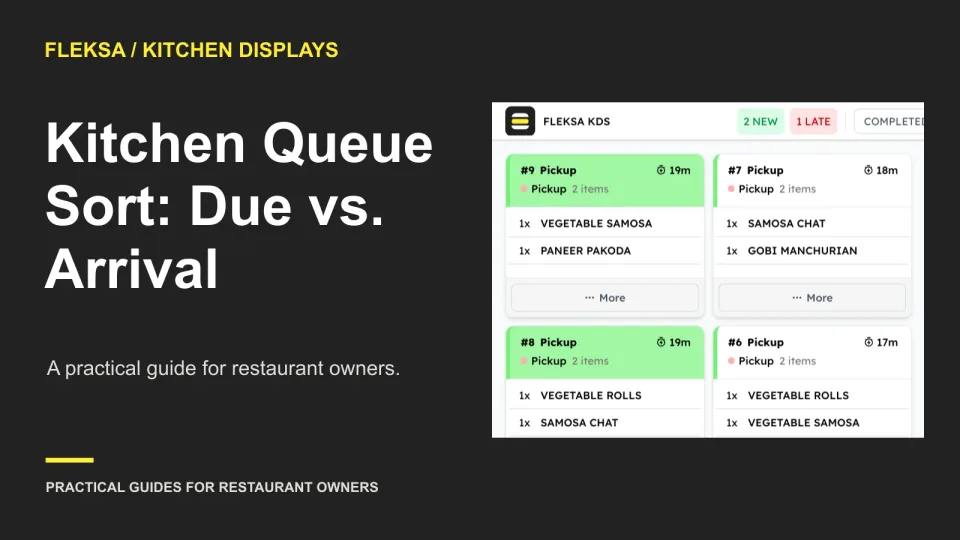
A kitchen queue sorted by arrival time is easy to follow, but it can bury an order with an earlier promise. Use this worked example and acceptance test to decide which default fits your service.
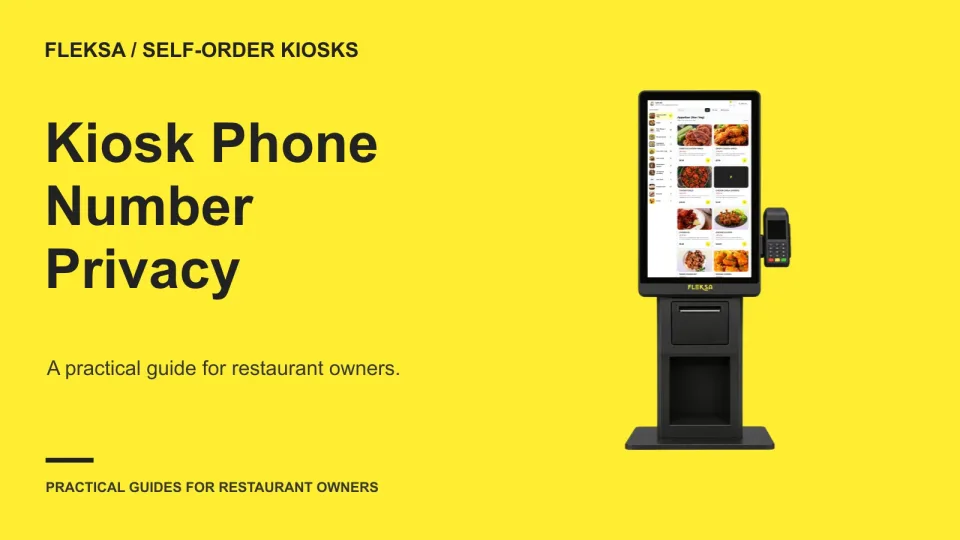
A phone number can help notify a guest when an order is ready, but collecting it changes the kiosk experience. Use this worksheet to choose an approach, assign responsibility, and test what happens when a guest declines.
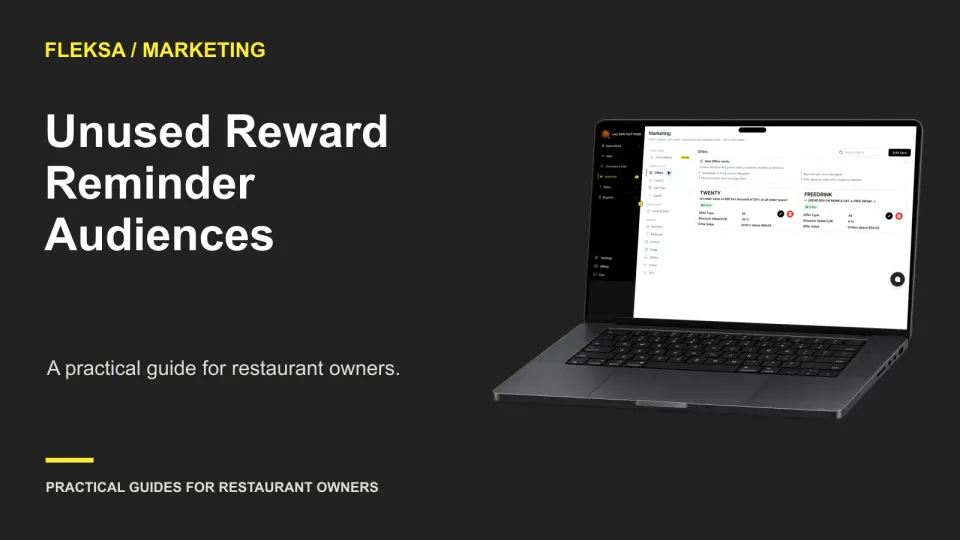
An unused-reward reminder should reach members who can still redeem a reward and have permission to receive the message. Use this practical worksheet to set a timing window, handle exceptions, and check the audience before sending.
An AI staffing suggestion needs more than a confident explanation. Use this practical worksheet to trace its evidence, compare possible outcomes and set a pass-or-fail demonstration test before changing a schedule.
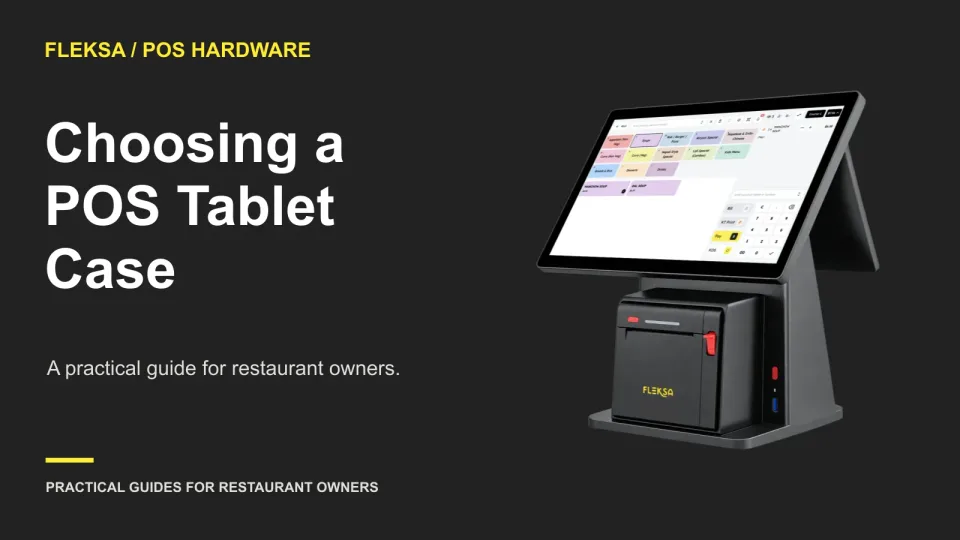
A rugged-looking case is not enough for restaurant service. Use this practical checklist to compare protection claims and test the exact tablet, charger, scanner, and dock together before buying for the whole team.
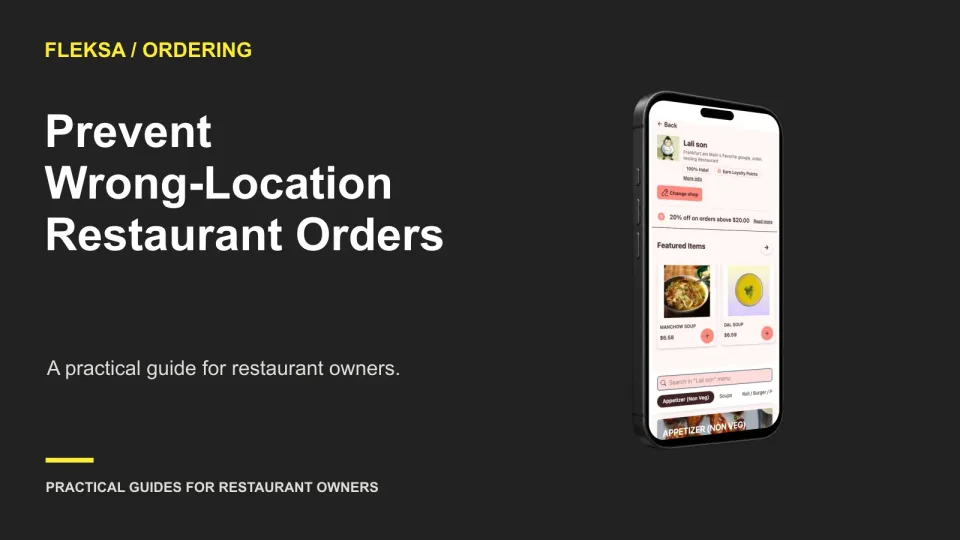
A location selector can prevent guests from ordering at the wrong restaurant, but it can also add a needless step. Use this decision matrix and task tests to choose the right journey and check the handoffs.
Wrong-store orders often start before checkout. Use this practical checklist to review ordering links, location details, cart changes, and staff reports before a guest pays or a kitchen starts work.
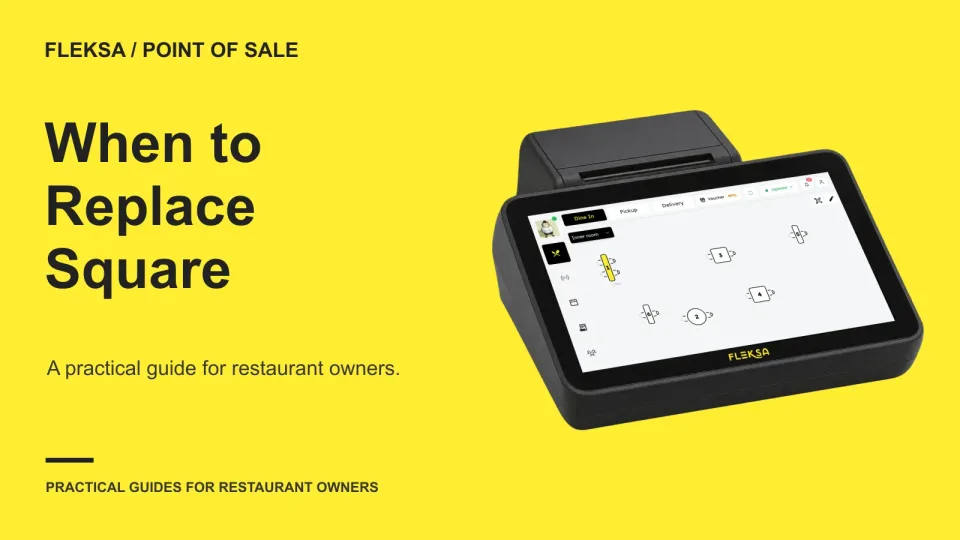
A frustrating shift does not always mean you need a new POS. Learn how to separate training problems from workflow gaps, compare restaurant systems, estimate switching costs, and set practical acceptance tests.
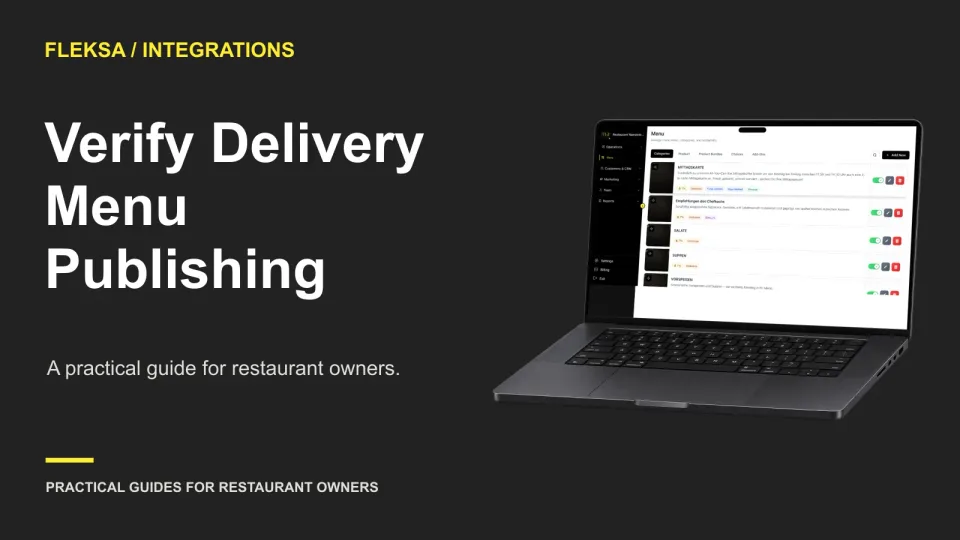
A saved menu edit is not proof that every delivery listing has changed. Use a channel-by-channel verification log to check what guests see, assign unresolved issues, and decide when a menu update is ready.
Page 24 of 94
Older articles for diners