Compare software, understand costs, and plan your next step.
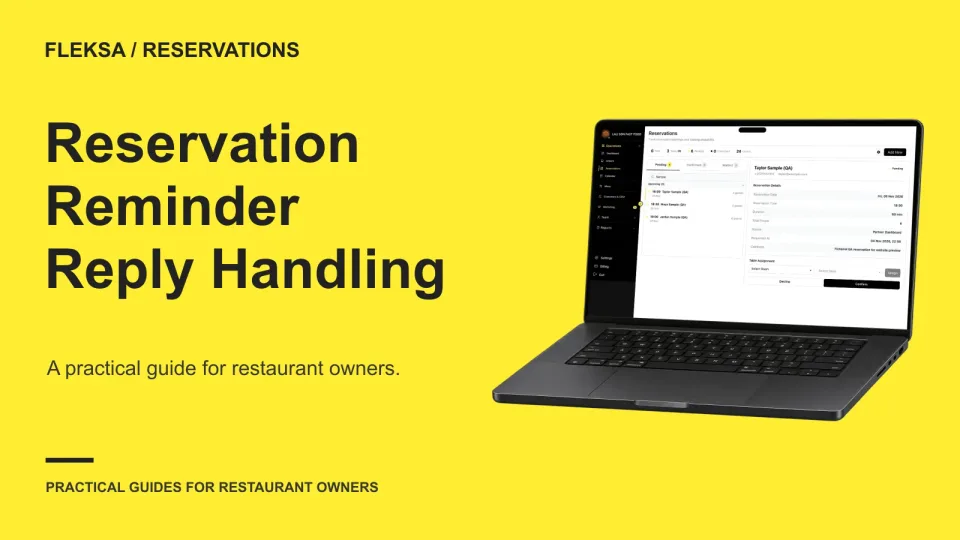
A reminder can bring a confirmation, a cancellation or a request that needs a person. Use this practical worksheet to assign an owner, protect table capacity and check what happens before a guest receives an answer.
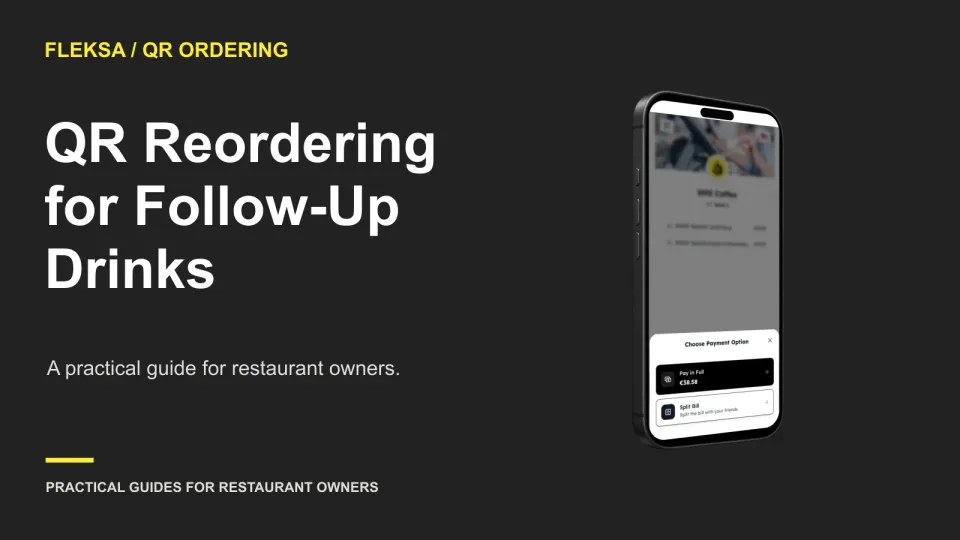
A QR code can give guests another way to order a second drink without changing who takes the first order. Compare two sample service timelines and check the handoffs, payment rules, and exceptions before deciding.
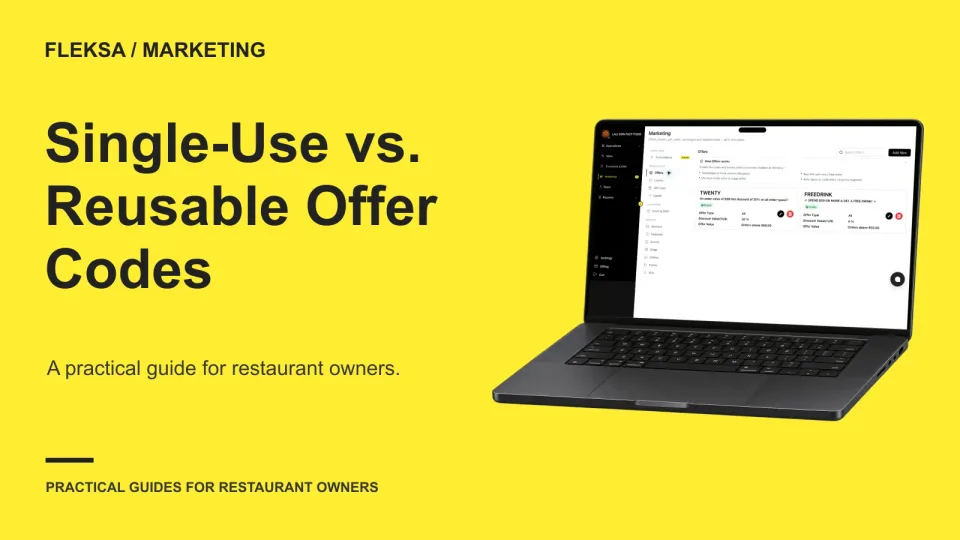
A single-use code can limit repeat redemption, but only if its rules work across the channels you accept. Compare it with a reusable code using a practical restaurant worksheet, staff checks, and a simple cost example.
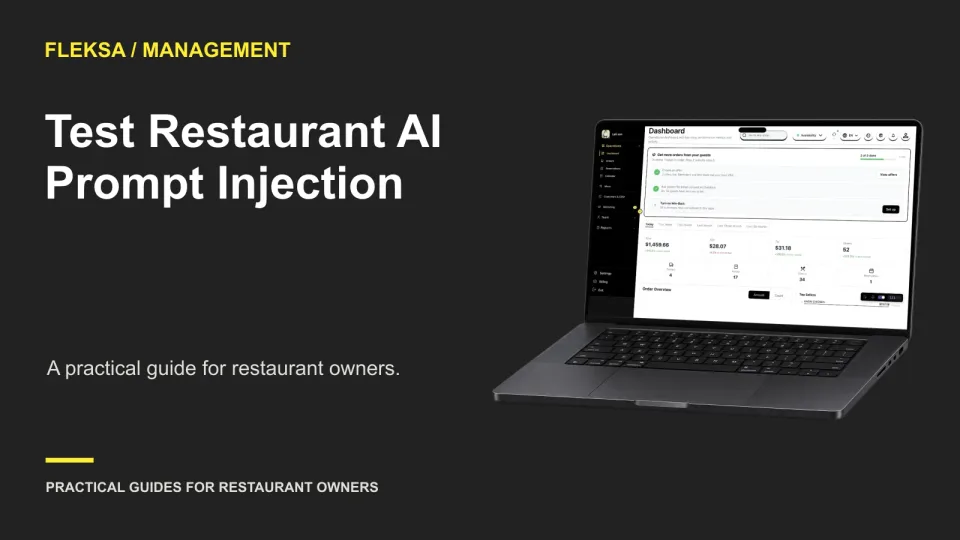
A note inside an imported report can try to redirect an AI assistant away from your request. Use this practical, simulated test to compare clean and altered reports, identify unsafe responses, and decide what needs human approval.
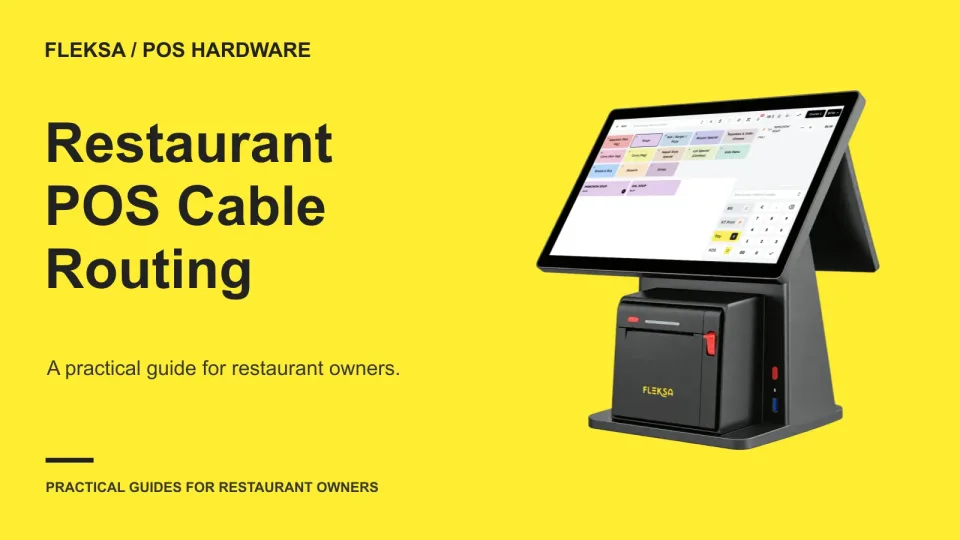
A tidy POS counter still needs accessible connections and enough slack to move equipment safely. Use this practical routing plan to check a terminal, printer, power path, spills, and maintenance access before installation.
A multi-location restaurant needs more than a shared spreadsheet to keep hours accurate. Use this location-by-location audit to assign owners, map every display, check exceptions, and catch a wrong location's hours before guests do.
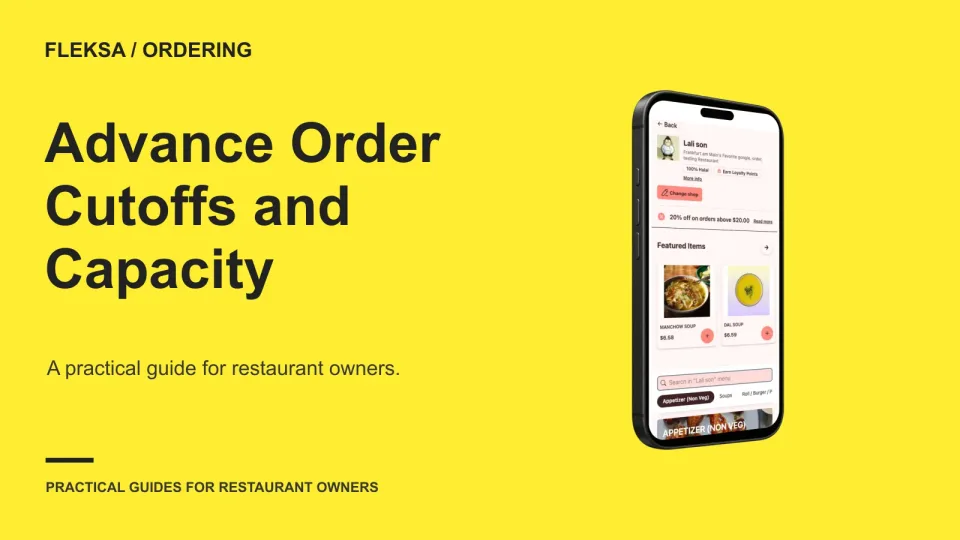
Future orders can help a kitchen plan, but only if each promised slot has enough capacity. Use this sample calendar to set cutoffs, reserve room for immediate orders, and decide how changes and cancellations work.
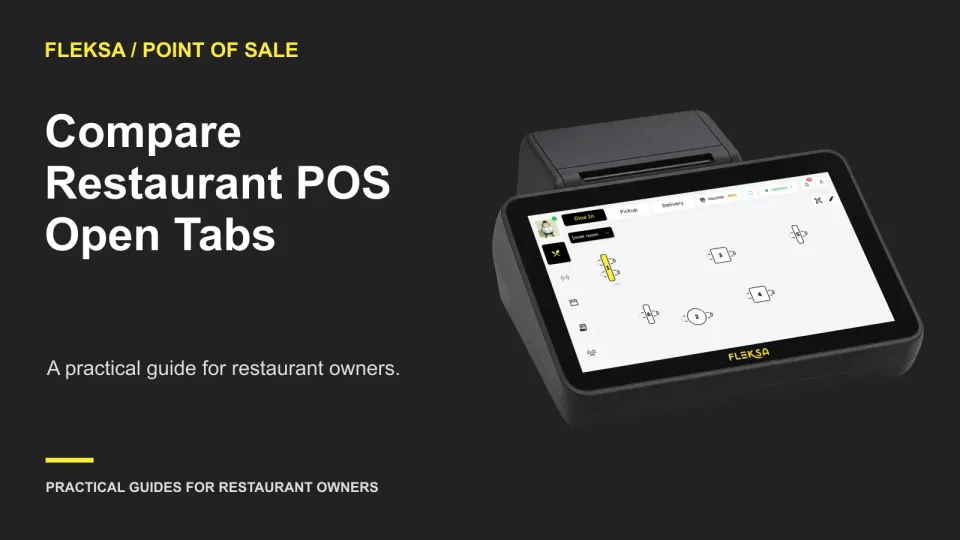
An open tab has to survive additions, corrections, shift changes and payment. Use this practical demo to compare how POS systems handle each step, what staff can see and where a handoff could go wrong.
A menu integration can save time, but a sync may replace prices you meant to keep on a delivery channel. Use a price mapping worksheet and a safe test plan to check ownership, overrides, and resync behavior before rollout.
A useful guest note helps the team prepare without turning a reservation record into a permanent diary. Use this practical policy to sort visit requests, reusable preferences, and details that should not be recorded.
QR orders can change who enters an order without removing the work of helping guests or running food. Use a shift observation sheet to compare workloads, protect service, and decide whether a staffing change deserves a controlled trial.
A kitchen screen can show an order clearly and still leave staff unsure what it means. Use this worksheet and read-back test to compare language options across stations before choosing a kitchen display system.
Page 25 of 94
Older articles for diners