Compare software, understand costs, and plan your next step.
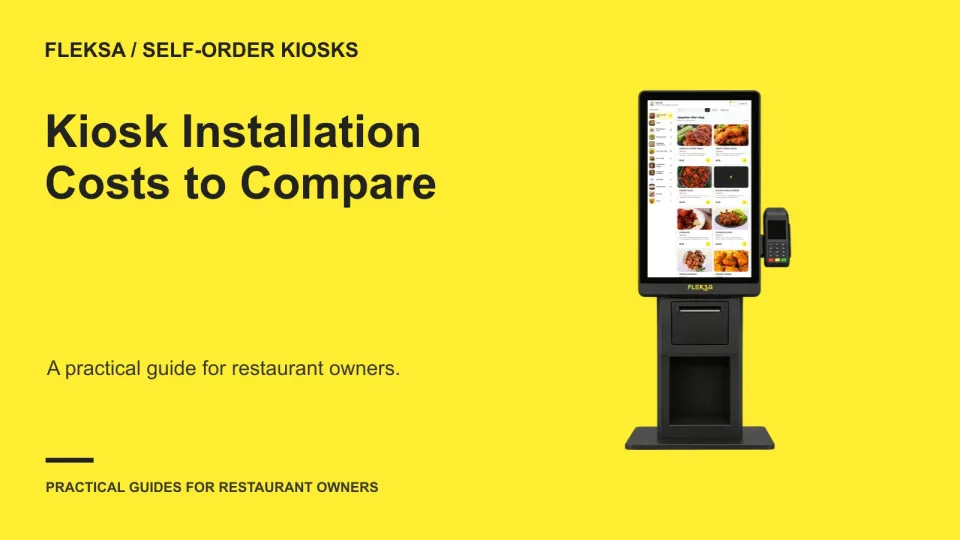
A kiosk quote is only part of the purchase decision. Use this practical worksheet to identify site work, compare low and high installation scenarios, and agree on who must make the equipment work before you accept it.
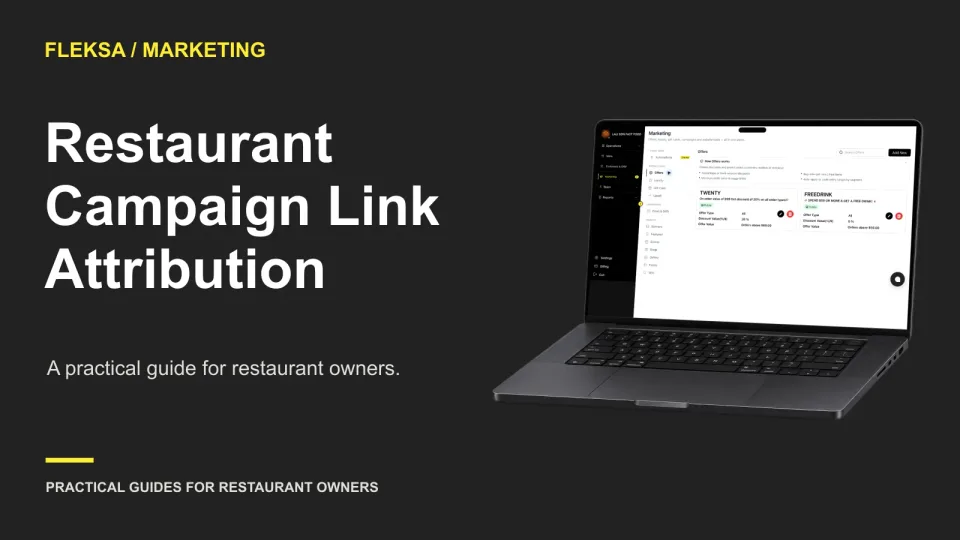
A campaign link can show which message brought someone to your ordering page, but a click is not a sale. Use this practical worksheet to test what your reports capture, where attribution breaks, and what the numbers can—and cannot—prove.
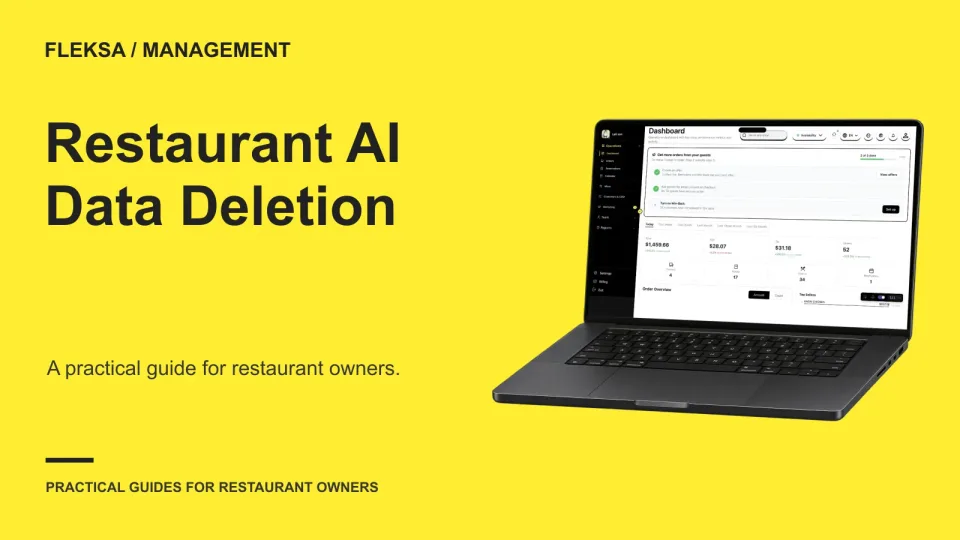
Before uploading restaurant records to an AI tool, agree on what happens when the pilot ends. Use this practical worksheet to map data, compare deletion options, and set an acceptance test for the vendor's response.
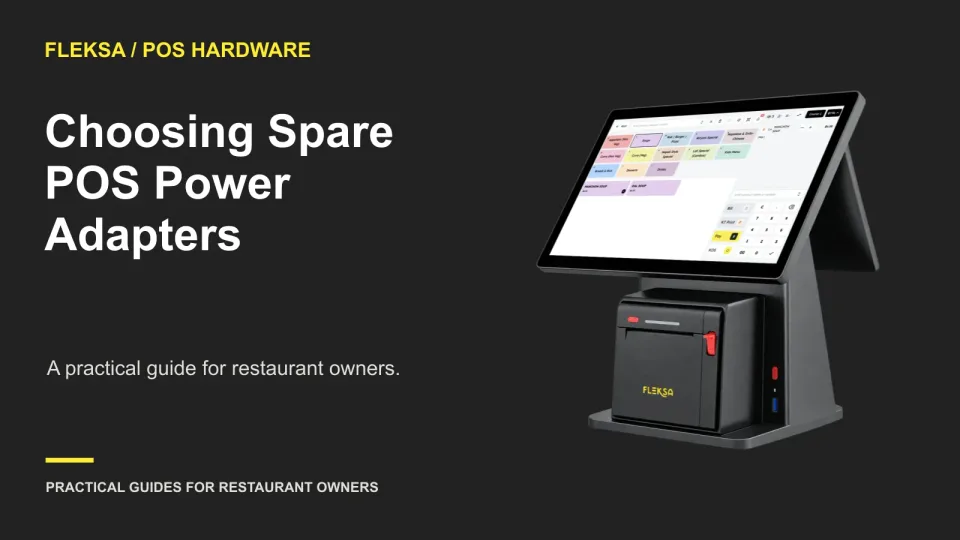
A replacement POS adapter needs more than a plug that fits. Use a device-to-adapter inventory, written vendor approval, and a controlled power-on check to decide which spares your restaurant can safely keep.
Before a developer adds structured data to a restaurant location page, verify the facts guests can see, decide who owns updates, and agree on how the markup will be checked. This checklist makes that conversation easier.
Delivery app orders can bring new demand, but some may replace direct orders. Use a cohort worksheet and a comparison period to estimate the difference before deciding what to spend on marketplace acquisition.
A discount report can show where to look, but an unusual amount does not explain itself. Use this practical worksheet to trace an adjustment to its order, check the reason and record a manager’s decision.
A delivery order can arrive in your POS while its important choices go missing. Use this practical acceptance sheet to compare marketplace selections, prices, POS records and kitchen instructions before you commit to an integration.
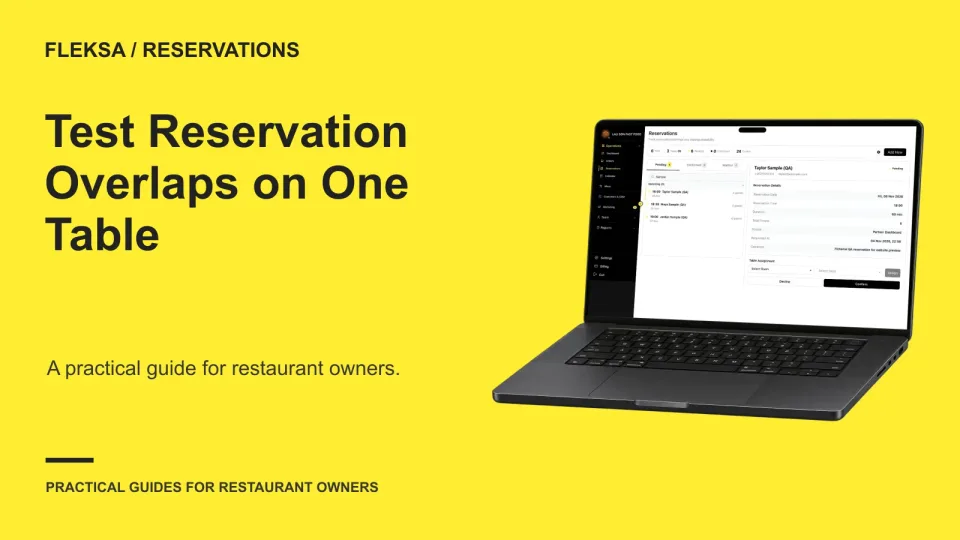
A booking slot can look open while an earlier party is still using the table. Use this one-table exercise to compare expected and observed availability, check boundary times, and give a vendor a clear result to investigate.
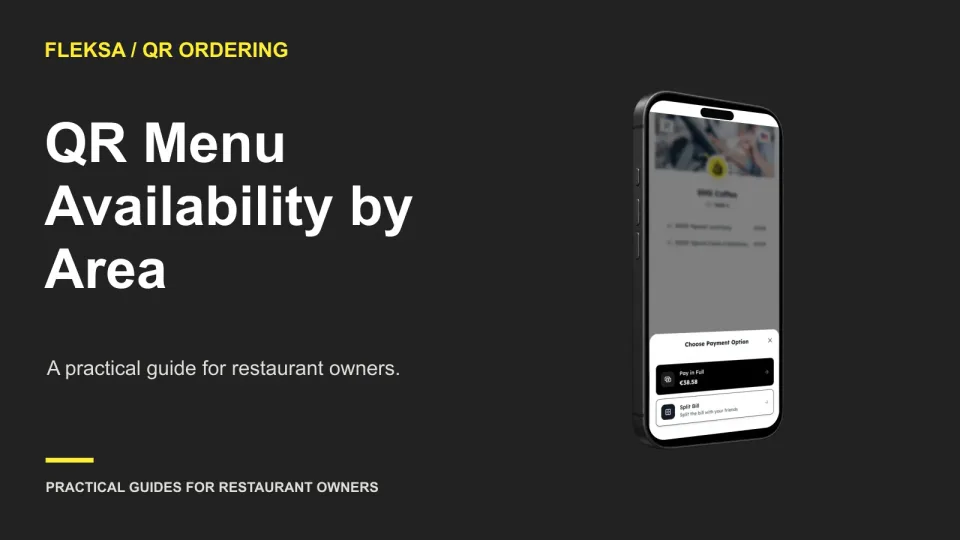
A QR code on every table does not guarantee that every guest sees the right menu. Map items to service areas, simulate unavailable-item scenarios, and assign staff to verify changes before service.
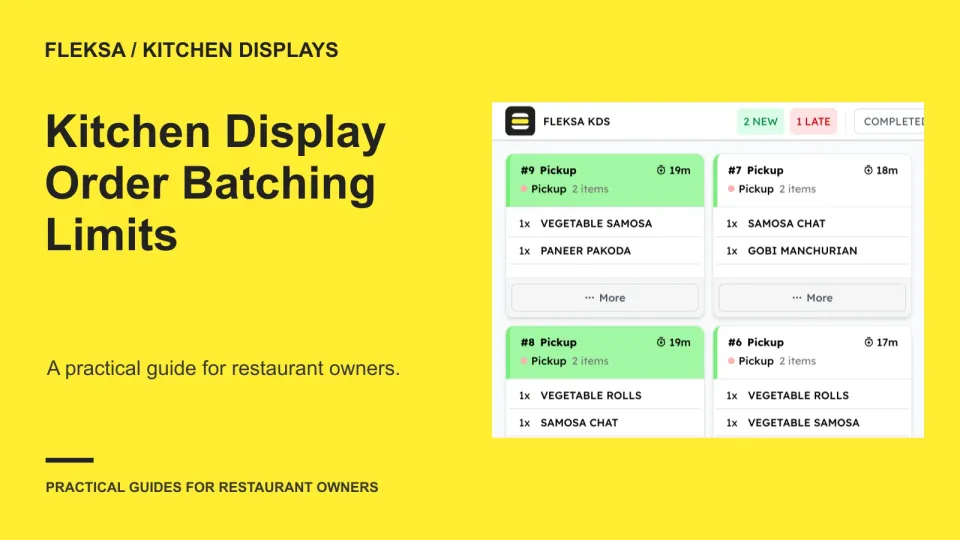
Batching identical prep can reduce repeated work, but each order still needs its own identity. Use this worksheet to set limits for modifiers and timing, then test how your team handles partial batches and changes.
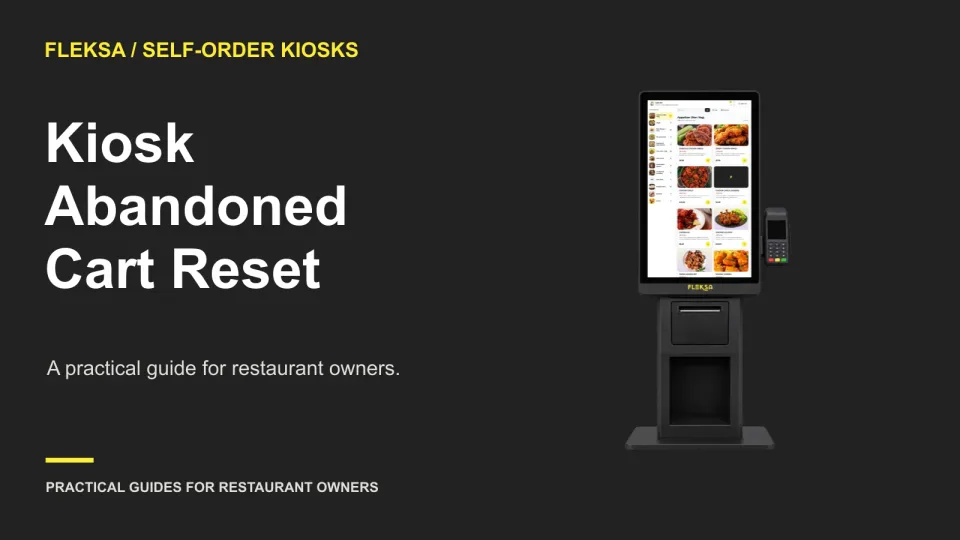
A kiosk needs to clear abandoned orders without catching guests who are still deciding. Use an inactivity timeline, a clear warning, and a separate payment-completion check to choose a safer reset workflow.
Page 26 of 94
Older articles for diners