Compare software, understand costs, and plan your next step.
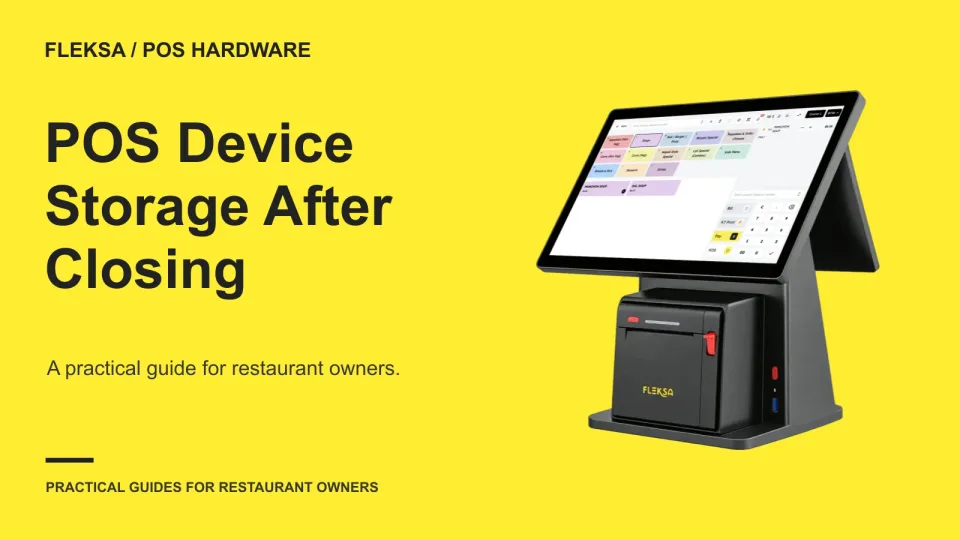
A locked cabinet is only useful if your team can find and charge every handheld before the next shift. Use this practical storage checklist to assign device bays, test the handover, and resolve exceptions.
A changed menu link can send hungry guests to an error page. Use this practical mapping template to choose relevant destinations, test redirects, and catch problems after your updated menu goes live.
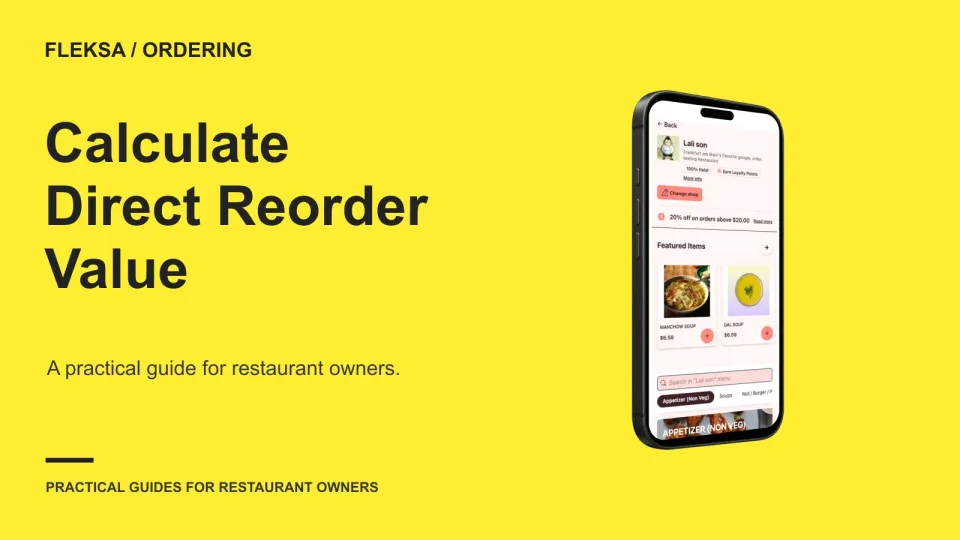
A direct reorder brings in revenue, but food, labor, payment and delivery costs still come out. Build a simple contribution model and test how much customer value changes when fewer guests come back.
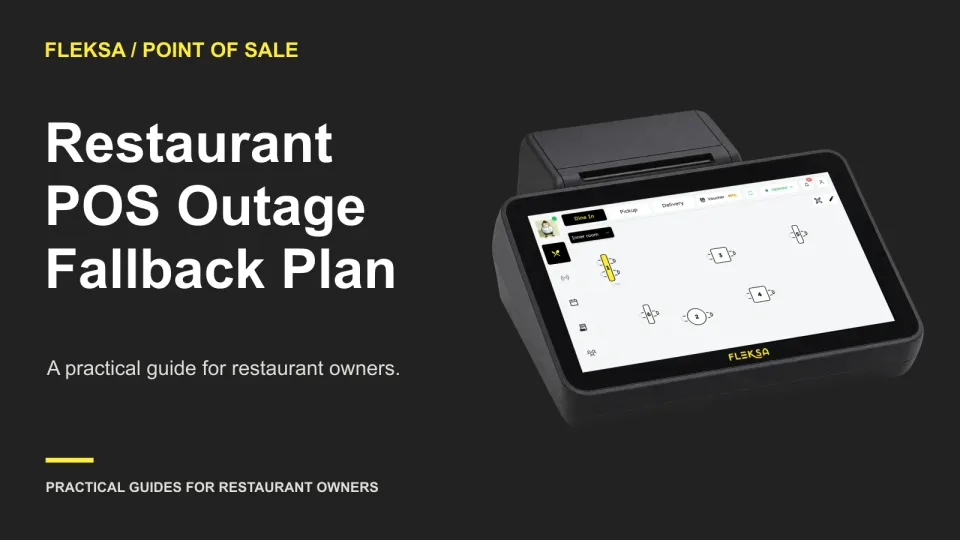
When your POS stops taking orders or payments, staff need more than a stack of paper tickets. Set service limits, assign roles, and use a numbered log to keep the kitchen and front of house working from the same record.
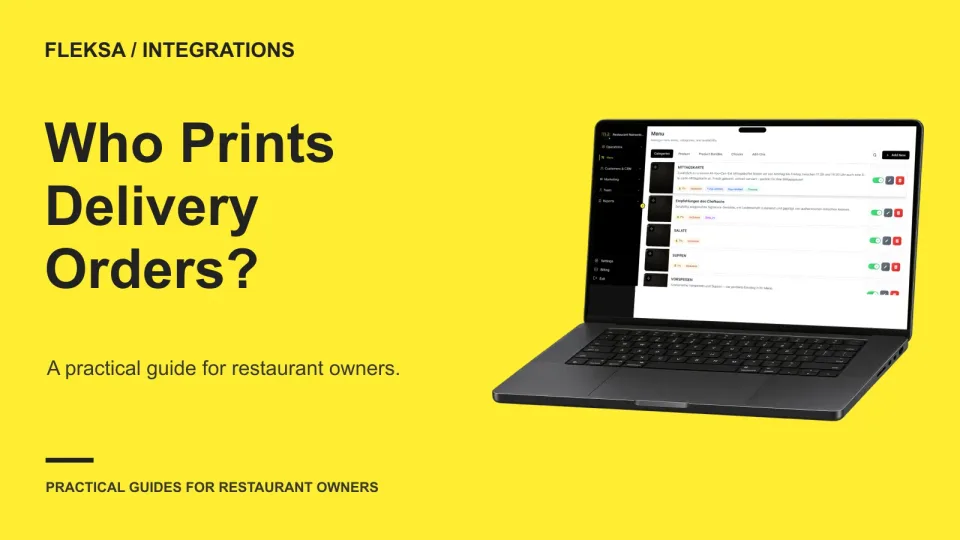
A delivery order can reach the kitchen through several systems, but only one should own the normal print job. Use this guide to map each channel, test interruptions, and give staff a practical way to reconcile tickets.
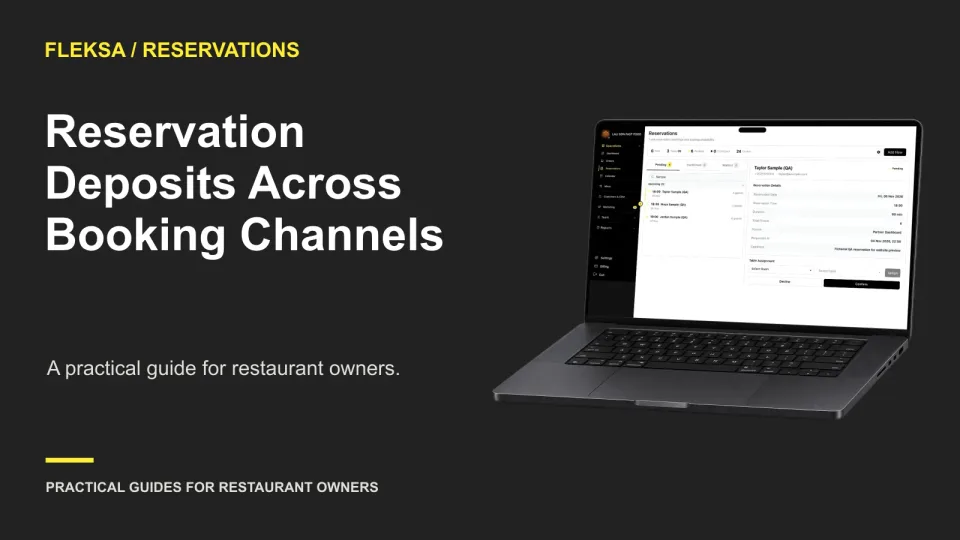
A deposit rule can look consistent on paper while working differently across booking paths. Use a channel-by-channel worksheet to check what guests see, when money is collected, and how staff resolve exceptions.
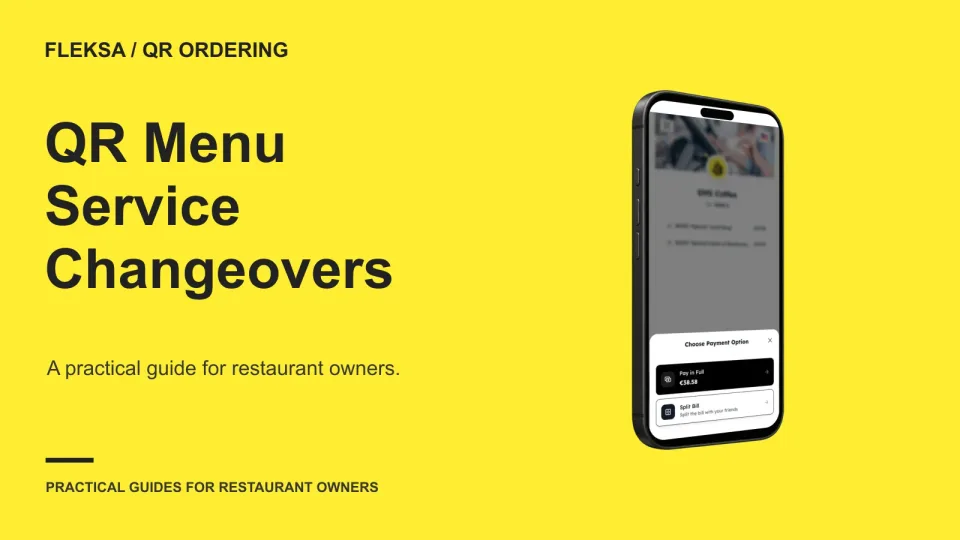
A QR menu can look right at the service changeover and still leave an unavailable item in a guest’s cart. Use this worksheet and vendor demonstration to decide what guests and staff should see.
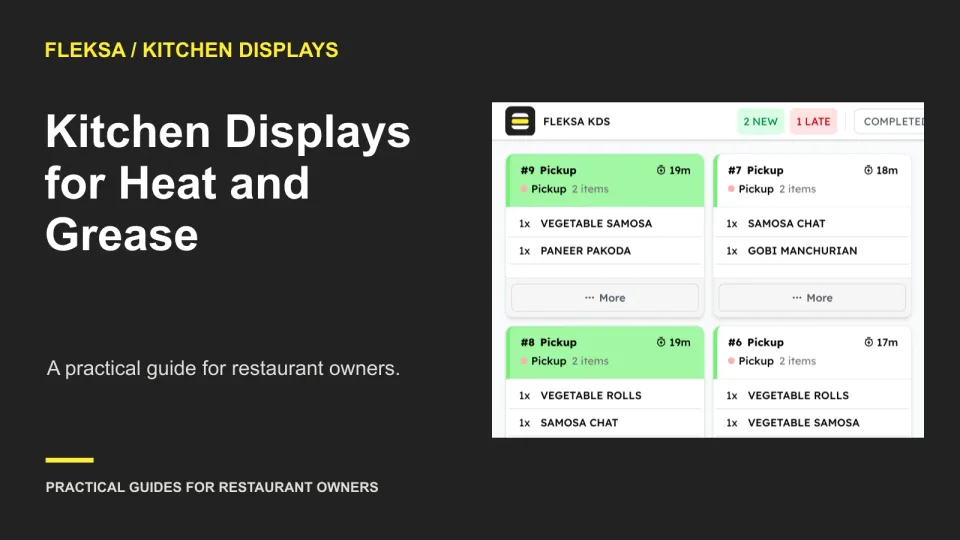
A kitchen display has to survive more than a busy service. Use this station-by-station buying guide to compare temperature limits, grease exposure, cleaning instructions, usability, and replacement terms before you commit.
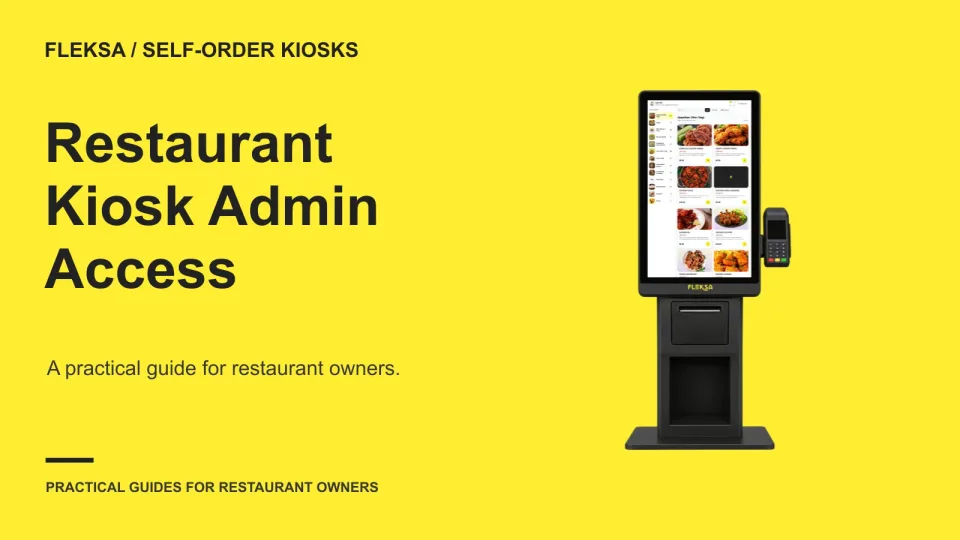
A kiosk needs to stay usable for guests without giving every employee control of its settings. Use this role-by-role access matrix to plan who can make changes, leave the ordering screen, and recover access when a manager is unavailable.
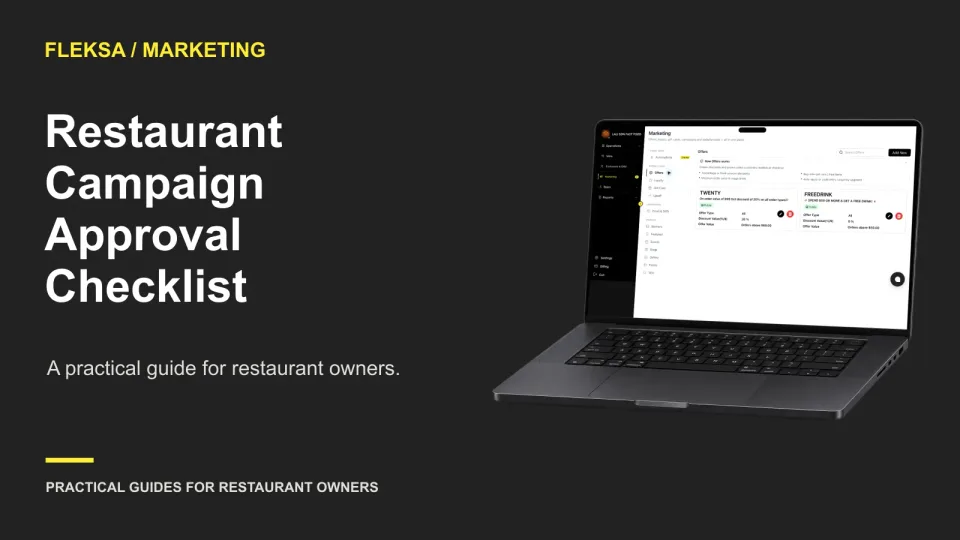
Before a guest campaign goes out, one manager should check who will receive it, what it promises, where its links lead, and whether the restaurant can deliver the offer. Use this worksheet and sample approval process to catch mistakes.
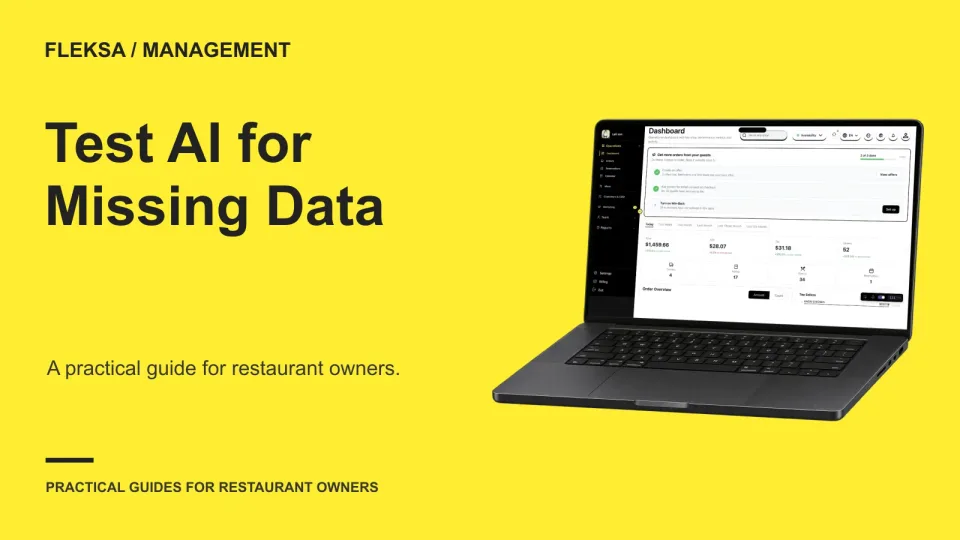
A confident answer is not useful when a service period is missing. Use this hypothetical report and acceptance test to check whether a restaurant AI assistant spots the gap, limits its answer and asks for what it needs.
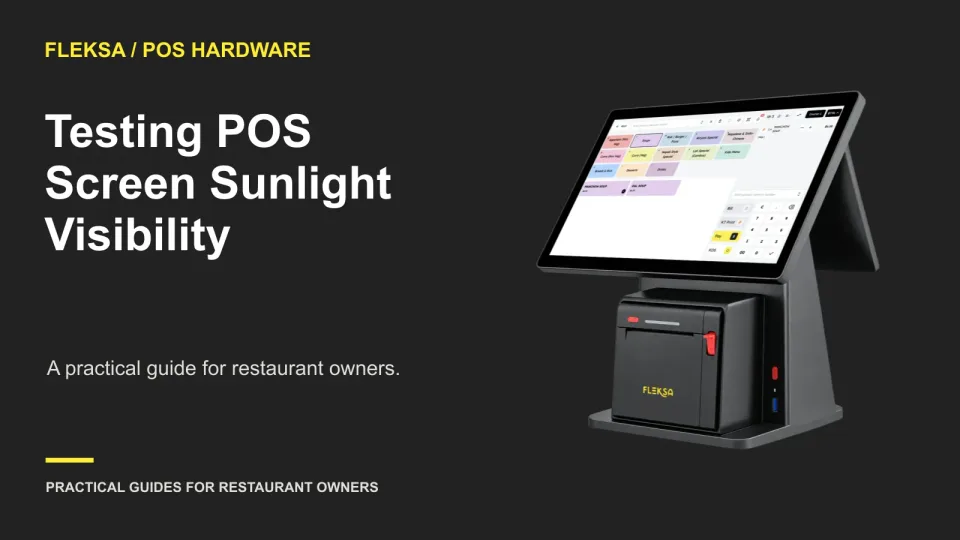
A screen that looks clear indoors can be difficult to read at a sunny counter or patio. Use the same device, realistic lighting, and a safe practice workflow to decide whether it fits each service point.
Page 28 of 94
Older articles for diners